Author: Warren

  • The ‘Big Beautiful Bill’ & Your Trade Business: How 2026 Tax Changes Impact Your Bottom Line

    [HERO] The 'Big Beautiful Bill' & Your Trade Business: How 2026 Tax Changes Impact Your Bottom Line

    The tax landscape just changed.

    The "One Big Beautiful Bill" Act: signed into law last July: is finally hitting your books this quarter. For most trade business owners, tax season usually feels like walking through a minefield. You’re worried about what you missed. You’re worried about what you owe.

    We’re here to change that.

    The 2026 tax changes aren’t just small tweaks. They are massive shifts in how you handle depreciation, employee pay, and equipment investments. If you’re still using a spreadsheet or a generic accounting tool from 2015, you’re likely leaving thousands of dollars on the table.

    No more guessing. No more manual calculations. Just a streamlined path to a better bottom line.

    The Big Win: Permanent Bonus Depreciation

    For years, trade businesses lived in a state of "will they or won't they" regarding bonus depreciation. You’d buy a new service van or a high-end diagnostic kit and hope the tax laws favored you that year.

    The Big Beautiful Bill made bonus depreciation permanent.

    This is a game-changer for plumbing, HVAC, and electrical companies. It means you can deduct the full cost of eligible equipment in the first year you put it into service. You don’t have to wait five or seven years to see the tax benefit.

    We’ve built this logic directly into the Valortek Finance app. When you log a new asset, our system automatically flags it for the correct depreciation schedule. You see your projected tax savings in real-time.

    No more waiting for your CPA to give you the "good news" in April. You’ll know exactly how that new fleet investment impacts your cash flow the moment you make it.

    Illustration of a service van and tools inside a gear piggy bank representing trade tax savings.

    Recruiting Power: The Tip and Overtime Deductions

    Finding skilled labor in 2026 is still a challenge. The labor shortage hasn't gone away, but the tax code is finally helping you fight back.

    The new law introduces two massive deductions for your team:

    • The Tip Deduction: You can deduct up to $25,000 per employee for tips.
    • The Overtime Premium: You can deduct up to $12,500 per employee for overtime premium pay.

    Why does this matter? It makes your jobs more attractive. You can offer higher take-home pay through performance-based tips and overtime without getting crushed by payroll taxes.

    Most software can’t handle these specific 2026 phase-outs and income thresholds. They treat every dollar of income the same. Valortek doesn’t.

    Our Finance app automatically categorizes tip and overtime income against the new $150,000/married $300,000 MAGI limits. We track which employees qualify and which don't. You get the deduction. Your employees get the cash. Everyone wins.

    Vehicle Interest: Keeping Your Fleet on the Road

    Your trucks are your office. In 2026, the cost of financing those trucks is finally getting the recognition it deserves.

    The Big Beautiful Bill allows for a deduction of vehicle interest payments up to $10,000. There are phase-outs if your income is over $100,000 (or $200,000 for joint filers), but for most growing trade businesses, this is a direct injection of capital back into the business.

    We’re not another bloated ERP. We don't make you enter the same data in five different places. When you link your business vehicle loans to Valortek, our Finance app isolates the interest payments. It compares them against your current income levels and applies the deduction automatically.

    No messy math. No manual data entry. Just real-time visibility.

    Valortek company logo

    Rural Growth and Opportunity Zones

    Are you thinking about expanding? 2026 is the year to do it, especially in rural areas.

    The legislation made Opportunity Zones permanent. Even better, it added a 30% step-up in basis benefit for rural investments. If you’re building a new warehouse or a satellite office in an qualifying area, the tax savings are astronomical.

    We believe in growth. We also believe that growth shouldn't be a tax nightmare. Valortek’s consulting team helps you identify these zones, while our software tracks the investment basis from day one.

    We provide the "why" and the "how." You provide the vision.

    Higher Standard Deductions for 2026

    Even on a personal level, the numbers are shifting in your favor. Standard deductions have climbed to $16,100 for single filers and $32,200 for those filing jointly.

    Whether you operate as a sole proprietor or an S-corp, these numbers matter. They define your "break-even" point for the year.

    Most business owners we talk to are flying blind. They don't know their real-time tax liability until it's too late to make adjustments. Valortek Finance solves this. We give you a "Tax Readiness" dashboard that updates every time a technician closes a job or a bill gets paid.

    Financial growth chart with trade icons showing real-time business tax readiness and tracking.

    Why Automation is Non-Negotiable in 2026

    The complexity of the Big Beautiful Bill is its biggest drawback. The benefits are there, but the rules are dense.

    If you try to manage the $12,500 overtime premium deduction on a legal pad, you will fail. If you try to track permanent R&D expensing for your custom solar installs in a generic spreadsheet, you will leave money on the table.

    We built Valortek to be the antidote to complexity.

    We’re not here to replace your CPA. We’re here to make them love you. When you hand over a Valortek report, it’s not a box of receipts. It’s a clean, categorized, and law-compliant data set that reflects the 2026 tax reality.

    The Valortek Approach: No Fluff. Just Results.

    Most business consulting firms want to sell you a 50-page strategy deck. We’d rather give you a tool that works.

    We’ve spent the last year updating our algorithms to reflect every line of the Big Beautiful Bill. When the law changed on July 4th, our developers were already at work. By the time 2026 rolled around, our users were already prepared.

    No hidden fees. No long-term contracts that trap you. Just a finance tool designed specifically for the trades.

    The plumbing, electrical, and HVAC industries are the backbone of the economy. You deserve software that respects the work you do. You deserve to keep more of the money you earn.

    Looking Ahead: The 2028 Horizon

    It’s important to remember that while many of these changes are permanent, some: like the tip and overtime deductions: are set to expire after 2028.

    That gives you a three-year window to maximize your recruitment and retention. You need to act now to build the team that will carry you through the next decade.

    Valortek doesn't just look at today. We help you plan for the "cliff" in 2028. We help you build a financial foundation that remains rock-solid, even when the tax laws shift again.

    Professional in a work vest with a telescope symbolizing long-term financial planning for trades.

    Ready to Simplify Your Finances?

    You didn't start an HVAC or electrical business to become a tax expert. You started it to build something.

    Let us handle the numbers. You handle the growth.

    The Big Beautiful Bill is a massive opportunity for your trade business. Don't let it become a massive headache. With Valortek Finance, you get the benefits of the law without the burden of the paperwork.

    Clean data. Automated deductions. Better margins.

    That’s the Valortek way.

    Start Your Free Trial

    Questions? Contact us – we're happy to help you decide.
  • 7 Mistakes You’re Making with Your HVAC Scheduling Software (And How to Fix Them)

    {width="90%"}

    Running an HVAC business is a balancing act. You are managing a fleet of trucks, a team of technicians with varying skill levels, and a customer base that only calls when they are already stressed. Most owners think the right software will solve their chaos.

    But here is the truth: software is just a tool. If you use it poorly, you just automate your mistakes.

    We see it every day at Valortek. Great companies are losing thousands of dollars a month because their scheduling process is broken. They are overpaying for bloated platforms like Housecall Pro while their technicians are stuck in traffic and their dispatchers are drowning in manual data entry.

    No more "guesstimating." No more wasted gas. No more angry customers.

    Here are the seven most common mistakes HVAC owners make with their scheduling software and exactly how to fix them.

    1. Manual Routing Without Real Optimization

    Most dispatchers look at a map and pick the technician who looks "closest." It seems logical, but it’s costing you a fortune. When you assign jobs based on a visual guesstimate rather than true geographic proximity, your technicians spend more time behind the wheel than in front of a furnace.

    Mid-sized HVAC companies lose between $3,000 and $5,000 every single month just in wasted fuel and lost productivity. That is the cost of "near enough."

    The Fix: You need route optimization that actually thinks. Modern scheduling tools use AI to cluster appointments by location. This isn't just about the shortest distance; it's about the smartest sequence. When your software handles the logic, your techs see more customers.

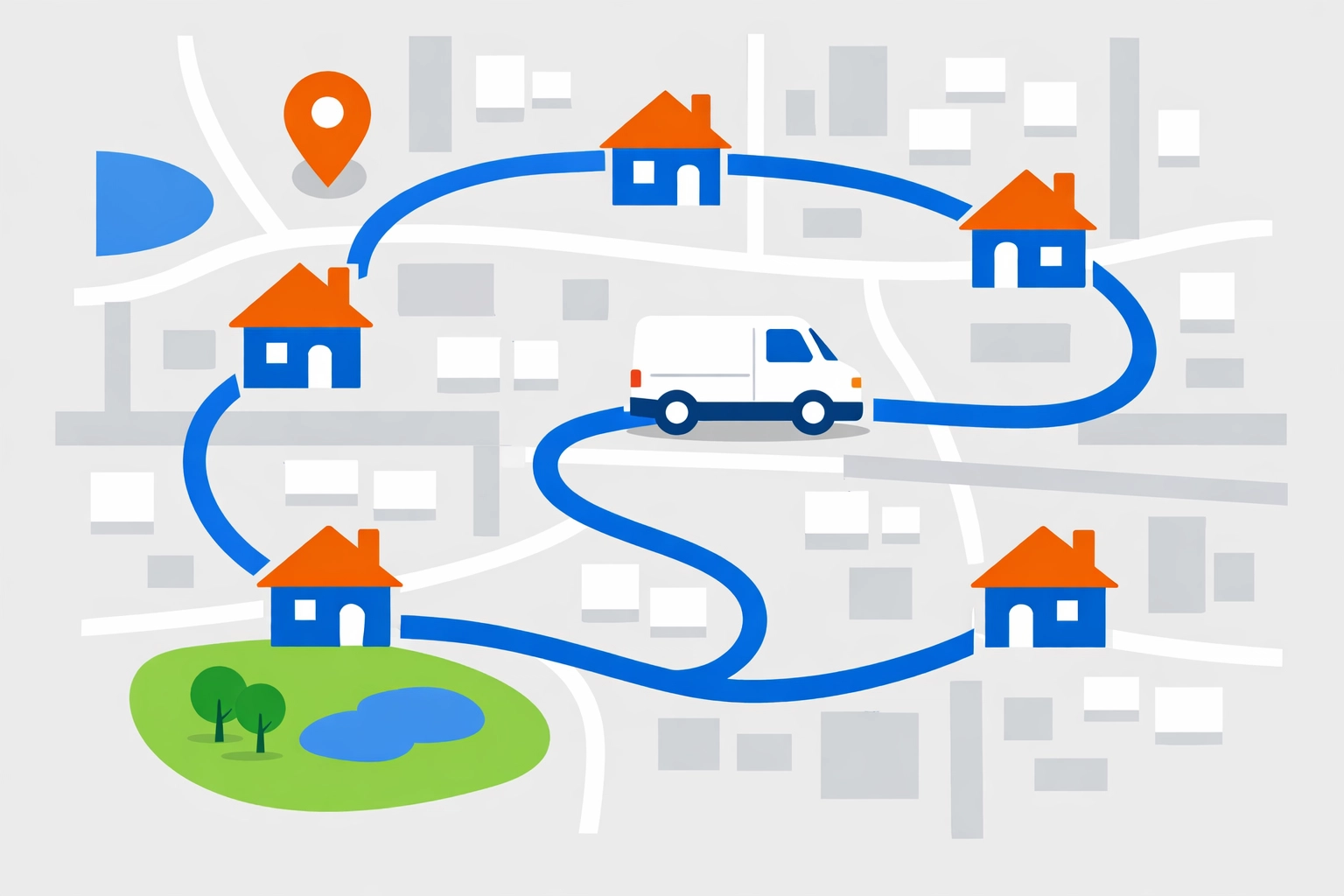
    Illustration of optimized HVAC technician routing on a city map showing efficient job sequencing.{width="90%"}

    2. Ignoring the "Skill Gap" in Assignments

    Not every technician is built for every job. Sending a junior tech to troubleshoot a complex commercial VRF system is a recipe for disaster. It leads to longer job times, frustrated employees, and: worst of all: the dreaded callback.

    If a four-hour install turns into an eight-hour ordeal because the tech was out of their depth, your entire day's schedule collapses. You pay overtime, you miss your afternoon appointments, and your reputation takes a hit.

    The Fix: Stop relying on your memory. Your software should maintain detailed skill profiles for every person on your team. When a high-complexity job comes in, the system should only suggest technicians who have the "Expert" tag for that specific equipment. Right person, right job, the first time.

    Flat illustration of an HVAC dispatcher matching jobs to technicians by skill level (icons for apprentice, pro, expert).{width="90%"}

    3. The "One Hour" Appointment Fallacy

    Using fixed time estimates for every service call is a lie you tell your schedule. A routine maintenance check on a three-year-old unit is not the same as a diagnostic on a twenty-year-old system in a cramped attic.

    When you schedule every call for a 60-minute block, you are setting your team up for failure. One complication throws off every subsequent appointment for the rest of the day.

    The Fix: Use data, not guesses. At Valortek, we believe in building buffer time into your day. Better yet, look for software that uses historical data to predict job duration based on the equipment age and customer history. If a specific house always takes two hours, your schedule should reflect that automatically.

    4. Disconnected Parts and Inventory

    There is nothing more expensive than a "return trip." When a technician arrives on-site only to realize the required capacitor or blower motor isn't on the truck, you've just doubled your drive time and halved your profit on that job.

    Many HVAC owners keep their scheduling and their inventory in two different worlds. One doesn't know what the other is doing.

    The Fix: Integrate your inventory. Your scheduling platform should be able to "reserve" parts for a job the moment it is booked. If the part isn't in stock, the dispatcher should see a red flag before the tech even starts the engine.

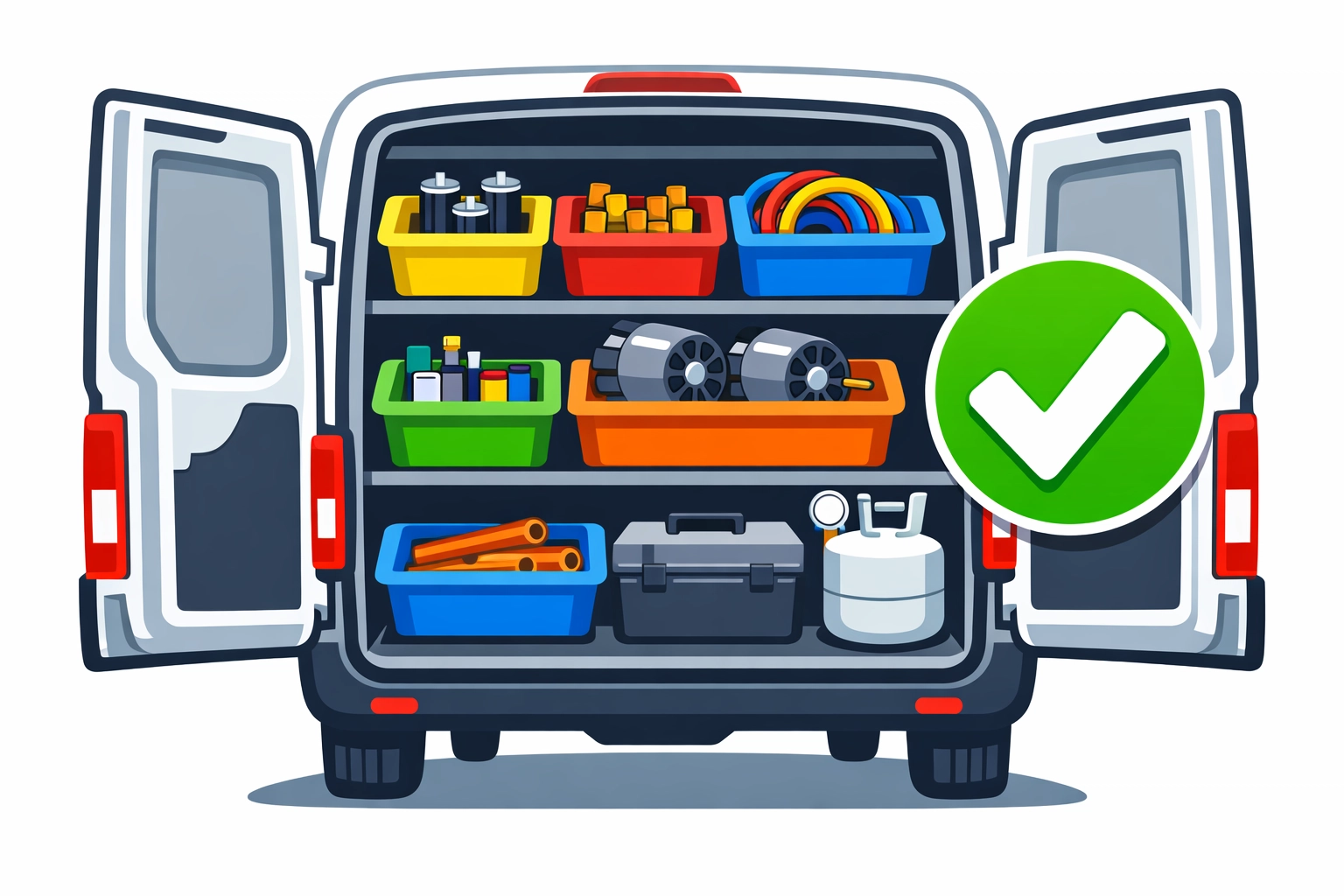
    Organized HVAC service van interior with a checkmark showing parts are in stock for scheduled repairs.{width="90%"}

    5. Double Booking and the Manual Sync Shuffle

    If your office staff is manually copying data from a calendar into an accounting tool, you are asking for errors. Manual processes lead to overlapping assignments.

    A missed appointment doesn't just cost you the revenue of that job: it costs you between $100 and $500 in lost overhead, rescheduling time, and brand damage. In 2026, there is no reason for a technician to show up at a locked door because the office "forgot to update the app."

    The Fix: Centralize everything. You need a real-time source of truth where the field and the office see the exact same data at the exact same second. No lag. No "I'll call you back when the system refreshes."

    6. Operating in a Data Silo

    Many HVAC businesses use one tool for scheduling, one for "marketing," and then try to force everything into QuickBooks at the end of the month. This creates a "manual bridge." Your staff becomes the bridge, spending hours every week re-keying invoices and customer details.

    This slows down your billing cycle. If you aren't invoicing the moment the job is done, you are hurting your cash flow for no reason.

    The Fix: You don't need a generic software suite; you need an HVAC-specific setup. Look for a system that handles service agreements, real-time dispatching, and billing in one flow. When the tech hits "Complete" on their tablet, the invoice should be ready for the customer to pay on the spot.

    Flat illustration of a central data hub syncing HVAC dispatching software between office and field devices.{width="90%"}

    7. Overpaying for Bloated "Enterprise" Features

    This is the mistake that hurts the most. Many owners get talked into platforms like Housecall Pro or ServiceTitan. These are powerful tools, but they are often overkill for a growing trade business.

    You end up paying hundreds of dollars a month for features you never touch. You're paying for their massive marketing budget and their complex enterprise overhead. You wanted a tool to help you schedule jobs, but you ended up with a second mortgage.

    The Fix: Choose a partner, not just a vendor. At Valortek, we provide the same high-level scheduling, routing, and dispatching power but at a fraction of the cost.

    No hidden fees. No 12-month lock-in contracts. Just the tools you need to run a profitable HVAC company.

    Flat illustration comparing “bloated” vs “simple” HVAC software pricing: big stack of apps and dollar signs vs one clean app and lower price tag.{width="90%"}

    Why Valortek is Different

    We aren't a massive corporation with a call center in another country. We are a team of business consultants who understand the trades. We know that if your software is too hard to use, your techs won't use it.

    We built our operations platform to be minimalist and effective.

    • Smart Routing: Save on gas.
    • Skill Matching: Eliminate callbacks.
    • Simple Billing: Get paid faster.
    • Fair Pricing: Half the cost of the "big guys."

    You don't need more complexity. You need more clarity. You need to know that when you look at your screen, your business is running the way it should.

    If you are tired of fighting with your current software or you are still trying to run your multi-truck empire off a Google Calendar, it is time for a change. Let’s get your technicians where they need to be, without the headache.

    HVAC technician using a digital tablet to manage jobs and track business growth at a customer home.{width="90%"}

    Our team is ready to show you how to streamline your HVAC operations. We don't do "sales pitches." We do solutions.

    Ready to see how we can save you hours of admin time every week?

    Start Your Free Trial

    Questions? Contact us – we're happy to help you decide.


    Authored by the Valortek Admin Team. To learn more about how we handle your data, see our Privacy Policy.

  • Field Service Management Software Compared: Best Tools for 1-10 Employee Teams

    You have a small team.
    Maybe it’s just you and two technicians.
    Maybe you’ve grown to ten people.
    You don’t need an enterprise-grade command center.
    You need to know where your guys are.
    You need to know if the job is done.
    And you definitely need to get paid.

    Most software companies don't get this.
    They build for the giants.
    They build for companies with 500 trucks and a dedicated IT department.
    Then they try to sell that same bloated system to you.
    It's too heavy.
    It's too expensive.
    It’s simply too much.

    At Valortek Inc, we believe software should be a tool, not a chore.
    We’re not another Silicon Valley startup trying to "disrupt" your life.
    We’re just people who think small businesses deserve better options.

    The Problem with the Big Players

    If you’ve looked for Field Service Management (FSM) software, you’ve seen the names.
    Jobber. Housecall Pro. ServiceTitan.
    They have big marketing budgets.
    They have flashy websites.
    But they also have high price tags that keep climbing.

    Most of these platforms start at a reasonable price.
    Then you add a user.
    Then you add a feature.
    Suddenly, your "affordable" software costs $300 a month.
    That’s a lot of money for a team of five.
    No transparency. No simple pricing. Just endless upsells.

    Valortek company logo

    Why 1-10 Employee Teams Are Different

    A team of five operates differently than a team of fifty.
    You don't have time for a three-week onboarding process.
    You don't need a 40-page manual to learn how to click "Schedule."
    You need software that fits your pocket.
    You need a mobile app that works when the signal is weak.
    You need to send an invoice in three clicks, not twelve.

    No complex menus. No 40-hour training sessions. Just tools that work.

    Breaking Down the Competition

    Let’s look at the market for 2026.
    There are a lot of choices.
    Most of them aren't built for your specific scale.

    Jobber: The User Interface King

    Jobber is popular for a reason.
    It looks clean.
    It’s easy to navigate.
    For many home service businesses, it’s the first thing they try.
    But as you grow from 1 to 10 employees, the cost starts to bite.
    You’ll find yourself paying for features you don't even use just to keep the ones you do.

    Housecall Pro: The Feature Heavyweight

    Housecall Pro is a powerhouse.
    It handles everything from estimates to payroll.
    It’s a great tool if you want every single bell and whistle.
    But do you need a built-in marketing suite?
    Do you need postcards sent from your dashboard?
    Most small teams don't.
    They just need to manage their day-to-day operations without the noise.

    ServiceTitan: The Enterprise Giant

    If you have 10 employees, stay away from ServiceTitan.
    It’s designed for massive operations.
    It requires a huge investment in time and money.
    It’s like buying a semi-truck when you only need a van.
    You’ll be paying for power you’ll never use.

    Nimble field service management software compared to bloated enterprise tools for small trade businesses.

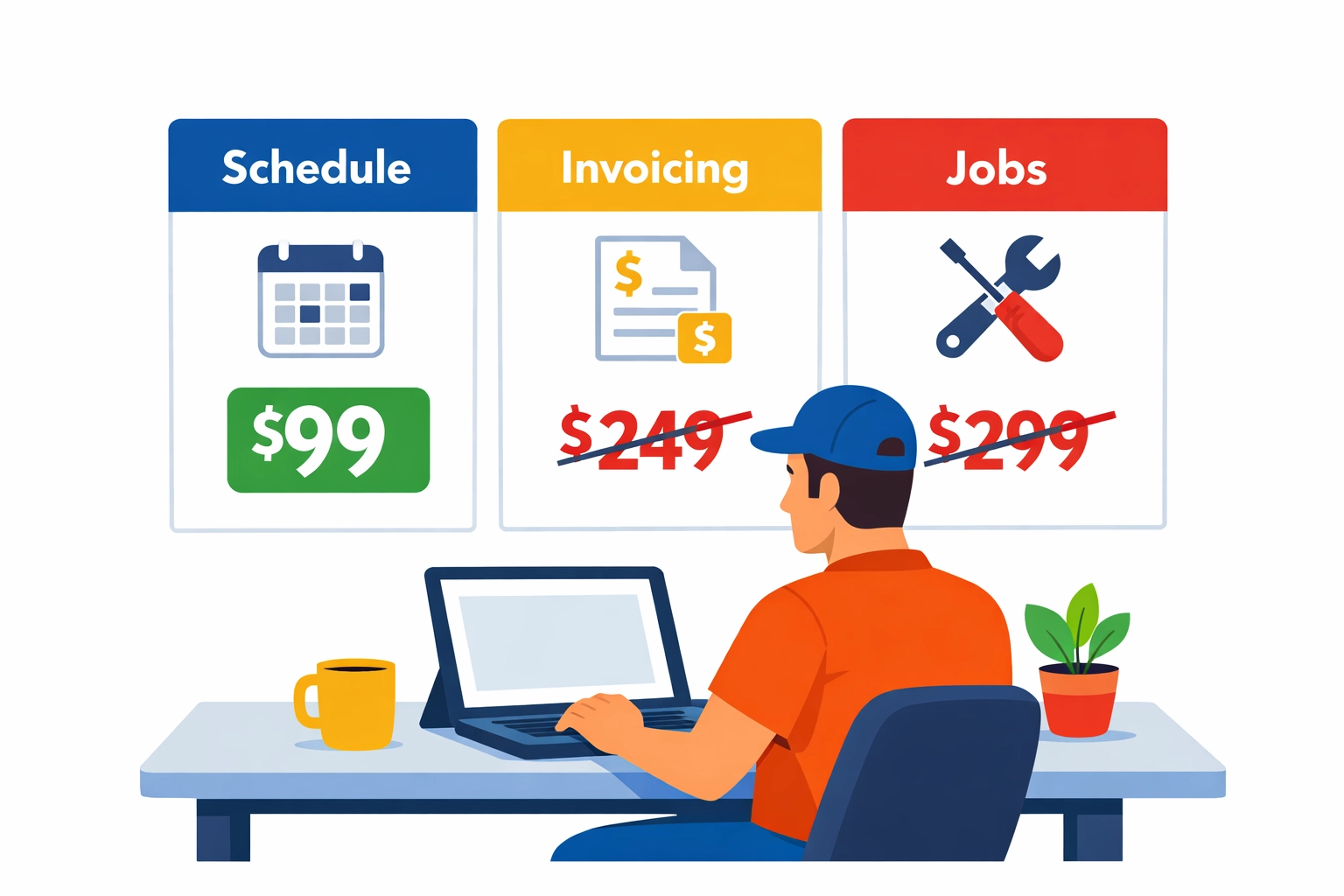
    Comparing field service apps and pricing: simple $99 vs higher-priced competitors.

    The Valortek Difference: Simplicity at $99

    We decided to do things differently.
    We saw the $200 and $300 monthly bills our clients were paying.
    We saw the frustration with complex interfaces.
    So we built the Valortek Operations App.

    It’s $99 a month.
    That’s it.
    No per-user fees that punish you for hiring more people.
    No hidden modules that cost extra.
    One price for your whole team.

    No tiers. No traps. Just one flat rate.

    Scheduling: The Heart of Your Business

    If your scheduling is a mess, your business is a mess.
    Paper calendars get lost.
    Whiteboards can't be seen from the field.
    Group texts get buried.

    Our operations app focuses on a clean drag-and-drop interface.
    You see who is where.
    You see who is available.
    You dispatch the job, and the technician gets a notification instantly.

    No double bookings. No missed appointments. Just a clear schedule.

    Mobile First for the Field

    Your technicians aren't sitting at desks.
    They’re in crawlspaces, on rooftops, or behind a steering wheel.
    They need an app that is fast.
    They need to be able to clock in, see the job details, and move on.
    We built our app to be minimalist.
    It doesn't drain the battery.
    It doesn't confuse the user.
    It just gives them the info they need.

    Field technician using a simple mobile app for scheduling and job management on a smartphone.

    Invoicing: Stop Chasing Checks

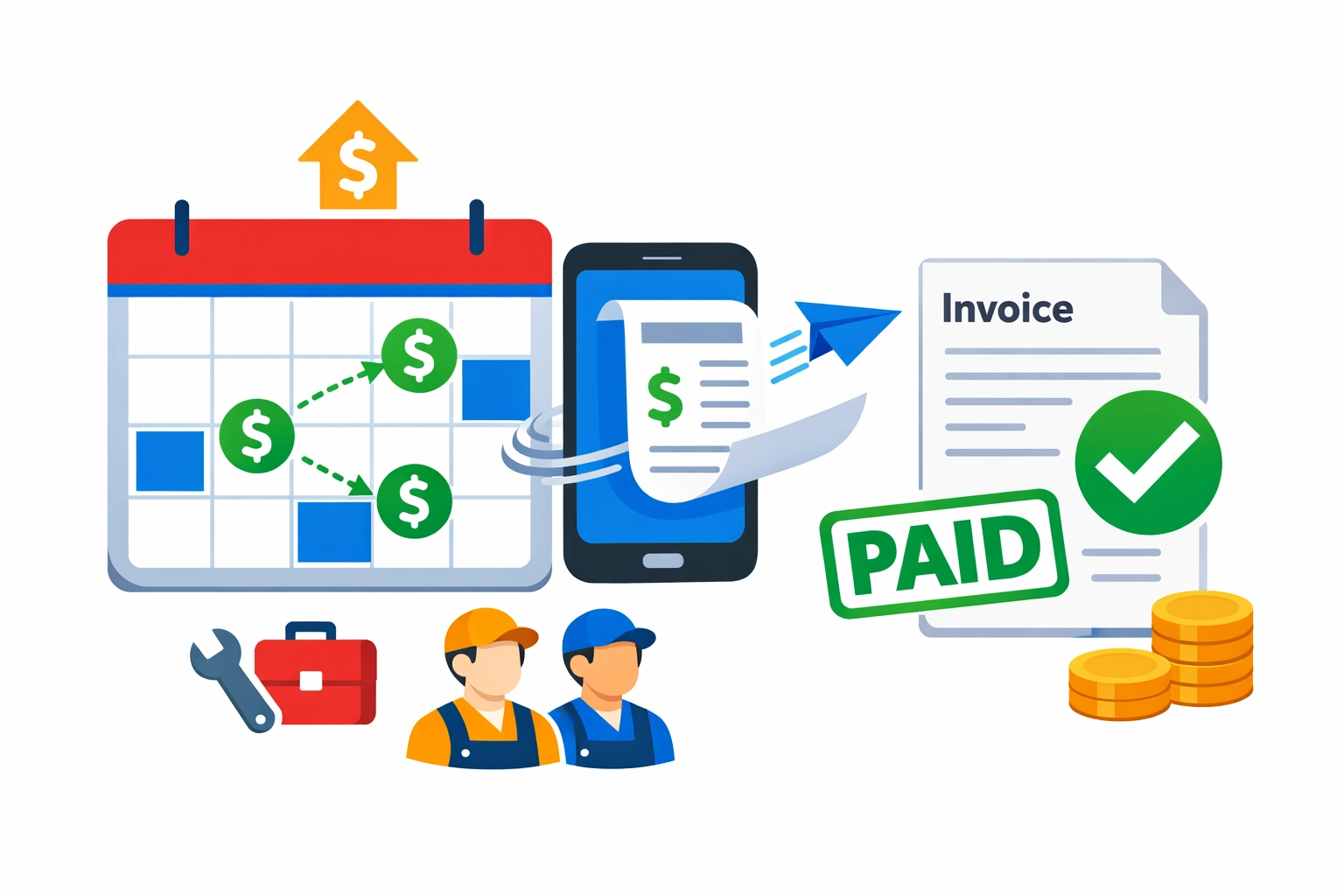
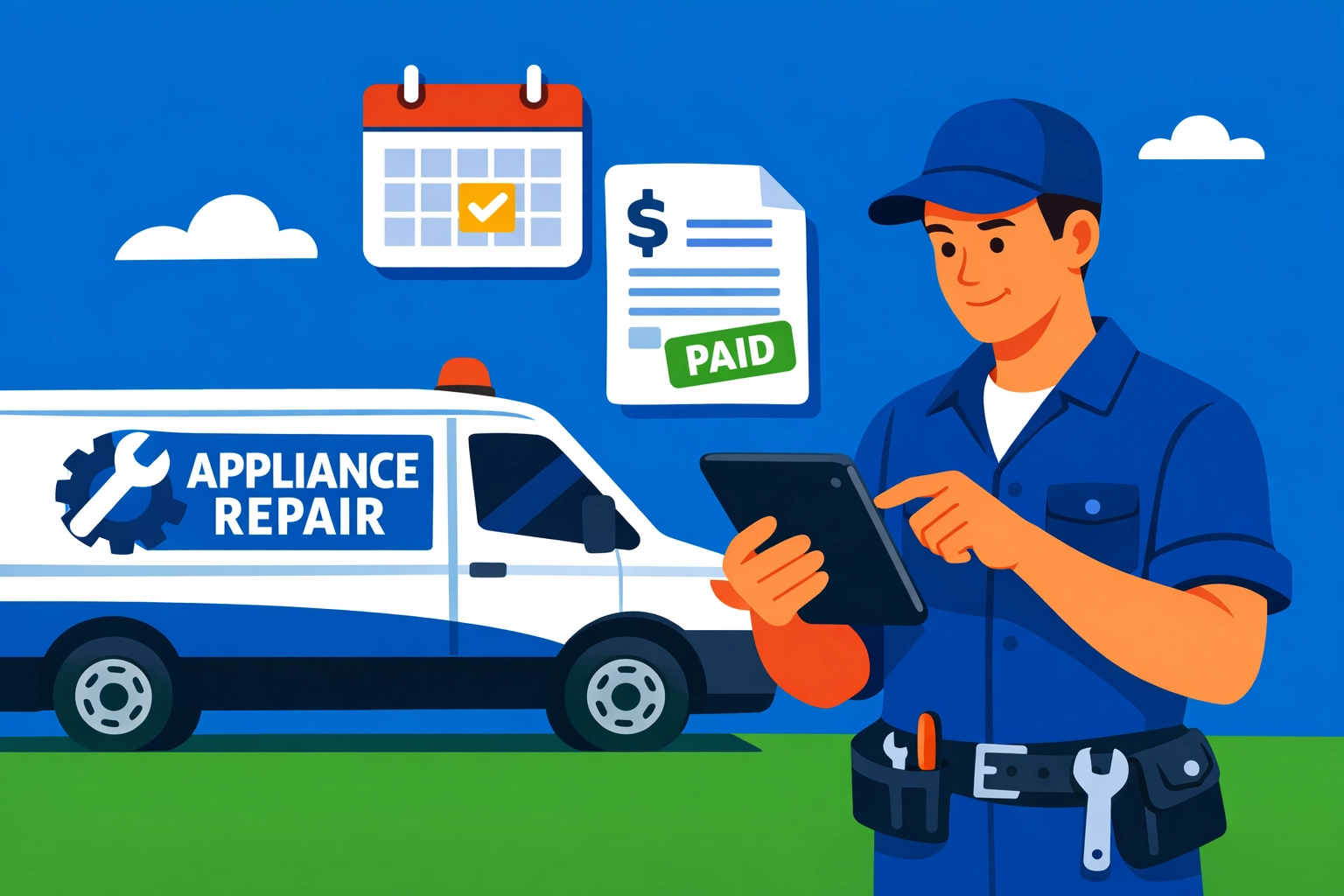
    Invoice sent from a phone with a calendar and a paid stamp to represent faster payments and cleaner cash flow.

    Cash flow is the lifeblood of a small business.
    If you wait until Friday to write invoices, you're losing money.
    If you forget to bill for a specific part, you're losing money.

    With the Valortek app, invoicing happens on-site.
    The job is finished. The technician hits a button. The invoice goes to the customer.
    You can even take payments right there.
    No more "the check is in the mail."
    No more weekend office work. Just instant billing.

    Why Flat Pricing Matters for Growth

    When you have 8 employees and you're thinking about hiring two more, the last thing you should worry about is your software bill.
    Most FSM tools charge per "seat."
    Every time you grow, they take a cut of your success.
    We don't think that's fair.

    By keeping our price at $99/month for the whole team, we help you scale.
    Your software costs stay predictable.
    Your margins stay healthy.
    You can focus on your trade, not your overhead.

    A professional team of 10 service technicians illustrating business growth with flat-rate operations software.

    Is Valortek Right for You?

    We aren't for everyone.
    If you want a system that integrates with your 50-person call center, we’re not for you.
    If you want high-end marketing automation built into your dispatch tool, we’re not for you.

    But if you are a team of 1 to 10 people…
    If you want to simplify your scheduling…
    If you want to automate your invoicing…
    If you want to save $2,000 a year on software…
    Then we are exactly who you’re looking for.

    We don't hide our terms.
    You can check out our privacy policy to see how we handle your data.
    We believe in being upfront about everything we do.

    What AI Won't Do (A Teaser)

    Lately, everyone is talking about AI.
    They say it will run your whole business.
    We disagree.
    AI can't crawl under a house to fix a pipe.
    AI can't build a relationship with a customer on a service call.
    In our next few posts, we’re going to talk about the limits of AI for trades like HVAC, plumbing, and electrical.
    We believe in tech that supports humans, not tech that tries to replace them.

    The Bottom Line

    You have enough to worry about.
    Fuel prices. Finding good help. Customer satisfaction.
    Your software should be the easiest part of your day.

    Stop overpaying for features you'll never touch.
    Stop navigating menus that feel like a maze.
    Switch to a tool built for your size and your budget.

    No fluff. No waste. Just business.

    Start Your Free Trial

    Questions? Contact us – we're happy to help you decide.

  • Do You Really Need QuickBooks? The Truth About Field Service Accounting in 2026

    You’ve been told the same story for a decade.

    If you run a trade business, you need QuickBooks. It’s the industry standard. It’s what every accountant asks for. It’s the "safe" choice.

    But it’s 2026. The world has changed.

    Your business is a field service powerhouse, not a corporate accounting firm. You have between one and ten employees. You're out in the field, fixing HVAC units, installing plumbing, or wiring new homes.

    You don't need a general ledger built for a multinational corporation. You need to know if you can afford that new truck next month. You need to know how much to set aside for the IRS.

    Most importantly, you need to stop paying the "QuickBooks Tax."

    The "QuickBooks Tax" is Real

    When we talk about the "QuickBooks Tax," we aren't talking about a government levy. We're talking about the time and money you bleed just to keep your books semi-accurate.

    First, there’s the subscription cost. It keeps climbing every year.

    Then, there’s the integration headache. You buy a Field Service Management (FSM) tool to handle your scheduling. You spend weeks trying to get it to "talk" to QuickBooks.

    It never quite works perfectly.

    Invoices get stuck in limbo. Customer names are duplicated. Sales tax settings get skewed. You end up hiring a ProAdvisor just to fix the mess every quarter.

    No more manual syncing. No more duplicate entries. Just one system that works.

    Valortek company logo

    Why Most Trade Businesses Struggle with Traditional Accounting

    Traditional accounting software is built for accountants. It’s built for people who love double-entry bookkeeping and complex charts of accounts.

    You’re a contractor. You love results.

    When you open your accounting software, you shouldn't feel like you're staring at a cockpit of a 747. You need three things:

    1. Who owes me money?
    2. Who do I owe money to?
    3. How much do I actually have to spend?

    QuickBooks gives you a thousand reports you’ll never read. It hides the vital information behind layers of menus and accounting jargon.

    We believe accounting should be a byproduct of doing work, not a second job you have to do every Friday night.

    The Integration Myth

    Software companies love to brag about their "Seamless QuickBooks Integration."

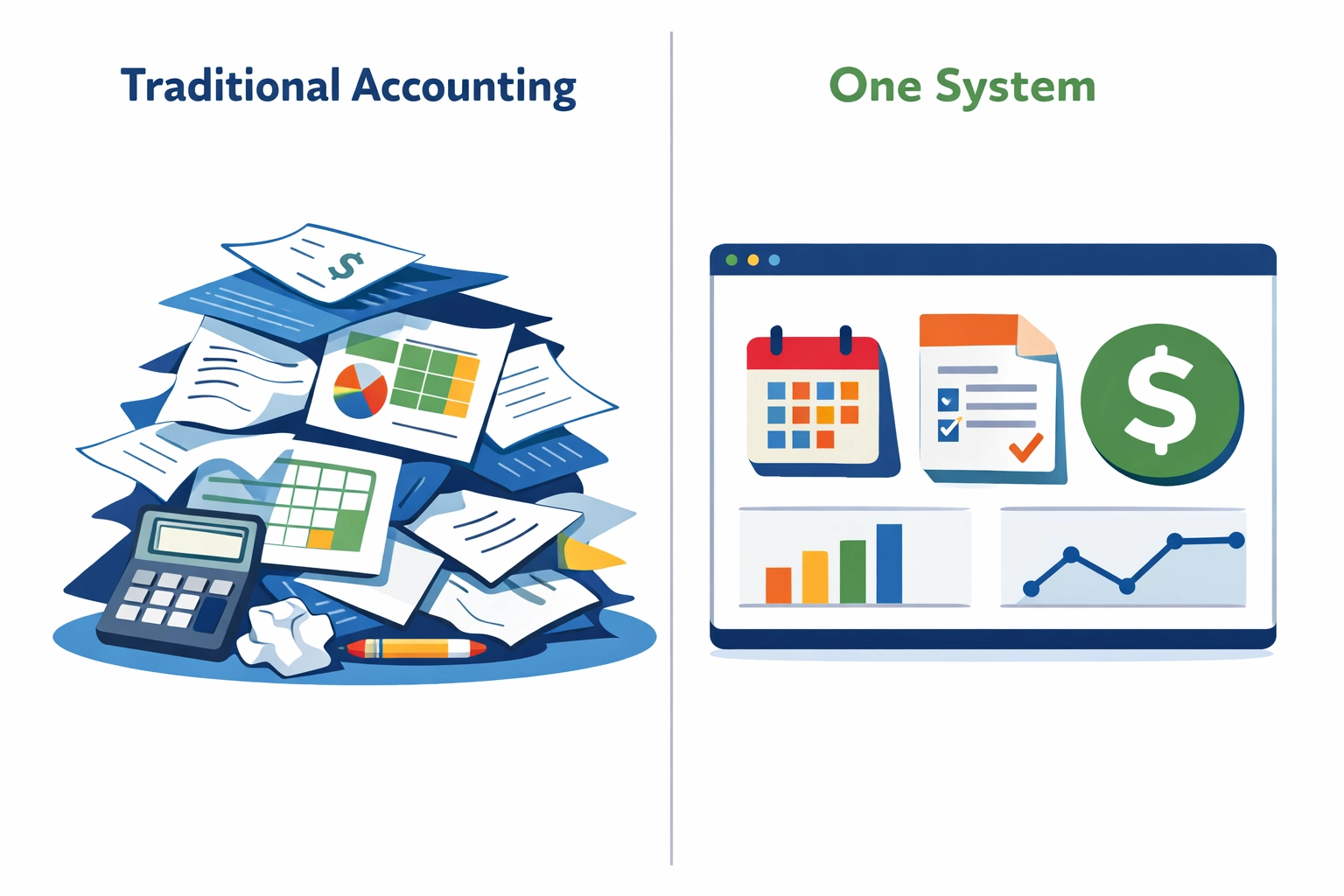
    Split-screen illustration comparing messy traditional accounting tools vs a clean all-in-one system dashboard.

    In our experience at Valortek Inc, "seamless" usually means "slightly less broken than the other guy."

    When you use two different platforms for your operations and your finances, you create a data gap. Your field software knows what happened on the job site. Your accounting software knows what happened in the bank account.

    Unless those two things are perfectly aligned every second of every day, your data is lying to you.

    No "pushing" data. No "reconciling" errors. Just a single source of truth.

    Illustration of synchronized gear icons for field service tasks and accounting finances.

    Tax Planning: Stop the April Heart Attack

    The biggest fear for a small trade business owner is the tax bill.

    You work hard all year. You see money in the bank. You think you’re doing great. Then April rolls around, and your accountant tells you that you owe $30,000 you didn't prepare for.

    Why? Because QuickBooks tracks the past. It doesn't plan for your future.

    At Valortek, we built our finance app to prioritize tax planning.

    As you complete jobs and collect payments, our system calculates your estimated tax liability in real-time. You don't have to guess. You don't have to wait for a quarterly meeting.

    You’ll know exactly what percentage of every dollar belongs to the government and what belongs to your growth.

    No surprises. No panic. Just preparation.

    Cash Flow Forecasting That Actually Makes Sense

    Cash flow is the heartbeat of your business.

    You might have $50,000 in the bank today, but if you have $40,000 in payroll next week and $20,000 in material bills due, you're actually $10,000 in the hole.

    QuickBooks is great at telling you where your money went. It’s terrible at telling you where your money is going.

    Our integrated finance app uses your existing job schedule and pending quotes to forecast your cash flow.

    Minimal illustration of a cash-flow forecast timeline with paydays, bills, and a forward-looking trend line for a small trade business.

    If you have five big installs scheduled for next week, the system accounts for that revenue. If you have recurring material orders, it accounts for those costs.

    We show you a 30-day window of your financial health.

    You can see the dips before they happen. You can decide to push a marketing campaign when you see a slow week coming up. You can confidently pull the trigger on a new hire because the data shows you can afford them.

    Road toward a sunrise with service icons representing future cash flow forecasting for trade businesses.

    Simple Pricing for Real Businesses

    The math on traditional software doesn't add up for a 5-person team.

    You pay $90 a month for QuickBooks. You pay $150 a month for an FSM tool. You pay another $30 a month for a "connector" app like Zapier.

    Suddenly, you’re spending $270 a month just to keep your office running.

    We do it differently.

    Our standalone finance app is $99 a month. If you want the full power of Valortek: including our operations and scheduling tools: it’s just $149 a month.

    Total. No hidden fees. No "per-user" upcharges that penalize you for growing.

    We’re not an enterprise software giant. We’re a lean team focused on making your team lean.

    AI Won't Save a Bad System

    Everyone is talking about AI in 2026.

    They say AI will categorize your expenses and handle your bookkeeping. But AI is only as good as the data it can see.

    If your AI is looking at a messy QuickBooks account that hasn't been reconciled in three months, it’s going to give you messy advice.

    We don't use AI as a band-aid for bad software. We use it to enhance a clean system.

    When your finances and your operations live in the same house, the data is clean. When the data is clean, the insights are actually useful.

    We help you see the patterns in your business that you're too busy to notice.

    Magnifying glass over data shapes forming an upward arrow to represent clear business growth insights.

    Is It Time to Walk Away from the Giant?

    Leaving QuickBooks feels scary. We get it.

    Your accountant might complain. They like the software they already know. But your accountant doesn't run your business: you do.

    Your accountant spends maybe four hours a month looking at your books. You spend forty hours a week trying to stay profitable.

    If your software isn't helping you win on a daily basis, it's just a digital paperweight.

    We built Valortek for the trades. We built it for the owner who wants to grow from 3 trucks to 10 trucks without losing their mind.

    No more "accounting days." No more fighting with integrations. Just a clear view of your business.

    The Valortek Difference

    We’re not another "SaaS" company trying to lock you into a 12-month contract.

    We’re business consultants who happened to build the software we wish existed. We focus on simplicity because complexity is the enemy of execution.

    If you have 1 to 10 employees, you are in the "sweet spot" of the trades. You're big enough to be profitable, but small enough to be agile.

    Don't let clunky, overpriced software slow you down.

    Choose a system that understands the difference between an invoice and an estimate. Choose a system that knows why job costing matters. Choose a system that was built for you.

    Ready to see what your business looks like without the QuickBooks headache?

    Start Your Free Trial

    Questions? Contact us – we're happy to help you decide.

  • The Real Cost of Housecall Pro + QuickBooks (And Why 80% of Small Trades Are Overpaying)

    {width="90%"}

    Most locksmiths, plumbers, and electricians think they need Housecall Pro. They think they need QuickBooks. They think they need both to work together.

    They are wrong.

    In 2026, the "best-of-breed" software stack is actually a trap. It is a trap that costs the average small trade business over $1,000 in unnecessary fees every single year. We see it every day at Valortek. We see hard-working business owners paying for two subscriptions when they only need one.

    No more hidden fees. No more messy syncs. Just the truth about your bank account.

    The Integration Tax

    Let’s talk about the Housecall Pro "Basic" plan. It looks cheap on the website. But there is a catch.

    If you want to sync your jobs to QuickBooks Online, you can’t stay on the Basic plan. You are forced to upgrade to the Essentials tier. That jump alone takes you from $59 a month to $149 a month.

    You haven’t even paid for QuickBooks yet. You are just paying Housecall Pro for the permission to talk to QuickBooks.

    That is the "Integration Tax." It is a $1,080 annual penalty for wanting your software to talk to each other.

    The Math Doesn’t Lie

    Let’s break down the annual cost for a small team of 2–5 people.

    The Housecall Pro Stack:

    • Housecall Pro Essentials: $149/month ($1,788/year)
    • QuickBooks Online Essentials: $60/month ($720/year)
    • Add-ons (Sales proposals, etc): $80/month ($960/year)
    • Total: $3,468 per year.

    The Valortek Approach:
    At Valortek, we believe in simplicity. We don’t charge you a premium just to keep your books. We don't force you into tiers that unlock basic functionality.

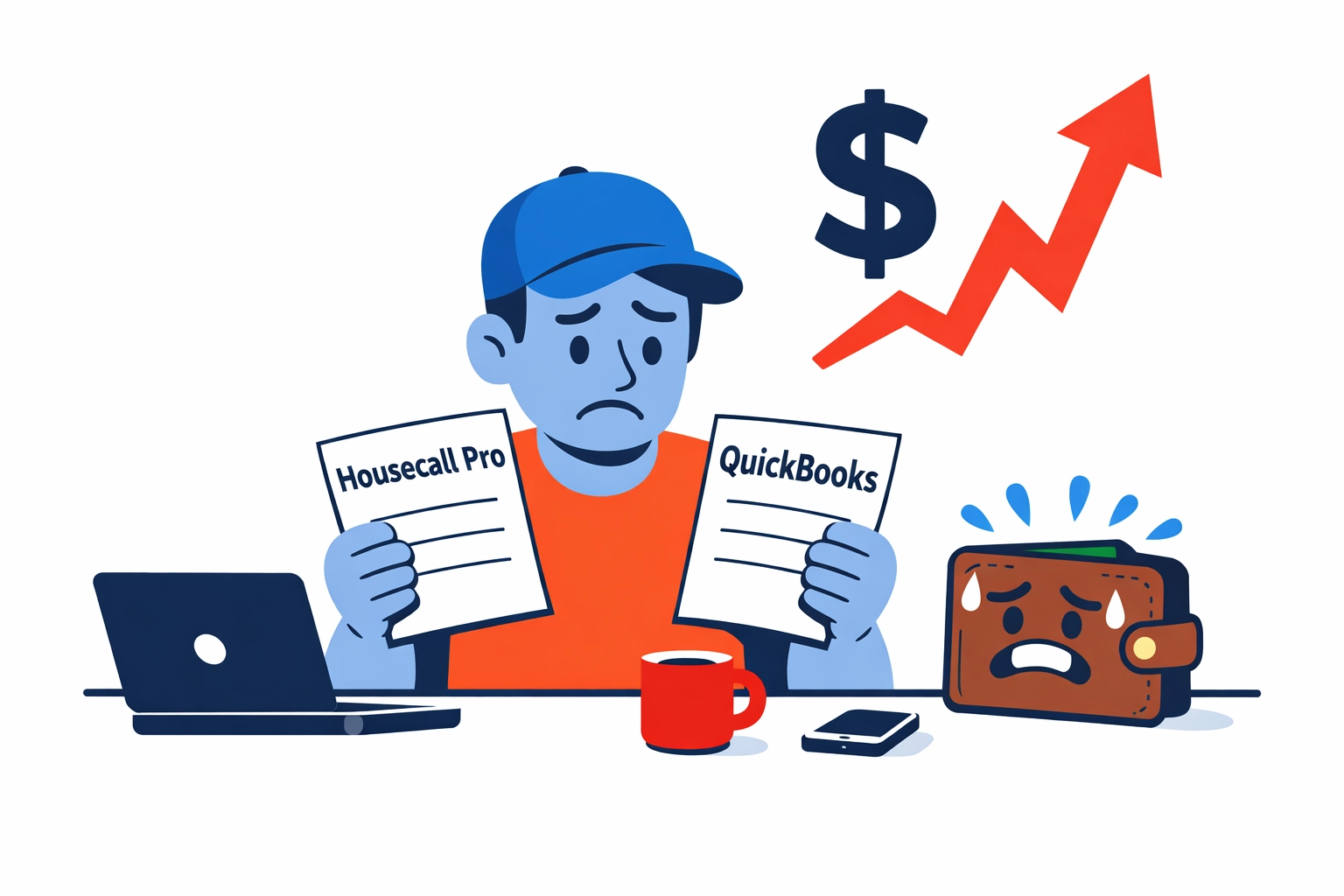
    Trade business owner looking at two software bills labeled Housecall Pro and QuickBooks with an inflated total.{width="90%"}

    When you add it all up, the average plumber or electrician is overpaying by at least $1,200 annually just on software subscriptions. That is money that could go toward a new van, better tools, or a well-deserved vacation.

    Electrician standing by a piggy bank representing savings on trade business software fees.{width="90%"}

    Why the "Sync" is Killing Your Productivity

    It isn't just about the money. It is about the time.

    No software integration is perfect. When you use Housecall Pro and QuickBooks together, you are managing two separate databases.

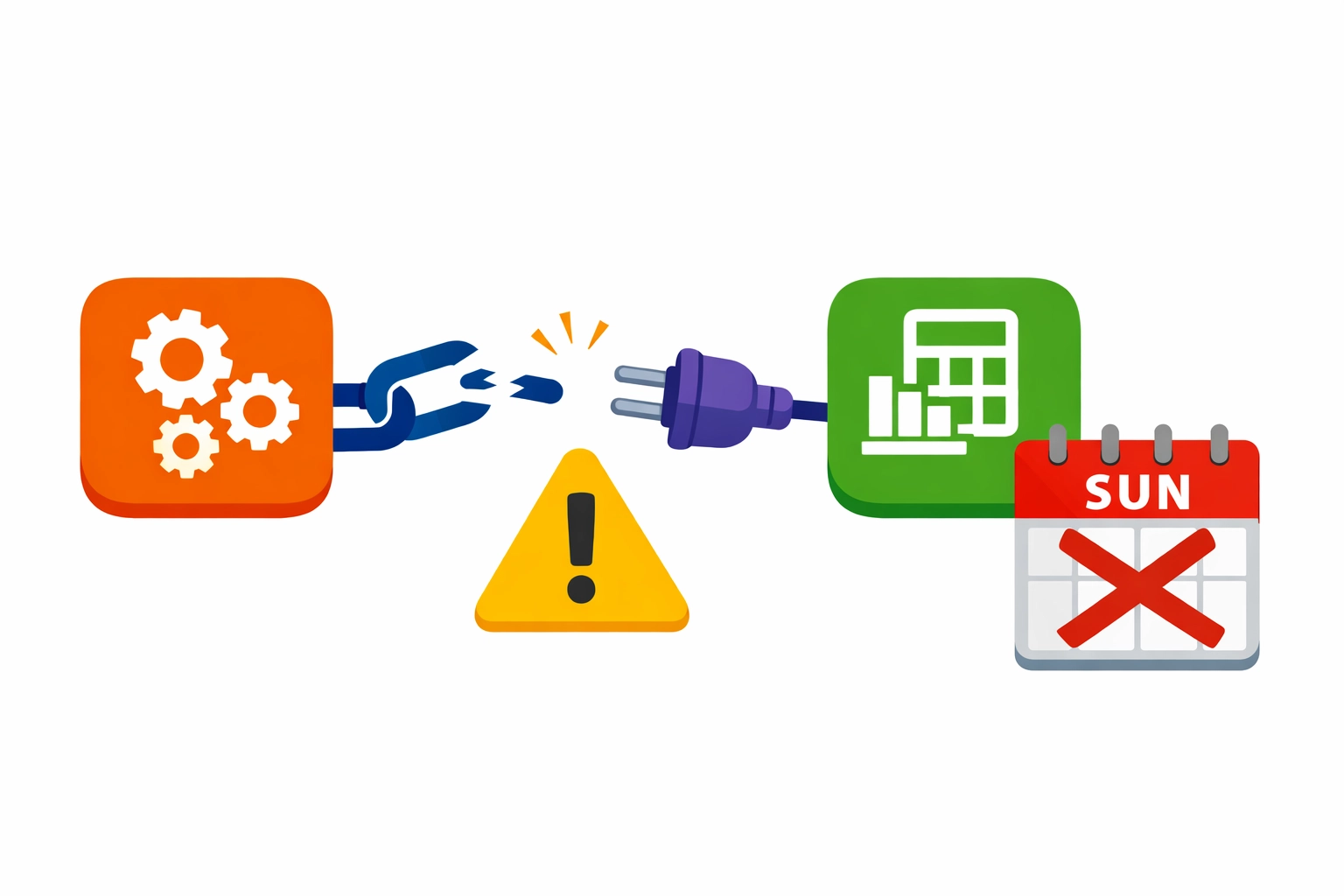
    Broken connector between two app icons with a warning symbol and a Sunday calendar crossed out to show the sync headache.{width="90%"}

    You have a customer list in HCP. You have a customer list in QB. You have an invoice in HCP. You have an invoice in QB.

    What happens when the sync breaks?

    • Duplicate customers appear in your accounting software.
    • Payments are marked as paid in your field tool but remain "open" in your books.
    • Sales tax rates don't match between the two systems.
    • Your Sunday nights are spent "reconciling" data instead of resting.

    No double entry. No manual matching. No Sunday night headaches.

    We built Valortek Inc to solve the data problem at the source. By keeping your operations and your financial data in one unified system, the "sync" becomes obsolete. The data is already where it needs to be.

    The Hidden $1,000 Tax Prep Hole

    Ask your CPA how much they charge to clean up a messy QuickBooks file.

    Most small trades don't realize that their software is making their accountant's job harder. When Housecall Pro pushes data into QuickBooks incorrectly, your accountant has to spend hours "cleaning" the books at the end of the year.

    If your CPA charges $150 an hour, and they spend an extra day fixing your "integrated" data, you just lost another $1,200.

    80% of small trades are overpaying because they are paying for software that creates more work for their professionals.

    Valortek company logo featuring a bold blue “V” inside a square icon{width="90%"}

    Locksmiths: The Cost of Complexity

    For a solo locksmith or a two-person team, every dollar counts. You are out on the road, jumping from re-keys to emergency lockouts. You don't have an office manager. You are the office manager.

    Do you really need a $300-a-month software stack?

    No enterprise bloat. No complex workflows. Just a way to get paid and track your profit.

    Locksmiths often find that the "Max" plans offered by big industry players are full of features they will never use. You are paying for a call center module when you only need a digital invoice. You are paying for a "Sales Proposal Tool" add-on when you just need to quote a high-security deadbolt.

    Plumbers and Electricians: The Complexity Trap

    Plumbers and electricians often have more complex parts and inventory needs. Housecall Pro tries to handle this, but then it has to push that inventory data to QuickBooks.

    This is where the wheels fall off.

    QuickBooks inventory management is notoriously difficult for field service. When the two systems try to sync "COGS" (Cost of Goods Sold), the numbers often get scrambled.

    You end up with a balance sheet that says you have $50,000 in copper pipe that doesn't actually exist.

    At Valortek, we provide business consulting that looks at the whole picture. We don't just sell you a tool; we help you fix the process.

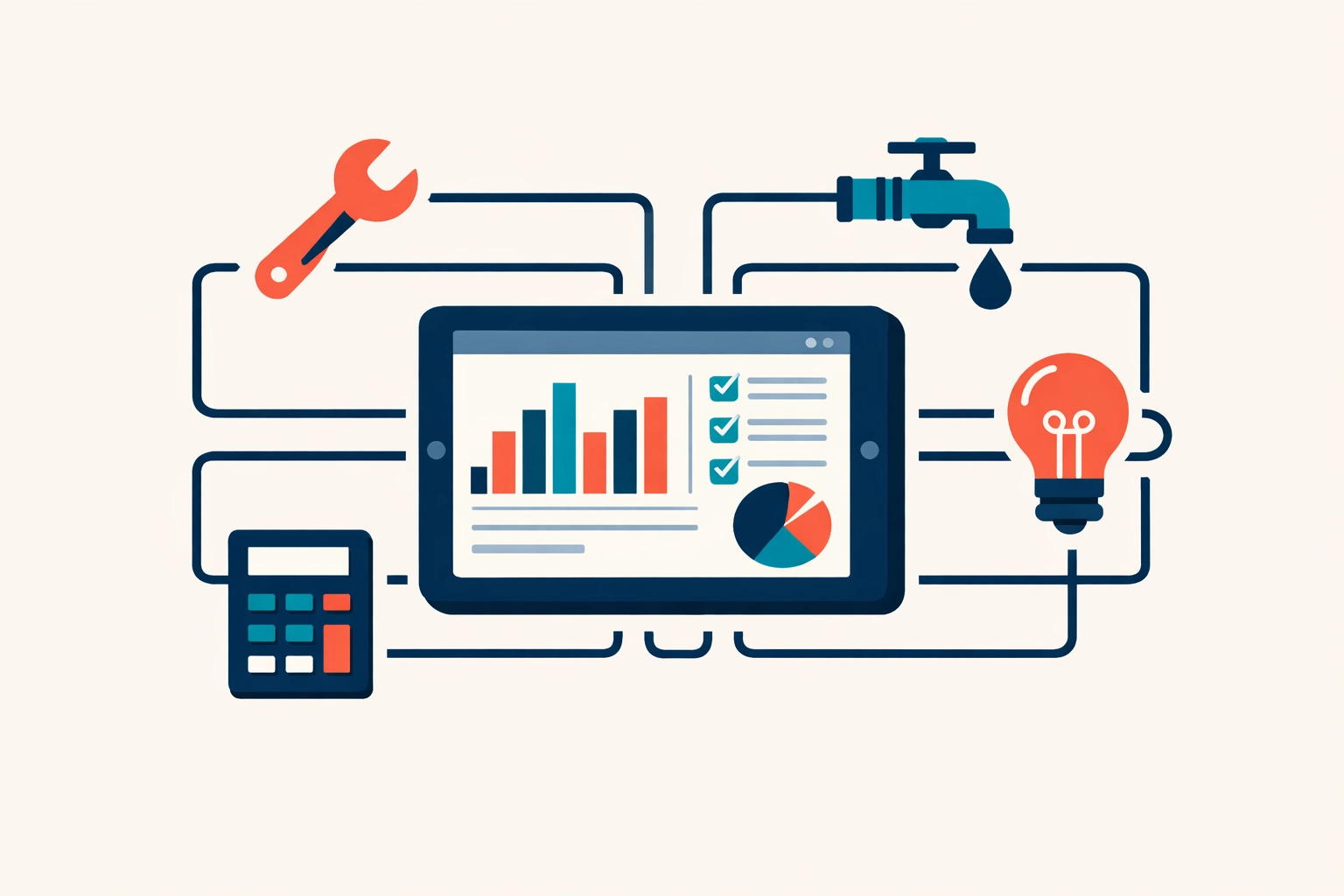
    Unified digital dashboard connecting plumbing and electrical operations with accounting tools.{width="90%"}

    Stop Paying for Features You Don't Use

    Housecall Pro is a massive company. They have thousands of employees and massive marketing budgets.

    Who pays for that? You do.

    They build features for "Enterprise" companies with 50 vans. Then they force you to pay for those features by bundling them into your subscription tiers.

    We are a small team. We work with small teams. We don't have a 500-person sales floor to support. That means we don't have to overcharge you to stay in business.

    No fancy corporate retreats. No Super Bowl ads. Just clean code and honest pricing.

    The Reality of 2026

    The world has changed. In 2026, you shouldn't have to be a "Software Integrator" just to run a plumbing business.

    The promise of the "Cloud" was that everything would work together perfectly. The reality is that we've just created more subscriptions to manage.

    If you are a locksmith, plumber, or electrician, take five minutes today. Look at your bank statement. Add up your Housecall Pro bill and your QuickBooks bill. Then add the "cleanup" fees from your tax preparer.

    If that number is over $2,500 a year, you are in the 80% that is overpaying.

    We Can Help

    We aren't just another software company. We are Valortek Inc, and we specialize in business consulting for the trades.

    We help you strip away the waste. We help you simplify your tech. We help you keep more of the money you earn.

    Ready to see how much you can save?

    No pressure. No long-term contracts. Just a better way to run your business.

    Start Your Free Trial

    Questions? Contact us – we're happy to help you decide.

  • Stop Wasting 10 Hours a Week: How AI Cuts Field Service Admin Without the Hype

    You didn’t start an HVAC or plumbing business because you loved paperwork. You started it because you’re good at the trade. You like fixing things. You like helping people.

    But as your business grows, the "admin tax" starts to pile up.

    Every Sunday night, you’re staring at a stack of invoices. Every Monday morning, you’re playing phone tag with three different techs and five frustrated customers. It feels like you’re running a call center, not a service company.

    Most field service owners lose at least 10 hours a week to pure administrative noise. That’s 40 hours a month. That’s an entire work week gone.

    We’re here to help you take that week back. And no, you don’t need a $50,000 enterprise software suite to do it. You don’t need a degree in data science. You just need AI that actually works for the trades.

    The Admin Problem is a Growth Killer

    Admin isn't just boring. It’s expensive.

    When you spend two hours a day manually entering data into QuickBooks or re-typing customer addresses into a calendar, you aren't growing. You're idling.

    No new leads. No billable hours. Just busy work.

    Small teams of 1 to 10 employees feel this the most. You don't have a dedicated "dispatch department" or a "billing squad." You have a spouse helping out or maybe one person in the office trying to do it all.

    When the admin load gets too heavy, things start to break.

    • Technicians show up at the wrong house.
    • Parts aren't ordered on time.
    • Invoices get forgotten.

    It’s a cycle of chaos that keeps small businesses small.

    Stop the Hype: What AI Actually Is

    Before we go further, let's clear the air.

    When most people talk about AI, they show you robots or sci-fi interfaces. They talk about "machine learning models" and "neural networks."

    We don’t care about any of that. And neither should you.

    In the world of field service, AI is just a smarter set of hands. It’s software that can read, remember, and react.

    No more manual data entry. No more clicking "copy and paste" fifty times a day. No more guessing which tech is closest to a job.

    At Valortek Inc, we focus on the grounded reality of your workday. We use AI to kill the repetitive tasks that drain your energy.

    No fluff. No buzzwords. Just more time in your day.

    Valortek company logo

    Flat illustration of automated work orders reducing paperwork for a small field service team.

    1. Automated Work Order Processing

    Think about the last time a new lead came in through your website or via text.

    What happened? You probably had to read the message, look up the customer in your database, manually create a job, and then type in the service details.

    AI changes that.

    Modern field service tools can now read an incoming request and automatically populate a work order. It identifies the service type (e.g., "Leaking Water Heater"), the urgency, and the customer’s history.

    No manual typing. No "oops, I got the address wrong." Just a ready-to-dispatch job waiting for your approval.

    Research shows that automating these repetitive administrative tasks allows office staff to focus on complex responsibilities rather than data entry. It’s the difference between being a "typist" and being a "manager."

    2. Solving the Scheduling Jigsaw Puzzle

    Scheduling is a nightmare.

    Tech A is in the middle of a job that’s taking longer than expected. Tech B just finished early. A "Priority 1" emergency call just came in across town.

    Usually, this means 20 minutes of frantic phone calls and moving blocks around a digital calendar.

    AI handles this in real-time.

    It looks at traffic patterns, technician skill sets, and current job progress. If a tech is running late, the system can automatically adjust the afternoon schedule and send a text to the next customer.

    No more "Where are you?" calls. No more angry customers waiting on a porch. Just a smooth, optimized route that saves gas and time.

    Illustration of a service van following an optimized route on a map for efficient field service scheduling.

    3. The "Perfect" Pre-Work Brief

    One of the biggest time-wasters in the field is the "information gap."

    A technician arrives at a job. They don't know what model of furnace the customer has. They don't know that the last guy who was there three months ago found a cracked heat exchanger. They spend 15 minutes digging through old notes or calling the office.

    AI can automatically compile "pre-work briefs."

    Before the tech even puts the truck in gear, the AI draws from your historical data and knowledge base. It gives the tech a summary:

    • "Customer has a 2018 Carrier unit."
    • "Last service was Nov 2025."
    • "Previous technician noted the filter was severely clogged."

    The tech arrives prepared. They look like a pro. The job gets done faster.

    4. Reducing the Customer Service Burden by 80%

    Most of your office phone calls are the same three questions:

    1. "When will the tech be here?"
    2. "How much is the diagnostic fee?"
    3. "Can I reschedule?"

    Handling these calls manually is a massive time sink.

    Real-world data shows that implementing smart automated communication can reduce the workload for customer service staff by up to 80%.

    AI-driven chatbots and automated SMS sequences can handle the "low-value" questions. If a customer wants to reschedule, they click a link and do it themselves. If they want to know where the tech is, they check a live map.

    You only pick up the phone when it actually matters.

    5. Invoicing That Doesn't Require a Weekend

    If you’re still waiting until Friday to "catch up on billing," you’re losing money.

    The longer you wait to send an invoice, the longer it takes to get paid.

    With AI-integrated job management, the invoice is generated the second the tech hits "Complete." The system pulls the parts used, the labor hours recorded, and the tax rates for that specific zip code.

    The tech shows the customer the tablet, gets a signature, and the invoice is sent before the truck leaves the driveway.

    No manual calculations. No "remind me what parts we used." Just cash flow.

    Mobile tablet displaying a completed digital invoice for faster field service billing and payments.

    Flat illustration of automated customer SMS and chat handling common scheduling and pricing questions.

    The Valortek Philosophy: Simple Over Complex

    We’ve seen the "big name" software options out there.

    They’re full of buttons you’ll never click. They charge you hundreds of dollars a month for features you don't need. They take six months to set up.

    We don't do that.

    We believe software should be invisible. It should sit in the background and make your life easier, not give you a new full-time job managing the software itself.

    No enterprise bloat. No confusing dashboards. Just clean, efficient job management.

    We’re a small team, just like you. We value transparency and honesty. We’re not trying to sell you a "digital transformation." We’re trying to give you 10 hours of your life back.

    How to Get Started Without the Headache

    You don't have to automate everything overnight. In fact, you shouldn't.

    Start with one thing. Maybe it’s automated appointment reminders. Maybe it’s digital invoicing.

    Once you see the time savings, you’ll never go back to the old way. You’ll find that you’re less stressed. You’re more profitable. And you might actually get to enjoy a Sunday evening without thinking about a spreadsheet.

    Ready to see how grounded, practical AI can change your business?

    We built Valortek to be the solution we wanted for ourselves. Simple. Powerful. Fairly priced.

    You can read more about how we handle your information in our privacy policy, or learn more about our team on our author page.

    The "admin tax" is optional. It’s time to stop paying it.

    Start Your Free Trial

    Questions? Contact us – we're happy to help you decide.

  • The Play Store Privacy Gap: Is Your Trade Business Data Safe?

    Your trade business runs on apps now.
    Scheduling. Estimates. Payments. Photos. GPS. Texts.

    And most of those apps come from one place.
    Google Play.

    Here’s the uncomfortable part.
    Google Play is great at distribution. It’s not the same thing as protection.

    No paranoia. No conspiracy. Just reality.
    If you install random apps to “run the business,” you’re handing over more than you think.

    The “Privacy Gap” is simple

    Google Play requires disclosures.
    It doesn’t guarantee behavior.

    No magic badge. No automated truth serum. Just developer promises.

    Apps must fill out the Data Safety section.
    They’re supposed to disclose what they collect, share, and secure.

    That’s useful.
    But it’s not the same as “your business data is safe.”

    The gap is the space between:

    • what an app says it collects
    • what it actually collects
    • what it can collect if you grant permissions
    • what third parties collect through SDKs and integrations

    You don’t need to be a security expert.
    You just need a system.

    Illustration of a trade business owner reviewing a Google Play app listing and the Data Safety panel.

    What “business data” are we talking about?

    For trade businesses, app data isn’t abstract.
    It’s your competitive edge.

    Think:

    • Customer list (names, addresses, phone numbers)
    • Job history (notes, diagnoses, parts used)
    • Pricing (rates, margins, discounts)
    • Photos (before/after, equipment labels, serial numbers)
    • Crew info (employee names, schedules, locations)
    • Payment data (invoices, payment status, sometimes card-related metadata)
    • Messages (texts, emails, in-app chat)
    • Location data (tech GPS, route patterns, job density)

    No fluff. No “data is the new oil.” Just this:
    If the wrong app leaks it, you’ll feel it.

    What Google Play collects vs what apps collect

    Let’s separate two things people mix together.

    1) Google Play / Google services (the platform layer)

    If you use Android and the Play Store, Google itself may process data tied to:

    • your Google account
    • device identifiers
    • app installs and updates
    • diagnostics and performance
    • purchase and subscription activity (if applicable)

    This is mostly “platform” stuff.
    It’s big, broad, and not always avoidable.

    2) The apps you install (the app layer)

    This is where trade businesses get exposed.

    The app can collect:

    • what you type into it (customer records, notes, quotes)
    • what you upload (photos, attachments)
    • what it can access (contacts, files, location) if you allow it
    • what it sees through embedded third-party tools (analytics, ads, crash logs)

    No one’s coming for your business specifically.
    But your data can still end up in places you didn’t intend.

    The Data Safety section: helpful, but not a shield

    Google Play’s Data Safety section is a start.
    It’s also easy to misunderstand.

    Here’s how to read it like an operator, not a lawyer.

    “Data collected” doesn’t mean “data sold”… but it might move

    Apps can “collect” data for:

    • app functionality
    • analytics
    • personalization
    • advertising
    • fraud prevention
    • legal compliance

    Those buckets sound fine.
    They’re also broad enough to drive a truck through.

    “Data shared” is the line that matters most

    Shared usually means sent to another company.
    Analytics providers. Marketing tools. Cloud services. Payment processors.

    Sometimes that sharing is necessary.
    Sometimes it’s just convenient for the developer.

    “Data encrypted in transit” is not the finish line

    Encrypted in transit means HTTPS.
    Good. Expected. Not special.

    What you also want to know:

    • Is data encrypted at rest?
    • Who inside the vendor can access it?
    • Do they support role-based access?
    • Do they log admin access?
    • What’s their breach history and response plan?

    Google Play won’t answer that for you.
    You have to.

    The quiet risk: permissions you grant once and forget

    Most data exposure doesn’t come from a dramatic hack.
    It comes from “Allow” taps.

    No scare tactics. No doom. Just common patterns we see.

    Location permission (the big one for trades)

    Lots of apps ask for location.
    Sometimes it’s legit (dispatch, arrival ETAs). Sometimes it’s not.

    Risk in plain English:

    • your job density becomes visible in aggregate
    • tech home addresses can be inferred (start/end points)
    • route patterns can reveal high-value accounts

    What to do:

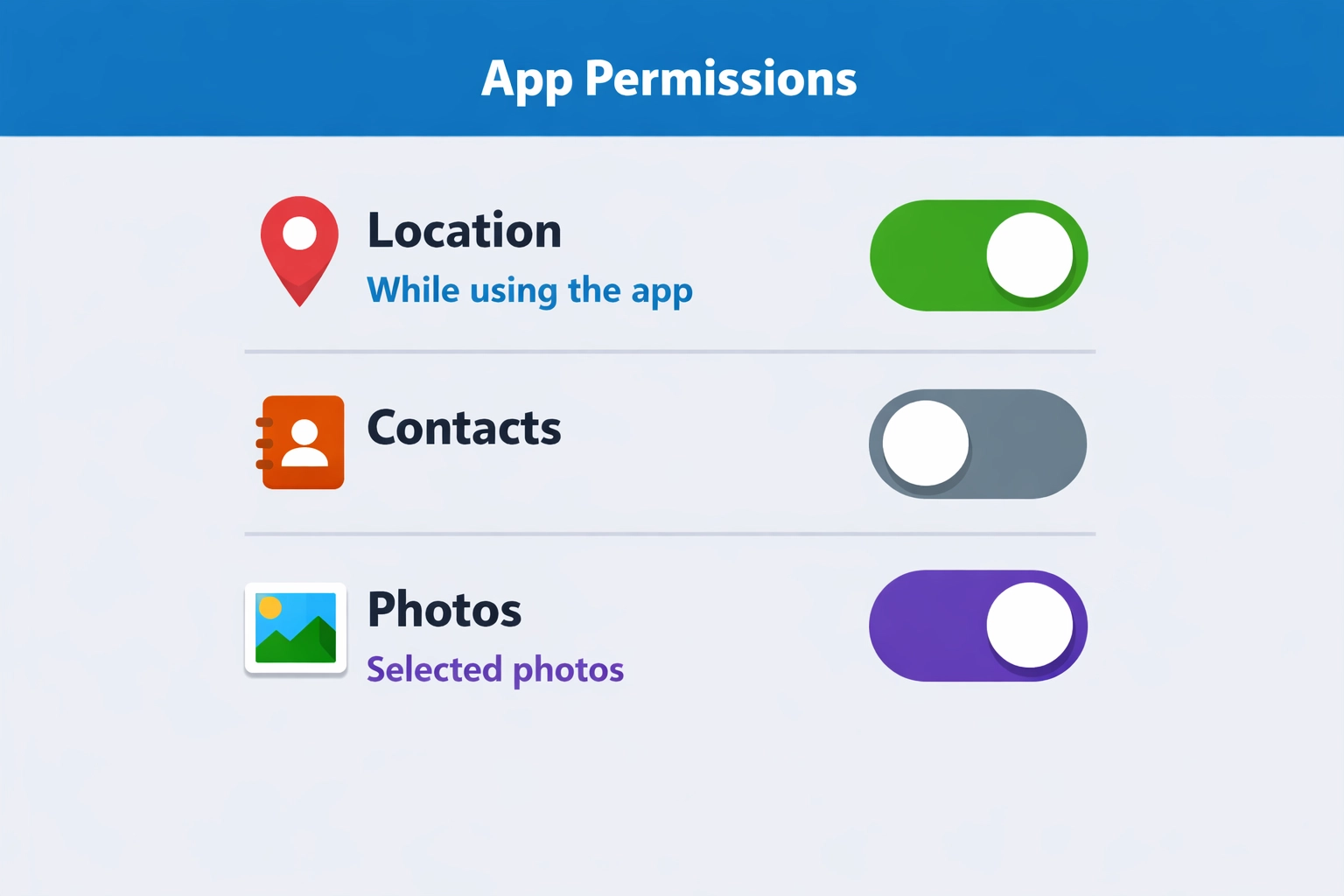
    • Use “While using the app” instead of “Always”
    • Turn off background location unless you truly need it
    • For owner/admin phones, avoid giving location permissions at all

    Contacts permission (customer list leakage)

    Some apps ask to “help you invite customers.”
    That’s code for “we want your address book.”

    If your customer list lives in contacts, that’s a soft target.
    Even “hashed” or “obfuscated” contact uploads can still be sensitive.

    What to do:

    • Don’t store your customer list in personal contacts
    • Don’t grant contacts access unless the app’s core job requires it

    Photos/Files permission (jobsite documentation exposure)

    Trade apps love photos.
    Photos often contain more than you think.

    • addresses on work orders
    • license plates
    • serial numbers
    • faces
    • inside-of-home layouts

    What to do:

    • Keep job photos inside a dedicated system, not random gallery apps
    • Limit file access to “selected photos” where Android allows it
    • Remove old app permissions after you stop using the app

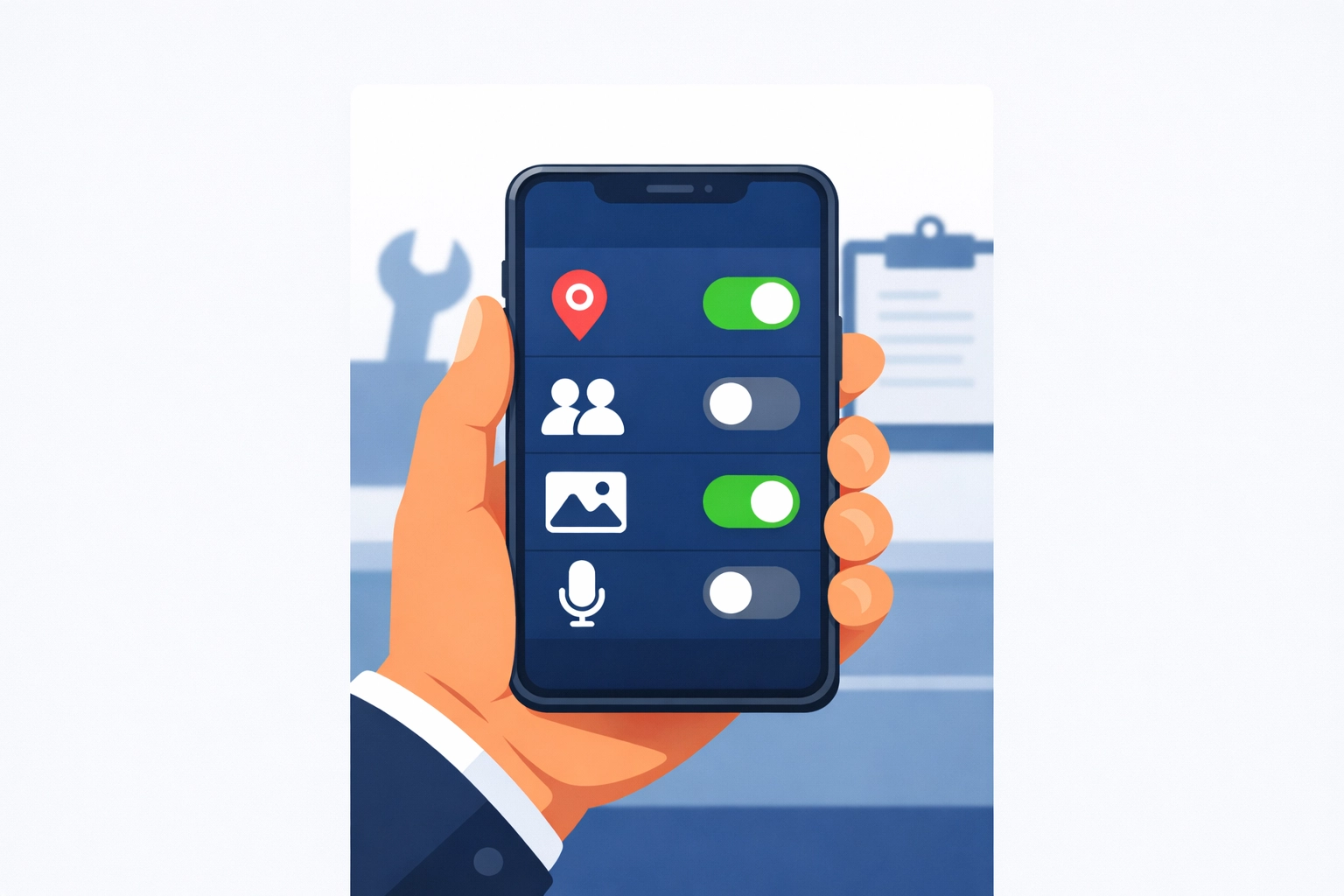
    Illustration of a smartphone screen managing privacy settings and app permissions for a trade business.

    Illustration of an Android permission toggle screen with Location (While using), Contacts (Off), Photos (Selected).

    The third-party SDK problem (even in “legit” apps)

    Many apps are built with plug-ins.
    Analytics. Crash reporting. Marketing. Chat widgets.

    Those components can collect their own data.
    Sometimes they’re listed. Sometimes they’re buried in policy text.

    Common SDK categories:

    • Analytics (what you click, how long you stay, device info)
    • Attribution (where you came from, campaign tracking)
    • Crash logs (device, app state, sometimes snippets of what was on screen)
    • Ad networks (even if the app “doesn’t run ads,” some frameworks still exist)

    No villain story here.
    It’s just “modern app development.”

    Your job is to decide:
    Is this app a tool… or a data pipeline?

    The “reasonable expectation” trap

    Google’s policies say apps shouldn’t collect data in ways users wouldn’t expect without prominent disclosure and consent.

    But “reasonable expectation” is fuzzy.
    And a disclosure you never read still counts as a disclosure.

    If an estimating app collects:

    • device identifiers
    • usage analytics
    • location “for fraud prevention”
    • email for “marketing”

    …that might be disclosed.
    You still might not expect it.

    So don’t rely on expectation.
    Rely on controls.

    A practical checklist before you install a Play Store app

    No audits. No enterprise security program. Just a quick filter.

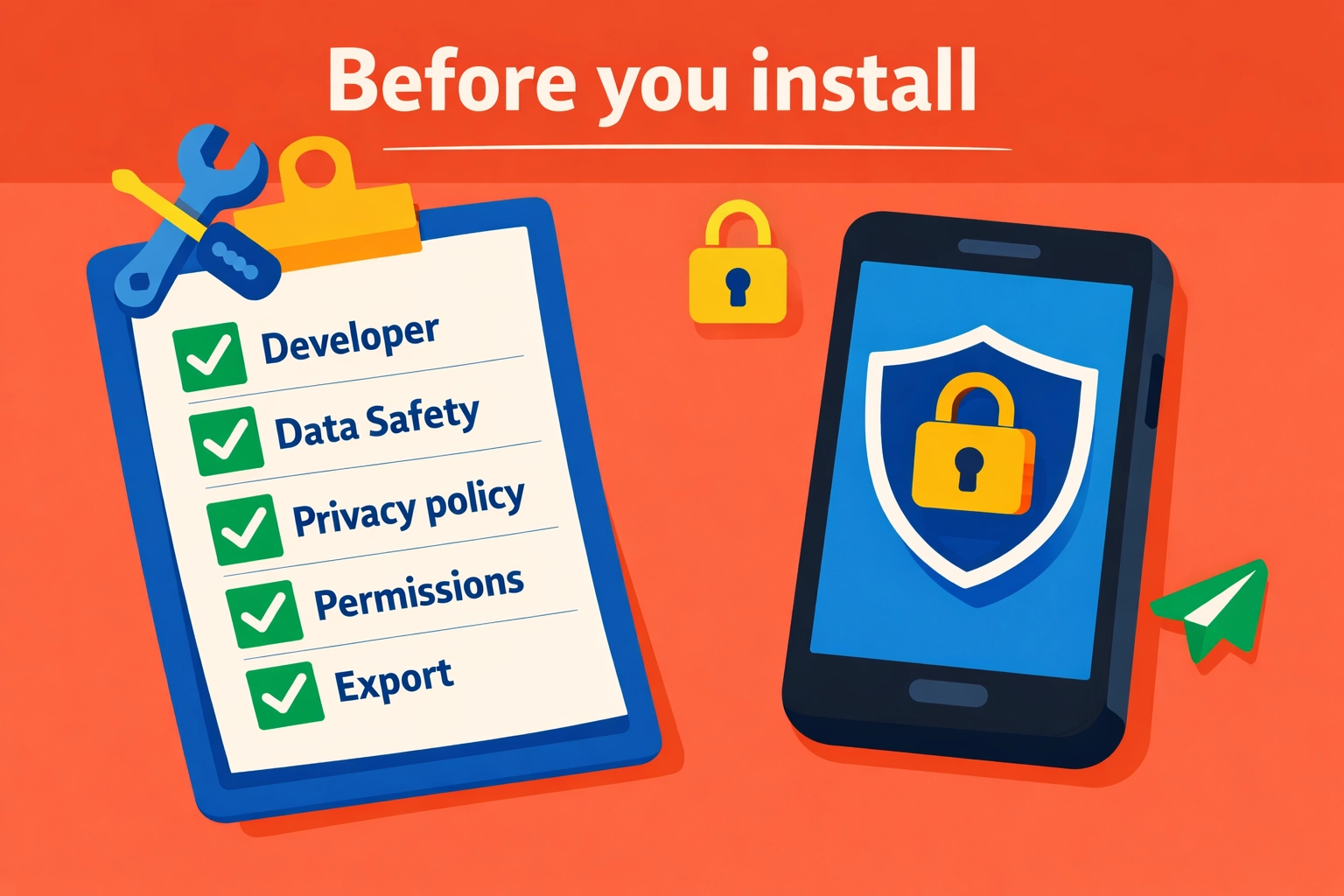
    Illustration of a simple 'Before you install' checklist for vetting Play Store apps.

    1) Check the developer name like you’re hiring them

    Is it:

    • a real company with a track record?
    • a brand-new developer with 2 apps and a Gmail address?
    • a “studio” with no website?

    If it’s hard to identify who they are, that’s the point.
    Skip it.

    2) Read the Data Safety section for “Shared”

    You’re looking for:

    • data shared for advertising
    • data shared with “partners”
    • broad categories like “Personal info” or “Financial info” shared

    Sharing isn’t always wrong.
    But for a trade ops app, advertising sharing should be a red flag.

    3) Open the privacy policy and search for 5 words

    Use find-in-page for:

    • “share”
    • “third party”
    • “partners”
    • “advertising”
    • “sell”

    If you see “we may share with trusted partners” with no list, no purpose, no opt-out?
    That’s not transparency.

    You can also compare to our approach to privacy here:
    https://www.valortek.com/privacy

    4) Look at permissions before install, then verify after install

    The store listing may show permissions.
    But you should verify in Android settings after the first run.

    If it requests:

    • contacts + location + files + microphone
      …and it’s a basic invoicing app?
      Hard pass.

    5) Ask one question: “What happens if we leave?”

    If you can’t export your data easily, you’re trapped.
    And trapped data tends to get messy.

    You want:

    • export of customers, invoices, job history
    • clear retention/deletion policy
    • a way to close the account and remove data

    How to protect your operations (without slowing down the crew)

    This is the part that matters.
    Simple moves. Big payoff.

    Keep business apps off personal phones (when possible)

    No perfection required.
    Just separation.

    Options:

    • company-owned Android phones for techs
    • Android Work Profile / MDM-lite setup
    • a dedicated tablet for invoicing and photos

    When personal and business mix, permissions get sloppy.
    And data spreads.

    Standardize your “approved app list”

    No 30 different apps across 8 techs.
    No “whatever I found on Play Store.”

    Create one short list:

    • scheduling/dispatch
    • estimates/invoices
    • payments
    • job photos (if separate)
    • communication

    Everything else is optional.
    Optional is where the risk hides.

    Remove permissions quarterly (yes, really)

    Set a calendar reminder. 15 minutes.

    • review installed apps
    • uninstall what you don’t use
    • reset permissions for the rest
    • re-grant only what’s needed

    This one habit catches:

    • old apps you forgot
    • permissions that crept in over time
    • “trial apps” that never left

    Turn off ad personalization on work devices

    This doesn’t solve everything.
    But it reduces cross-app profiling.

    On Android, you can:

    • review Google privacy settings
    • limit ad personalization
    • reset advertising ID (where available)

    Again: not magic.
    Just less tracking.

    Treat customer data like you treat tools

    You don’t leave a $2,000 tool unattended on a jobsite.
    Don’t leave your customer list in the hands of unknown apps either.

    • minimize who can export
    • use roles (tech vs admin)
    • keep pricing/rates limited to those who need it

    What we think small trade businesses actually need

    No enterprise security theater.
    No 40-page compliance binder. Just sane defaults.

    At Valortek, we’re not another “download 12 apps and pray” stack.
    We’re not another platform that needs your data to run ads.

    No confusion. No gotchas. Just clear operations tools built for real trade businesses.

    If you want fewer apps, fewer logins, and fewer unknowns touching your data, that’s the direction we’d push you in.

    And if you’re not sure where to start, we’ll tell you straight.
    Even if the answer is “keep what you have, just lock it down.”


    Start Your Free Trial

    Questions? Contact us – we're happy to help you decide.

  • Appliance Repair in 2026: Why Physical Expertise is Still King

    It’s 2026. Your refrigerator can tell you when the milk is sour. Your washing machine can order its own pods. Your oven can suggest recipes based on what’s in the pantry.

    Everywhere you look, things are getting "smarter."

    There is a lot of talk about AI doing everything. People say software will eventually run the world. They think that because an appliance is connected to the internet, it can fix itself.

    They are wrong.

    No magic software. No remote-only fixes. Just hard work and expert hands.

    The truth is, as appliances get more complex, the person who knows how to pick up a wrench becomes more valuable, not less. We’re seeing it every day in the industry. The digital side of things identifies the problem. The human side of things actually solves it.

    The AI Blind Spot

    AI is great at data. It can track cycles, monitor temperature fluctuations, and flag a sensor that isn't reporting correctly.

    But AI has a massive blind spot: the physical world.

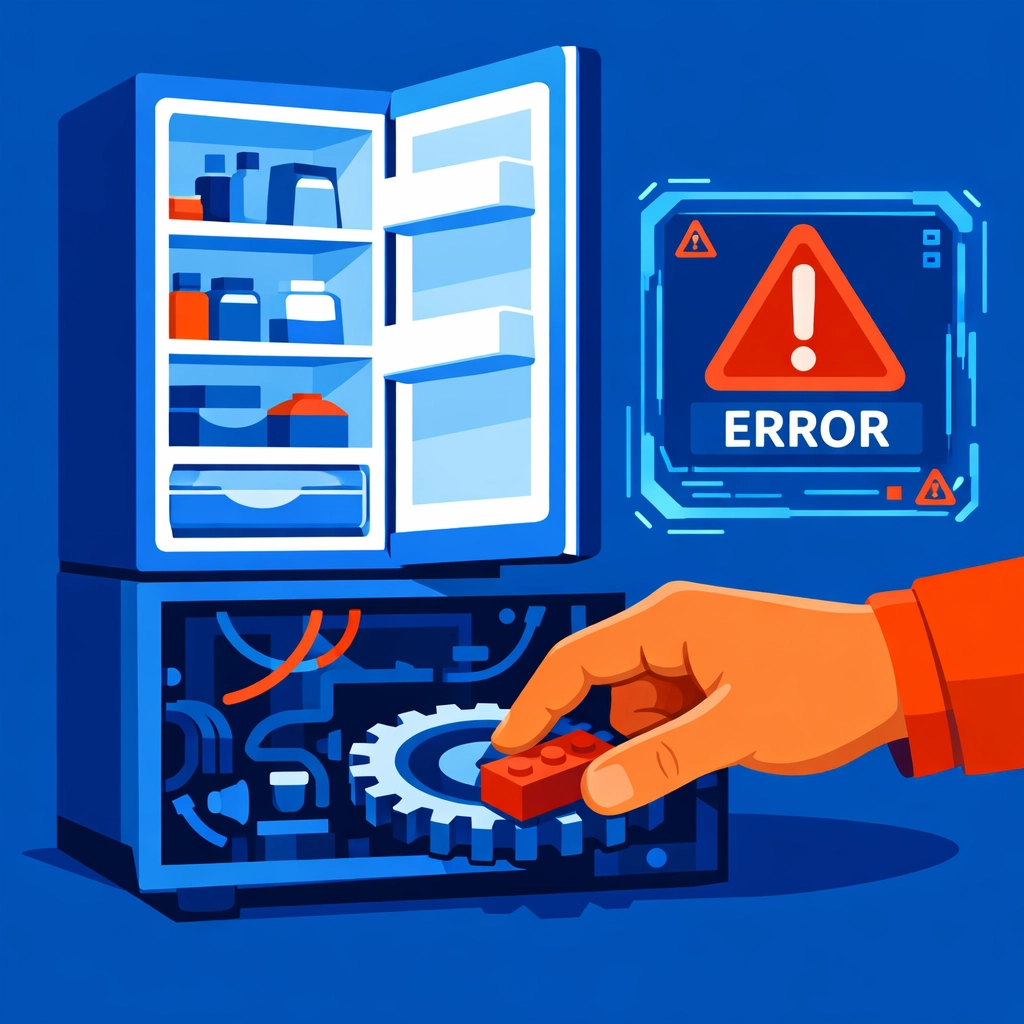
    An AI can tell you that a dishwasher isn't draining. It might even tell you that the drain pump isn't receiving enough voltage. What it can’t see is the stray Lego piece wedged in the impeller. It can’t see the hair clog that’s been building up for three years. It can’t see the slight corrosion on a wire that just needs a quick clean.

    Technician manually removing a physical obstruction from a refrigerator gear to fix an error.

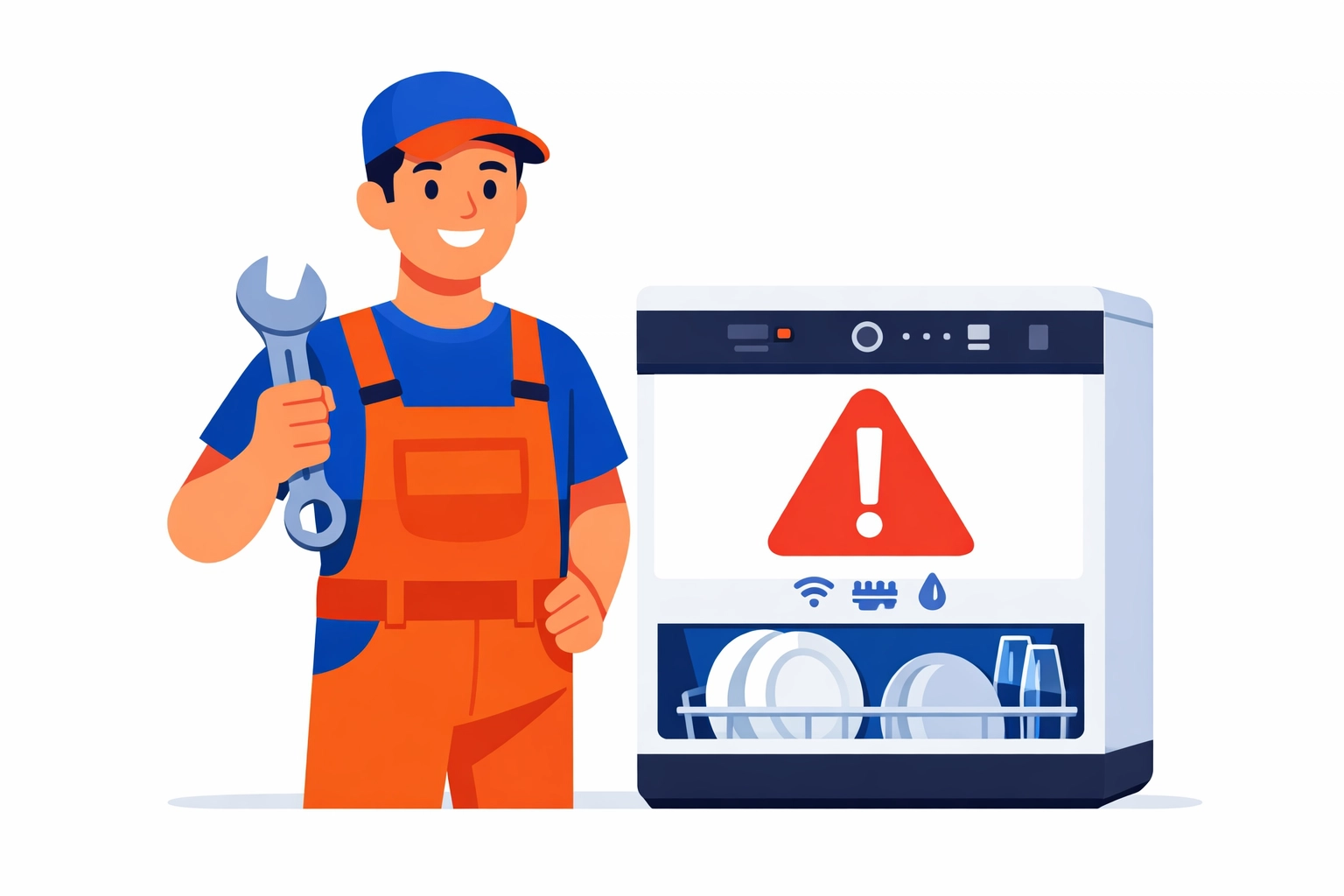
    Appliance repair tech fixing a smart dishwasher with an alert on the screen (flat illustration).

    Physical repair is about more than just following a manual. It’s about intuition. It’s about being able to hear a "thump" and knowing exactly which bearing is starting to go. It’s about the "touch" you develop after five years in the field.

    No algorithm can replicate that.

    We see companies trying to replace technicians with "remote diagnostic experts." It sounds efficient on paper. In reality? It usually leads to three different parts being shipped to a customer's house, none of which fix the actual issue because no one laid eyes on the machine.

    The Hybrid Tech Era

    We aren't saying technology is useless. Far from it.

    Modern appliances are hybrids. They are 50% mechanical systems and 50% IoT (Internet of Things) technology. To be a top-tier technician in 2026, you have to speak both languages.

    You need to understand IoT protocols and mobile app interfaces. You need to know how to troubleshoot a Wi-Fi module that won't connect to a local mesh network. But you also need to know how to rebuild a compressor.

    This dual requirement is creating a massive gap in the market.

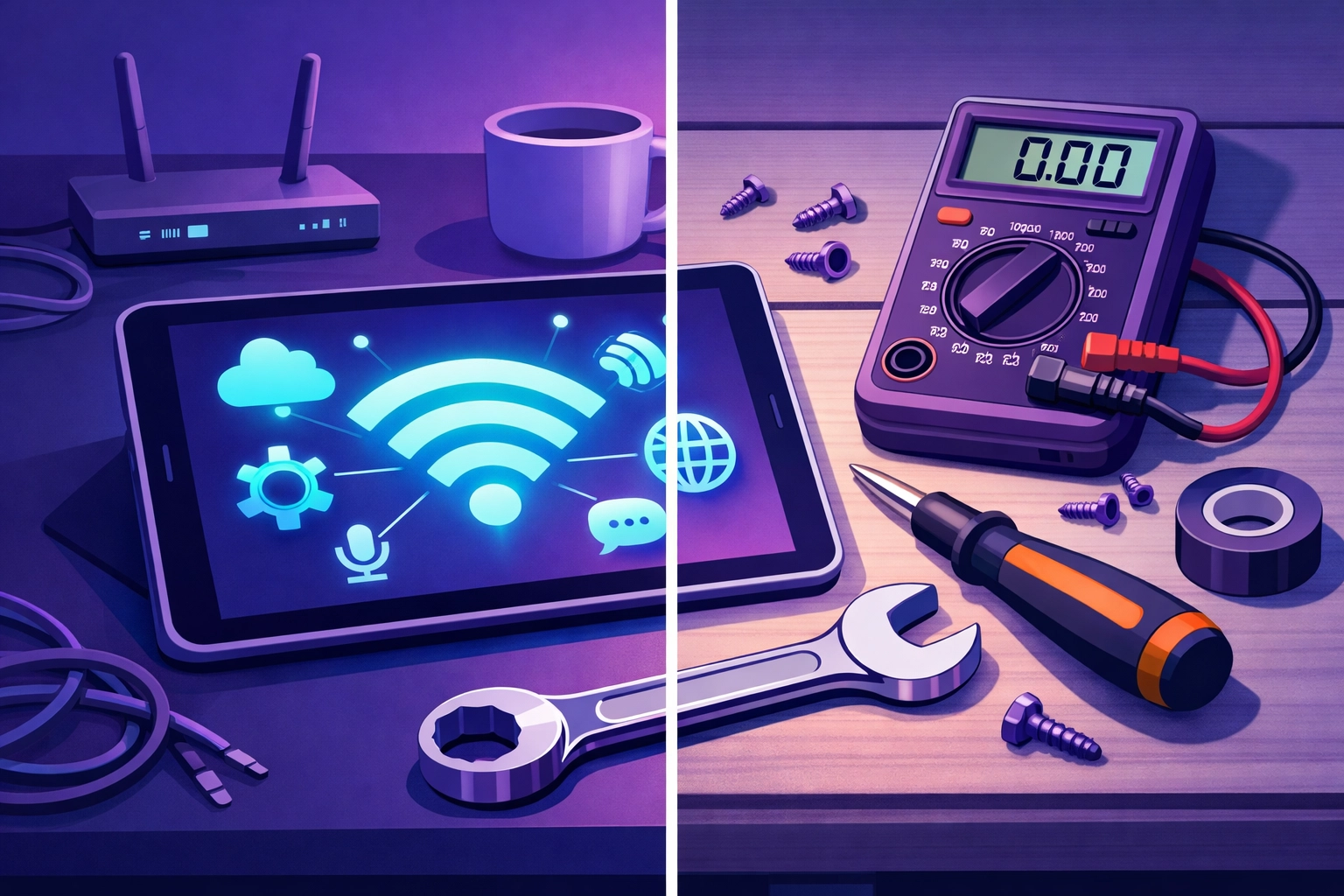
    Modern appliance technician workspace combining digital diagnostics and physical repair tools.

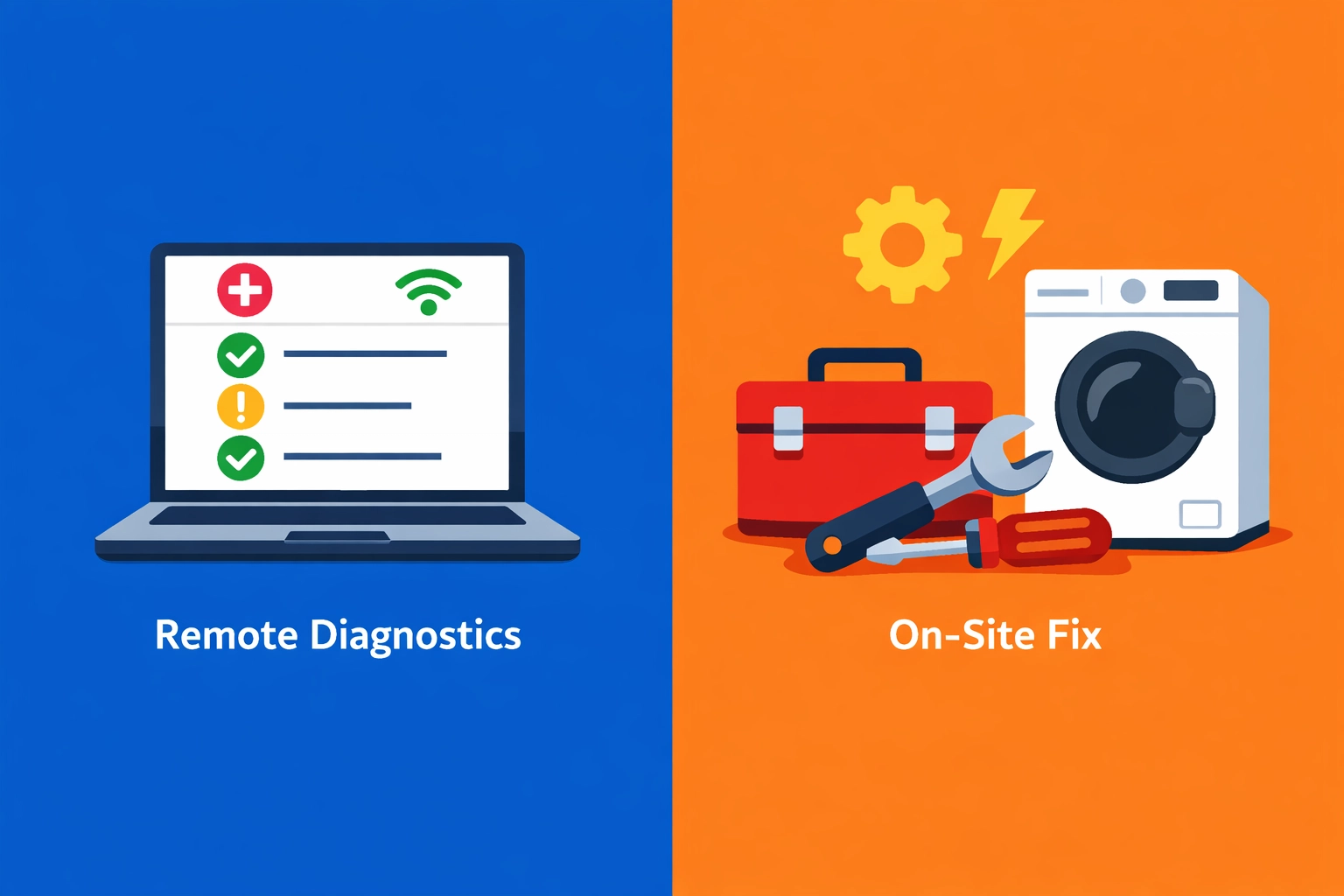
    Split view of remote diagnostics on a laptop vs on-site appliance repair with tools (flat illustration).

    Research shows there is currently a 25% global deficit in qualified technicians. Training programs are struggling. While 32% of service providers now offer some form of remote diagnostics, they are finding that it only scratches the surface.

    The complexity of these units makes DIY repairs almost impossible for the average homeowner. They might be able to reset a router, but they aren't going to pull apart a $4,000 smart range to find a short in a wiring harness.

    Breakdown repairs are still the most requested service. Why? Because the more complex a machine is, the more ways it can break.

    The $32 Billion Reality

    Let’s talk numbers. Plain and simple.

    The appliance repair industry is a $32 billion worldwide opportunity. The average consumer spends about 15-20% of an appliance's total cost on repairs every single year.

    That money isn't going to software subscriptions. It’s going to the person who shows up at the door and gets the machine running again.

    85% of consumers prioritize same-day service. They don't want a "virtual consultation." They want their fridge to stop leaking onto their hardwood floors. They want their laundry done before Monday morning.

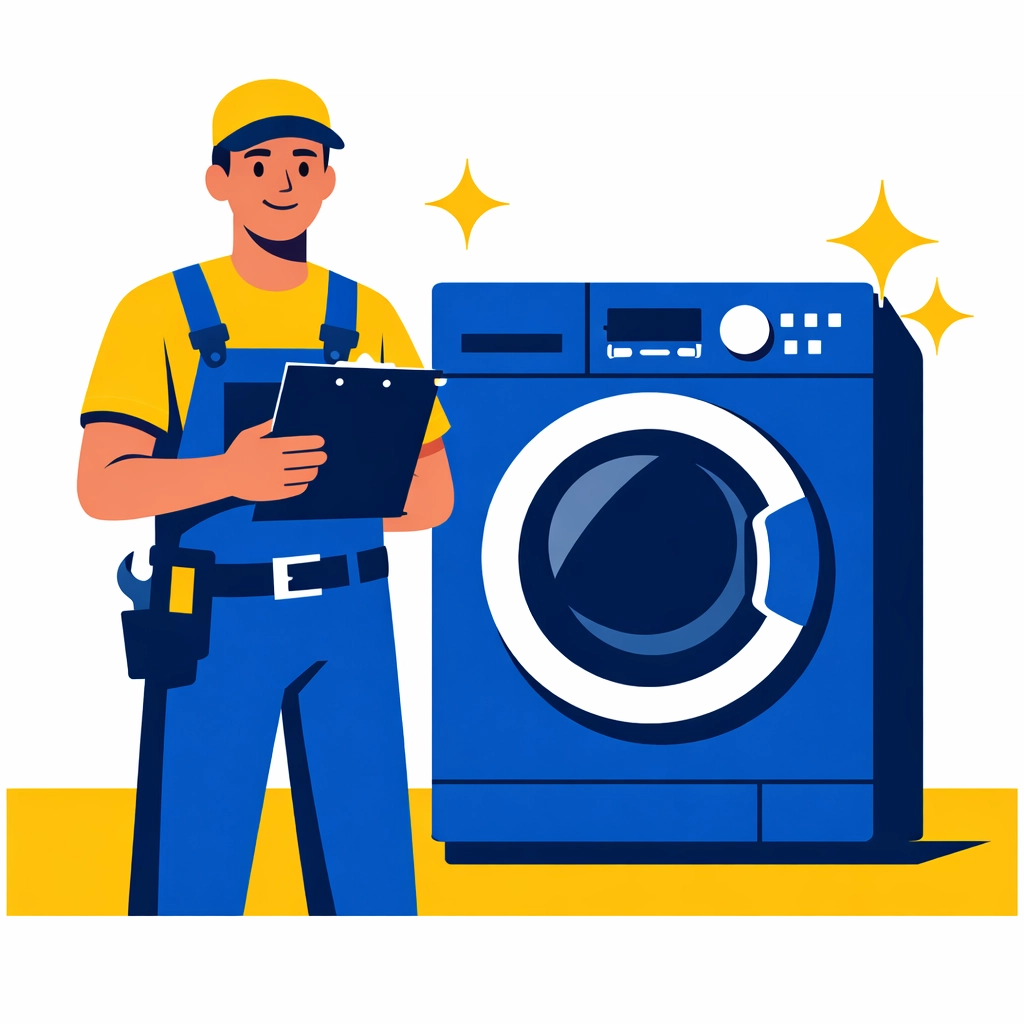
    Professional service technician with a successfully repaired washing machine for a happy customer.

    Field service technician and van using a tablet for scheduling and invoicing (flat illustration).

    Efficiency is the only way to win in this market. 60% of customers express frustration over wait times for replacement parts. If you are the business that has the expertise to diagnose it right the first time and the logistics to get it fixed fast, you win.

    This is where the human element is king. A physical technician can pivot. They can find a workaround. They can identify a secondary issue while they’re already inside the machine, preventing a second service call and building massive trust with the customer.

    Why Your Skills Are Future-Proof

    If you’re running an appliance repair business, you might feel the pressure to "automate" everything. Don't fall for the hype.

    Automate your scheduling. Automate your invoicing. Automate your follow-ups. But never try to automate the expertise.

    Your value lies in your ability to solve physical problems in a physical world.

    Think about it:

    • AI can’t feel vibration. It can’t tell if a machine is unlevel or if the floor joists are the real problem.
    • AI can’t smell. It doesn’t know the difference between a burnt-out motor and a scorched wire.
    • AI can’t negotiate. It doesn’t know how to explain to a frustrated homeowner why a repair is better than a replacement in a way that builds a long-term relationship.

    We’re seeing a shift toward predictive maintenance. Systems that tell us a part will fail in two months. That’s great. It’s a $4.2 billion emerging market. But guess who has to go out and replace that part before it fails?

    You do.

    Scaling the Human Side of Business

    At Valortek, we don't believe in replacing people with tech. We believe in using tech to make people more powerful.

    Valortek company logo featuring a bold blue “V” inside a square icon, next to the word “Valortek” in modern blue lettering

    We work with appliance repair businesses to help them scale without losing their soul. Most consulting firms want to give you a 50-page manual and a bunch of buzzwords.

    We’re not another enterprise consulting firm. We’re Valortek.

    We focus on the systems that let your technicians do what they do best: fix things. We look at your operations, your customer flow, and your tech stack. We strip out the junk that’s slowing you down.

    No bloat. No nonsense. Just results.

    If your techs are spending three hours a day on paperwork, they aren't fixing appliances. If your dispatching system is sending them across town in peak traffic, you’re losing money.

    We help you tighten those bolts.

    The Bottom Line

    Physical expertise is the ultimate competitive advantage in 2026.

    As the world gets more digital, the ability to work with your hands becomes a rare and premium skill. Don't let the "AI will replace us" crowd get in your head. They’ve never had to troubleshoot a sealed system on a sub-zero fridge at 4:00 PM on a Friday.

    You provide a service that is essential. You keep homes running. You keep families fed.

    Technology is just the assistant. You are the expert.

    Ready to grow your repair business without the headache? Let’s talk about how to make your operations as sharp as your technical skills.

    Start Your Free Trial

    Questions? Contact us – we're happy to help you decide.

  • The Electrician Advantage: Real-World Problems AI Cannot Touch

    AI can talk about electricity. You deal with it.
    No guesses. No vibes. Just voltage, code, and consequences.

    There’s a lot of noise right now about AI “replacing trades.”
    We’re not buying it.

    Not because AI is useless.
    Because real electrical work isn’t a clean dataset.

    It’s cramped attics. Weird remodels. Mixed circuits. Half-labeled panels.
    And customers who swear “it just started doing that yesterday.”

    This post is simple: the stuff you do every day that AI can’t touch.
    And why that advantage matters for your business.


    AI is great at patterns. Electrical problems aren’t patterns.

    AI wins when the inputs are clean. Electrical systems almost never are.
    No perfect diagrams. No consistent installs. No “standard” anything.

    A model can learn from thousands of textbook cases.
    But your Tuesday job is a Frankenstein system built across three decades.

    Think about what you actually troubleshoot:

    • A flickering light that only happens when the dryer kicks on
    • A GFCI that trips “randomly” after rain
    • A remodel where someone tied neutrals together because it “worked”
    • A service upgrade where half the labeling doesn’t match reality

    That’s not a multiple-choice test.
    That’s a field puzzle.

    You don’t just identify the problem. You define the problem.
    AI can’t do that reliably without perfect sensors, perfect documentation, and perfect history.

    And those don’t exist in most buildings.


    Troubleshooting is judgment. Not lookup.

    The best electricians don’t memorize more. They reason better.
    No script. No checklist-only thinking. Just decisions that fit the situation.

    You notice the small stuff:

    • Heat where there shouldn’t be heat
    • A smell that means “stop right now”
    • A buzzing that isn’t “normal transformer hum”
    • A breaker that’s warm but not tripped (yet)

    That’s experience.
    That’s context.

    AI can recommend a likely cause.
    You decide what’s safe to test, what’s safe to open, and what’s safe to leave alone until power is isolated.

    No instincts. No caution. Just output.
    That’s the limit.


    Real job sites are messy. AI hates messy.

    Electrical work happens in real places. Not lab conditions.
    And real places are full of constraints.

    You deal with:

    • Access issues (tight crawlspaces, finished ceilings, blocked panels)
    • Existing damage (water, rodents, corrosion, DIY fixes)
    • Old materials (knob-and-tube, aluminum branch wiring, brittle insulation)
    • “Just make it work” requests that violate code

    AI can’t “see” the job site the way you do.
    Even if it has a camera, it still can’t feel heat, tension, vibration, or resistance the way a human can.

    And it definitely can’t negotiate the tradeoffs:

    • “We can fish this wire, but the drywall repair won’t be pretty.”
    • “We can replace the device, but the box is undersized.”
    • “We can add a circuit, but your panel is at capacity.”

    That’s not math.
    That’s craft.

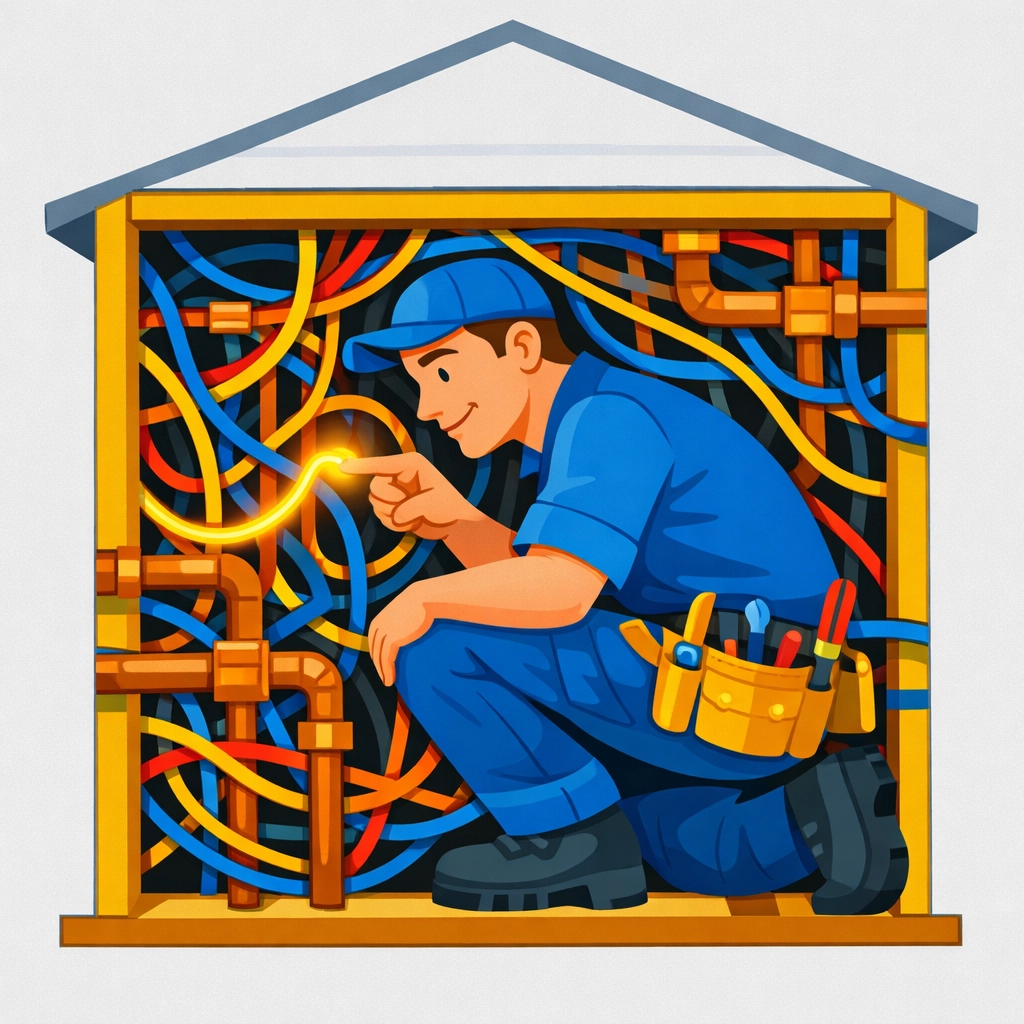
    Electrician troubleshooting complex wiring in a tight wall space, showing human skill in electrical problem-solving.


    Electrical code isn’t just rules. It’s interpretation.

    AI can quote code. You apply it.
    Huge difference.

    The NEC is detailed, but job sites aren’t.
    And local AHJs don’t all enforce the same way.

    You’re constantly balancing:

    • Code requirements
    • Manufacturer specs
    • Load calculations
    • Site constraints
    • Inspection expectations
    • Customer budget (without cutting corners)

    AI can pull the “right” paragraph.
    But when the panel is in a closet, the framing is wrong, and the customer wants it done today, you’re the one making it safe and compliant.

    No accountability. No inspection. Just suggestions.
    That’s not enough for real work.


    Physical labor is the job. AI can’t lift, pull, drill, or sweat.

    Let’s be blunt: electricity is not solved on a keyboard.
    It’s solved with tools, hands, and time.

    AI can’t:

    • Pull wire through a packed conduit run
    • Set anchors in concrete
    • Replace a service mast in wind and snow
    • Terminate conductors correctly under torque specs
    • Cut, bend, mount, and level actual gear
    • Work safely on ladders and lifts
    • Move through a job without damaging finished surfaces

    Even the “robot electrician” idea falls apart fast.
    Because every building is different, every wall is different, every surprise is different.

    No muscles. No mobility. Just talk.
    Talk doesn’t fix a failed neutral.


    Safety isn’t optional. And AI can’t own it.

    Electricians don’t just fix problems. You prevent disasters.
    That’s the part outsiders miss.

    A lot of electrical work is risk management:

    • Arc flash exposure
    • Fault current realities
    • Lockout/tagout discipline
    • Proper PPE choices
    • Knowing when to stop and re-plan

    AI doesn’t feel risk.
    It doesn’t get tired. It doesn’t get rushed. It doesn’t get complacent.

    But it also doesn’t care if it’s wrong.

    You do.

    Because “wrong” can mean:

    • Fire
    • Injury
    • Liability
    • Failed inspection
    • A customer who never calls you again

    No stakes. No consequences. Just probability.
    And probability is a terrible safety plan.


    The customer side is half the job. AI can’t do trust.

    You’re not just wiring circuits. You’re managing people.
    Anxiety, urgency, confusion, skepticism. All of it.

    Customers ask things like:

    • “Is this dangerous?”
    • “Is this going to happen again?”
    • “Why is it so expensive?”
    • “Can you do it today?”
    • “Are you sure we need a new panel?”

    AI can answer.
    But it can’t read the room.

    You can.

    You know when to slow down and explain.
    You know when to draw a quick diagram on a notepad.
    You know when to say, “I’m not leaving this like this.”

    That’s trust.
    And in the trades, trust is your marketing.


    What AI can do for electricians (and we’re fine admitting it)

    We’re not anti-AI. We’re anti-hype.
    No fear. No fantasy. Just useful tools.

    AI is solid at:

    • Summarizing notes into clean job descriptions
    • Drafting customer-facing explanations (that you review)
    • Organizing photos by job and room
    • Spotting trends across lots of jobs (callbacks, parts usage, time sinks)
    • Helping you write faster estimates and follow-ups

    But notice the pattern: AI supports the work. It doesn’t replace it.

    The win is simple.
    You stay in control. You stay accountable. You stay the pro.

    AI handles the busywork.


    The real risk isn’t AI. It’s admin overload.

    Most electricians don’t lose time to the tools. You lose time to the office.
    No offense to “software.” But most of it is built for someone else.

    Here’s what we see over and over:

    • Your schedule is in one place
    • Customer info is in another
    • Estimates are in a spreadsheet
    • Invoices are in accounting software
    • Photos are on your phone
    • Notes are… somewhere
    • And every handoff costs you time

    That’s where businesses leak money.
    Not because the work is hard. Because the workflow is fragmented.

    And that’s where we come in.


    We’re not another “enterprise platform.” We’re the ops layer you actually use.

    Valortek is built to make the business side of your trade simpler.
    No bloated dashboards. No “digital transformation” speeches. Just the basics done right.

    What we care about:

    • Clear scheduling
    • Clean job records
    • Fast estimates and invoices
    • Less re-typing the same info
    • Better visibility on what’s profitable
    • Fewer surprises at the end of the month

    You already have the electrician advantage.
    We help you run it like a business.

    If you want to learn more about how we handle data and privacy, it’s here: https://www.valortek.com/privacy


    The bottom line: your value is in the messy middle

    AI can’t crawl into the attic, read the panel, and make the call.
    You can.

    AI can’t balance safety, code, customer expectations, and physical reality in real time.
    You do that every day.

    So if you’re worried about being “replaced,” don’t be.
    Worry about being buried in admin while you’re out doing the hard work.

    Let software do the paperwork.
    Let humans do the trade.


    Start Your Free Trial

    Questions? Contact us – we’re happy to help you decide.

  • HVAC Diagnostics: Why Your Local Pro Still Beats AI Every Time

    AI is getting better at HVAC diagnostics.
    It’s also not climbing into your attic.

    No ladders. No gauges. No smell test.
    Just data.

    And that’s the whole point of this post.

    We’re not “anti-AI.”
    We’re anti-fantasy.

    If you run an HVAC business, you’ve probably heard the pitch: “AI will diagnose the issue before you arrive.”
    Sometimes it can help.
    A lot of times it can’t.

    Let’s break down where AI is genuinely useful, where it falls apart, and why the best shop in town is still the one with solid techs and good judgment, plus the right tools.


    AI is a tool. Not a technician.

    AI shines when the system is already instrumented.
    Sensors. Telemetry. Clean history. Consistent runtime data.

    That’s not most residential calls.

    Most service work is messy:

    • The homeowner changed settings three times.
    • The filter is a pet hair brick.
    • The outdoor unit is half buried in cottonwood fluff.
    • The thermostat wiring is “creative.”
    • The condensate line is doing its best impression of a swamp.

    AI doesn’t see any of that unless someone measures it, reports it, and feeds it into the system.

    No hands. No eyes. No context.
    Just an algorithm making guesses.

    And in HVAC, guessing gets expensive fast.


    What AI can do well (and you should use it for)

    Let’s be fair. AI isn’t useless.
    Used right, it can make you faster and tighter.

    Here’s where it helps.

    1) It spots patterns in data you’d never stare at all day

    If you’ve got a building automation system, smart thermostats, or solid runtime history, AI can flag trends:

    • Short cycling patterns
    • Abnormal discharge temps
    • Rising static pressure over weeks
    • Compressor run-time drift
    • Weird load patterns by time of day

    Humans can find these.
    We just don’t have the time to babysit charts.

    2) It speeds up troubleshooting

    Some facilities using AI-based fault detection have reported meaningful reductions in troubleshooting time and HVAC operating cost, because the system flags “check this first” faster than a person can.

    AI becomes the second set of eyes.
    Not the final call.

    3) It enables predictive maintenance (when the inputs are real)

    If you’ve got consistent sensor data, predictive alerts can reduce breakdowns.

    That’s valuable in commercial and industrial work.
    It’s less reliable in “my AC stopped and my toddler’s melting” work.

    So yes: AI can be a boost.
    But it needs one thing to work.

    Good inputs.

    And that’s where reality shows up.


    The big limitation: AI can’t inspect anything

    Diagnostics isn’t just “reading the symptoms.”
    It’s verifying the cause.

    AI doesn’t:

    • Check a blower wheel for buildup
    • Put eyes on a cracked heat exchanger
    • Hear a failing bearing
    • Smell a scorched contactor
    • Feel a vibrating line set
    • Notice the return is undersized and starving the system

    And it can’t do the most important part of the job:

    It can’t decide what matters and what doesn’t when the evidence conflicts.

    That’s not a software problem.
    That’s a “you need a human there” problem.

    HVAC technician performing manual AC unit inspection with a magnifying glass for precise diagnostics.


    HVAC is physical. Diagnostics are physical.

    A lot of AI hype assumes HVAC is like software.
    It’s not.

    HVAC systems live in the real world:

    • Dust
    • Water
    • Sun
    • Rodents
    • Bad ductwork
    • Bad installs
    • “Handyman specials”
    • Power issues
    • Home additions with zero load calculation

    Even if AI could perfectly interpret your sensor readings, it still wouldn’t know:

    • The condenser is recirculating hot air because it’s boxed in
    • The return is pulling attic air through a gap
    • The supply trunk is leaking into a wall cavity
    • The coil is freezing because airflow is low, not because refrigerant is low
    • The thermostat is in direct sunlight

    Most failures aren’t “mysterious.”
    They’re contextual.

    And context is what humans are good at.


    The data problem: AI only knows what you measure

    AI needs data.
    Most HVAC calls don’t have it.

    Even on higher-end systems, the data might be:

    • Incomplete (missing sensors)
    • Noisy (bad calibration, drift)
    • Misleading (wrong assumptions)
    • Disconnected (no unified history across equipment)
    • Stale (no recent service notes)

    Garbage in. Garbage out.
    That’s not a slogan. That’s Tuesday.

    And if you’re relying on AI as the first and only brain, you’ll end up with:

    • Wrong parts ordered
    • Wrong diagnosis sold
    • More callbacks
    • Less trust
    • Lower close rates

    You don’t want to be the shop known for “the algorithm said so.”


    HVAC diagnostics aren’t one problem. They’re multiple problems stacked.

    AI tends to do best when one cause leads to one effect.
    HVAC failures often have chains.

    Example: “No cooling.”

    • Low airflow from a dirty filter
    • Which caused coil icing
    • Which caused liquid floodback risk
    • Which caused poor superheat readings
    • Which triggers a technician to think “refrigerant issue”
    • Which leads to topping off instead of fixing airflow
    • Which leads to another callback in two weeks

    AI might catch coil temp anomalies.
    But it won’t automatically understand the messy human behavior around it:

    • Homeowner replaces filter with the wrong size
    • Tech is under time pressure
    • System is oversized
    • Ducts were never balanced

    Diagnostics is not just physics.
    It’s people.


    The “last mile” is where AI breaks

    Even if AI points you in the right direction, the final step still needs a pro:

    • Confirming readings with instruments
    • Verifying airflow
    • Checking electrical under load
    • Inspecting mechanical condition
    • Deciding repair vs replace
    • Explaining tradeoffs to the customer

    This is the part customers remember.

    They don’t remember your dashboard.
    They remember whether you fixed it, how you explained it, and whether it stayed fixed.

    No script. No chatbot. Just trust.
    And trust is earned in person.


    Safety and liability: AI doesn’t sign the invoice

    HVAC isn’t just comfort.
    It’s safety.

    • Gas leaks
    • CO risk
    • Electrical faults
    • Overheated components
    • Combustion air issues
    • Venting issues

    AI can flag anomalies.
    It can’t take responsibility.

    Your tech is the one who decides:

    • “This is unsafe.”
    • “We shut it down.”
    • “Here’s why.”
    • “Here’s the next step.”

    If you’ve ever had to make that call in a living room with a worried homeowner, you know:
    that’s not an algorithm moment.

    That’s a judgment moment.


    “But what about remote diagnostics?”

    Remote diagnostics are real.
    And they can be great.

    Here’s the honest take:

    • Remote diagnostics work best in commercial environments.
    • They work best when the site is already heavily instrumented.
    • They work best when the equipment is standardized.
    • They work best when maintenance is consistent.

    Residential is the opposite of that.

    So if someone’s telling you AI can replace dispatch, replace techs, and replace on-site work…
    they’re selling you a story.

    No truck. No tools. No problem?
    Not in HVAC.


    Where AI helps your HVAC business without pretending to replace you

    This is where we like to live: practical tools that don’t insult your intelligence.

    AI can help in areas adjacent to diagnostics, places where speed and consistency matter, and the risk of “AI hallucinating” won’t fry a compressor.

    ✅ Better triage at intake

    AI can help you standardize what questions get asked on a call:

    • “Is the outdoor unit running?”
    • “Any ice on the line?”
    • “Any burning smell?”
    • “When did it start?”
    • “Any recent work done?”

    Not replacing your dispatcher.
    Just making intake tighter.

    ✅ Cleaner notes and better handoffs

    Tech notes matter.
    AI can help summarize, structure, and clean up notes so:

    • The next tech isn’t guessing
    • Your office can invoice faster
    • You can spot repeat issues

    ✅ Predictive reminders (filters, maintenance, warranties)

    AI isn’t diagnosing the compressor.
    It’s reminding customers to do the basics that prevent breakdowns.

    That’s not hype.
    That’s revenue and fewer emergency calls.

    ✅ Inventory and parts forecasting

    If you track parts usage, AI can help predict what to stock.

    Not magic.
    Just math at scale.


    The best diagnostic system is still a great process

    Here’s what wins in the real world.

    No buzzwords. No “digital transformation.” Just fundamentals.

    A diagnostic workflow your techs actually follow

    • Verify the complaint
    • Check airflow first
    • Check electrical second
    • Check refrigerant last (and only after airflow is confirmed)
    • Confirm with measurements, not vibes
    • Document before/after readings

    A consistent way to capture job data

    If you want AI to help later, you need consistent inputs now:

    • Model/serial
    • Installed date (if known)
    • Photos
    • Static pressure readings (when relevant)
    • Delta T
    • Superheat/subcooling (when relevant)
    • Parts replaced
    • Root cause notes (not just “fixed”)

    AI can’t create discipline.
    But discipline can create data.

    And data can actually help you scale.


    Customers don’t want AI. They want certainty.

    Homeowners don’t call you because they want innovation.
    They call because they want their house comfortable again.

    They want:

    • A clear answer
    • A fair price
    • A fix that lasts
    • A tech who seems competent and calm

    AI can support that.
    It can’t be that.

    The shops that win with AI will be the ones who use it quietly, behind the scenes, to reduce waste, without pretending it replaces craftsmanship.

    No robot techs. No remote miracles. Just better service.
    That’s the lane.


    How we think about it at Valortek

    We’re not another bloated “platform” built for enterprise facilities teams.
    We’re not trying to replace your techs with prompts and dashboards.

    We build tools that help your operation run cleaner:

    • Better scheduling
    • Better job tracking
    • Better customer visibility
    • Better follow-up
    • Better internal accountability

    No complexity for the sake of complexity.
    No features you’ll never use.
    Just a system your team can actually stick with.

    If you want to learn more about who we are, you can poke around here: https://valortek.com


    The bottom line

    AI can flag.
    It can suggest.
    It can accelerate.

    But it can’t crawl into a tight attic and tell you the return’s undersized.
    It can’t look a customer in the eye and explain why replacement is the right call.
    It can’t keep your reputation intact when the easy answer is wrong.

    So yes: use AI.
    Just don’t outsource your judgment.

    That judgment is your edge.
    And your local pros? They’re still the difference.


    Start Your Free Trial

    Questions? Contact us – we’re happy to help you decide.