Author: Warren

  • Stop Wasting $200/Month on Field Service Software: The QuickBooks + Housecall Pro Alternative for Small Trades

    You’re paying too much for field service management software.

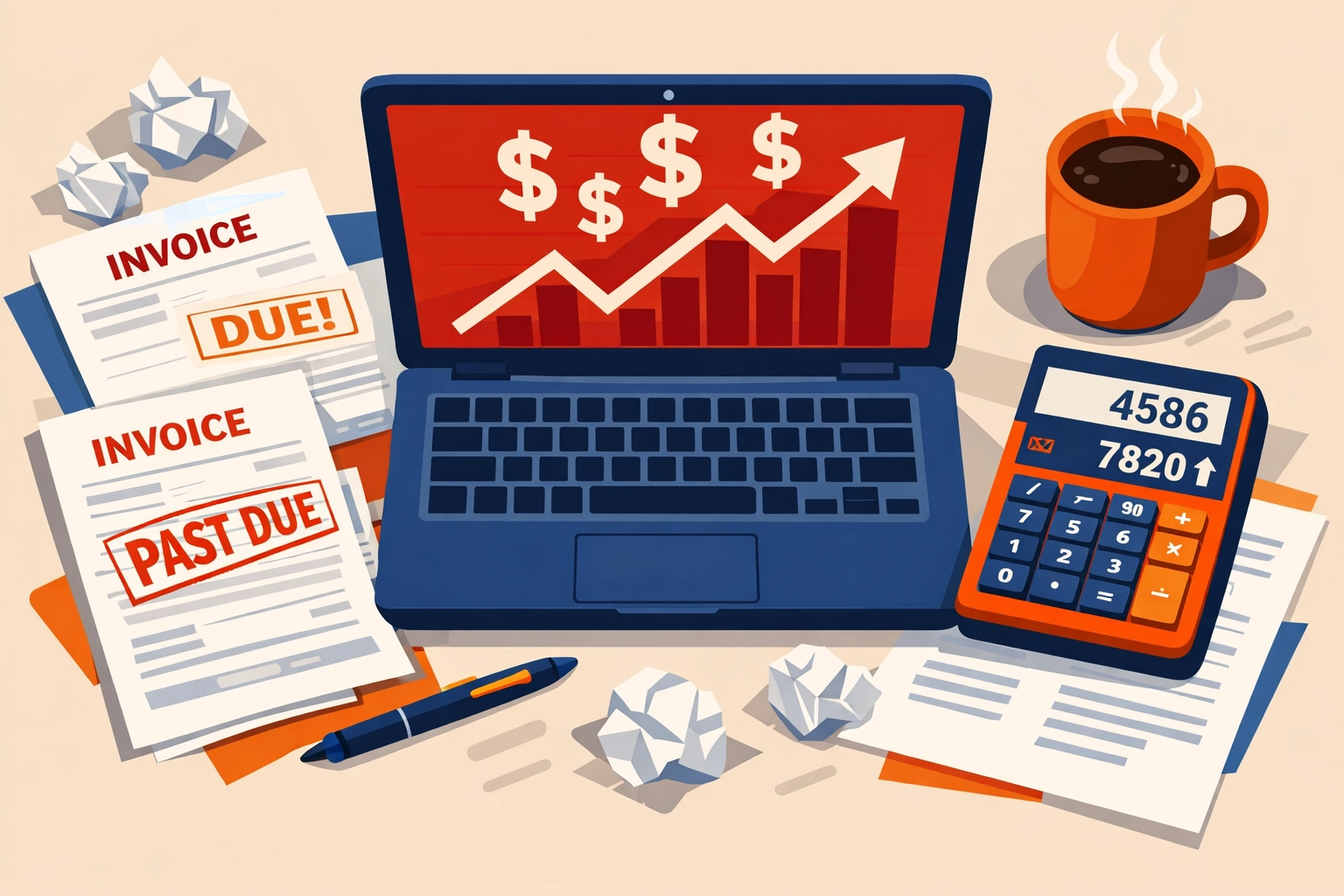
    Let’s do the math. QuickBooks Online Plus runs $90/month. Housecall Pro starts at $169/month. That’s $259/month, or $3,108 per year, just to schedule jobs and send invoices.

    And that’s before you pay your accountant $1,500 at tax time because your books are a mess.

    Most trades with 1–10 employees don’t need enterprise software. You need scheduling. Invoicing. Payment collection. Basic bookkeeping that doesn’t require a CPA to interpret.

    You don’t need two separate platforms that barely talk to each other.

    Why Small Trades Overpay for Software

    The standard advice is simple: use Housecall Pro for field service management and QuickBooks for accounting. Sync them together. Easy, right?

    Except it’s not.

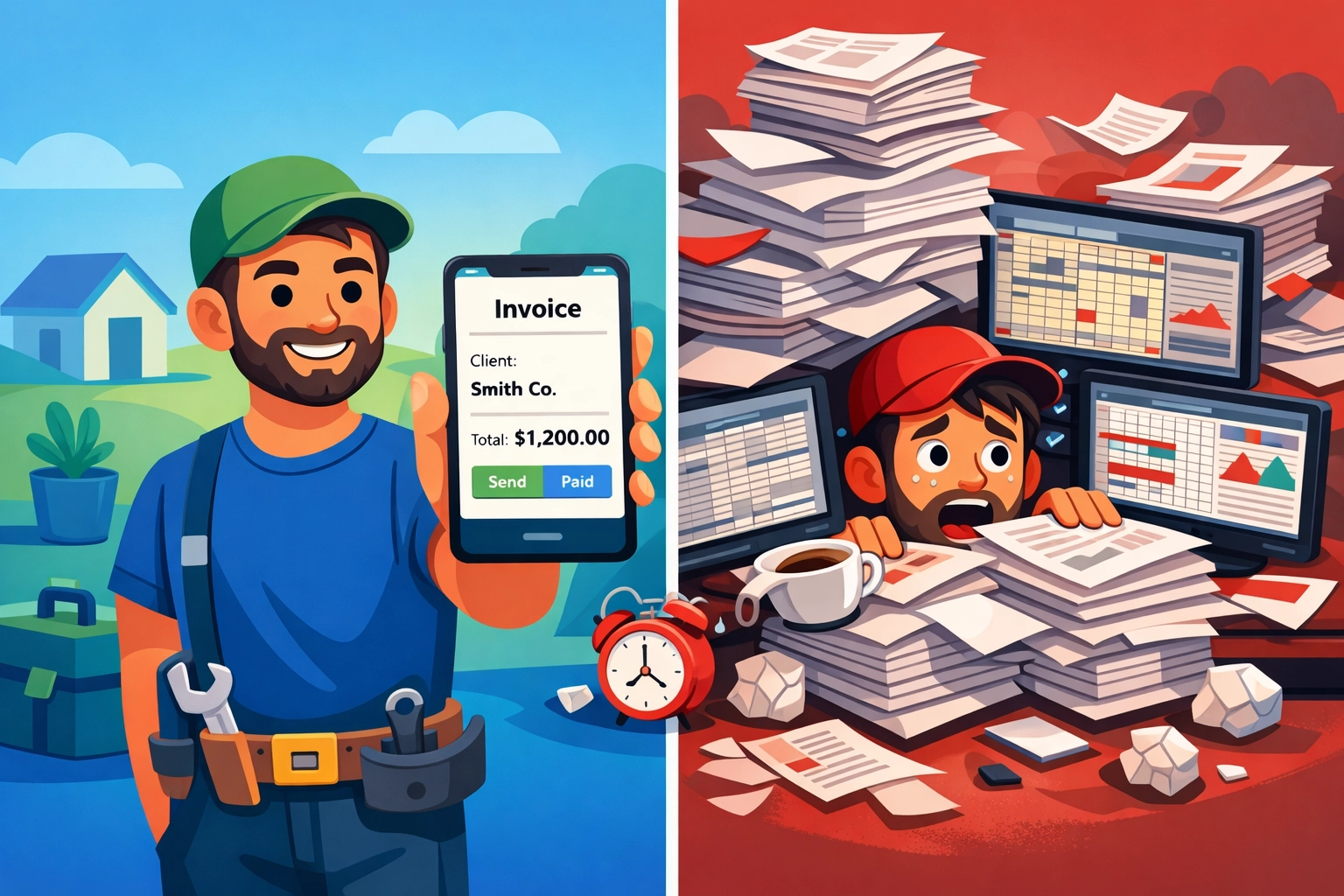
    Contractor managing multiple field service software platforms causing workflow frustration

    You’re running two subscriptions. Two login screens. Two support teams. And when the sync breaks: and it will: you’re stuck figuring out which side dropped the ball.

    Here’s what actually happens:

    • Your technician closes a job in Housecall Pro
    • The invoice syncs to QuickBooks (maybe)
    • The payment syncs separately (sometimes)
    • Your chart of accounts gets cluttered with auto-generated entries
    • You spend 45 minutes every week reconciling transactions that should match but don’t

    This isn’t efficiency. It’s expensive babysitting.

    Field service management software should save you time, not create more work. But when you’re stitching together two platforms that were never designed to work as one system, you end up with gaps.

    The Hidden Costs Nobody Talks About

    The $259/month subscription fee is just the start. Here’s what else you’re paying for:

    Tax prep nightmares. When your data lives in two places, your accountant bills extra hours to reconcile everything. That’s $1,000–$2,000 annually in additional CPA fees just to clean up your books before filing.

    Cash flow guesswork. You can’t see real-time profit and loss when half your data is in one system and half is in another. You’re always estimating. That leads to overspending in good months and scrambling in slow ones.

    Training costs. Every new office person needs to learn two systems. Every technician needs separate logins. Onboarding takes twice as long.

    Integration failures. One software update on either side can break the sync. Now you’re manually entering invoices while waiting for support to fix it.

    Add it all up and you’re closer to $5,000/year in total cost of ownership. Not $3,108.

    What Invoicing Software for Contractors Actually Needs

    Let’s be honest about what a small trade business actually needs.

    You need to schedule jobs without a PhD in software.

    You need to invoice customers the second the work is done.

    You need to accept payments on-site: card, check, ACH, whatever.

    You need your books to update automatically so you’re not doing data entry at 9 PM on a Saturday.

    Field service management software dashboard showing scheduling, invoicing, and payment features

    You need payroll that doesn’t require a separate subscription.

    You need to see your cash position without exporting three different reports and building a spreadsheet.

    That’s it. Everything else is feature bloat.

    The big platforms add AI-powered marketing automation and customer journey mapping and advanced reporting dashboards. Great for a 50-person operation. Useless if you’re running three trucks.

    The $149 Alternative That Actually Works

    We built Valortek for trades with 1–10 employees who are tired of overpaying for software they don’t fully use.

    One platform. One login. One monthly price.

    $149/month gets you:

    • Drag-and-drop scheduling for your whole crew
    • Mobile app for technicians to manage jobs, capture photos, and collect payments in the field
    • Automated invoicing that sends the moment a job is marked complete
    • Payment processing (credit card, ACH, checks) with industry-standard rates
    • Chart of accounts that updates in real time: no syncing, no delays
    • Basic payroll included (no separate Gusto or ADP subscription)
    • Tax-ready reports you can hand directly to your accountant

    No integration headaches. No double data entry. No surprise fees when you add your fourth employee.

    You save $110/month compared to the QuickBooks + Housecall Pro combo. That’s $1,320 per year back in your pocket.

    Where the Real Savings Show Up

    The monthly subscription savings are nice. But the real money is in what you avoid.

    Tax prep gets cheaper. When your accountant gets clean, organized books from a single system, they bill fewer hours. Our customers report saving $1,000–$1,500 annually on CPA fees because everything’s already categorized correctly.
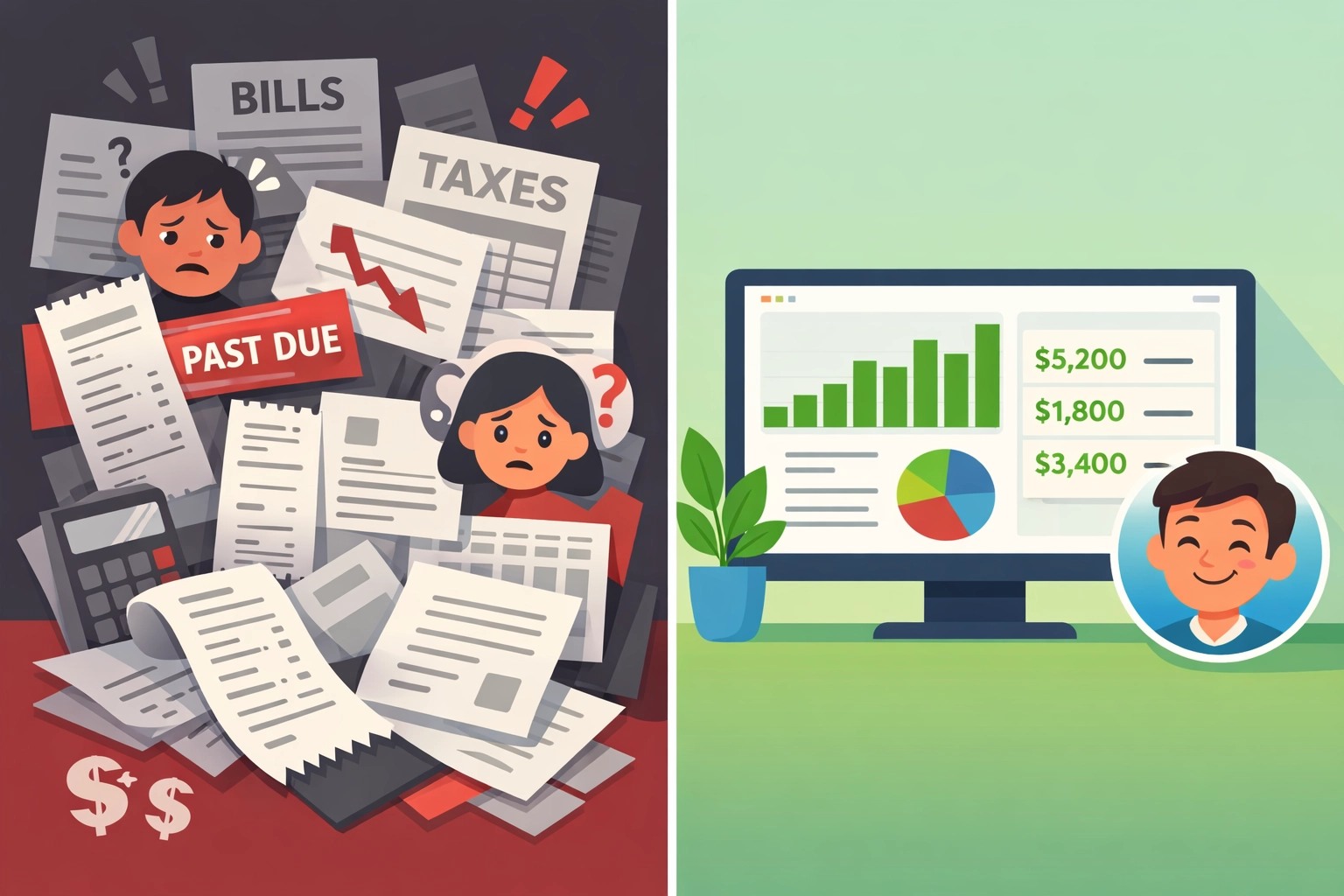
    Comparison of disorganized bookkeeping vs organized invoicing software for contractors

    Cash flow improves. Real-time financials mean you actually know if you can afford that new truck or if you need to push purchasing to next month. No more guessing. No more overdraft fees because you thought you had more in the bank.

    You stop losing money to billing delays. When invoices go out automatically, customers pay faster. The average small trade loses $8,000/year to invoices that never get sent because someone forgot or got busy.

    Training time drops by half. One system means one onboarding process. Your new office manager is productive in days, not weeks.

    Add it up and you’re saving $3,000–$5,000 annually compared to the traditional two-platform approach.

    Who This Is For (And Who It’s Not)

    Valortek is built for small residential service businesses. Plumbers. HVAC techs. Electricians. Locksmiths. Appliance repair. Handyman services.

    If you’re running 1–10 employees and 90% of your work is residential service calls, this is for you.

    This is NOT for:

    • Commercial contractors managing multi-month projects
    • Enterprises with 50+ employees needing advanced workforce management
    • Businesses that require custom integrations with proprietary systems

    We’re not trying to be everything to everyone. We’re trying to be the best option for small trades who need simple, reliable software that doesn’t cost $300/month.

    Field Service Management Software That Doesn’t Overcomplicate Things

    Here’s what using Valortek actually looks like:

    Morning: You add today’s jobs to the schedule. Drag them to your technicians’ calendars. Done.

    Midday: Your tech completes a furnace repair. Takes a photo of the new filter. Marks the job complete in the mobile app. Customer gets an invoice instantly. Pays with a card on the spot.

    Afternoon: That payment hits your account. Your books update automatically. Accounts receivable drops. Revenue goes up. Cash balance reflects the deposit.

    End of day: You check your dashboard. See exactly what you made today, what you’re owed, what’s scheduled tomorrow.

    No exporting. No reconciling. No logging into three different systems.
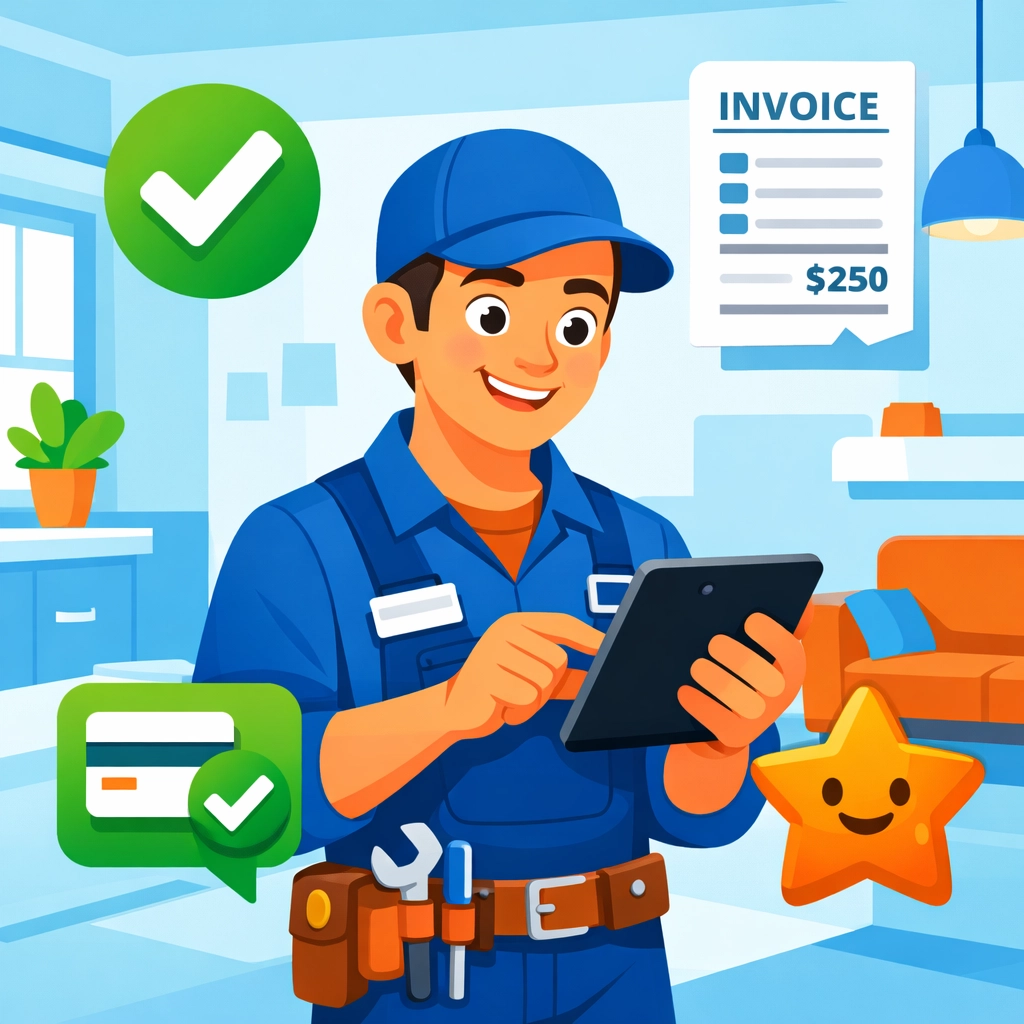
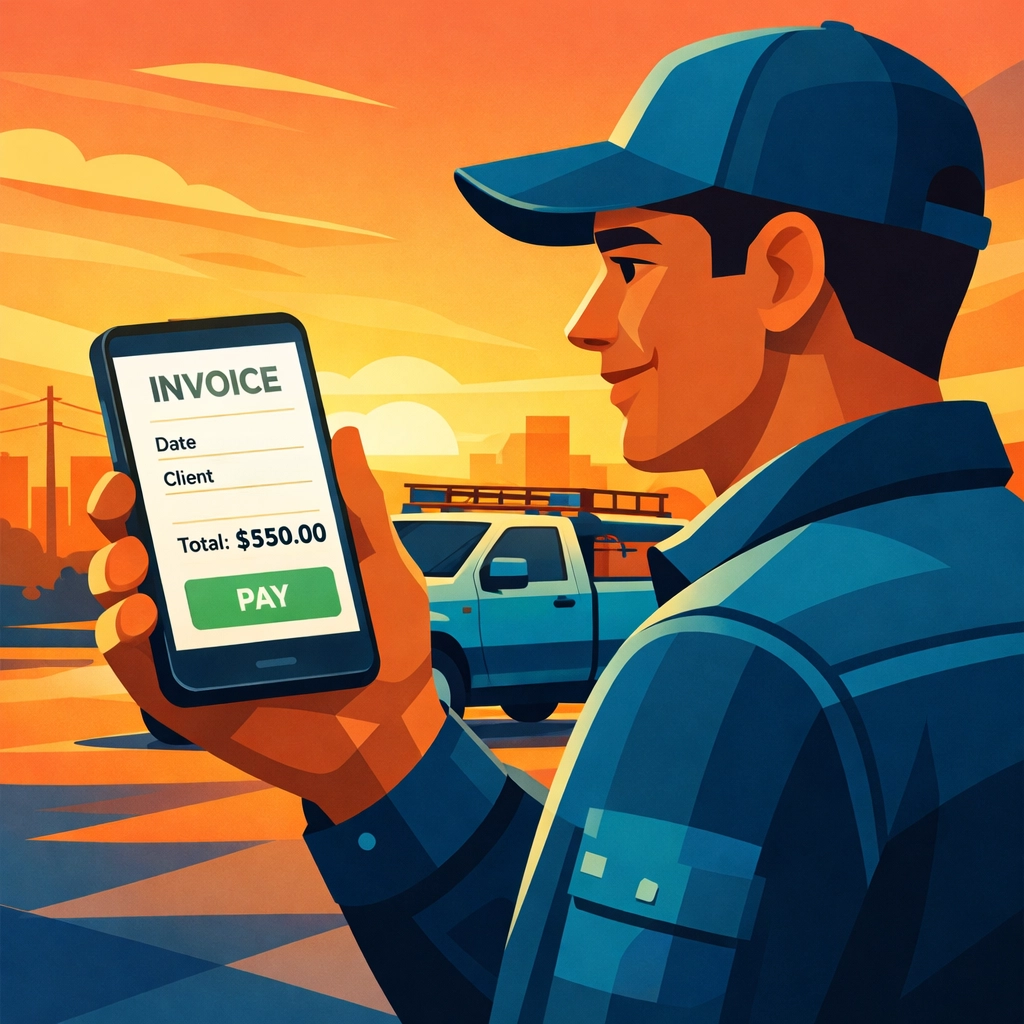
    Service technician using mobile field service app to invoice customer on-site

    The Bottom Line for Small Trades

    You’re probably overpaying for field service management software right now.

    Not because you chose bad products. QuickBooks and Housecall Pro are fine tools. But they were built for different purposes and forcing them to work together creates expensive inefficiency.

    For small trades, simple wins.

    One platform that handles scheduling, invoicing, payments, and bookkeeping will save you $1,320/year in subscriptions alone. Add in lower tax prep costs, better cash flow management, and eliminated billing delays, and you’re saving $3,000–$5,000 annually.

    That’s real money. Money that could buy a new toolset. Cover a slow month. Give everyone a bonus at the end of the year.

    Ready to Stop Overpaying?

    We’re not going to pressure you with a free trial that auto-converts to a paid plan. We’re not going to require a credit card upfront.

    If you want to see Valortek in action, just email us. We’ll show you how it works. Answer your questions. Give you straight information so you can make the right call for your business.

    No sales pitch. No follow-up spam. Just people helping people run better businesses.

    Valortek Inc
    https://valortek.com

    Start Your Free Trial

    Questions? Contact us – we’re happy to help you decide.

  • How This 2-Person Plumbing Team Cut Software Costs by 60%

    Meet Jake and Maria.

    They run a two-person plumbing operation in Denver. No office. No receptionist. Just them, two trucks, and a lot of clogged drains.

    Like most small service businesses, they needed software to stay organized. Scheduling jobs. Sending invoices. Tracking payments. The usual stuff.

    They were paying $300 a month for it.

    For a team of two, that stung.

    The Old Setup: Death by a Thousand Subscriptions

    Jake and Maria were using Housecall Pro for scheduling and job management. It cost them about $169 per month for two users.

    Then they needed QuickBooks for accounting. Another $130 per month.

    Total: roughly $300 per month.

    That’s $3,600 a year. For two people.

    “We’re not a big company,” Maria told us. “We’re just trying to keep the lights on and serve our customers well.”

    The software worked fine. But every month when those charges hit their account, it felt excessive.

    They didn’t need enterprise features. They didn’t need fancy integrations. They needed to know where to be and when, send invoices that actually got paid, and keep their books straight.

    That’s it.

    Small business owner frustrated managing multiple software platforms and scattered receipts

    The Problem with Piecing It Together

    Here’s what happens when you cobble together multiple software solutions.

    You’re entering the same customer data in two different places. You’re switching between tabs constantly. You’re hoping the two systems play nice together.

    They usually don’t.

    Jake spent hours each week reconciling Housecall Pro jobs with QuickBooks entries. Maria was managing customer information in both systems, trying to keep everything synced.

    “It was like having two brains that didn’t talk to each other,” Jake said.

    The monthly cost was one problem. The time waste was another.

    And when you’re a two-person team, time literally is money. Every hour spent fighting with software is an hour not spent fixing pipes.

    The Search for Something Better

    Maria started looking for alternatives.

    She wanted something that handled scheduling, invoicing, and basic accounting in one place. No switching between platforms. No duplicate data entry.

    And she wanted it to cost less than $300 a month. Ideally, a lot less.

    Most solutions she found fell into two categories:

    Too basic. Free tools that couldn’t handle real business needs. No invoicing. No payment processing. Just glorified calendars.

    Too expensive. Enterprise platforms charging $400+ per month for features they’d never use.

    Then she found Valortek.

    The Switch: One Platform, Half the Cost

    Valortek’s operations bundle costs $149 per month.

    That’s it. Everything included.

    Scheduling? Check. Invoicing? Check. Payment processing? Check. Basic accounting? Check.

    For a two-person team, it was exactly what they needed. Nothing more. Nothing less.

    The math was simple:

    • Old cost: $300/month ($3,600/year)
    • New cost: $149/month ($1,788/year)
    • Savings: $151/month ($1,812/year)

    That’s a 60% reduction.

    For context, that’s enough savings to cover their truck insurance for the year. Or buy new tools. Or just keep in their pockets.

    Business owner using unified software platform for scheduling, invoicing, and payments

    What Actually Changed

    Jake and Maria made the switch in February.

    Here’s what their day-to-day looks like now.

    Scheduling jobs is stupid simple. When a customer calls, Maria opens one platform. She checks Jake’s calendar, books the appointment, and the customer gets an automatic confirmation text. Done.

    No switching apps. No double-checking availability in another system.

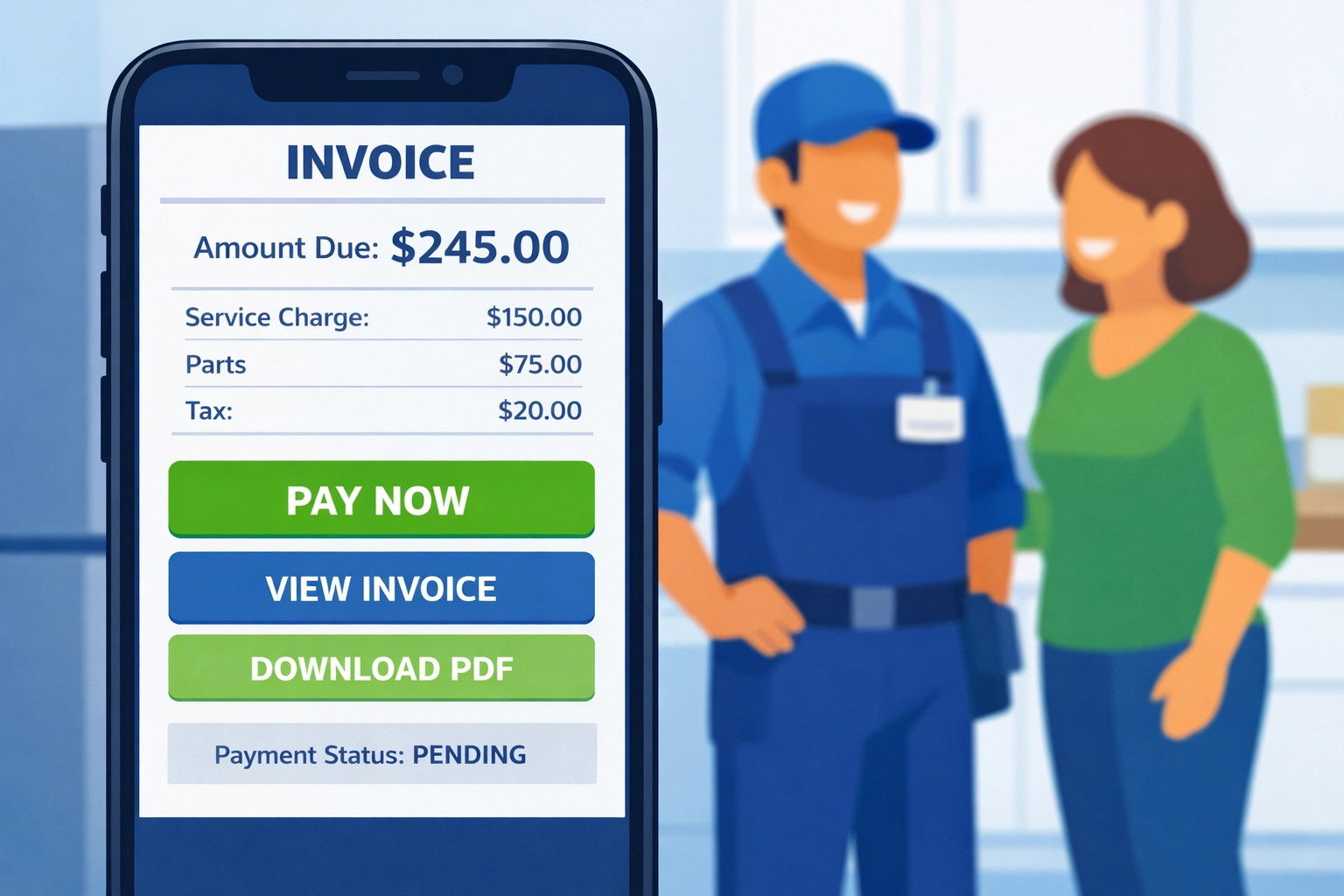
    Invoicing happens instantly. Jake finishes a job, pulls up the customer on his phone, and sends the invoice right there. The customer can pay by card immediately.

    The payment automatically shows up in their accounting records. No manual entry. No reconciliation headaches.

    “I used to send invoices when I got home at night,” Jake said. “Now I send them before I leave the customer’s driveway. We get paid faster.”

    One source of truth. Customer information lives in one place. Job history, payment history, notes about their weird water heater: it’s all right there.

    Maria doesn’t maintain two databases anymore. She doesn’t wonder if the information in Housecall Pro matches what’s in QuickBooks.

    It just works.

    The Real Win: Time Back

    The $151 monthly savings is nice.

    But the real win? Jake and Maria got their evenings back.

    No more end-of-day data entry. No more weekend reconciliation sessions. No more “Did you update this in QuickBooks?” conversations.

    They finish work and they’re done.

    “We’re plumbers, not accountants,” Maria said. “We just wanted software that didn’t require a degree to use.”

    Why This Works for Small Teams

    Most software companies design for big businesses. Then they try to sell downsized versions to small teams.

    That’s backwards.

    Small teams don’t need 80% of the features in enterprise software. They need the core stuff to work perfectly.

    Valortek built specifically for teams like Jake and Maria’s. Two to twenty people. Service-based businesses. Companies that need real functionality without the bloat.

    Scheduling that doesn’t require a manual. Invoicing that takes seconds, not minutes. Accounting that stays current automatically.

    No training required. No implementation specialist. No onboarding calls.

    You sign up, add your customers, and start working.

    The Bottom Line

    Jake and Maria cut their software costs from $300 to $149 per month.

    They’re saving $1,812 per year.

    But more importantly, they’re saving hours every week. They’re getting paid faster. And they’re running their business from one platform instead of juggling two.

    “We’re never going back,” Maria said. “This is what software should have been from the start.”

    If you’re a small team paying for multiple tools that don’t talk to each other, there’s a better way.

    One platform. One price. Everything you actually need.

    No enterprise complexity. No paying for features you’ll never touch. Just the tools that help you run your business.

    Simple as that.


    Start Your Free Trial

    Questions? Contact us – we’re happy to help you decide.

  • Housecall Pro Vs. Affordable Alternatives: Which Is Better For Your 1-10 Person HVAC Business?

    Look, Housecall Pro is everywhere. Every HVAC group you’re in. Every trade show. Every podcast ad.

    But here’s the thing nobody talks about: it’s expensive as hell for small teams.

    You’re running a 1-10 person HVAC business. You need scheduling, invoicing, and estimates that don’t make you look like you’re running your business from a napkin. But you’re not a 50-person operation with enterprise budgets.

    So let’s cut through the noise. We’re breaking down exactly what Housecall Pro costs versus real alternatives: and when each one actually makes sense for your business.

    The Housecall Pro Pricing Nobody Warns You About

    Housecall Pro advertises $79/month for their Basic plan. Sounds reasonable, right?

    Wrong.

    That $79/month doesn’t include the tools you actually need for HVAC work. Want proper estimating functionality? Add the GoLawn add-on at $67/month. Want flat-rate pricing that doesn’t require building everything from scratch? That’s the Profit Rhino integration at $149/month.

    Suddenly your “affordable” $79/month turns into $295/month. For one person.

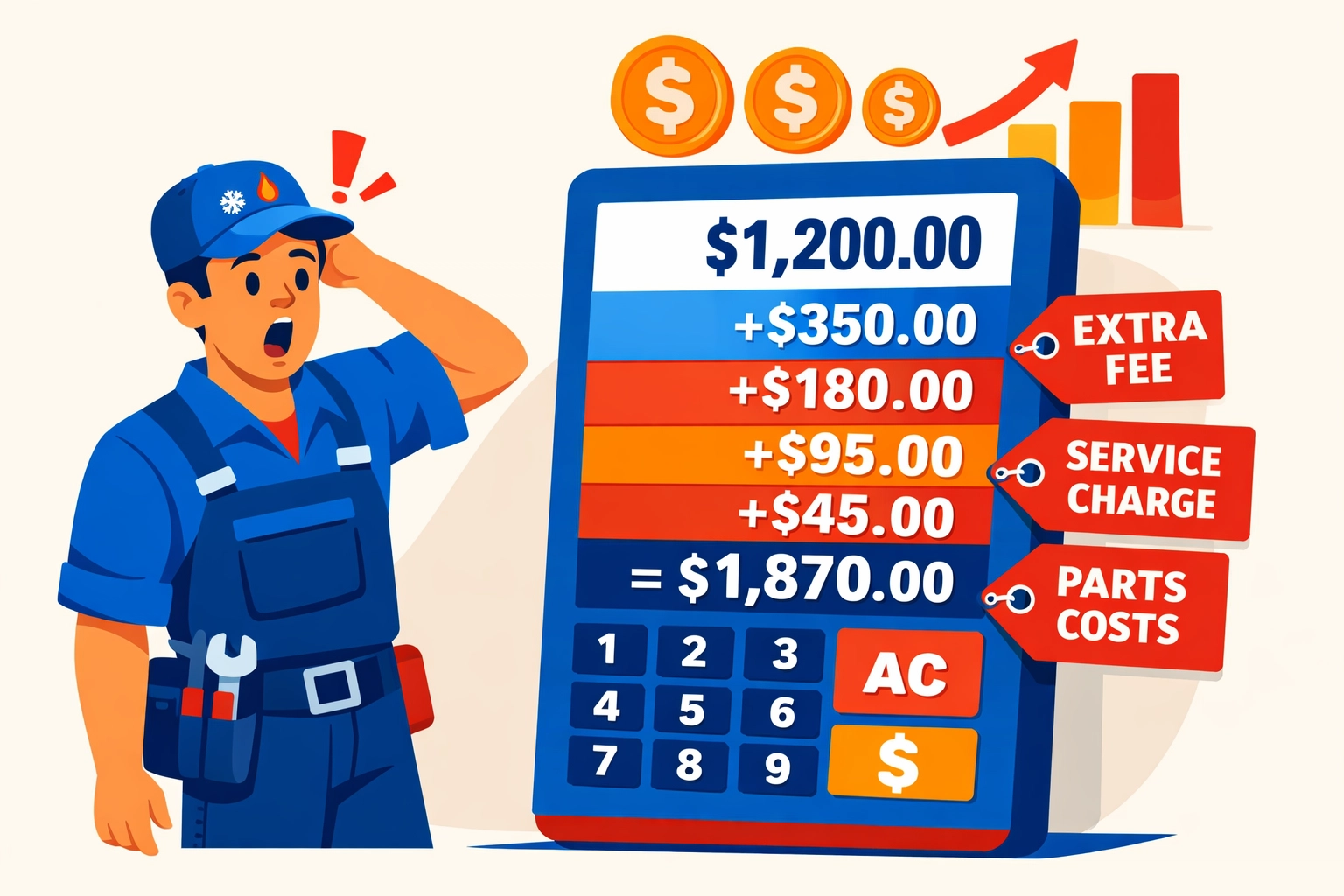
    HVAC technician shocked by Housecall Pro hidden add-on fees and escalating software costs

    Let’s look at what you’re actually paying by team size:

    Solo operator: $146/month minimum (Basic + GoLawn for real estimating). That’s $1,752/year.

    2-5 users: $189/month for Essential plan. Seems okay until you realize you’re locked at 5 users max and still need add-ons for advanced features. That’s $2,268/year.

    6-10 users: $329/month base for MAX plan, plus $35/month for each user beyond 8. A 10-person team pays around $399/month or $4,788/year.

    Those numbers add up fast. And we haven’t even talked about the features you’re getting.

    What You Actually Get for That Money

    Housecall Pro isn’t a bad product. It’s just built for bigger operations.

    You get solid scheduling, customer communication, invoicing, and payment processing. The mobile app works well. The integrations are extensive because they have 45,000+ users.

    But here’s what kills small teams: everything’s modular. Every specialized feature comes as an add-on. Every advanced tool requires another monthly fee.

    Want flat-rate pricing databases specific to HVAC? Add-on.

    Want better estimates? Add-on.

    Want advanced reporting? Upgrade your tier.

    The feature set is deep. But you’re nickel-and-dimed to access it.

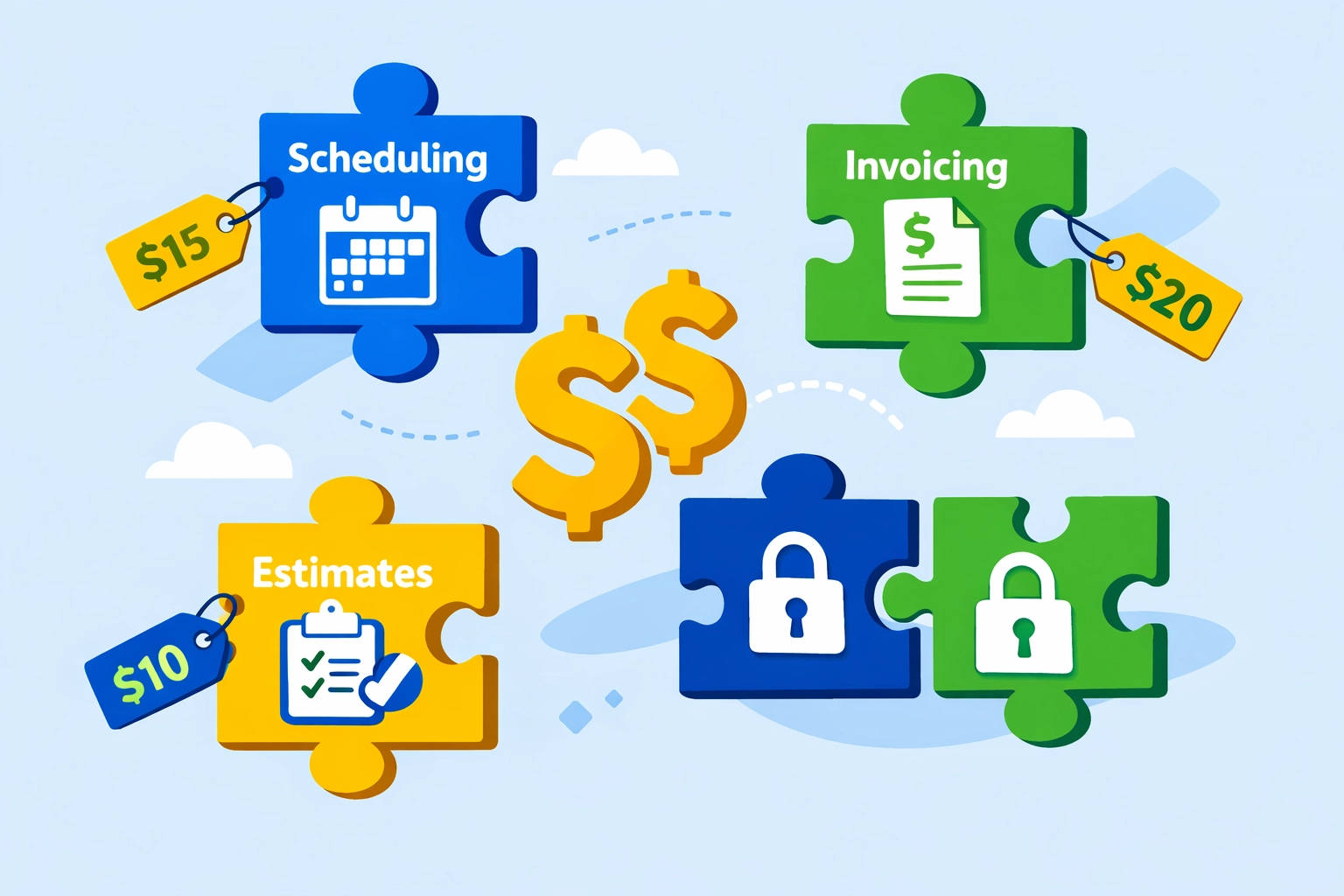
    Field service software features separated by add-on fees and paywalls for small HVAC businesses

    The Affordable Alternative That Actually Competes

    Let’s talk QuoteIQ. Not because we’re pushing it: but because the numbers are impossible to ignore.

    Solo operator: $98.99/month for QuoteIQ Pro. Everything included. No add-ons. That’s $48 less per month than Housecall Pro Basic with the estimating add-on. Saves you $564/year.

    Small teams (2-5 users): QuoteIQ Elite at $189.99/month supports up to 7 users with every feature unlocked. Compare that to Housecall Pro Essential at $189/month for only 5 users: and you still need add-ons.

    Growing teams (6-10 users): QuoteIQ Max is $349.99/month with unlimited users. Housecall Pro charges $399/month for 10 users. You save $49/month ($588/year) while getting unlimited scaling.

    But pricing alone doesn’t tell the story.

    Feature Comparison: Where Each Platform Wins

    Here’s where things get interesting.

    QuoteIQ bundles everything:

    • Full quoting and estimating
    • Scheduling and dispatch
    • Invoicing and payments
    • Property measurements
    • Photo documentation
    • Automation workflows
    • Customer self-scheduling portal

    All included. No add-ons. No surprise fees.

    Housecall Pro spreads those features across tiers and add-ons. You get more control over what you pay for: but you also pay more to access what you need.

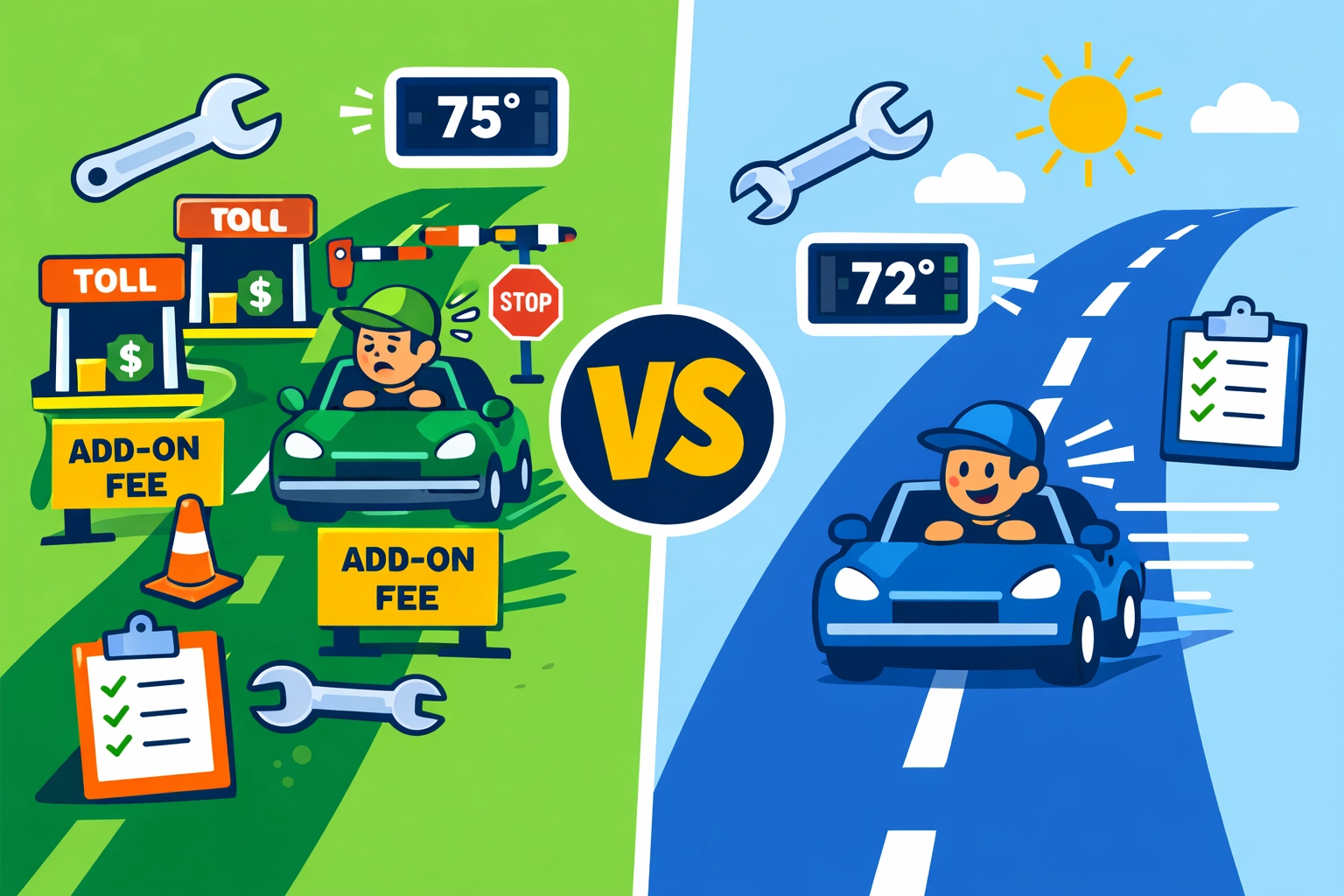
    Cost comparison showing Housecall Pro pricing versus affordable alternatives for HVAC contractors

    Where Housecall Pro beats alternatives:

    Industry-specific tools. If you need HVAC flat-rate pricing databases, Housecall Pro’s Profit Rhino integration delivers. QuoteIQ doesn’t have pre-built HVAC pricing books.

    Ecosystem depth. With 45,000+ users, Housecall Pro has deeper third-party integrations and more community resources.

    Human support layer. HCP Assist offers 24/7 human call answering. That’s a premium feature you can’t ignore if you’re competing for after-hours emergency calls.

    Where alternatives win:

    Upfront pricing. QuoteIQ gives you everything for one price. No surprises. No add-ons. No tier upgrades to access basic features.

    Unlimited users at higher tiers. Housecall Pro charges per user above 8. QuoteIQ Max supports unlimited users at $349.99/month flat.

    Faster setup for small teams. When everything’s included, you’re not spending hours figuring out which add-ons you need.

    When Housecall Pro Actually Makes Sense

    Let’s be honest. Sometimes the expensive option is the right call.

    If you’re running 6+ techs and need industry-specific flat-rate pricing, Housecall Pro might justify the cost. The Profit Rhino integration alone can speed up your estimating process dramatically.

    If you’re planning to scale past 10 employees quickly, Housecall Pro’s ecosystem gives you room to grow. The integrations, the support network, the advanced routing: it’s built for scale.

    If you need 24/7 human call answering and your customers expect premium service, HCP Assist delivers real value.

    But for most 1-10 person HVAC businesses? You’re overpaying for features you won’t use for years.

    Housecall Pro versus budget-friendly alternatives comparison for small HVAC business software

    When Alternatives Save You Thousands

    Here’s the math nobody wants you to do:

    A 3-person HVAC team on Housecall Pro Essential pays $2,268/year minimum. Add a couple critical add-ons and you’re at $3,000+/year.

    The same team on QuoteIQ Elite pays $2,279.88/year with everything included. That’s essentially the same price: but you’re getting 2-3x the features without add-on fees.

    A solo operator saves $564/year minimum on QuoteIQ Pro versus Housecall Pro Basic with estimating. That’s a truck payment. Or a marketing budget. Or just money in your pocket.

    Over 5 years? A solo operator saves $2,820. A 5-person team could save $3,000-$5,000 depending on which add-ons you would’ve needed.

    That’s real money.

    The Bottom Line for Small HVAC Businesses

    If you’re a 1-5 person operation focused on growth without enterprise budgets, affordable alternatives like QuoteIQ deliver better value. You get all the core features you need without add-on creep.

    If you’re 6-10 people with complex scheduling, routing, and industry-specific pricing needs, Housecall Pro becomes competitive. The premium features start justifying the premium price.

    Both platforms offer 14-day free trials. Test them both. See which interface clicks with your team. Check if those specialized HVAC tools are worth the extra $1,000-$3,000/year.

    Don’t choose software because everyone else uses it. Choose it because the math works for your business.

    Small HVAC business owner calculating annual savings from choosing affordable software alternatives

    Try Before You Commit

    We’re not here to push one platform over another. We’re here to help you make smart decisions with your money.

    Run the 14-day trials. Track what you actually use. Calculate your real costs with add-ons included.

    Then pick the tool that fits your team size, your growth plans, and your budget.

    Need help figuring out which features you actually need? We work with HVAC businesses every day on software decisions, operations consulting, and growth strategy.

    Reach out at https://valortek.com and let’s talk through your specific situation.

    No sales pitch. Just honest advice from people who’ve helped dozens of trade businesses get their operations dialed in.

    Start Your Free Trial

    Questions? Contact us – we’re happy to help you decide.
  • 7 Mistakes Small Trade Businesses Make with Software (And How to Avoid Losing $1,000+ Per Year)

    Look, I’ve seen it happen a hundred times.

    A plumber picks fancy software. An electrician subscribes to three different tools. A locksmith manually enters every invoice instead of using integrations.

    And then they wonder why their margins are so tight.

    Here’s the thing: most small trade businesses bleed money through bad software decisions. We’re talking $1,000, $2,000, sometimes more every year. Just… gone.

    Let me walk you through the seven biggest mistakes I see, and how to avoid them without overthinking it.

    1. You’re Paying for Features You’ll Never Use

    This is the big one.

    You sign up for software built for 50-person operations. You’re a team of three. Maybe just you.

    The software has multi-location support. Team hierarchy tools. Advanced reporting dashboards that take a PhD to understand.

    You needed something to track invoices. That’s it.

    Small business owner overwhelmed by unnecessary software features and expensive monthly subscription costs

    The fix: Match the tool to your actual size. If you’re a sole trader or running a crew of 2-5 people, you don’t need enterprise features. You need simple profit tracking, invoicing, and maybe scheduling.

    That’s what we built at Valortek, software sized for real trade businesses, not Fortune 500 companies.

    One HVAC guy told me he was paying $89/month for five user seats. He worked alone. That’s over $1,000 a year for… nothing.

    Stop paying for ghosts.

    2. Subscription Creep Is Killing You

    You subscribed to a CRM two years ago. Used it for three months. Forgot about it.

    It’s still charging your card.

    Then there’s the project management tool you tried once. The estimating software you never set up properly. The invoice app you replaced but never canceled.

    Research shows companies waste 29% of their software budget on tools they barely touch. For small trades, that’s real money.

    The fix: Do a subscription audit right now. Seriously, open your bank statements and list every recurring charge.

    Cancel anything you haven’t used in 30 days. No exceptions.

    One small contractor saved $1,200 yearly by cutting just one outdated subscription. Imagine finding three or four of those.

    3. You Skipped the Training (And Now Everything’s Wrong)

    “I’ll figure it out as I go.”

    No. You won’t.

    Accounting software isn’t hard, but it’s not mind-reading either. If you don’t know how to categorize expenses correctly, you end up with a mess that’s expensive to fix later.

    Multiple unused software subscriptions draining small business budget with recurring monthly charges

    The fix: Spend two hours learning the basics before you go live. Most software companies offer free training videos or webinars.

    Two hours now saves you from paying your accountant to untangle six months of incorrect entries later.

    We make training dead simple at Valortek because we know you’ve got jobs to run. Quick videos, plain English, no fluff.

    4. You Trust the Software Too Much

    Your accounting software connects to your bank. It sees transactions and automatically suggests categories.

    “Oh, this charge is probably office supplies.”

    Sometimes it’s right. Sometimes it’s wildly wrong.

    If you just click “accept” on everything without looking, your books become fiction.

    The fix: Review each transaction before categorizing it. Takes an extra 30 seconds per entry. Saves you from reporting the wrong income to the IRS or missing legitimate deductions.

    The software is guessing. You’re the only one who actually knows what that $247 charge was for.

    5. You’re Still Doing Manual Entry Like It’s 1997

    You grab receipts. You type numbers into spreadsheets. You manually create invoices one by one.

    Every manual entry is a chance to miss something, fat-finger a number, or just forget entirely.

    The fix: Use software with real integrations. Bank feeds that import transactions automatically. Tools that pull customer data without retyping everything.

    Manual data entry versus automated software integration comparison for trade business efficiency

    Modern software should connect to your bank, your payment processor, and your vendors. If you’re copying and pasting between three different apps, you’re working too hard.

    At Valortek, we built integrations first because we’re not interested in making you do robot work.

    6. Your Expense Tracking Is a Dumpster Fire

    You lose receipts. You forget to record mileage. You can’t remember if that parts run was for the Johnson job or the Martinez job.

    Come tax time, you’re scrambling to reconstruct three months of expenses from memory and bank statements.

    This isn’t just annoying: it’s expensive. Missed deductions mean higher taxes. Poor expense tracking means you can’t see which jobs are actually profitable.

    The fix: Track expenses as they happen, not at month-end. Use software that lets you snap receipt photos from your phone and categorize on the spot.

    Reconcile your accounts weekly. Catch problems early when they’re easy to fix.

    Good expense tracking isn’t about being perfect. It’s about being consistent enough that nothing falls through the cracks.

    7. You Picked Software That Won’t Scale

    Your software works fine when you’re doing 20 jobs a month.

    Then you get busier. 40 jobs. 60 jobs. Suddenly the tool starts breaking down. It’s slow. It can’t handle the volume. Reports take forever to load.

    Now you’re stuck switching systems right when you’re at your busiest.

    The fix: Pick software that can grow with you from day one. Cloud-based tools that handle increasing transaction loads without slowing down.

    Trade business owner using mobile expense tracking software with receipt and mileage management

    You don’t need to plan for running a 100-person operation tomorrow. But your software should handle 3x your current volume without problems.

    We designed Valortek to scale naturally because we’ve seen too many contractors get trapped by tools that worked fine at first, then became bottlenecks.

    The Real Cost of These Mistakes

    Let’s do the math quickly.

    Unused subscriptions: $600/year
    Overpaying for enterprise features: $500/year
    Accountant time fixing errors: $400/year
    Missed tax deductions from poor tracking: $800/year
    Time wasted on manual entry (at your hourly rate): $500/year

    That’s $2,800 down the drain. Every single year.

    For doing nothing different except choosing the wrong tools and using them badly.

    How Valortek Avoids All This

    We’re not another bloated software company trying to sell you features you don’t need.

    No enterprise pricing. No user seat gouging. No “contact us for a quote” nonsense.

    Just straightforward tools built for trade businesses that actually work in the field.

    Simple training. Real integrations. Software that scales without surprise charges.

    We know what plumbers, electricians, HVAC techs, and locksmiths actually need because we talk to them every day. We’re not guessing.

    Your software should make your life easier, not drain your bank account while creating more work.

    Start Your Free Trial

    Questions? Contact us – we’re happy to help you decide.
  • The Small Business Owner Guide to Field Service Automation in 2026 (Without Enterprise Budgets)

    Author: Warren Peterson
    Category: Operations

    It’s 2026. Your HVAC tech is still calling the office for the gate code. Your plumber just drove across town for a part he could’ve grabbed this morning. Your electrician showed up to a job without knowing the customer’s breaker panel was replaced last year.

    This isn’t an enterprise problem anymore. It’s a small business survival problem.

    Field service automation used to mean six-figure software contracts and dedicated IT staff. Not anymore. The tools that Fortune 500 companies built their operations on are now available to your three-person plumbing crew or five-tech HVAC shop.

    Here’s what you actually need to know.

    Why Automation Isn’t Optional Anymore

    We’re not talking about robots replacing your techs. We’re talking about eliminating the chaos that’s costing you money every single day.

    Route optimization stops the bleeding. Your techs are burning fuel driving in circles because they’re following the order jobs came in, not where customers actually live. Automation clusters appointments geographically. Less windshield time. More billable hours.

    Information gaps kill profitability. When your technician arrives without knowing the customer asked for specific parts, prefers text notifications, or needs a gate code: that’s a wasted trip. Automated dispatching puts complete job context on their phone instantly.

    First-time fix rates matter. If your tech has to come back for parts, you’re paying for that drive twice. Smart inventory systems predict what parts you’ll need before the job even starts.

    This is measurable stuff. Not theory.

    Field service technician using mobile app for work orders on service van

    Start With What Actually Moves the Needle

    Don’t try to automate everything on day one. Start with the features that give you immediate ROI.

    Smart scheduling and dispatching means the system assigns jobs based on who’s qualified, who’s closest, and who’s available. Your junior tech doesn’t get sent to a complex commercial repair. Your senior tech doesn’t waste time on basic service calls.

    Route optimization calculates efficient driving sequences. No more zigzagging across town. Your techs fit more jobs into each day without working longer hours.

    Mobile access gives technicians everything they need on their phones. View schedules. Update job statuses. Take photos. Log materials. Capture signatures. Process payments. Even when cell service is spotty, offline mode keeps them working.

    Automated messaging handles the repetitive communication. Appointment confirmations. 24-hour reminders. Post-job follow-ups. Payment notifications. All automatic. No more playing phone tag.

    Integrated inventory management tracks tools and parts in real-time. You know what’s on each truck, what’s in the warehouse, and what needs reordering before you run out.

    That’s it. These five capabilities solve 80% of your operational headaches.

    The Budget-Conscious Implementation Plan

    You don’t need enterprise budgets. You need smart rollout.

    Start with one high-impact feature. Pick automated appointment reminders or route optimization. Get that working smoothly before adding more complexity. Small wins build momentum.

    Choose platforms built for small teams. We see too many business owners trying to force-fit enterprise solutions designed for 500-person operations. Look for cloud-based software with fundamental features: real-time job tracking, mobile apps, basic scheduling, payment processing.

    Skip the bells and whistles. You’re not managing a national fleet.

    Route optimization map showing efficient field service scheduling vs inefficient routing

    Digitize incrementally. Don’t throw out all your paper processes on Monday morning. Start by digitizing job forms and customer signatures. Then move to digital job notes. Then tackle scheduling.

    One workflow at a time.

    Track metrics from day one. Set up your reporting dashboard to monitor first-time fix rate, job completion time, technician utilization, and customer satisfaction. If these numbers don’t improve within 90 days, your automation isn’t working.

    Data tells you the truth.

    Getting Your Team to Actually Use It

    The best software in the world is worthless if your techs hate it.

    Frame automation as support, not surveillance. Your field staff needs to understand these tools eliminate tedious paperwork and phone calls: not monitor their every move. Show them how mobile apps save time on-site instead of adding tasks.

    Provide real training. Not a 47-slide PowerPoint deck. Interactive, hands-on sessions where they use the actual features they’ll need daily. Let them ask questions. Address concerns.

    Start with your early adopters. There’s always one tech who likes new technology. Get them using the system successfully, then let them show the others how it makes their day easier.

    People trust their coworkers more than they trust vendors.

    Small business owner transitioning from paper chaos to digital field service automation

    What This Actually Gets You

    By integrating these automation tools, you’re building a digital memory of your operations.

    You’ll spot patterns. Which customers call most frequently. Which services spike in summer versus winter. Which parts you go through fastest. Which technicians handle certain job types most efficiently.

    This data improves decision-making without hiring more office staff.

    Reduced operational costs. Less fuel. Fewer missed appointments. Higher first-time fix rates. More jobs per day without overtime.

    Faster response times. When customers call, you know exactly who’s available and closest. No more “let me check the schedule and call you back.”

    Improved customer satisfaction. Accurate arrival windows. Techs showing up fully informed. Professional digital invoices. Easy payment options.

    A foundation for growth. When you’re ready to add another truck or hire more techs, your systems scale without proportionally increasing administrative overhead.

    That’s the real value. You build capacity to grow without building a bigger office staff.

    The 2026 Reality

    Field service automation isn’t new technology anymore. It’s table stakes.

    Your competitors are using these tools. Your customers expect the professionalism these tools enable. The cost of staying manual is higher than the cost of adopting automation.

    We’re not talking about massive transformation projects. We’re talking about practical tools that solve specific problems your business faces every day.

    Start small. Pick one pain point. Automate it. Measure the results. Then move to the next one.

    No enterprise budgets required. Just smart decisions about where technology can support the work your team is already doing.


    Need help figuring out where to start? We work with small service businesses every day on exactly these challenges. No corporate jargon. No one-size-fits-all packages. Just practical advice for real operations.

    Valortek Inc | Business Consulting

    Start Your Free Trial

    Questions? Contact us – we’re happy to help you decide.

  • QuickBooks Just Raised Prices Again (Feb 2026): 5 Contractor-Friendly Alternatives That Include Payroll

    QuickBooks raised prices again. February 1st, 2026. Effective immediately.

    If you’re a contractor running a small HVAC, plumbing, electrical, or locksmith business, you just got hit with another price hike you didn’t ask for. Pro Plus jumped from $999 to $1,149 annually. Premier Plus went from $1,399 to $1,609. Enterprise editions? Some packages increased over 50%.

    And payroll costs more too. Basic Payroll climbed from $550 to $640 per year, plus $7 per employee per month. Enhanced Payroll increased from $700 to $805 annually, with the same per-employee fee.

    This isn’t the first time. It won’t be the last.

    Here’s the truth: you’re paying for features you don’t use, locked into a pricing model built for enterprise accounting departments, not three-person HVAC crews.

    QuickBooks price increase displayed on laptop with rising charts and invoices

    Why QuickBooks Keeps Raising Prices (And Why Contractors Keep Paying)

    QuickBooks is the default. That’s their advantage.

    Your accountant uses it. Your bookkeeper knows it. You set it up five years ago and haven’t thought about switching because, frankly, migrating accounting data sounds like a nightmare.

    But here’s what’s actually happening. You’re paying $1,149+ per year for invoicing, job costing, and maybe payroll. You’re not using 70% of the features. Inventory tracking? Multicurrency? Advanced reporting? You don’t need it.

    You need to invoice customers. Track job costs. Pay your crew. That’s it.

    The February 2026 price increase is just QuickBooks flexing. They know switching costs are high. They know you’re busy running jobs, not comparing software. So they raise prices and send you an email with 30 days’ notice.

    What the February 2026 Price Hike Actually Costs You

    Let’s break this down in real numbers.

    Pro Plus single user: You’re now paying $1,149 per year. That’s $95.75 per month. Add one extra user seat at $230 annually, and you’re at $1,379 total, or $114.92 per month.

    Want payroll? Add QuickBooks Payroll Basic at $640 per year, plus $7 per employee per month. For a three-person crew, that’s an additional $892 per year. Total annual cost: $2,271, or $189.25 per month.

    Premier Plus with payroll for three employees: You’re looking at $2,501 per year, or $208.42 per month.

    And you haven’t added a single third-party app for scheduling, customer communications, or mobile invoicing yet.

    Contractor choosing between complex accounting software and simple contractor-friendly alternative

    5 Contractor-Friendly QuickBooks Alternatives (With Payroll Included)

    No enterprise bloat. No feature lists longer than your arm. Just software built for contractors who need invoicing, scheduling, and payroll in one place.

    1. Valortek ($149/month, all-in)

    We built Valortek because we were tired of watching contractors overpay for software they don’t use.

    No tiered pricing. No per-user fees. No add-on costs for payroll.

    $149 per month gets you invoicing, job scheduling, payroll for unlimited employees, and customer management. That’s it. One price, one login, one system.

    We’re not trying to be QuickBooks. We’re not trying to serve every industry. We built this for trade contractors running teams of 1–10 people who need simple, reliable tools that actually work on a job site.

    2. Jobber (Starting at $129/month + payroll add-on)

    Jobber is popular with home service businesses. Good mobile app. Solid scheduling features. Invoicing is clean.

    But payroll is an add-on through Gusto, which starts at $40 per month plus $6 per employee. So your all-in cost is closer to $200+ per month for a small crew.

    Still cheaper than QuickBooks. Still complex to set up.

    3. Housecall Pro (Starting at $169/month, payroll extra)

    Housecall Pro has a loyal following in the HVAC and plumbing world. Strong marketing tools. Customer reviews. Text notifications.

    Payroll integration costs extra. You’ll pay $49 per month base plus $5 per employee through their Gusto partnership. For three employees, that’s $218 per month total.

    Good product. Expensive for what you get.

    Contractor stressed by multiple software logins vs relaxed using simple invoicing solution

    4. ServiceTitan (Custom pricing, typically $500+/month)

    ServiceTitan is built for larger operations. If you’re running 15+ trucks and need advanced dispatch, revenue optimization, and call center integration, it’s worth a look.

    If you’re a two-person electrical contractor, it’s overkill. Pricing starts around $500 per month and goes up from there. Payroll is extra.

    5. Workiz (Starting at $115/month, payroll through third party)

    Workiz is simple. Clean interface. Good for solo operators or very small teams.

    But payroll isn’t included. You’ll need to connect a third-party service, which adds cost and complexity. And once you hit three or four employees, you’ve outgrown the platform.

    What You’re Really Paying For (And What You’re Not)

    Let’s be honest about what contractors actually need.

    You need to create invoices and get paid. You need to schedule jobs and track which tech is where. You need to pay your crew on time without manual calculations. You need customer contact info in one place so you’re not digging through text messages.

    You don’t need 47 different reports. You don’t need multi-entity consolidation. You don’t need foreign currency exchange rates or advanced inventory modules.

    QuickBooks charges you for all of it anyway. Every tier. Every add-on. Every “feature” you’ll never click on.

    The alternatives listed above are better. They’re cheaper. But most still follow the same playbook: base price, then add-ons, then per-user fees, then integration costs.

    We built Valortek differently. One price. Everything included. No surprises.

    Small business contractor using simple invoicing software at desk with confidence

    Why We Charge $149/Month (And How We Keep It There)

    No sales team. No venture capital pressure to 10x revenue every quarter. No enterprise features you’ll never touch.

    We’re a small team building software for contractors who just want tools that work. We charge $149 per month because that covers our costs, pays our people fairly, and keeps us profitable enough to keep the lights on.

    We don’t have tiered pricing because we don’t believe in it. You shouldn’t pay more just because you hired another technician. You shouldn’t lose features because you picked the “starter” plan.

    You get invoicing, scheduling, payroll, and customer management. Unlimited users. Unlimited jobs. One login for your whole crew.

    That’s the deal. It doesn’t change when QuickBooks raises prices again next year.

    Making the Switch (Without Losing Your Mind)

    Switching accounting software is annoying. We get it.

    You’ve got years of customer data, job history, and financial records in QuickBooks. The thought of migrating all that makes you want to just eat the price increase and move on.

    Here’s the reality: you’re going to pay the higher price every year from now on. The February 2026 increase is permanent. Next year, there’ll be another one.

    If you’re paying $2,200 per year now for QuickBooks Pro Plus with payroll, you’ll save $1,412 in your first year with Valortek. That’s $1,412 you can spend on tools, marketing, or just keeping in your pocket.

    Most contractors make the switch over a weekend. Export your customer list. Set up your first few jobs. Run one payroll cycle as a test.

    It’s not as bad as you think.

    Before and after switching from expensive QuickBooks to affordable contractor software

    What Happens Next

    QuickBooks will raise prices again. Maybe in 2027. Maybe sooner.

    You can keep paying. Or you can switch to software built for contractors, priced for real businesses, without the enterprise nonsense.

    We’re not going to pressure you with a sales call or a limited-time discount. We’re just going to keep building software that works, keep our pricing at $149 per month, and keep showing up for contractors who are tired of overpaying.

    If you want to see what Valortek looks like, visit valortek.com and take a look around. No demo request form. No mandatory sales call. Just information.

    And if you want to stick with QuickBooks, that’s fine too. We’re not here to trash-talk competitors. We’re here to build a better option for contractors who want one.

    The choice is yours.

    Start Your Free Trial

    Questions? Contact us – we’re happy to help you decide.
  • How to Choose the Best Invoicing Software for Contractors (Without Overpaying or Overcomplicating)

    You need to send invoices. You need to get paid. That’s it.

    But somehow the software market has convinced contractors they need seventeen features, twelve integrations, and a PhD in accounting software just to bill for a job.

    We’re not doing that here.

    The Real Problem with Most Invoicing Software

    Most contractors pick invoicing software the same way they pick a new truck. They look at all the bells and whistles, get sold on features they’ll never use, and end up paying way more than they should.

    Here’s what actually happens:

    You sign up for the enterprise plan because it sounds professional. You spend three days watching tutorial videos. Your team ignores half the features. You’re still manually entering data six months later.

    Sound familiar?

    Contractor frustrated by overly complicated invoicing software with too many features

    What Actually Matters (And What Doesn’t)

    Let’s cut through the noise. You need software that does three things really well:

    Create invoices fast. From the field. From your truck. Without a manual.

    Get you paid faster. Same-day deposits beat fancy reporting every single time.

    Stop you from forgetting billable items. Automation that catches what you’d miss manually.

    That’s it. Everything else is feature bloat designed to justify higher pricing tiers.

    The Simple Breakdown by Business Size

    Solo or 1-2 person crew?

    You don’t need software built for managing fifty technicians. You need something you can learn in twenty minutes and use from your phone.

    Zoho Invoice or Square Invoices work great here. Free tiers available. No credit card required to start. Square gives you same-day deposits if you use their payment processing.

    The monthly cost for small operations should be under $50. Period. If someone’s charging you $200+/month for basic invoicing, you’re overpaying.

    Small team (3-10 people)?

    Now you need something that handles multiple jobs at once and doesn’t require you to manually track who did what.

    Jobber and HoneyBook sit in this sweet spot. They’re built for service businesses. Mobile-first. Simple interfaces. Your crew can actually use them without calling you every five minutes.

    Pricing runs $29-$109/month depending on team size. That’s reasonable.

    Three essential invoicing software features: speed, fast payment, and automation

    Larger contractor company?

    If you’re running multiple crews, different locations, or complex job costing, then yeah, you might need something more robust.

    But here’s the thing: even then, you probably don’t need the $500/month enterprise solution. Most contractors we talk to are using about 30% of the features they’re paying for.

    Start with mid-tier options and only upgrade when you hit actual limitations. Not theoretical ones.

    How to Avoid the Overpaying Trap

    Match your billing model to the software.

    Bill by the hour? FreshBooks automatically generates invoices from tracked time. Makes sense.

    Project-based billing? You need something that handles milestones and deposits without making you create three separate invoices.

    Don’t pay for time-tracking features if you bill flat-rate. Don’t pay for inventory management if you’re a service-only business.

    Calculate the real monthly cost.

    Some software looks cheap until you factor in payment processing fees. Square charges 2.9% + $0.30 per transaction. If you invoice $10,000/month, that’s $320 in fees on top of any subscription cost.

    Other platforms bundle everything into one monthly price. Neither approach is wrong, just know what you’re actually paying.

    Run the math based on your typical monthly invoice volume. The “cheaper” option isn’t always cheaper.

    Simple mobile invoicing app compared to complicated manual paperwork for contractors

    Test before you commit.

    Most decent software offers a free trial or free tier. Use it.

    Actually create invoices. Send them to yourself. Try using it from your phone in your truck. Get your crew to test it if they’ll be using it.

    If you’re confused after an hour, your team will hate it after a week.

    The Features That Actually Save You Money

    Automation that reduces data entry.

    The best invoicing software pulls job data automatically. You schedule a job, your crew completes it, and the invoice populates itself.

    Fieldy does this well for field service contractors. Job completion triggers invoice creation. Your crew isn’t manually entering line items.

    This matters because manual entry is where money gets lost. Forgotten materials. Missed labor hours. The small stuff that adds up.

    Mobile-first design.

    If your crew can’t easily use it from their phones, they won’t use it at all. Then you’re back to paper tickets and manual entry.

    Look for software designed for field work first, office work second. Not the other way around.

    Simple approval workflows.

    For teams, you need a way to review invoices before they go out. But you don’t need a six-step approval process with committee oversight.

    One person reviews, one click approves, invoice sends. That’s it.

    Common Mistakes We See All the Time

    Buying software designed for accountants when you need software designed for contractors.

    QuickBooks is great accounting software. But it wasn’t built for field service. You’ll spend time configuring it to work the way you work.

    Contractor-specific software works out of the box. Less configuration. Less frustration.

    Choosing based on features instead of workflow.

    That impressive feature list doesn’t matter if it makes your actual invoicing process slower.

    Ask yourself: will this help me get invoices out faster? Will my crew actually use it? Will I get paid quicker?

    If the answers aren’t yes, keep looking.

    Contractor using mobile invoicing software on smartphone in work truck

    Paying for integrations you don’t use.

    “But it integrates with seventeen other platforms!” Cool. Do you use any of those seventeen platforms?

    Integrations only matter if they connect tools you’re already using. Otherwise, it’s marketing talk.

    The Decision Framework

    Here’s how to choose without overthinking it:

    1. Write down your actual needs (not wants)
    2. Set a realistic monthly budget based on team size
    3. Test 2-3 options that fit both criteria
    4. Pick the one your team finds easiest
    5. Start using it

    That’s it. Don’t spend three months researching. Don’t create a forty-point comparison spreadsheet.

    Pick something good enough and start invoicing. You can always switch later if needed.

    Most contractors never switch because they overthink the initial choice and end up paralyzed. Then they stick with whatever they picked first because switching feels like too much work.

    The Bottom Line

    Good invoicing software should make you money, not cost you time.

    It should be simple enough that your crew uses it. Fast enough that you send invoices same-day. Automated enough that you stop leaving money on the table.

    Everything else is optional.

    Start with the simplest solution that meets your actual needs. Not your imagined future needs. Not what the biggest contractor in your market uses.

    Your actual needs. Today.

    You can always add complexity later. You can’t get back the time you waste on overly complicated software now.

    Start Your Free Trial

    Questions? Contact us – we’re happy to help you decide.
  • Appliance Repair Scheduling Software: Staying Ahead of the Right-to-Repair Movement

    By Warren Peterson

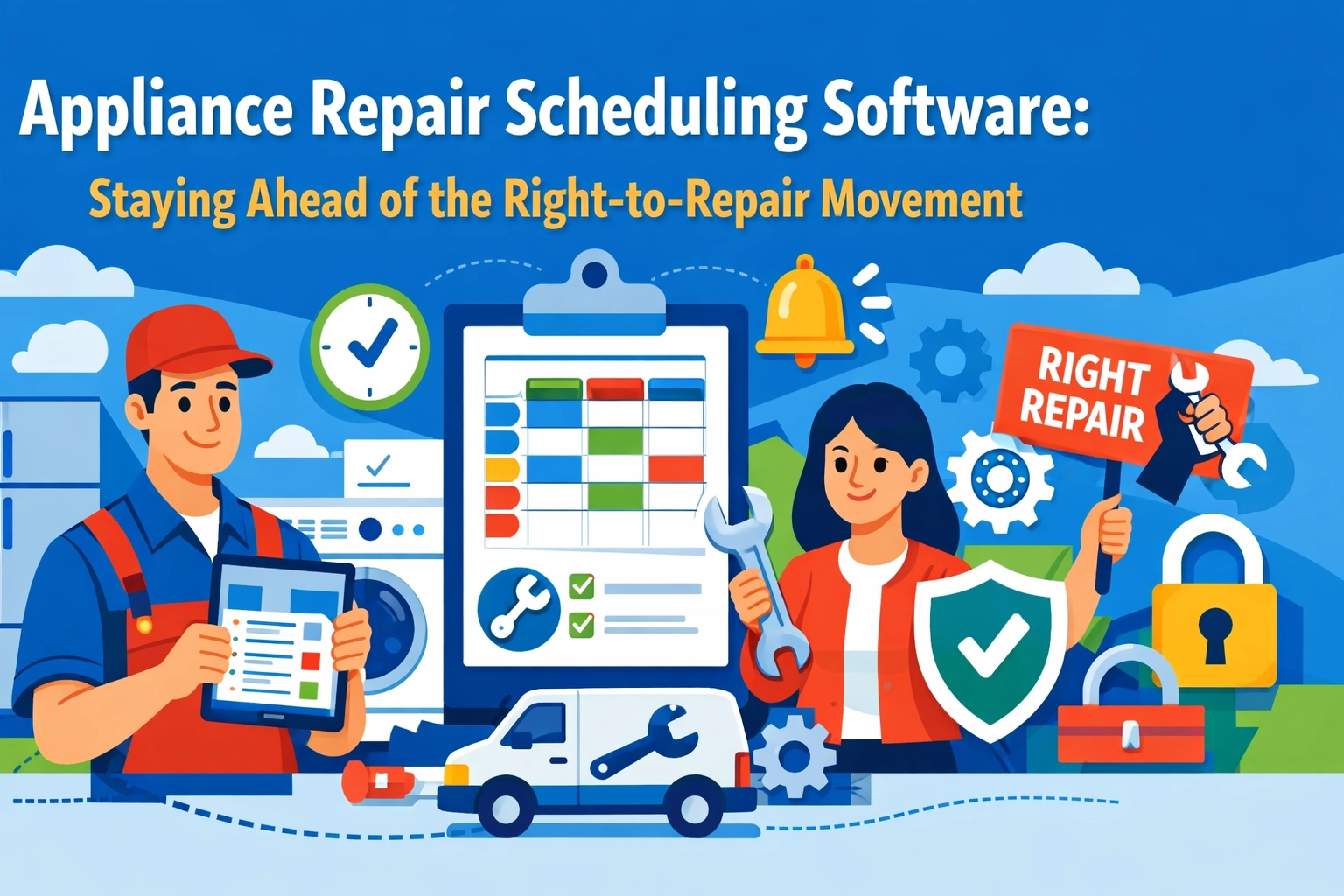
    Appliance Repair Scheduling Software: Staying Ahead of the Right-to-Repair Movement

    The appliance repair industry is about to get very busy.

    The Right-to-Repair movement is gaining serious traction across the country. Twenty-seven states introduced Right-to-Repair legislation in 2025. Several passed. More are coming in 2026.

    What does this mean for your appliance repair business? More customers. More work. More complexity.

    And if you’re still running your schedule on a whiteboard or Excel spreadsheet, you’re about to get buried.

    What’s Actually Happening with Right-to-Repair

    Let’s break this down simply.

    For years, manufacturers like Samsung, LG, and Whirlpool made it nearly impossible for independent repair shops to fix their appliances. They withheld diagnostic tools. They restricted parts access. They used proprietary software locks.

    Customers had two options: pay the manufacturer’s inflated repair prices or buy a new appliance.

    The Right-to-Repair movement is changing that. New laws require manufacturers to provide independent repair shops with the same tools, parts, and documentation they give their authorized service centers.

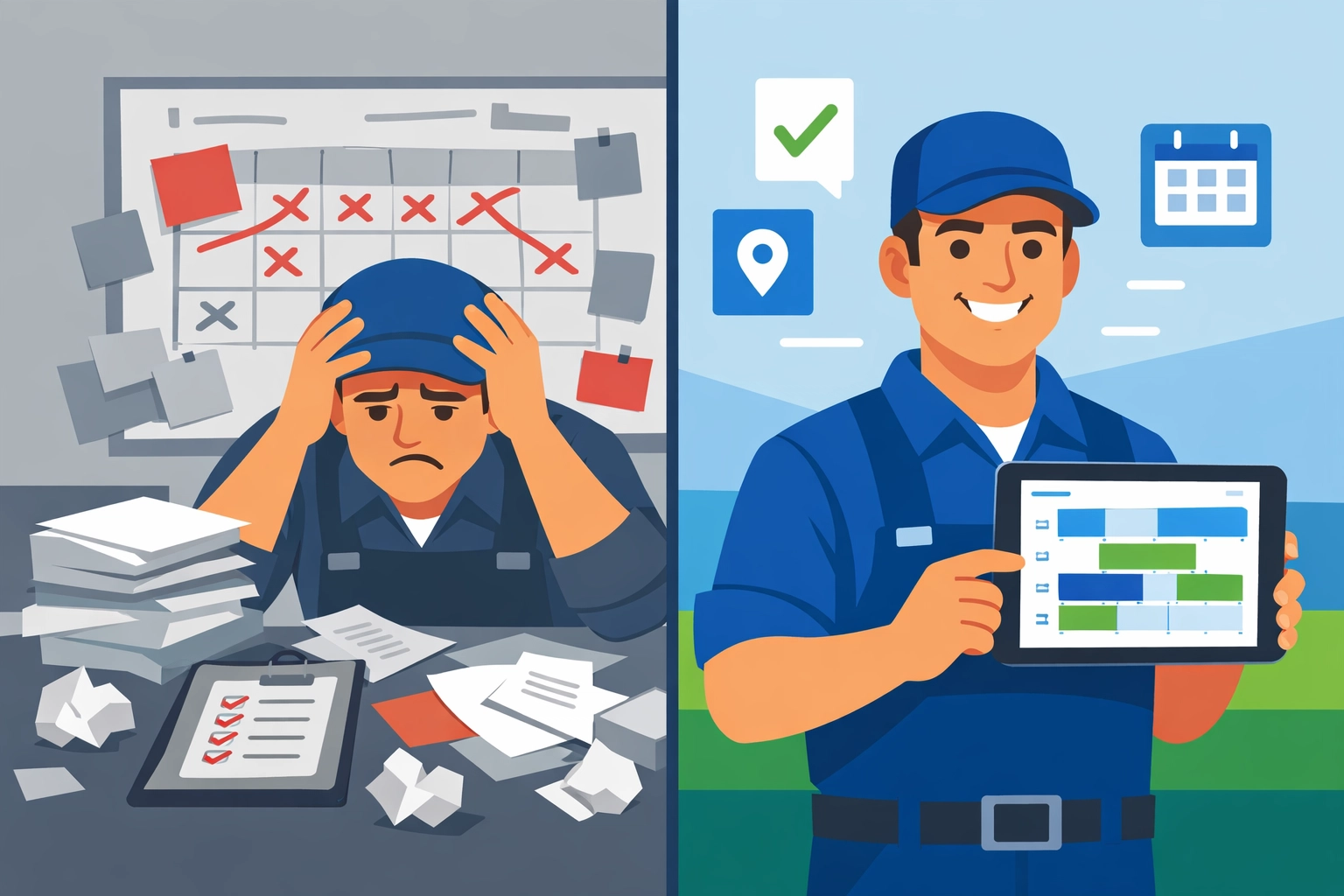
    Comparison of paper-based vs digital appliance repair scheduling software systems

    Translation: your repair shop can now fix appliances that were previously off-limits.

    That’s great for consumers. That’s great for the environment. And it’s potentially great for your business.

    But only if you’re ready to handle the surge.

    The Coming Wave of Service Requests

    Here’s what we’re seeing in states that already passed Right-to-Repair legislation.

    Independent appliance repair shops report 30-40% increases in service requests within the first year. Jobs that used to go to manufacturer-authorized centers are now coming to local shops.

    Customers are choosing local businesses over corporate service centers. They’re getting better prices. Faster service. More personal attention.

    But this creates a new problem: capacity.

    Can you handle 30-40% more jobs without adding chaos to your operation?

    Most shops can’t. Not with their current systems.

    Why Your Current System Won’t Scale

    Let’s be honest about how most appliance repair businesses schedule jobs today.

    You’ve got a paper calendar. Or a Google Calendar. Maybe a shared Excel sheet if you’re feeling fancy.

    Phone rings. You write down the customer info. You eyeball your schedule. You pick a time slot that looks open. You hope your technician is in that neighborhood. You scribble notes about what appliance needs fixing.

    It works. Until it doesn’t.

    Add 30% more jobs to that system and watch what happens. Double-bookings. Technicians driving across town multiple times per day. Customers calling because nobody showed up. Parts ordered for the wrong jobs.

    You’re not just busy. You’re drowning.

    What Appliance Repair Scheduling Software Actually Does

    Real appliance repair scheduling software handles the complexity so you don’t have to.

    Intelligent dispatch. The system knows where your technicians are. It knows what skills they have. It knows what parts are in their van. It assigns jobs based on proximity and expertise.

    No more random assignments. No more wasted drive time.

    Automated routing. Modern software optimizes routes automatically. Your technician hits four jobs in one neighborhood instead of zigzagging across the city. Studies show route optimization reduces drive time by 25-35%.

    That’s an extra job per day. Per technician.

    Optimized route map showing efficient appliance repair service scheduling across neighborhoods

    Real-time updates. Job running late? The next customer gets an automated text update. Technician needs a part? They order it from their phone while standing in the customer’s kitchen. Everything syncs instantly.

    No more phone tag. No more “I’ll have to call you back.”

    Parts tracking. The system knows what parts you have in stock. What’s on each truck. What’s on order. When a customer calls about a broken refrigerator compressor, you know immediately if you can handle it today or tomorrow.

    The Invoicing Problem Nobody Talks About

    Here’s where most appliance repair shops lose money.

    You fix the appliance. The customer is happy. Your technician writes up an invoice on paper. Maybe they collect payment. Maybe they don’t. Maybe they remember to turn in the paperwork. Maybe it sits in their truck for a week.

    You’re providing great service and getting paid like garbage.

    Invoicing software for contractors solves this. The technician creates the invoice on-site using their phone. Itemized parts. Labor charges. Tax calculated automatically. Customer signs digitally. Payment processes immediately.

    Money hits your account in 24 hours instead of 30 days.

    And your books stay clean. No more hunting down paper receipts. No more reconciling credit card statements. Everything’s digital. Everything’s tracked.

    Appliance repair technician using mobile invoicing software with customer

    Why the $99/Month Price Point Matters

    Most field service software wants $300-500 per month. Plus setup fees. Plus training fees. Plus per-user charges.

    That’s $5,000+ per year. For a small appliance repair shop, that’s a new van payment.

    Valortek’s Operations app costs $99 per month. Total.

    No setup fees. No per-user charges. No surprise add-ons. Just $99/month for everything you need to run a professional appliance repair operation.

    Scheduling. Dispatching. Route optimization. Mobile apps for technicians. Customer notifications. Parts tracking. Invoice generation. Payment processing. The whole package.

    You’re spending more on coffee than you’ll spend on software that transforms your business.

    What This Looks Like in Practice

    Let’s say you run a two-technician appliance repair shop in Denver.

    Customer calls at 9 AM. Their dishwasher is leaking. They need it fixed today because they’re hosting dinner tonight.

    You check the system. Technician Mike is finishing a job in their neighborhood at 11 AM. His next appointment isn’t until 2 PM. The system shows he has a dishwasher pump seal kit in his van.

    You book the appointment for 11:30 AM. The customer gets an automated confirmation text with Mike’s photo and estimated arrival time.

    Mike finishes his morning job. The app shows him the new appointment is 8 minutes away. It provides turn-by-turn directions. He arrives at 11:28 AM.

    He fixes the dishwasher in 45 minutes. Creates the invoice on his phone. The customer pays with a credit card. Digital signature. Done.

    The customer gets a receipt via email. You get a notification that the job is complete and paid. Mike sees his next appointment is 6 miles west and he’s got 45 minutes to get there.

    Step-by-step workflow of appliance repair business from customer call to completed job

    No calls. No confusion. No unpaid invoices. Just smooth, professional service.

    That’s what appliance repair scheduling software makes possible.

    The Right-to-Repair Opportunity Won’t Wait

    Here’s the reality.

    Right-to-Repair laws are spreading. More states in 2026. More states in 2027. This isn’t going away.

    Independent appliance repair shops that get organized now will dominate their markets. They’ll capture the surge of new customers. They’ll build reputations for fast, professional service. They’ll grow.

    Shops that stick with paper calendars and chaotic scheduling will struggle. They’ll miss appointments. Frustrate customers. Lose money on inefficient routes. Fall behind.

    The opportunity is right now. Not next quarter. Not next year. Now.

    Getting Started Is Simpler Than You Think

    You don’t need to be a tech genius to use modern appliance repair scheduling software.

    The good systems work like the apps you already use every day. Intuitive interfaces. Mobile-friendly. Designed for people who fix appliances, not people who write code.

    Valortek’s Operations app takes about 30 minutes to set up. Add your technicians. Import your customer list (if you have one). Start booking jobs.

    Your technicians download the mobile app. They get a 10-minute walkthrough. They’re booking jobs and creating invoices by lunchtime.

    No complicated training. No IT consultants. No disruption to your business.

    Just better operations starting today.

    Stop Guessing, Start Growing

    The appliance repair industry is changing fast.

    Right-to-Repair laws are opening up markets. Customers are choosing local shops over corporate centers. There’s more work available than ever before.

    But you can’t grow if you’re stuck managing chaos.

    Appliance repair scheduling software and invoicing software for contractors aren’t luxuries anymore. They’re requirements for running a professional operation that can scale.

    Get your systems right. Capture the opportunity. Build the business you’ve been working toward.

    Start Your Free Trial

    Questions? Contact us – we’re happy to help you decide.

  • How to Schedule Jobs, Invoice Customers, AND Forecast Cash Flow Without Juggling 3 Different Apps

    How to Schedule Jobs, Invoice Customers, AND Forecast Cash Flow Without Juggling 3 Different Apps

    Let’s talk about the mess you’re probably dealing with right now.

    One app for scheduling jobs. Another for sending invoices. A third one (or worse, a spreadsheet) for tracking cash flow.

    You’re copying data between systems. You’re double-entering information. You’re losing billable hours in the shuffle.

    And at the end of the month? You’re still surprised by your bank balance.

    There’s a better way.

    The Three-App Trap

    Here’s what happens when your systems don’t talk to each other.

    You schedule a job in your calendar app. Great. Then you have to manually create an invoice from that job. Then you need to remember to log that payment in your cash flow tracker.

    Miss one step? You just worked for free.

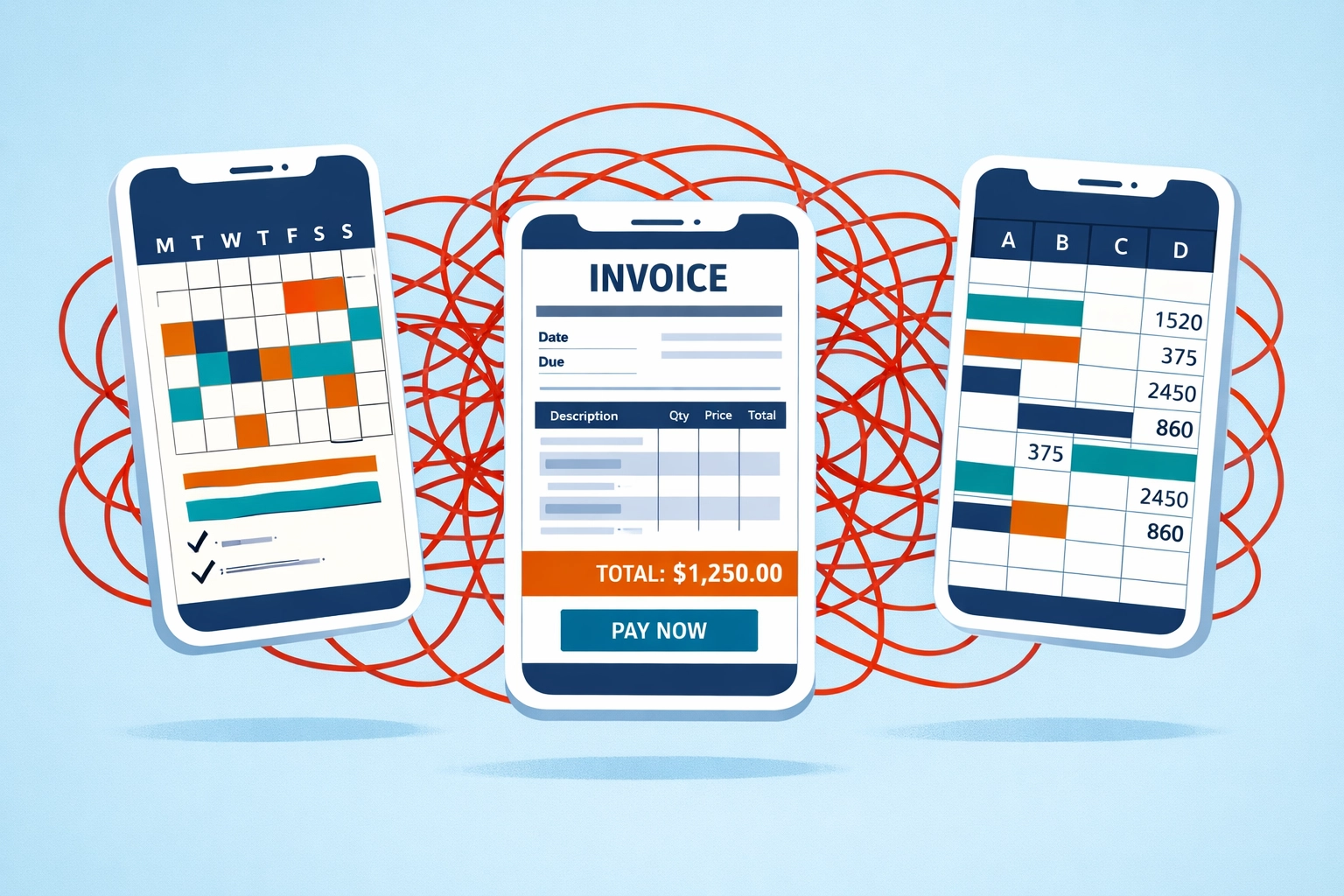
    Three disconnected business apps creating chaos between scheduling, invoicing, and cash flow tracking

    Every disconnect between your scheduling, invoicing, and forecasting is a potential revenue leak. It’s time you’ll never get back. It’s money you should have captured but didn’t.

    The average small business owner wastes 8-12 hours per week on administrative tasks that could be automated. That’s an entire workday gone.

    Not because you’re inefficient. Because your tools aren’t working together.

    What Integration Actually Means

    When we say “integrated platform,” we’re not talking about apps that sort-of-connect through clunky imports and exports.

    We’re talking about real integration. One system. One database. One source of truth.

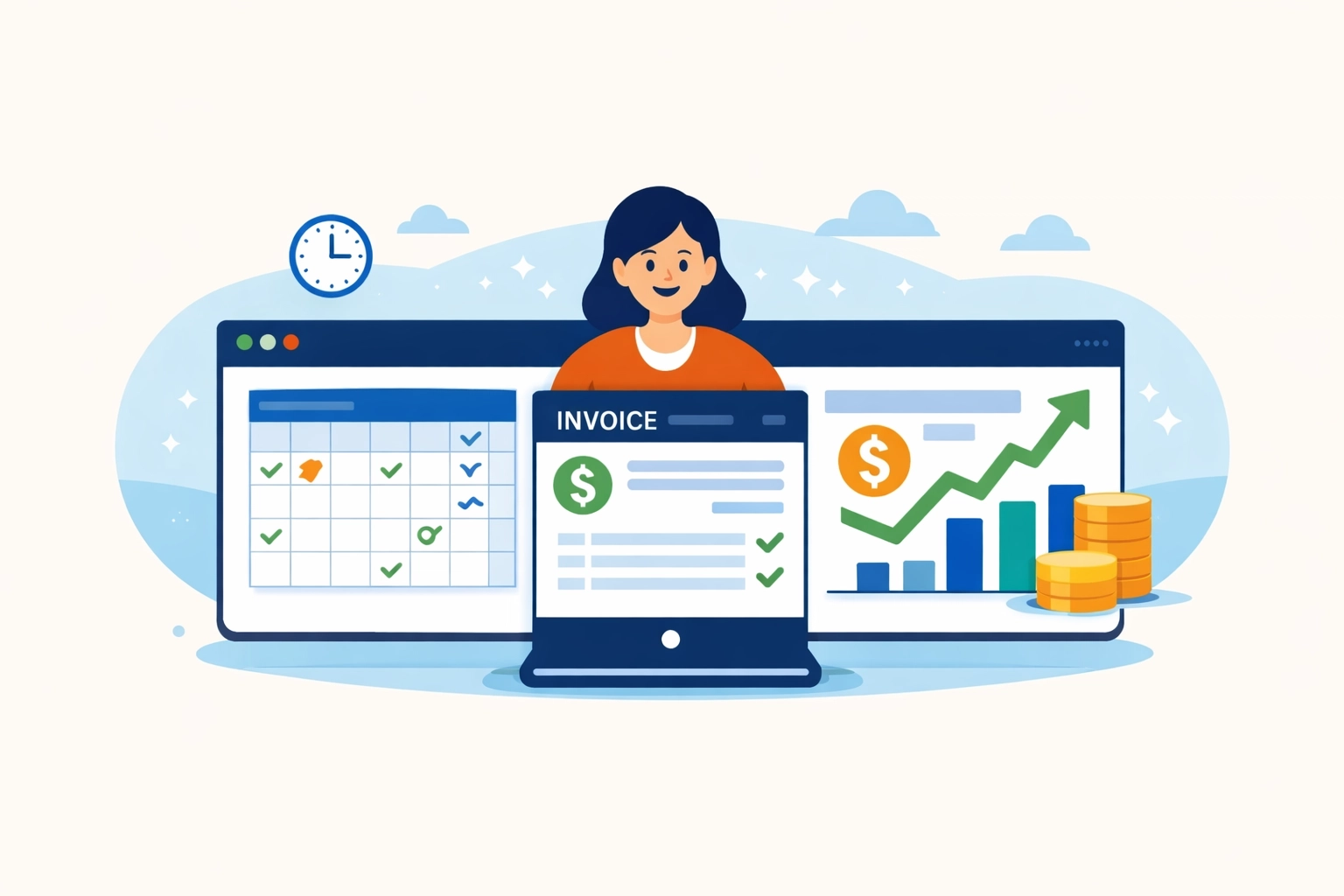
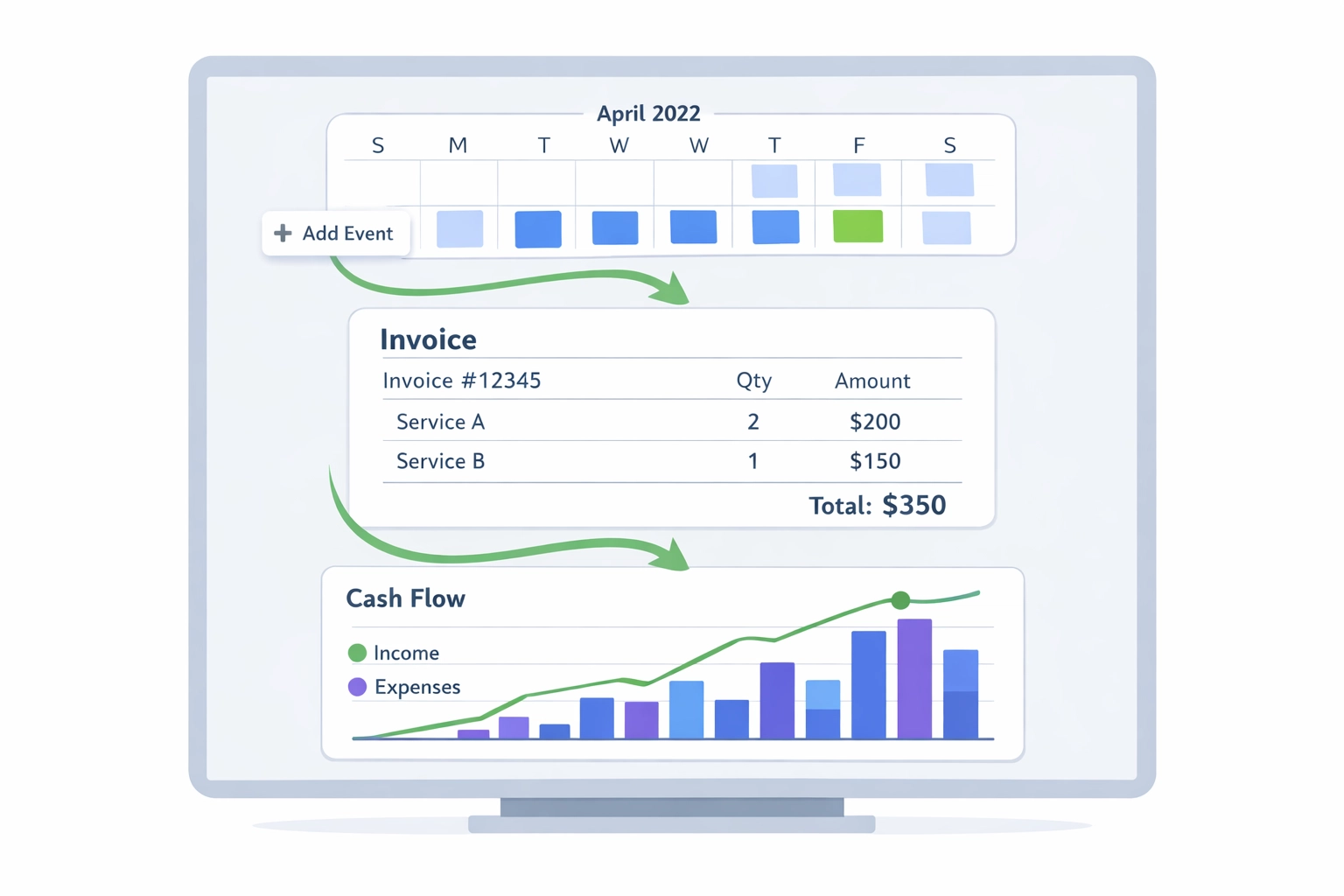
    You schedule a job. That information automatically flows into your invoice. When the invoice gets paid, your cash flow forecast updates instantly.

    No copying. No pasting. No wondering if your numbers are current.

    Integrated dashboard showing scheduling, invoicing, and cash flow forecasting working together seamlessly

    This isn’t magic. It’s just smart software design.

    And it’s what separates businesses that scale from businesses that stay stuck doing manual data entry.

    The Three Pillars: Scheduling, Invoicing, and Forecasting

    Let’s break down what each piece does when it’s actually connected to the others.

    Scheduling That Doesn’t Suck

    Real-time calendar management. Drag-and-drop job assignments. Automatic customer notifications.

    But here’s the difference: when you schedule a job, the system already knows the customer’s billing terms. It already knows your hourly rate or project fee. It’s already preparing the invoice before you even start the work.

    That’s integration.

    Invoicing That Actually Happens

    How many jobs have you completed and forgotten to bill? Be honest.

    With an integrated system, invoices generate automatically from completed jobs. Time tracked? It’s on the invoice. Expenses logged? They’re included. Materials used? Already there.

    One-click invoicing isn’t a luxury. It’s how you make sure every dollar you earn actually gets collected.

    Automated invoice with paid stamp showing faster payment processing and billing efficiency

    You can support hourly billing, fixed-fee projects, milestone payments, or any combination. The system doesn’t care. It just makes sure you get paid for what you do.

    Cash Flow Forecasting That Makes Sense

    Here’s where most small businesses completely fail.

    You look at your bank balance and think you’re doing fine. Then three invoices come due at once and you’re scrambling.

    Real cash flow forecasting uses your scheduling data and invoice history to predict what’s coming. It shows you exactly when money will hit your account and when bills need to be paid.

    Some platforms now use AI to analyze patterns in your business. They can predict revenue dips. They can flag margin risks. They can even suggest optimal staffing levels based on your pipeline.

    That’s the difference between guessing and knowing.

    Why This Matters More Than You Think

    Let’s get specific about what changes when you stop juggling apps.

    Speed

    Automated invoice generation means you get paid faster. Period. No more waiting until Friday to “do all the billing.” Invoices go out the same day the work is done.

    Faster invoicing means faster payment. Faster payment means better cash flow. Better cash flow means you sleep better.

    Accuracy

    When everything lives in one system, there’s no room for data entry errors. No forgetting to log a job. No accidentally using the wrong rate. No missing expenses that should have been billed.

    You capture 100% of your billable work. Not 85%. Not 90%. All of it.

    Business dashboard displaying scheduled jobs, pending invoices, and cash flow metrics in real-time

    Visibility

    Real-time dashboards show you exactly where your business stands. Not where it stood last week when you had time to update the spreadsheet.

    You can see scheduled jobs, pending invoices, expected revenue, and upcoming expenses all in one place. You can make decisions based on actual data instead of gut feel.

    The $149/Month Solution

    We’ve built something different at Valortek.

    Our Operations and Finance apps work together as a single integrated platform. Not two separate tools that kind-of-connect. One unified system.

    $149 per month gets you:

    • Complete job scheduling with calendar sync and customer notifications
    • Automated invoice generation from completed jobs
    • Real-time cash flow forecasting based on your pipeline
    • Payment processing integration
    • Mobile access for field teams
    • Unlimited users (because charging per seat is ridiculous)

    No hidden fees. No surprise charges for “premium features.” No forcing you to upgrade to enterprise pricing to get basic functionality.

    We’re not trying to be the everything-for-everyone platform. We’re focused on the core problem: helping you schedule work, bill for it, and know exactly where your money is.

    What Makes This Different

    Most business software is built for enterprises and scaled down for small businesses. That’s backwards.

    We started with small business needs and built up from there.

    That means you don’t pay for features you’ll never use. You don’t need a manual to figure out basic tasks. You don’t need to hire a consultant to set it up.

    Streamlined workflow from job scheduling to invoicing to payment in one integrated system

    You get scheduling, invoicing, and cash flow management that works together. That’s it. That’s what you need.

    No CRM you won’t use. No project management features designed for 50-person teams. No “AI-powered insights” that just tell you obvious things.

    Just the tools you need to run your business without the administrative chaos.

    Making the Switch

    Moving from multiple systems to an integrated platform sounds intimidating. It shouldn’t be.

    Your existing data imports in minutes, not days. Your team can be up and running in an afternoon. And you’ll start seeing time savings immediately.

    The average customer saves 10+ hours per week after switching. That’s time you can spend on actual revenue-generating work instead of shuffling data between apps.

    Most people wish they’d made the switch sooner. Nobody wishes they’d waited longer.

    Ready to Stop Juggling?

    If you’re tired of copy-pasting data between systems, missing billable hours, and being surprised by your cash flow, let’s talk.

    We’re a small team of real people building practical software for businesses like yours. No sales pressure. No long contracts. No BS.

    Check out what we’re building at Valortek or reach out directly if you have questions.

    We’re here to help you run your business better, not to sell you software you don’t need.

    Start Your Free Trial

    Questions? Contact us – we’re happy to help you decide.

  • Field Service Scheduling Software Showdown: What $99/Month Actually Gets You in 2026

    Let’s talk about something that drives me crazy.

    You go to a field service software website. You see flashy features. Big promises. Happy customers in stock photos.

    But no price.

    Just a “Contact Sales” button that leads to a 30-minute demo where someone tries to sell you a $300/month plan.

    The Pricing Game Nobody Wins

    Here’s what usually happens when you shop for field service scheduling software in 2026:

    ServiceTitan? Call for pricing. (Spoiler: It’s expensive. Think $300-$500+ per user.)

    Housecall Pro? Starts around $49/month but quickly jumps to $169/month when you need actual features.

    Jobber? $129 to $349/month depending on team size.

    FieldEdge? Custom pricing. (Translation: If you have to ask, you can’t afford it.)

    Notice a pattern? Either they hide the price completely or they hook you with a low tier that’s basically useless.

    Business owner confused by hidden field service software pricing and unclear cost structures

    What $99/Month Actually Gets You

    We’re not playing that game.

    Valortek is $99/month. Period. No hidden fees. No surprise charges when you add your third team member. No “oh, you need integrations? That’s an extra $50/month.”

    Here’s what you get:

    Full scheduling system. Drag and drop. Recurring jobs. Multi-day projects. Route optimization. All the stuff you actually need.

    Customer management. Contact history. Job notes. Equipment tracking. Photos and files.

    Invoicing and payments. Send invoices. Take payments. Track what’s paid and what’s outstanding.

    Mobile app for your techs. They see their schedule. They update job status. They take photos. They collect signatures. All from their phone.

    Real-time updates. Office sees what techs are doing. Techs see schedule changes immediately.

    Basic reporting. Revenue. Job completion rates. Tech performance. The numbers that matter.

    Email and SMS notifications. Automated reminders for customers. Job confirmations. Payment receipts.

    That’s not a stripped-down version. That’s the full platform.

    The Honest Comparison

    Let me break down what you’re actually comparing when you look at the big players.

    ServiceTitan ($300-500+/user/month)

    Yes, it’s powerful. Enterprise-grade. Built for companies with 50+ techs.

    But here’s the thing: most small field service businesses don’t need enterprise software. They need something that works. Something their team will actually use.

    ServiceTitan has every feature imaginable. You’ll use maybe 20% of them.

    We built Valortek to focus on the 20% you’ll actually use every day.

    Housecall Pro ($169/month for Professional tier)

    Their entry tier looks cheap at $49/month. But it caps you at 2,500 jobs per year and one user.

    Once you’re actually running a business, you need the Professional plan at $169/month. And that’s still limiting you to 10,000 jobs annually.

    Our $99/month has no job caps. No user limits. You grow, the price stays the same.

    Comparison of cluttered software dashboard versus simple field service scheduling interface

    Jobber ($129-349/month)

    Solid product. Good mobile app. But their pricing tiers are confusing.

    You start at $129/month for the “Connect” plan. But you can’t do GPS tracking or advanced reporting. Those are on the “Grow” plan at $249/month.

    Want custom workflows? That’s the “Manage” tier at $349/month.

    We give you everything in one plan. No upgrades. No “unlock this feature for just $100 more per month.”

    FieldEdge and ServiceTitan (Custom Pricing)

    When a company won’t tell you the price, it’s because the price is high.

    These platforms are built for big operations. Multiple locations. Complex workflows. Integration with heavy-duty accounting systems.

    If that’s you, great. But if you’re running a 3-10 person operation, you’re paying for a Ferrari when you need a pickup truck.

    The Hidden Costs Nobody Talks About

    Here’s what really gets expensive with the big platforms:

    Implementation fees. Some charge $1,000-5,000 just to set up your account.

    Training costs. When software is complicated, you need training. That’s billable hours.

    Integration charges. Want to connect to QuickBooks? That’ll be extra. Stripe? Extra. Your phone system? Extra.

    Per-user fees. Most platforms charge per user. So if you have 5 techs and 2 office staff, you’re paying 7x the base price.

    Storage limits. Upload too many photos and files? Pay more for storage.

    SMS and email charges. Some platforms nickel and dime you for every text message sent to customers.

    We don’t do any of that.

    $99/month is $99/month. Unlimited users. Unlimited jobs. Unlimited storage. SMS and email included.

    Hidden costs in field service software including training, integration, and per-user fees

    Who This Is Actually For

    Let’s be honest about who should use Valortek versus who should use something else.

    Valortek is perfect for:

    Small to mid-size field service businesses. Plumbers, electricians, HVAC techs, locksmiths, appliance repair, pest control, cleaning services.

    Teams of 1-20 people who need solid scheduling, dispatching, and invoicing without enterprise complexity.

    Business owners who want software that works out of the box. Not software that requires a consultant to set up.

    People who are tired of paying $300/month for features they never use.

    Valortek might not be for you if:

    You’re running a 100+ person operation across multiple states. (You probably need ServiceTitan.)

    You need deep integration with legacy enterprise systems. (You probably need something custom.)

    You have extremely specific workflow requirements that need custom development. (You probably need a dedicated dev team.)

    We’re not trying to be everything to everyone. We’re trying to be the best option for the vast majority of field service businesses.

    The Real Question

    Here’s what it comes down to:

    Do you want to pay $200-500/month for software that has every possible feature, most of which you’ll never touch?

    Or do you want to pay $99/month for software that does everything you actually need, works on day one, and doesn’t nickel and dime you as you grow?

    Plumbers, electricians, and HVAC technicians using mobile field service scheduling software

    We built Valortek because we were tired of the same old game.

    Complicated software. Hidden pricing. Sales calls that waste your time. Contracts that lock you in.

    No complicated tiers. No hidden fees. Just simple, honest pricing for software that works.

    You get full scheduling, dispatching, invoicing, payments, mobile apps for your techs, and customer management. Everything you need to run your field service business.

    $99/month. That’s it.

    Try it for free. No credit card required. No pressure.

    If it works for you, great. If not, no hard feelings.

    Start Your Free Trial

    Questions? Contact us – we’re happy to help you decide.