Author: Warren

  • Electrician Scheduling Software: Adapting to the EV Charging Boom in 2026

    Author: Warren Peterson
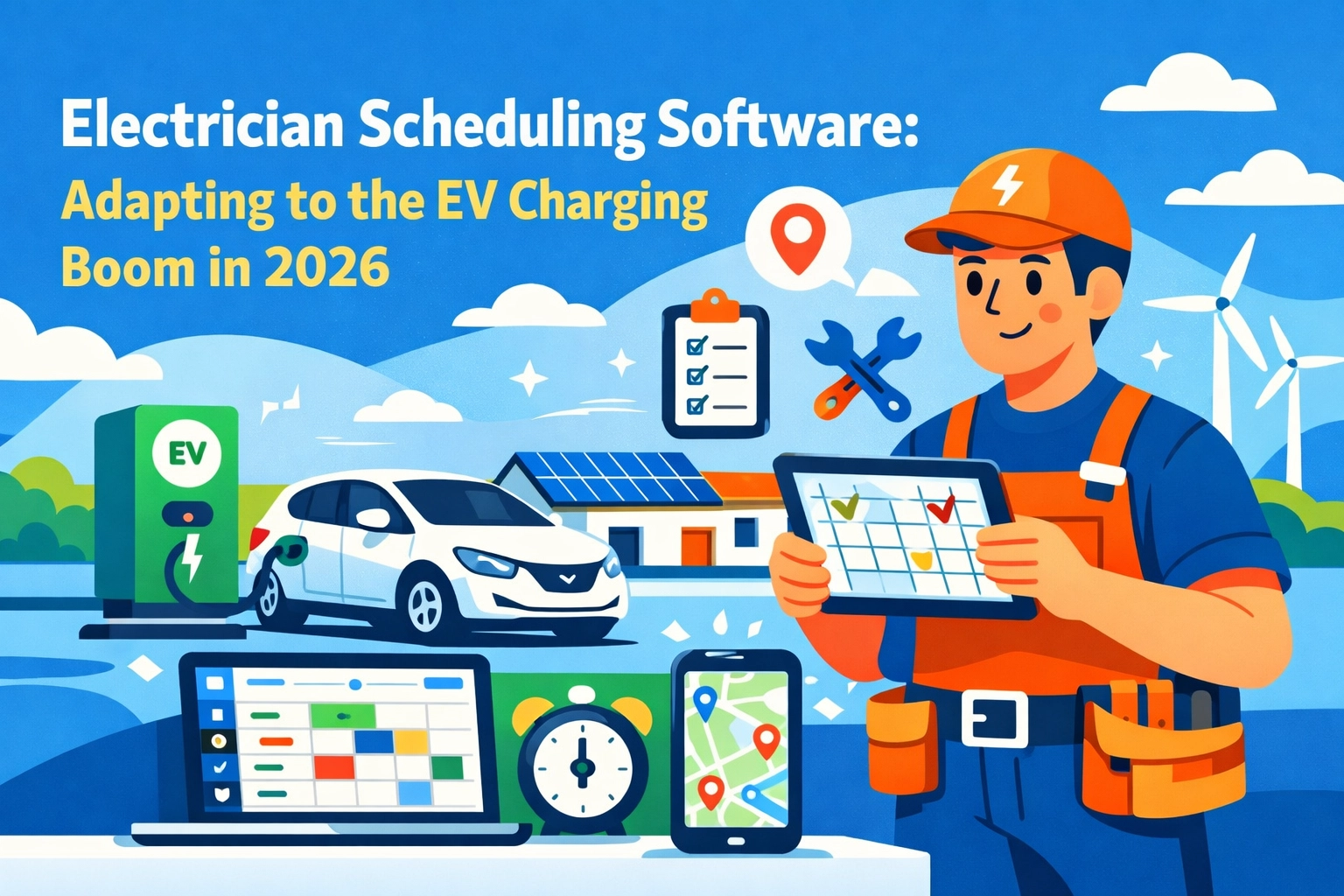
    Electrician Scheduling Software: Adapting to the EV Charging Boom in 2026

    The EV charging market isn’t coming. It’s already here.

    Every residential electrician we talk to is booking EV charger installations weekly. Some daily. And if you’re not set up for it, you’re leaving money on the table.

    But here’s the problem: your current electrician scheduling software probably wasn’t built for this. It was built for service calls and one-off repairs. Not for the complexity that comes with high-volume EV infrastructure work.

    The EV Charging Boom Changes Everything

    The numbers don’t lie. EV sales are exploding, and every single one of those vehicles needs a charger installed at home or work.

    Federal and state governments are throwing money at this. Tax credits. Rebates. Incentives at every level. Your customers are getting thousands back on installations.

    That’s great for business. But it also means more paperwork, more compliance tracking, and more coordination than a typical electrical job.

    Electric vehicle charging station installed at residential home driveway at dusk

    Traditional electrician scheduling software handles dispatch and calendars just fine. What it doesn’t handle? Rebate tracking. Multi-location commercial installations. Route optimization for 10+ charging station jobs in one day.

    What Electricians Actually Need Right Now

    No fluff. No enterprise bloatware. Just tools that work.

    Here’s what matters for EV charging work:

    Fast Quoting with Pre-Configured Options. Your customers don’t know what Level 2 charger they need. You do. Your software should let you quote it in under 5 minutes with all the right gear already in the system.

    Rebate and Incentive Tracking. Every job has different federal, state, and utility incentives. You need to know which ones apply and how to document them correctly. Manually tracking this in spreadsheets is a nightmare.

    Route Optimization. When you’re doing 5 residential installs in one day, you can’t afford to zigzag across town. You need software that maps your jobs and builds the most efficient route automatically.

    Mobile-First Field Operations. Your techs need to complete checklists, take photos, record test results, and get sign-off on site. If they’re coming back to the office to do paperwork, you’re wasting time.

    Multi-Location Coordination. Commercial EV charging jobs aren’t one-and-done. You’re installing 10, 20, 50 chargers across multiple properties. Your scheduling software needs to handle that complexity without breaking.

    Electrician comparing manual paperwork to modern scheduling software on tablet

    The old way was booking one job, sending one tech, closing one ticket. The EV charging boom requires a different approach.

    Field Service Management Software Isn’t Built for This

    Let’s be honest. ServiceTitan, Housecall Pro, Jobber: they’re solid platforms. They do what they’re designed to do.

    But they weren’t designed for EV charging infrastructure.

    They’re built for HVAC companies and plumbers running standard service calls. Drag-and-drop calendars. GPS dispatch. Live technician tracking. Job automation.

    All good features. All necessary. But none of them solve the EV-specific problems electricians face every single day.

    You end up bolting on workarounds. Custom fields. Manual spreadsheets. Third-party integrations that break every other month.

    That’s not a solution. That’s a Band-Aid.

    Valortek Ops: Built for Electricians Who Do EV Work

    We’re not trying to be everything to everyone. We’re not an enterprise platform with 400 features you’ll never use.

    We built Valortek Ops for trade contractors who need simple, powerful tools to run their field operations. And that includes electricians handling the EV charging surge.

    Here’s what you get at $99/month:

    Job Scheduling & Dispatch – Assign jobs, track techs in real-time, optimize routes automatically.

    Mobile App for Techs – Complete jobs, take photos, collect signatures, all from their phone.

    Invoicing & Payments – Generate invoices on site, accept payments immediately, no waiting.

    Customer Management – Track job history, notes, follow-ups, all in one place.

    Reporting & Analytics – See what’s working, what’s not, where your money is going.

    Route optimization map showing electrician van traveling to multiple EV charger installation sites

    No contracts. No setup fees. No per-user charges that nickel-and-dime you as you grow.

    Just straightforward software that helps you book more EV charging jobs and complete them faster.

    Real Talk: What You Should Be Doing Right Now

    The EV charging market is still young. That means there’s opportunity if you move fast.

    Get certified. Every major charger manufacturer offers installer certifications. Tesla, ChargePoint, JuiceBox: get certified on the top brands your customers are buying.

    Partner with local utilities. Many utility companies have approved installer lists for rebate programs. Get on those lists and you’ll get referrals automatically.

    Train your team on incentives. Your customers don’t understand the rebate landscape. If you can walk them through federal tax credits, state rebates, and utility incentives, you become the trusted advisor. That’s how you win jobs.

    Upgrade your scheduling software. If you’re still using paper schedules or basic calendar apps, you’re going to get crushed when volume picks up. Get ahead of it now.

    Market yourself as an EV installer. Update your website. Post on social media. Let your existing customers know you do EV charging work. Most people default to the first electrician they find when they buy an EV.

    The electricians winning right now are the ones treating EV charging like a core service, not a side hustle.

    Electrician using mobile field service app at commercial EV charging station installation

    The Bottom Line

    The EV charging boom isn’t going away. It’s accelerating.

    Every month, more EVs hit the road. Every month, more homeowners and businesses need charging infrastructure. Every month, the electricians who are ready for this work are booking out further in advance.

    Your electrician scheduling software should make this easier, not harder.

    Traditional field service management software gets you halfway there. But if you’re serious about capturing EV work, you need tools built for the complexity that comes with it.

    Valortek Ops gives you everything you need to schedule, dispatch, complete, and invoice EV charging jobs without the bloat of enterprise platforms.

    $99/month. No contracts. Built for electricians who want to grow without getting buried in admin work.

    The opportunity is massive. The question is whether you’re set up to take advantage of it.

    Start Your Free Trial

    Questions? Contact us – we’re happy to help you decide.
  • 7 Mistakes Plumbers Make with Field Service Software (And How Cheap Spreadsheets Cost You $1,000+ Yearly)


    Look, we get it. You’re a plumber, not a software engineer.

    You just want to fix pipes, collect money, and go home. But those “free” spreadsheets and sticky notes you’re using? They’re bleeding cash every single month.

    We’ve worked with dozens of plumbing businesses. The ones clinging to manual systems are leaving $1,000+ on the table every year. Sometimes way more.

    Here are the seven biggest mistakes we see: and what they’re actually costing you.

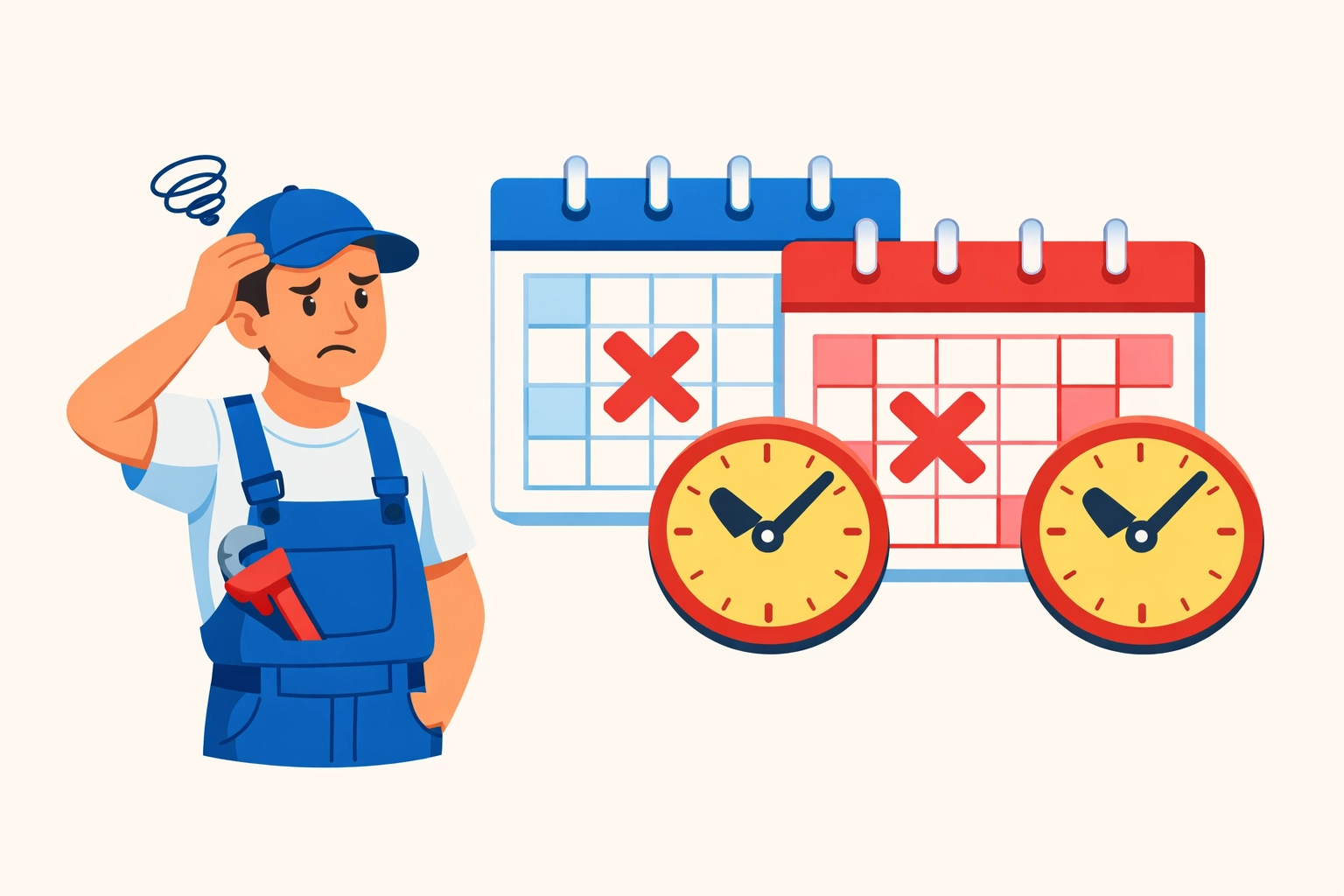
    Mistake #1: Double Booking Your Techs (And Looking Like an Amateur)

    You know the drill. Job written on a calendar. Same time slot written in a different color. Tech shows up to Mrs. Johnson’s house: except another tech is already there for a different job across town.

    Manual scheduling is a disaster waiting to happen.

    Plumber facing double-booked appointments on conflicting scheduling calendars

    Spreadsheets don’t stop you from booking two jobs at 2 PM. Google Calendar doesn’t care if you already wrote “Dave – Water Heater” on Tuesday. Physical appointment books? Forget about it when your office manager goes on vacation.

    The real cost: Lost jobs mean lost revenue. But worse? You just told a customer you’re disorganized. Good luck getting that referral.

    One botched appointment costs you the $300 job plus whatever that customer would’ve spent over the next five years. We’re talking thousands in lifetime value.

    Mistake #2: Techs Showing Up Without the Right Parts

    Your guy drives 45 minutes to replace a water heater. Gets there. Realizes he grabbed the wrong expansion tank.

    Now he’s driving back. That’s 90 minutes of windshield time. Plus fuel. Plus the customer who’s annoyed they took off work for nothing.

    This happens because your systems don’t talk to each other. The estimate says one thing. The dispatch note says another. Your tech is winging it based on a phone call from yesterday.

    The real cost: Return trips destroy your margins. You’re paying labor twice. Burning fuel twice. And that customer? They’re telling their neighbors you “had to come back” because you weren’t prepared.

    First-time fix rates matter. Every return trip is pure profit walking out the door.

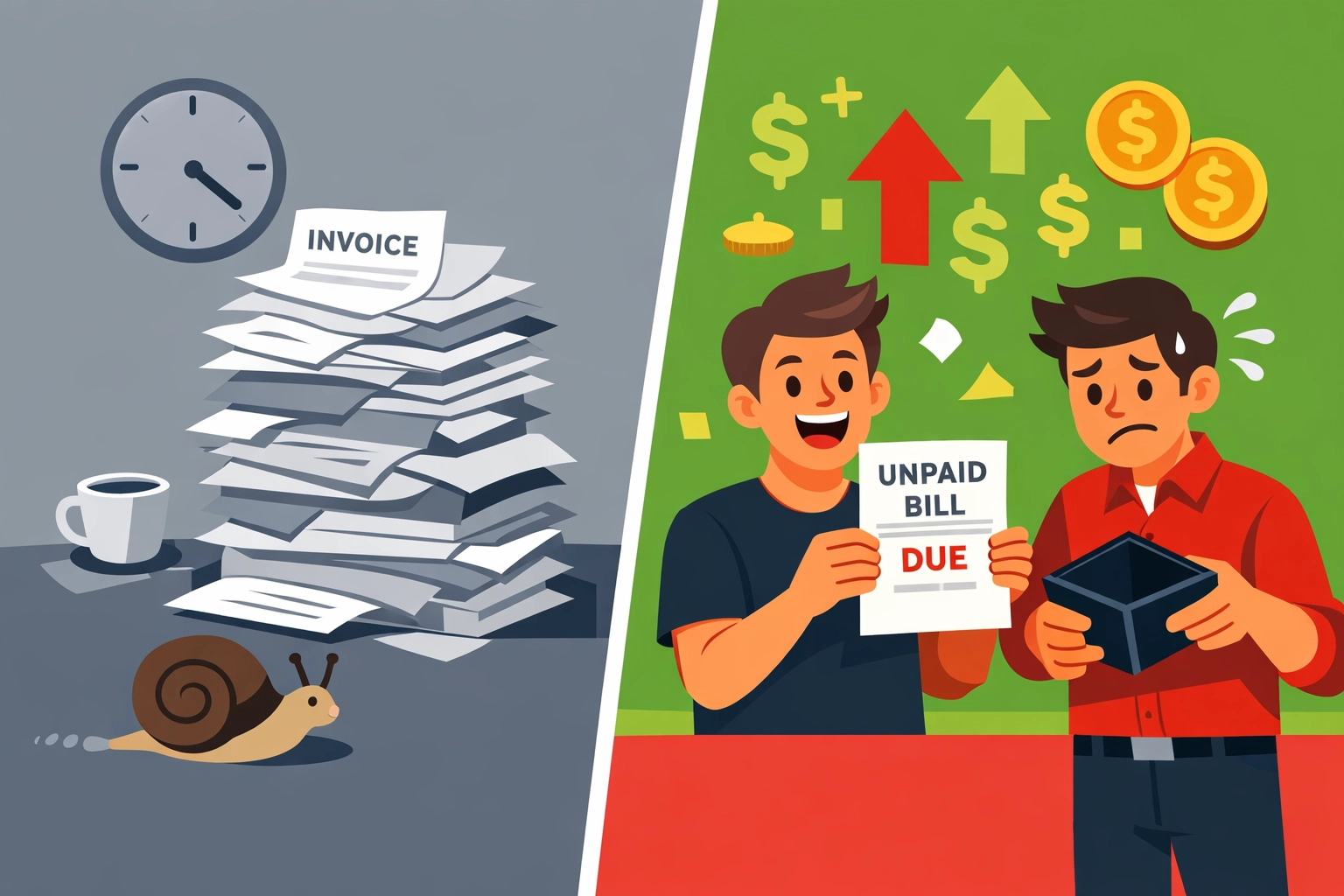
    Mistake #3: Billing So Slowly You’re Basically Giving Interest-Free Loans

    You finish a $2,000 job on Monday. The invoice gets created… when? Thursday? Next week?

    Manual billing means you’re waiting days (or weeks) to get paid for work you already did. Meanwhile, your credit card bill isn’t waiting. Your supply house isn’t waiting. Your payroll definitely isn’t waiting.

    Plumber missing water heater parts at service van causing return trips

    Spreadsheet invoices mean printing, mailing, or emailing PDFs. Then customers “lose” them. Then you follow up. Then they mail a check. Then you deposit it five days later.

    The real cost: Cash flow delays compound fast. If you’re doing $15,000 in monthly revenue and invoicing takes an extra week, you’re constantly operating $3,500 behind where you should be.

    That’s money you can’t use for parts, payroll, or growth. You’re broke on paper while customers owe you thousands.

    Mistake #4: Routing Your Techs Like It’s 2005

    Your tech finishes a job in North Denver at 10 AM. Next job? South Denver at 2 PM. But there was a job in South Denver at 10:30 that he drove right past.

    No route optimization means you’re burning fuel and time for no reason.

    Manual scheduling doesn’t consider geography. You’re looking at a calendar, not a map. You’re thinking about time slots, not drive distances.

    The real cost: Wasted fuel alone adds up. If your tech drives an extra 20 unnecessary miles per day at current gas prices, that’s $15-20 daily. Times 250 work days? You just lit $4,000 on fire.

    Plus, poor routing means fewer jobs per day. If better routes give you one extra job per tech per week, that’s 50 extra jobs per year. At $300 average, that’s $15,000 in lost revenue.

    Mistake #5: Still Using Spreadsheets in 2026

    Let’s be honest. You started the business with Excel because it was free and “good enough.”

    Three years later, you’ve got 47 tabs. Nobody knows which version is current. Changes don’t sync. Your bookkeeper can’t access it. Your tech in the field definitely can’t see it.

    Slow manual invoicing process delaying plumbing business cash flow

    No real-time updates. No mobile access. No automation. Just you, manually entering the same customer info in four different places.

    The real cost: Time is money. If you spend 5 hours per week managing spreadsheets that software could automate, that’s 260 hours per year. At $50/hour (what you could be billing), that’s $13,000 in opportunity cost.

    Plus errors. One wrong number in your tax prep costs you real money with the IRS. One missed invoice costs you the whole job amount.

    Mistake #6: Playing Phone Tag Instead of Communicating in Real-Time

    Your tech needs to talk to the office. He calls. Nobody answers. He leaves a voicemail. Office calls back. He’s under a sink.

    Meanwhile, the customer called with a question. Office has no idea what the tech found. Customer gets frustrated.

    Manual communication means delays. Delays mean unhappy customers and techs making decisions without full information.

    The real cost: Poor communication kills efficiency. If your techs waste 30 minutes per day on back-and-forth calls, that’s 125 hours per year per tech. That’s billable time you’re not collecting.

    Customer satisfaction drops when they can’t get answers. Reviews suffer. Referrals dry up. You lose future business because your systems make you look scattered.

    Mistake #7: Hunting Through Paper Files at Tax Time

    It’s April. Your accountant needs Q1 numbers. You’re digging through file folders, old invoices, and receipt shoeboxes.

    This happens because you never centralized your documents. Job notes are in one place. Invoices somewhere else. Expenses on random credit card statements.

    Inefficient plumber route planning with zigzag paths wasting fuel costs

    Manual record-keeping turns tax prep into a nightmare. You either pay your accountant extra hours to sort through chaos, or you miss deductions because you can’t find receipts.

    The real cost: Here’s where the $1,000+ really hits. Accountants charge $150-300/hour. If your disorganization adds 5-10 hours of their time, that’s $750-3,000 in extra fees.

    Worse? Missed deductions. If you can’t prove expenses, you can’t write them off. Most plumbers miss $2,000-5,000 in legitimate deductions simply because records are scattered.

    That’s real money the IRS is keeping because your systems are stuck in 1995.

    The Simple Fix

    Stop trying to run a 2026 plumbing business with 2005 tools.

    You don’t need enterprise software that costs $500/month and requires a training manual. You need something that actually works for small trade businesses.

    Real-time scheduling that prevents double bookings. Mobile access so techs see job details and inventory. Automated invoicing that gets you paid faster. Route optimization that cuts fuel costs. Centralized documents that make tax time painless.

    At Valortek, we help plumbers (and other trade businesses) stop losing money to manual mistakes. We’re not another complicated enterprise platform. Just simple systems that plug the $1,000+ holes in your operation.

    We’ve seen it happen over and over. Plumbers switch from spreadsheets to real software and suddenly they’re getting paid faster, booking more jobs per day, and keeping better records for tax time.

    The math works. Fix these seven mistakes and you’ll find money you didn’t know you were losing.

    Ready to stop bleeding cash? Let’s talk about what’s actually costing you money in your business.

    Start Your Free Trial

    Questions? Contact us – we’re happy to help you decide.

  • Stop Overpaying for Software: The $200/Month Trap Killing Small Trade Businesses

    Author: Warren Peterson
    Category: Operations

    You’re a plumber with three trucks on the road. Maybe an electrician with five techs. Or an HVAC business doing $500K a year.

    And you’re paying $200–$300 a month for field service software.

    That’s $2,400–$3,600 every single year. For software that does… what exactly? Schedules jobs. Sends invoices. Tracks your team.

    Here’s the thing: you don’t need enterprise software. You need simple tools that work.

    The Field Service Software Scam Nobody Talks About

    Let’s be blunt. Most field service platforms are built for companies with 50+ employees and VC money to burn.

    Then they turn around and sell those same bloated platforms to your 5-person plumbing business.

    Same features. Same complexity. Same enterprise price tag.

    You don’t need 90% of what they’re selling. But you’re paying for all of it.

    Small trade business owner stressed by expensive software pricing tags showing $200-$500 monthly costs

    Housecall Pro? $200–$300+ per month depending on your plan. ServiceTitan? Don’t even ask unless you’ve got a dedicated IT person and a board of directors.

    These platforms are designed for scale. They’re powerful, sure. But they’re overkill for most small trade businesses.

    You’re not running a national franchise. You’re running a tight operation with real margins to protect.

    What You Actually Need (And What You’re Being Sold)

    Let’s break this down.

    What does your trade business actually need from software?

    • Schedule jobs without double-booking
    • Send professional invoices fast
    • Track who’s where and when
    • Get paid on time
    • Maybe some basic reporting to see how you’re doing

    That’s it. No AI-powered dynamic routing. No enterprise integrations. No white-glove onboarding that takes three weeks.

    Just simple tools that let you run your business without hiring a software engineer.

    But here’s what the big platforms sell you:

    • Complex dashboards with 47 different tabs
    • Features designed for 100-person companies
    • Integrations you’ll never use
    • Customer success managers you don’t need
    • Training sessions that eat up your entire Tuesday

    You end up paying enterprise prices for features you’ll never touch.

    Comparison of cluttered enterprise software dashboard versus clean simple field service software interface

    The Real Cost of Overpaying

    Let’s do some quick math.

    $250/month for field service software. That’s $3,000 a year.

    Over three years? $9,000.

    What could you do with an extra $9,000?

    • Hire a part-time admin to handle your scheduling
    • Buy a new tool trailer
    • Actually take a vacation
    • Put it toward marketing that brings in real jobs

    Instead, it’s going to software that’s 10x more complicated than what you need.

    We’ve talked to hundreds of trade business owners. Same story every time.

    “I’m only using like 20% of what I’m paying for.”

    “It took us two months just to get it set up right.”

    “My guys hate using it because it’s too complicated.”

    You’re not alone. And it’s not your fault.

    Why Trade Businesses Overpay

    The software industry has a dirty little secret: pricing has nothing to do with what it costs to run the platform.

    It has everything to do with what they think they can charge.

    Big platforms look at industries with good margins, like trades, and they price accordingly.

    They know you need software. They know you’re making decent money. So they charge what they think you’ll pay.

    Not what the software is worth. Not what it costs them. What they think your business can afford.

    Trade service van with money flying away representing wasted software subscription costs

    Then they lock you into annual contracts. Make it hard to export your data. Add on extra fees for things that should be included.

    It’s not about serving small businesses. It’s about maximizing revenue per customer.

    The Valortek Approach: Software That Respects Your Budget

    We built Valortek Ops for one reason: small trade businesses deserve software that doesn’t drain their bank account.

    No enterprise pricing. No feature bloat. No complexity you don’t need.

    Valortek Ops is $99/month. Period.

    That’s it. No hidden fees. No per-user charges that balloon your bill. No surprise upgrades.

    $99 gets you:

    • Job scheduling and dispatch
    • Professional invoicing
    • Mobile access for your team
    • Customer management
    • Basic reporting and insights
    • Straightforward support when you need it

    Everything you actually need. Nothing you don’t.

    We’re not trying to be the biggest platform. We’re trying to be the most useful one for businesses like yours.

    What $99/Month Actually Looks Like

    Let’s compare.

    Housecall Pro: $200–$300+/month
    ServiceTitan: $300–$500+/month (and that’s being generous)
    Valortek Ops: $99/month

    Over one year:

    • Housecall Pro: $2,400–$3,600+
    • ServiceTitan: $3,600–$6,000+
    • Valortek Ops: $1,188

    You’re saving $1,200–$4,800 every single year.

    That’s real money. Money that stays in your business instead of going to a software company’s shareholders.

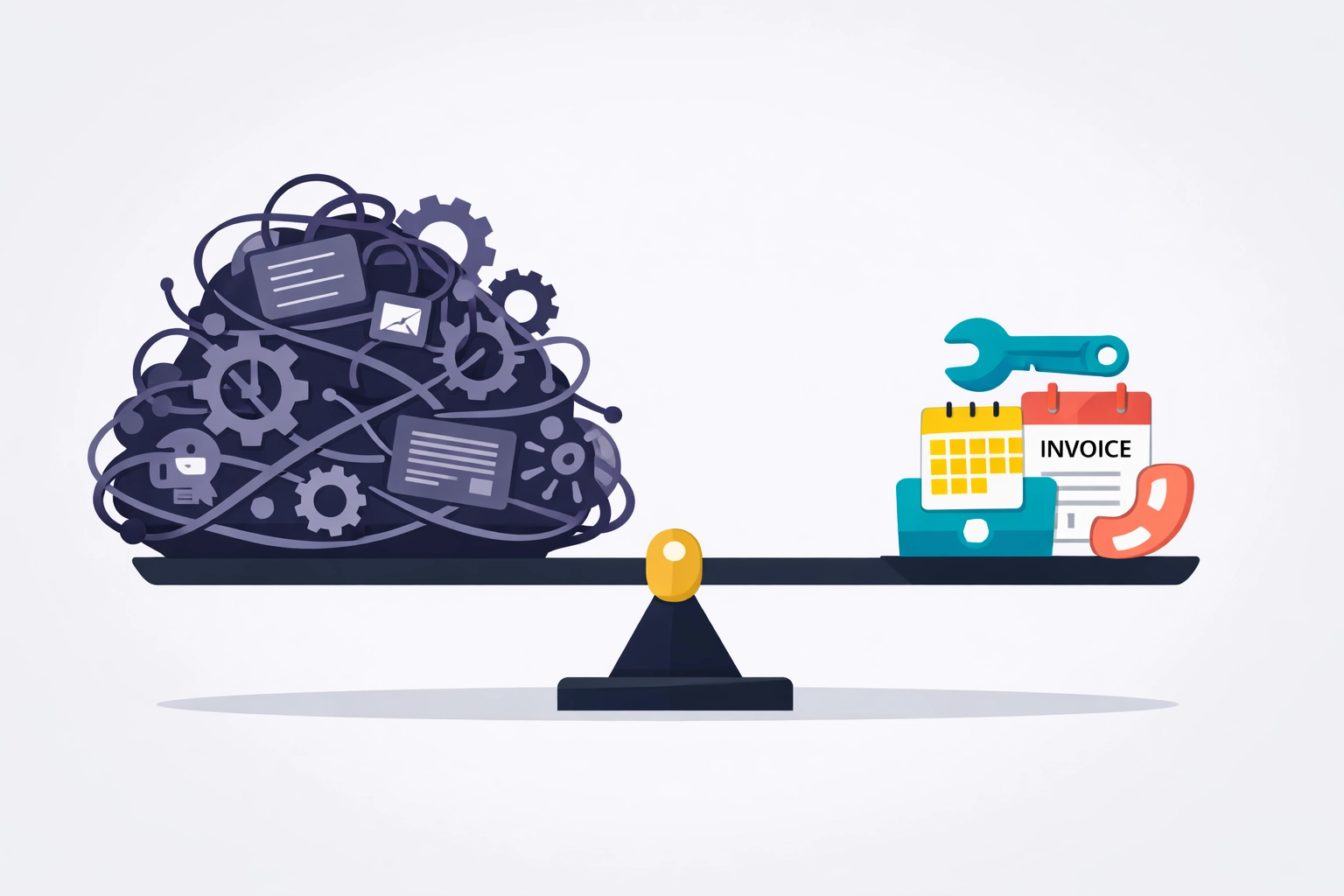
    Balance scale showing complex software features versus simple affordable tools for small trade businesses

    We’re not saying those other platforms are bad. They’re great: if you’re a 50-person operation with complex needs.

    But if you’re running a small trade business with 1-10 people? You don’t need to pay enterprise prices.

    Simple Software for Small Trade Businesses

    Here’s what we learned building Valortek: small businesses don’t need more features. They need better ones.

    We focused on doing a few things really well instead of doing a thousand things okay.

    Our dashboard? You can figure it out in five minutes. No training required.

    Our mobile app? Your techs can use it without calling you every time they need to clock in.

    Our pricing? Exactly what we said it would be. No surprises on your credit card statement.

    We built Valortek the way we’d want to be treated as customers.

    Transparent pricing. Simple tools. Real support when you need it.

    No sales calls. No pressure. No contracts that trap you for two years.

    Who Valortek Is For (And Who It’s Not For)

    Let’s be straight about this.

    Valortek Ops is perfect if you’re:

    • Running a trade business with 1-10 employees
    • Tired of overpaying for features you don’t use
    • Looking for simple software that just works
    • Want to keep more money in your business

    Valortek might NOT be right if you’re:

    • Managing 50+ techs across multiple states
    • Need complex enterprise integrations
    • Want every bell and whistle under the sun

    We know our lane. Small trade businesses that need solid, affordable software.

    That’s who we built this for.

    Ready to Stop Overpaying?

    Look, we get it. Switching software is a pain.

    But so is throwing away $2,000+ every year on features you’re not using.

    Valortek Ops gives you what you need at a price that makes sense. $99/month. No games.

    Check out what we’ve built at https://valortek.com.

    If it’s not for you, that’s cool. But if you’re tired of overpaying for software that’s too complicated, we might be exactly what you’re looking for.

    Questions? Reach out. We’re just people trying to help other small businesses succeed.

    Start Your Free Trial

    Questions? Contact us – we’re happy to help you decide.
  • Why Am I Profitable But Broke? Cash Flow Secrets Every Contractor Needs to Know

    You just landed a great project. The margins look solid. Your accountant says you’re profitable.

    So why can’t you make payroll next week?

    Welcome to the contractor’s paradox. You’re making money on paper while scrambling to keep the lights on in reality.

    This isn’t about bad business decisions. It’s about how construction cash flow actually works: and why most contractors don’t see the train wreck coming until it’s too late.

    The Timing Problem Nobody Talks About

    Here’s the brutal truth: you spend money today and get paid weeks or months later.

    That gap between writing checks and cashing them? That’s where profitable businesses go broke.

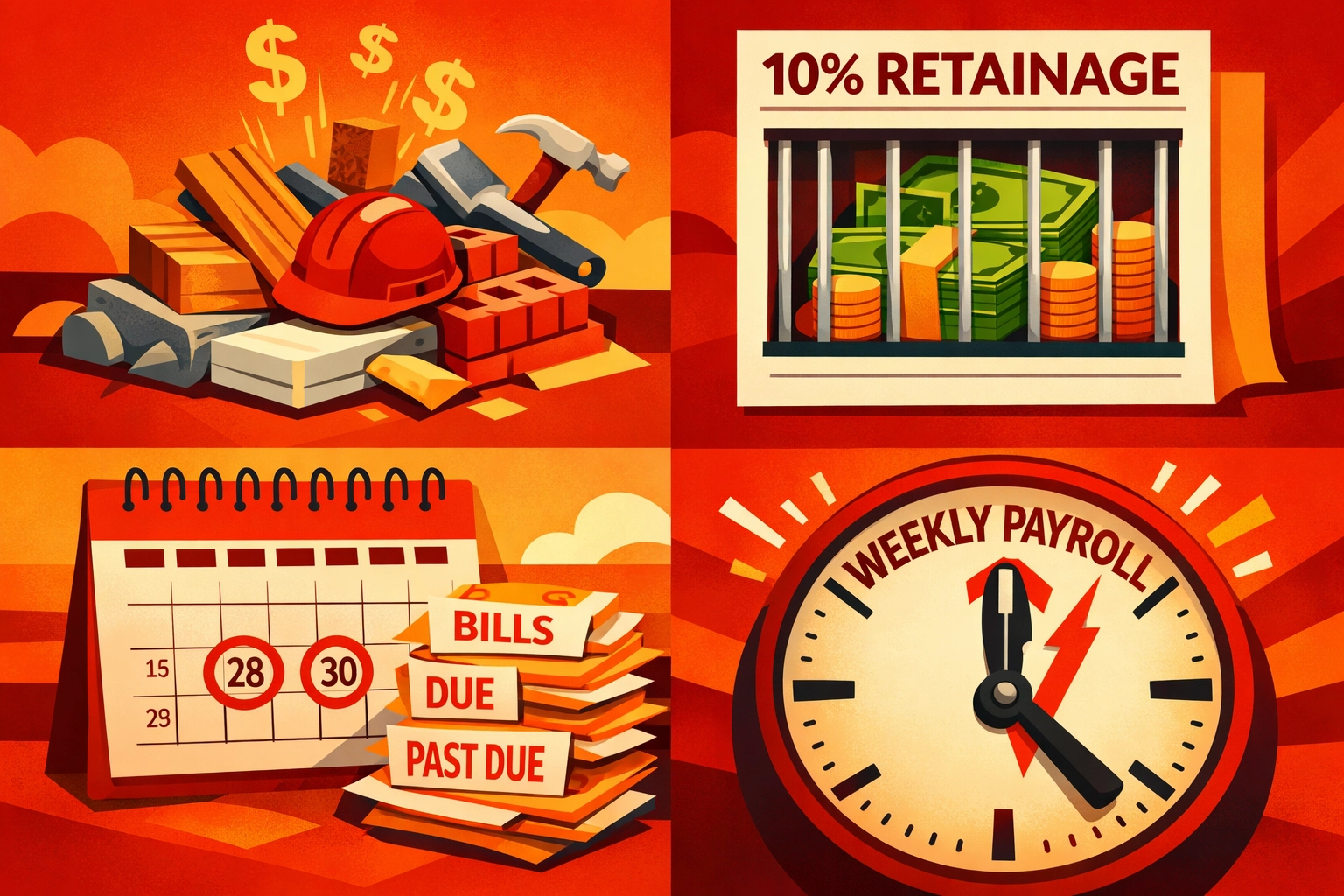
    You mobilize. You buy materials. You pay crews. You cover equipment costs. All of this happens before you see a single dollar from the client.

    Meanwhile, your invoice sits on someone’s desk for 30, 60, sometimes 90 days.

    The math might work on an annual P&L statement. But math doesn’t pay your suppliers on Friday.

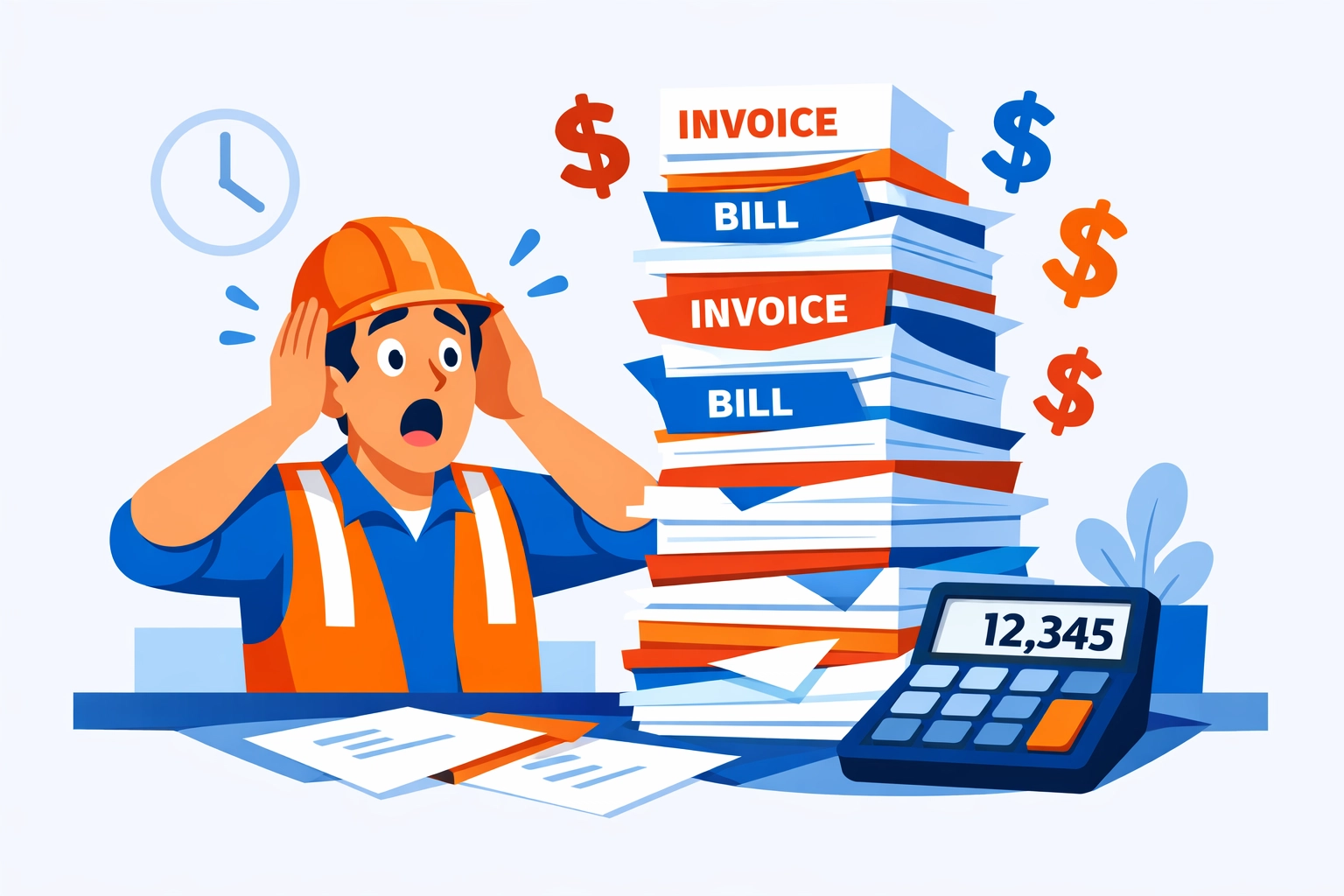
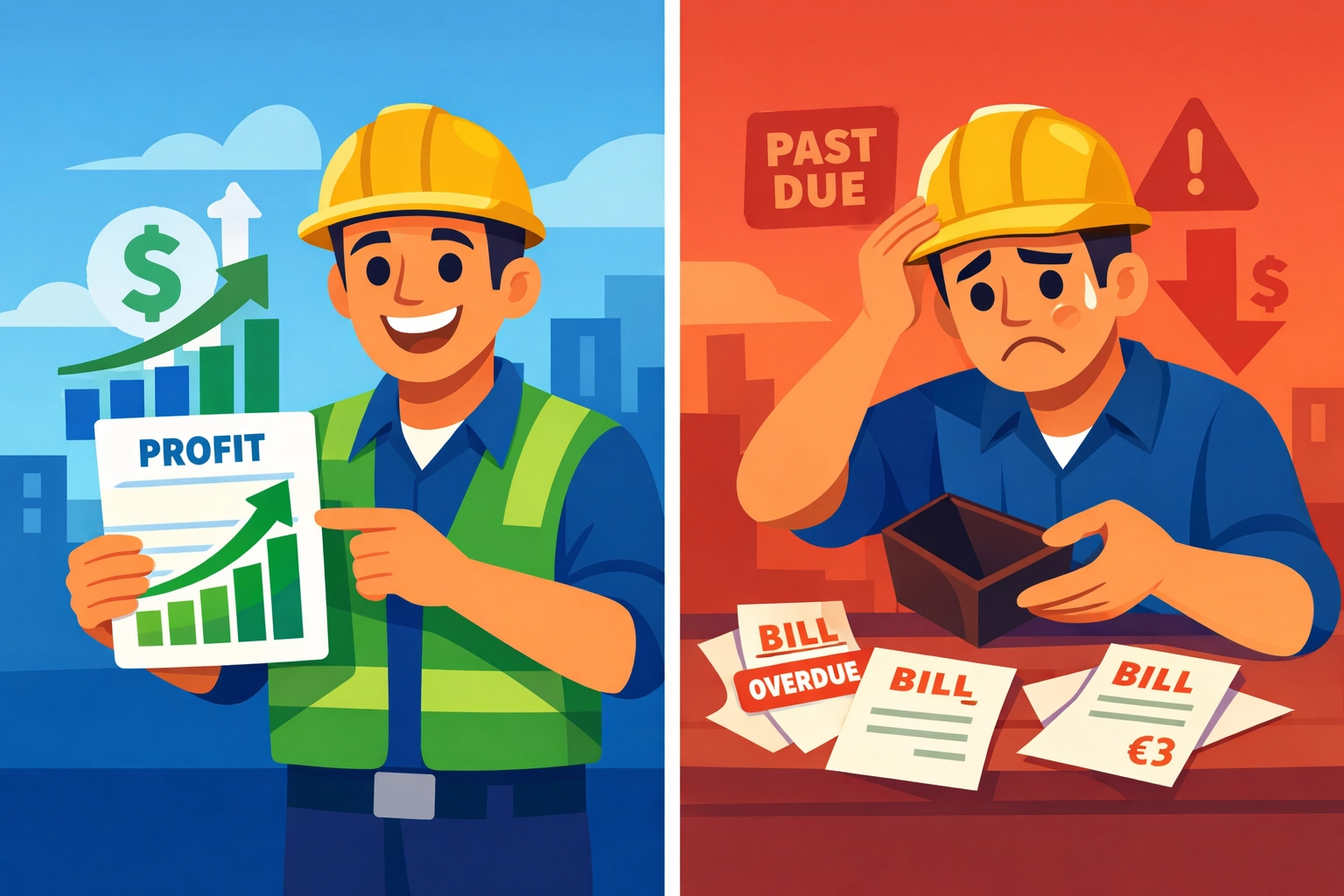
    Contractor comparing profit reports versus empty wallet showing cash flow gap

    The Four Cash Flow Killers

    1. Upfront Costs Hit Hard

    Every project starts with cash flowing out. Mobilization, materials, labor: it all needs funding before you bill your first progress payment.

    If you’re juggling three or four projects at once, that’s three or four cash drains happening simultaneously.

    2. Retainage Steals Your Money

    Most contracts hold back 5-10% of your payment until project completion. That’s your money, earned and owed, sitting in someone else’s account.

    On a $500K project, that’s $50K you can’t touch. On multiple projects? You could have six figures trapped in retainage.

    3. Slow-Paying Clients

    You invoice on time. They pay whenever they feel like it.

    Every day they delay is another day you’re funding their project with your own cash reserves.

    4. Payroll Doesn’t Wait

    Your crew expects checks every week or two. They don’t care that your client is slow to pay.

    High payroll expenses compound fast when payment delays stretch out.

    The Secrets That Keep Cash Flowing

    Let’s talk solutions. These aren’t accounting tricks. They’re survival tactics.

    Front-Load Your Billing Schedule

    Negotiate payment terms that match your actual cash needs. If you’re spending heavily upfront, get paid upfront.

    Structure your billing to reflect when you’re actually incurring costs. Don’t let standard payment schedules drain you dry while you wait for milestone payments.

    Fight Retainage Hard

    Every contract negotiation should include a conversation about retainage. Push for lower percentages. Negotiate phase-outs as the project progresses.

    Even reducing retainage from 10% to 5% doubles your available cash flow.

    Four cash flow challenges for contractors: upfront costs, retainage, delays, and payroll

    Invoice Immediately

    The moment your billing period ends, get that invoice out. Every day you delay is another day without payment.

    Then follow up. Be polite but persistent. Your vendors aren’t giving you grace periods: don’t give them to your clients.

    Use Strategic Financing

    Pay for materials and equipment with terms or financing when possible. Preserve your cash for payroll and operational expenses you can’t defer.

    But avoid the trap of short-term financing with high interest. That’s just trading one cash flow problem for a bigger one.

    Align Vendor Terms With Customer Receipts

    Try to negotiate payment terms with suppliers that match when you expect customer payments. Pay-when-paid clauses with subs can help preserve cash.

    This isn’t about stiffing anyone. It’s about syncing cash in with cash out.

    Forecasting: The Real Secret Weapon

    Here’s what separates thriving contractors from struggling ones: they see problems coming.

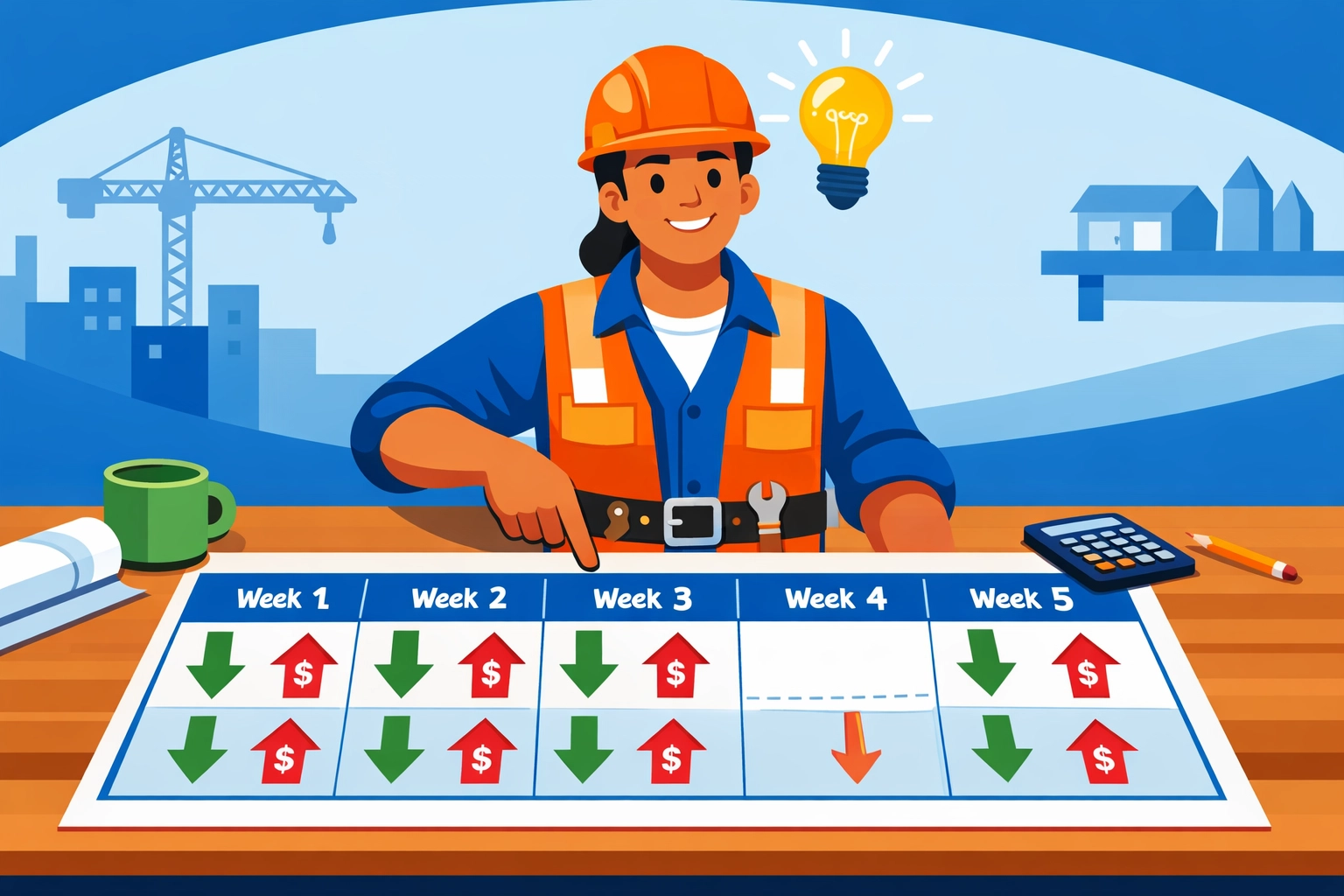
    Cash flow forecasting isn’t complicated. It’s just looking ahead at when money comes in versus when it goes out.

    Most contractors operate blind. They know their current bank balance and hope it’s enough.

    That’s not a strategy. That’s Russian roulette.

    Contractor reviewing cash flow forecast calendar to identify upcoming payment gaps

    Real forecasting means:

    • Tracking expected payments by date
    • Mapping upcoming expenses by week
    • Identifying cash gaps before they hit
    • Making decisions while you still have options

    When you can see a cash crunch coming three weeks out, you can act. You can accelerate billing. You can defer non-critical expenses. You can arrange financing on good terms.

    When you discover the problem the day before payroll? You’re out of options.

    How Valortek Fixes This

    We built our system because we saw too many profitable contractors go broke.

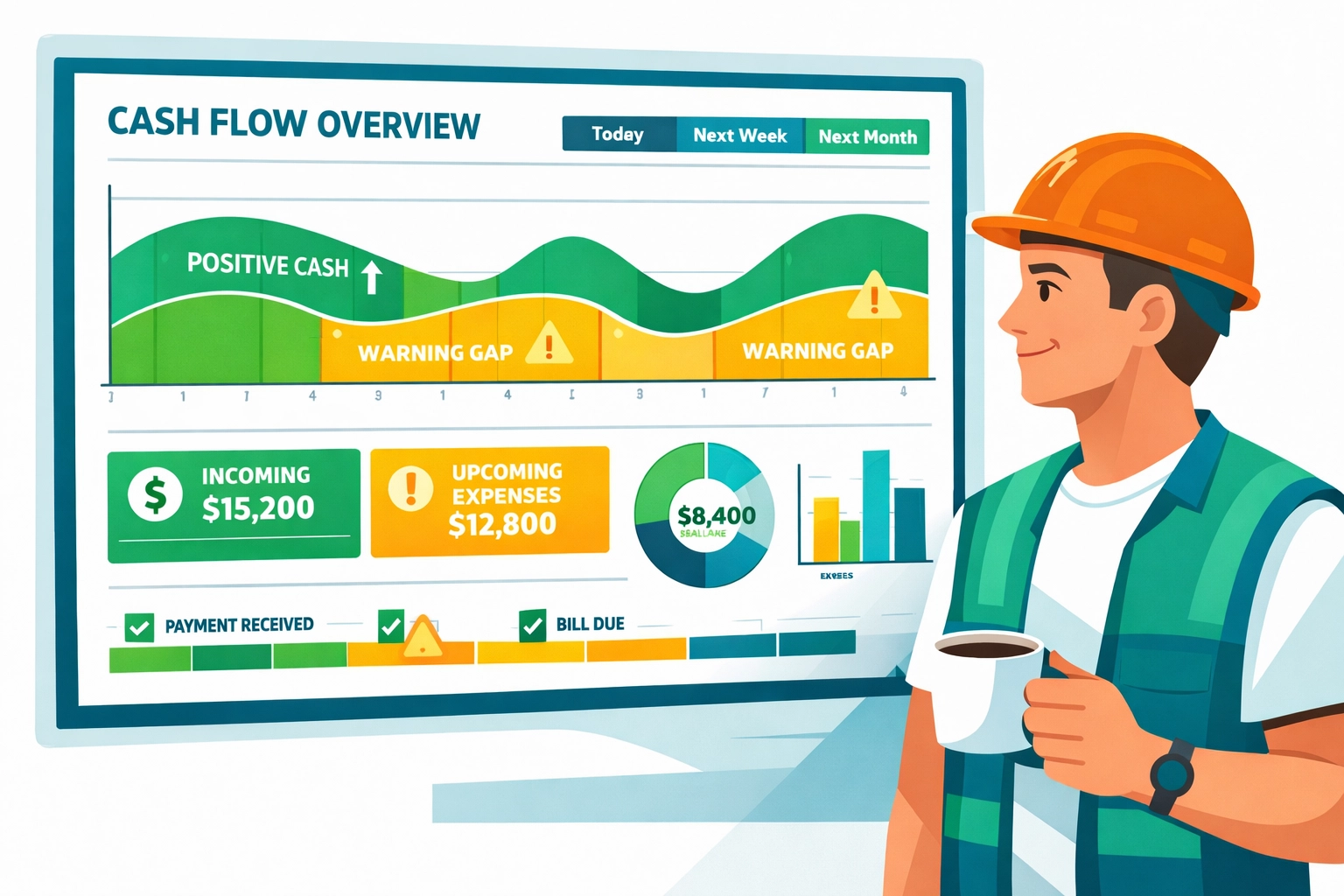
    No complicated spreadsheets. No financial wizardry. Just clear visibility into your actual cash position: today and three months from now.

    Our cash flow forecasting tools connect your invoices, expenses, and payment schedules. You see exactly when money’s coming and when it’s going.

    More importantly, you see the gaps. The dangerous weeks where expenses exceed expected payments.

    That visibility changes everything. You make better decisions about taking new work. You time equipment purchases smarter. You know when to push harder for payment.

    The contractors using our system don’t eliminate cash flow challenges. They just stop getting blindsided by them.

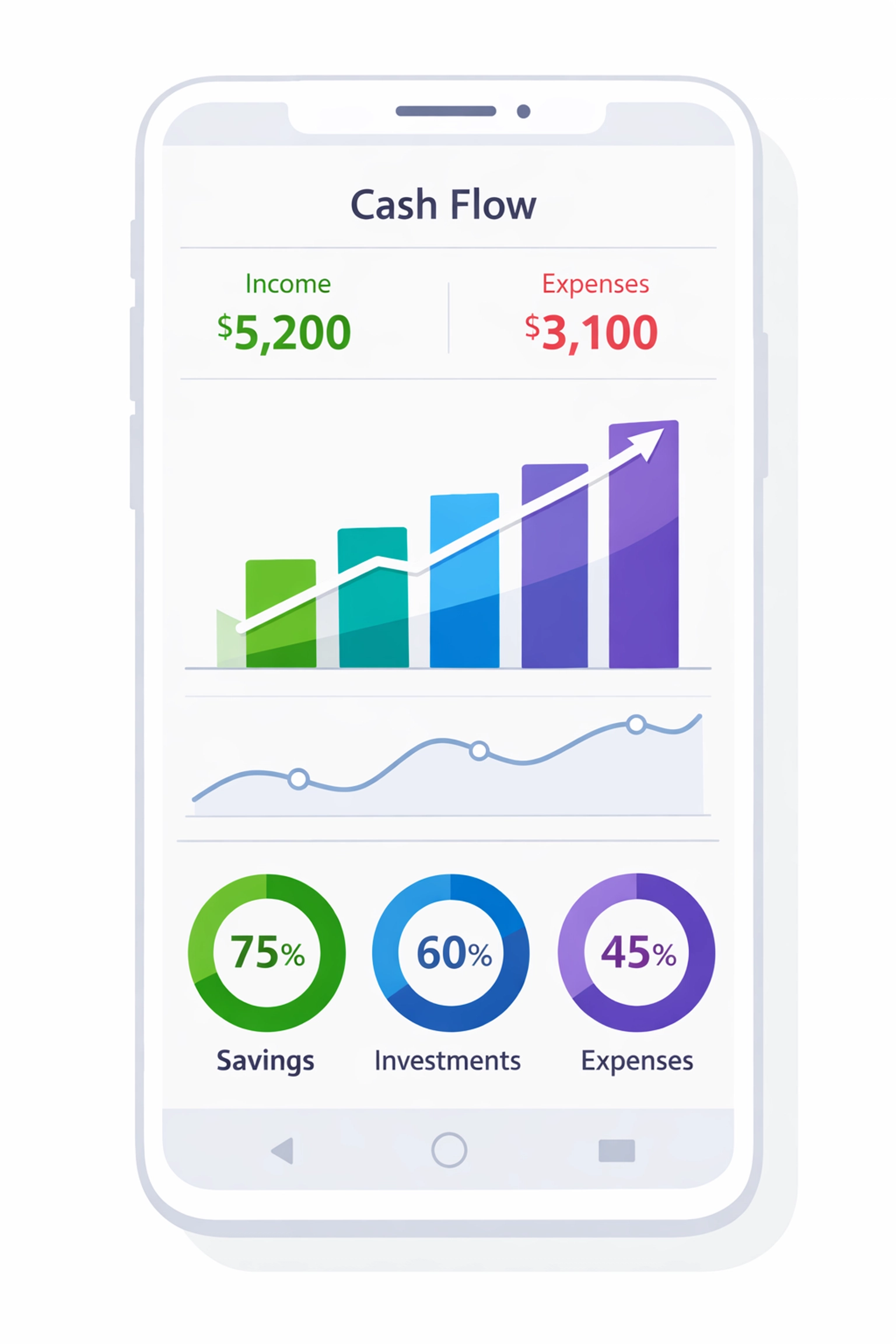
    Cash flow management dashboard showing contractor's income and expense tracking

    Track Everything or Pay the Price

    Accurate job costing isn’t optional. If you don’t know your true costs: direct and indirect: you can’t know if you’re actually profitable.

    Equipment maintenance. Insurance. Administrative overhead. These costs are real even if they’re not tied to a specific invoice.

    Track them. Allocate them. Include them in your cash flow planning.

    The project that looks profitable at first glance might be bleeding cash when you account for actual costs.

    Build Your Safety Net

    Construction is unpredictable. Weather delays happen. Scope changes occur. Costs creep up.

    If you’re operating with zero contingency, any surprise becomes a crisis.

    Build reserves. Set aside a percentage of each payment for the inevitable unexpected expense.

    It’s not exciting. It won’t help you grow faster. But it will keep you from having to choose between paying your crew and paying your suppliers.

    The Bottom Line

    Being profitable but broke isn’t a sign you’re bad at business. It’s a sign you’re operating without visibility into your actual cash position.

    The solution isn’t working harder or hoping clients pay faster. It’s implementing systems that show you where your cash is, where it’s going, and where the gaps are coming.

    Every contractor deals with the same structural challenges. The difference is whether you see problems early or discover them too late.

    We built Valortek to give you that early warning system. To turn cash flow from a constant worry into a managed process.

    Because you deserve to actually enjoy the profits you’re earning: not just see them on paper while you stress about making payroll.

    Start Your Free Trial

    Questions? Contact us – we’re happy to help you decide.
  • HVAC Scheduling Software and The Green Revolution: 2026 Industry Trends You Can not Ignore

    Author: Warren Peterson

    HVAC Scheduling Software & The Green Revolution: 2026 Industry Trends You Can't Ignore

    The HVAC industry is changing faster than a thermostat on a July afternoon.

    New refrigerant regulations. Heat pump mandates. Energy efficiency standards tightening every year. If you’re running an HVAC business in 2026, you’re not just installing air conditioners anymore: you’re on the front lines of the green revolution.

    And here’s the thing: Your scheduling software either helps you adapt or holds you back.

    Let’s talk about what’s actually happening in the field right now.

    The Green Pressure Is Real (And Getting More Intense)

    2026 isn’t 2020. The rules have changed.

    Refrigerants like R-410A are being phased out. Heat pumps are becoming the default in new construction. Customers are asking about ENERGY STAR ratings and carbon footprints. Some states are offering rebates that make energy-efficient installs way more attractive.

    HVAC technician installing energy-efficient heat pump with solar panels on eco-friendly home

    Your competition is already adapting. They’re training techs on heat pump installations. They’re stocking eco-friendly refrigerants. They’re marketing themselves as “green HVAC specialists.”

    But here’s what most HVAC business owners miss: Going green isn’t just about the equipment you install. It’s about how efficiently you run your operation.

    Every unnecessary truck roll burns fuel. Every delayed service call means a customer’s inefficient system runs longer. Every missed maintenance appointment means equipment running at 70% efficiency instead of 95%.

    That’s where HVAC scheduling software comes in.

    How Field Service Scheduling Software Impacts Your Carbon Footprint

    Most people don’t connect the dots between software and sustainability.

    But think about it. Every time your dispatcher sends a tech across town when there was someone closer, that’s wasted fuel. Every time a job runs long because the tech didn’t have the right parts, that’s another trip.

    Modern field service scheduling software fixes this stuff automatically.

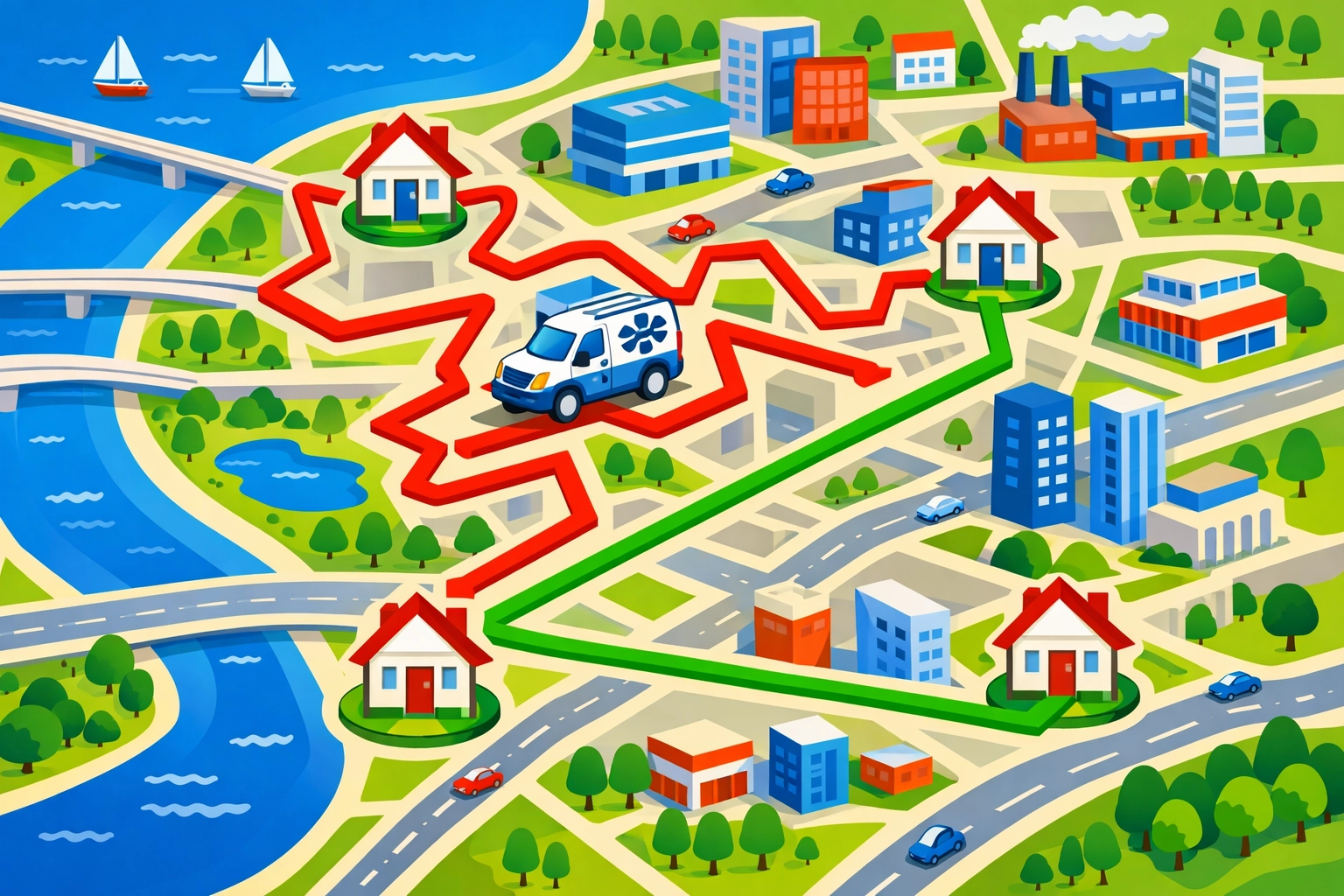
    GPS route optimization saves 2-4 hours per technician daily, according to industry data. That’s not just time: that’s gallons of gas, wear on vehicles, and carbon emissions.

    Real-time technician tracking means smarter dispatching. The system knows exactly where everyone is and can route emergency calls to the closest available tech.

    Mobile-first platforms eliminate paperwork and office visits. Your techs get job details, customer history, and equipment specs right on their phones. They complete work orders in the field and move straight to the next job.

    Less driving. Fewer return visits. Better first-time fix rates.

    That’s efficiency that helps the planet and your bottom line.

    The 2026 Trends Smart HVAC Companies Are Using

    Let’s get specific about what’s working right now.

    AI-Powered Scheduling That Actually Learns

    The best HVAC scheduling software in 2026 doesn’t just track appointments: it learns from them.

    AI systems analyze your historical data. They know which techs are fastest at heat pump installs. They know which jobs typically need two people. They predict when maintenance calls might turn into repair jobs.

    GPS route optimization map showing HVAC service vehicles and scheduled appointments across city

    This means better scheduling decisions without you micromanaging everything. The system automatically assigns jobs based on skill, location, and workload.

    Some platforms even include AI phone answering that captures emergency calls 24/7 and adds them to the schedule instantly.

    Predictive Maintenance Integration

    Here’s where green tech and smart software really overlap.

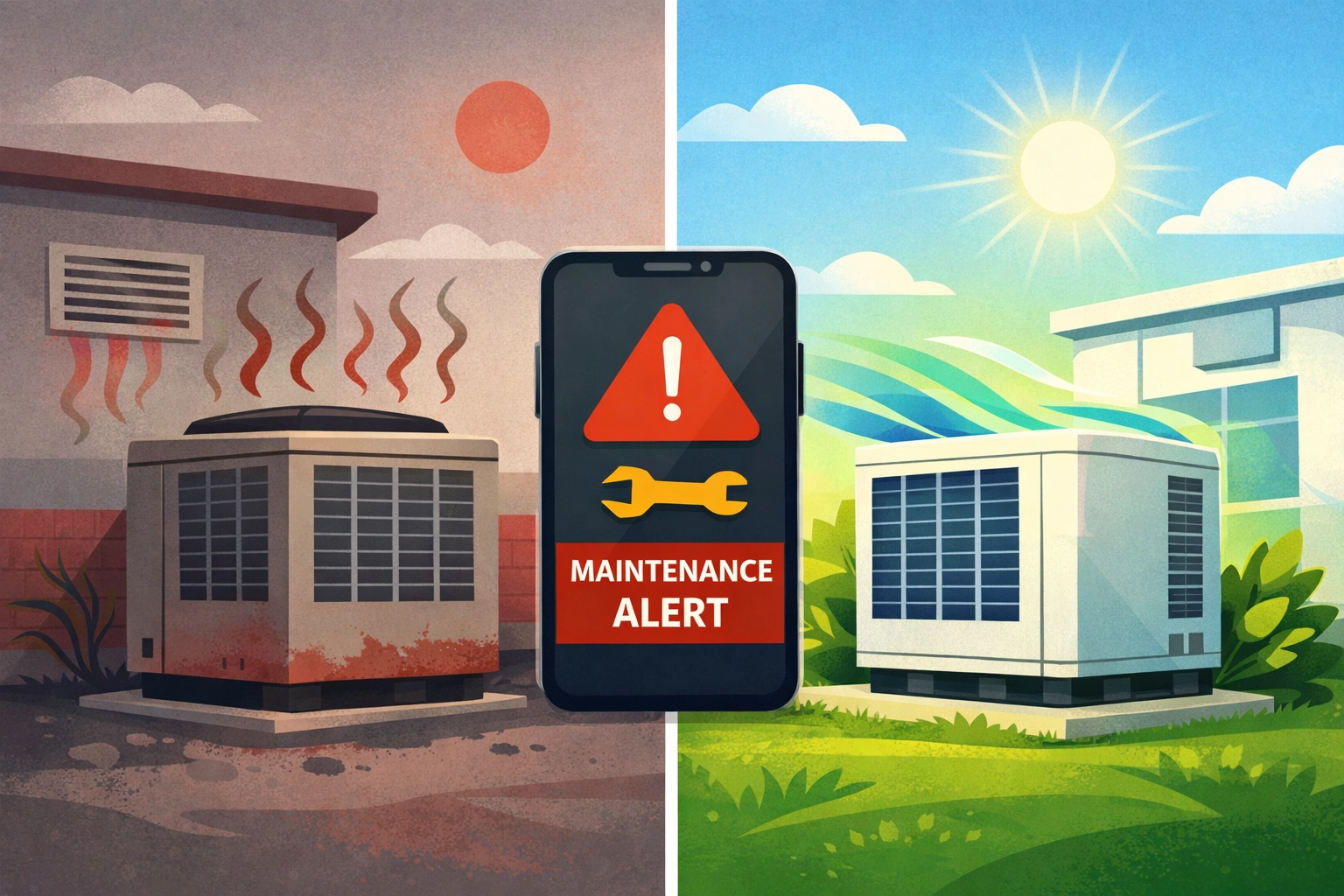
    Predictive maintenance tools track equipment performance over time. They flag systems that are losing efficiency before they break down completely.

    For your business, this means you can schedule proactive service calls before customers even notice a problem. You fix small issues before they become expensive emergencies.

    For the environment, this means HVAC systems running at peak efficiency instead of limping along at reduced capacity.

    Your customers save money on energy bills. You build stronger relationships. The planet gets fewer inefficient systems burning extra power.

    Everybody wins.

    Mobile-Everything With Offline Capabilities

    Field techs don’t always have perfect cell service in basements and mechanical rooms.

    The top HVAC scheduling software platforms in 2026 work offline. Techs can access job details, complete work orders, capture photos, and even process payments without connectivity. Everything syncs automatically when they’re back online.

    This eliminates the “I’ll update that when I get back to the office” problem that leads to incomplete records and billing delays.

    HVAC system efficiency comparison showing preventive maintenance improving performance

    Better data means better insights. You can track which services are most profitable, which techs need training, and where you’re losing efficiency.

    Integration With Everything Else

    Your scheduling software shouldn’t live in a silo.

    Modern platforms integrate with your accounting software, parts inventory, customer databases, and even CRM systems. Real-time data flows between all your tools.

    When a tech completes a job, the invoice gets created automatically. When parts get used, inventory updates in real time. When a customer calls, your dispatcher sees their complete service history instantly.

    No duplicate data entry. No information getting lost between systems. Just smooth operations from first call to final payment.

    How Valortek Fits Into Your Green Game Plan

    Look, we’re not going to pretend Valortek’s Operations app solves climate change.

    But we built it specifically for field service businesses like yours who are tired of overpaying for bloated software they don’t actually need.

    $99/month. That’s it. No per-user fees. No surprise charges. No “enterprise” upsells.

    You get smart scheduling with drag-and-drop calendars. GPS route optimization. Mobile access for your whole crew. Real-time updates. Customer management. Invoicing.

    The stuff you actually use every day, without the stuff you don’t.

    HVAC technician using mobile field service software on smartphone in mechanical room

    We’re not trying to be Salesforce for HVAC. We’re just people who got tired of watching small businesses get nickel-and-dimed by software companies.

    If you’re running 2-50 techs and you want to operate more efficiently: which means more jobs per day, less fuel waste, and better service: Valortek’s Operations app does exactly that.

    No contracts. No setup fees. No BS.

    The Bottom Line on HVAC Software and Sustainability

    The green revolution in HVAC isn’t optional anymore. It’s building codes and customer expectations and basic competitive pressure.

    But “going green” doesn’t mean you need to spend a fortune on complicated technology.

    It means running tighter operations. Less waste. Better routing. Smarter scheduling. Fewer callbacks.

    The right HVAC scheduling software helps you do all of that while keeping your costs under control.

    Your techs spend less time driving and more time working. Your customers get faster, more reliable service. Your business becomes more profitable while reducing its environmental impact.

    That’s the kind of sustainability that actually works in the real world.

    Start Your Free Trial

    Questions? Contact us – we’re happy to help you decide.

  • The Simple Trick to Stop Cash Flow Crunches in Your Trade Business (Before Tax Season Hits)

    Let’s talk about the thing that keeps you up at night in January and February.

    Cash flow.

    You’ve got jobs lined up. Customers are happy. But somehow, when tax season rolls around, your bank account looks like it got robbed.

    It’s not your business model. It’s not your pricing. It’s your deposit strategy.

    The Problem with Flat Percentage Deposits

    Most trade businesses collect the same deposit on every job. 30% down. 50% down. Whatever number feels right.

    Here’s the issue: that number has nothing to do with your actual expenses.

    So you end up with too much cash sitting around in summer (which feels great). Then not nearly enough in February when payroll, supplier invoices, and quarterly taxes all hit at once.

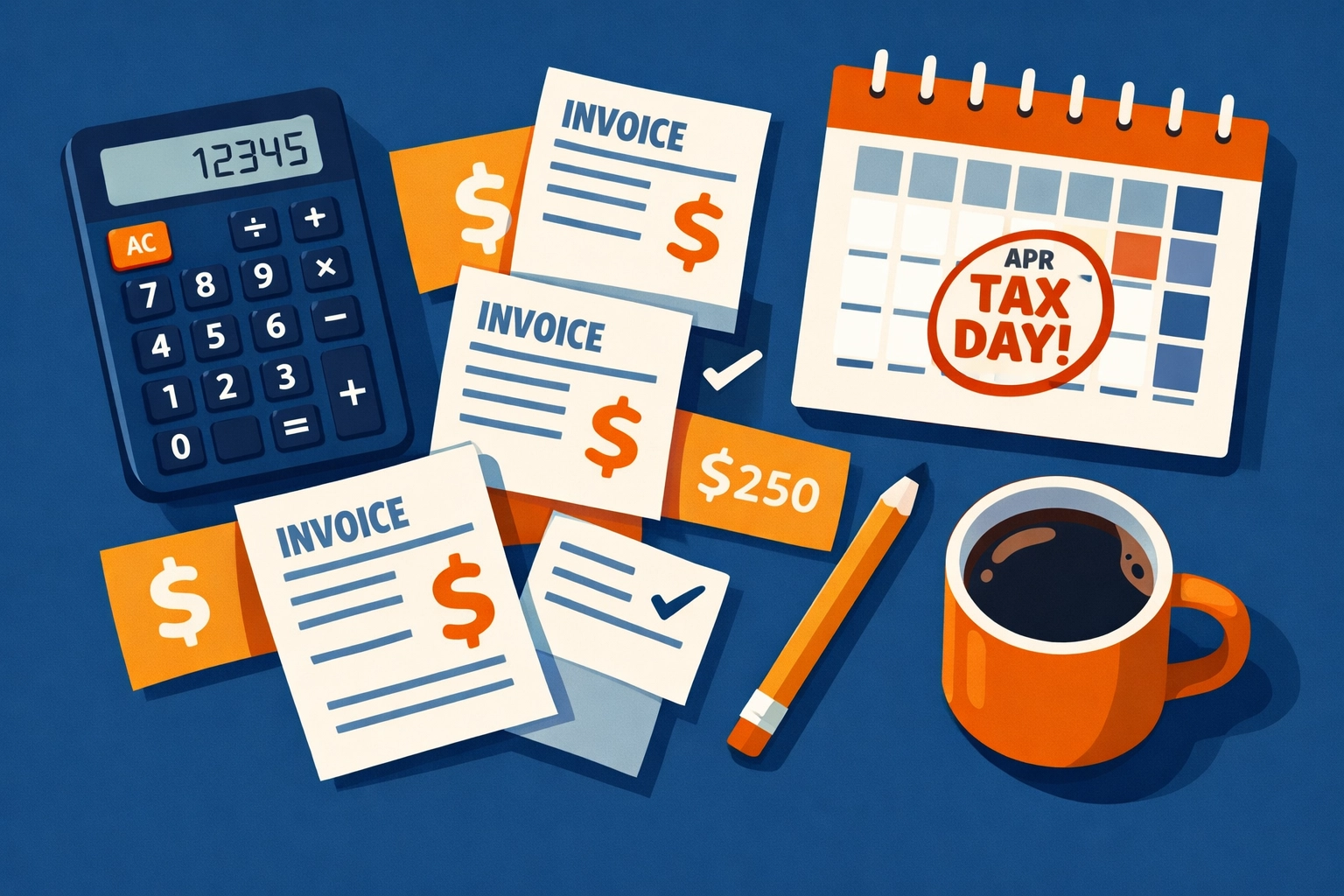
    Tax planning workspace with calculator, invoices, and calendar showing tax deadlines for trade businesses

    The Simple Trick That Changes Everything

    Stop collecting flat percentages. Start aligning deposits to your actual expenses.

    Here’s what that means in practice.

    Calculate the cash you’ll need from the moment you collect that deposit until your next payment arrives. Include labor costs. Materials. Subcontractors. Operating expenses. And yes, your upcoming tax obligations.

    That’s your deposit amount.

    No guessing. No industry standards. Just math based on your real cash needs during that billing cycle.

    How Valortek’s Finance App Makes This Actually Work

    Look, this sounds simple on paper. It’s harder when you’re juggling 12 jobs, three crews, and a phone that won’t stop ringing.

    That’s where cash flow forecasting comes in.

    Our Finance app shows you exactly what’s coming in and what’s going out over the next 30, 60, 90 days. You can see the gaps before they become problems. You can adjust deposit amounts on upcoming jobs to fill those gaps.

    No spreadsheets. No guessing. Just a clear picture of where your cash actually is.

    The budget tracking feature breaks it down by category. You can see if you’re overspending on materials. If labor costs are creeping up. If those “small” operational expenses are actually bleeding you dry.

    And the tax planning tool? It calculates your estimated quarterly taxes based on your actual revenue and expenses. So you’re never caught off guard when that payment is due.

    Cash flow forecasting dashboard displaying budget tracking and financial data for trade contractors

    Accelerate Your Receivables (Without Being That Guy)

    The deposit strategy works even better when you tighten up the rest of your cash flow cycle.

    Send invoices the day work is completed. Not Friday. Not Monday. The same day.

    Set up automatic reminder emails. Most customers aren’t intentionally avoiding payment. They’re just busy. A friendly reminder gets you paid faster without awkward phone calls.

    Consider offering a small discount for early payment. 2% off if paid within 10 days can move the needle more than you’d think.

    Or go the other direction. Add late fees to your payment terms. 1.5% per month after 30 days. Most won’t ever see it, but it creates urgency for the ones who might otherwise drag their feet.

    The Finance app integrates with your invoicing system. So when a payment comes in, your cash flow forecast updates automatically. When an invoice goes past due, you see it immediately on your dashboard.

    Get Strategic with Outgoing Payments

    You’re careful about bringing money in. Be just as strategic about sending it out.

    Don’t pay bills early unless there’s a real incentive. Use your full credit period with suppliers. That 30-day window is working capital you’re leaving on the table if you pay on day 5.

    The key is maintaining good relationships while preserving cash. Pay on time. Just not early.

    Our system tracks all your payables. You can see what’s due when. You can schedule payments strategically to maintain cash reserves during critical periods (like, say, tax season).

    Comparison of disorganized versus strategic payment management for trade business cash flow

    The Advisor Portal Changes the Game

    Here’s something most trade business owners don’t have: real-time collaboration with their financial advisor.

    Our advisor portal gives your accountant or bookkeeper direct access to your financial data. Not PDFs. Not exports. The actual live data.

    They can see what you see. They can run reports. They can spot issues before they become crises.

    And when tax season approaches? They’re already prepared. They know your numbers. They’ve watched your cash flow all year. No surprises. No scrambling.

    This alone is worth the price of admission.

    Build a Reserve Before You Need It

    Once you’ve stabilized cash flow with the deposit strategy, start building a reserve.

    Aim for 3-6 months of operating expenses. Sounds like a lot. It’s not when you consider what it protects you from.

    Late-paying customers? Not a crisis. Unexpected equipment repair? Annoying but manageable. Quarterly tax payment? Already covered.

    The Finance app shows you exactly how much you need in reserves based on your actual expenses. It tracks your progress toward that goal. And it factors that target into your cash flow forecasts so you’re building reserves without creating new gaps.

    Consider setting up a line of credit while your financials look good. Not because you need it now. Because it’s insurance for the future. And it’s easier to get approved when you don’t desperately need it.

    Trade business owner collaborating with financial advisor using shared financial data and reports

    What This Looks Like in Real Life

    Let’s say you’re an HVAC contractor with a $50,000 commercial job starting in January.

    Old way: Collect 30% down ($15,000). Hope it’s enough. Realize in March you should have collected more when tax time hits.

    New way: Look at your cash flow forecast. See that you’ve got $22,000 in expenses between now and the next payment milestone. Your quarterly taxes are $8,000. You need $30,000 to stay comfortable.

    You adjust the deposit to 60% ($30,000). Customer doesn’t blink because you explained the payment schedule clearly upfront. You avoid a cash crunch in March.

    That’s the difference between guessing and knowing.

    The Bottom Line

    Cash flow crunches aren’t inevitable. They’re the result of misaligned deposits, slow collections, and poor visibility into what’s actually happening with your money.

    Fix the deposit strategy. Tighten up your receivables process. Get strategic with payables. Use forecasting to see problems coming. And bring your advisor into the conversation.

    The Finance app inside Valortek handles all of this in one place. No more juggling multiple tools. No more exporting data to spreadsheets. No more surprises in tax season.

    We built it specifically for trade businesses because we got tired of seeing good companies struggle with cash flow issues that were completely preventable.

    Want to see how it works? Check out Valortek and take a look at what integrated financial management actually looks like for trade businesses.

    Or keep doing things the old way. But don’t say we didn’t warn you when February rolls around.

    Start Your Free Trial

    Questions? Contact us – we’re happy to help you decide.
  • Stop Paying $300+/Month: The Real Cost of Housecall Pro + QuickBooks (And What to Use Instead)

    Let’s talk about what you’re actually paying for field service software.

    Most contractors we talk to think they’re spending “around $150” on Housecall Pro. Then they mention QuickBooks. Then they remember the add-ons.

    By the time we’re done adding it up? They’re over $300 per month.

    Every. Single. Month.

    The Real Housecall Pro Price Tag

    Here’s what Housecall Pro actually costs in 2026:

    • Basic Plan: $59/month (annual) or $79/month (monthly) – 1 user only
    • Essentials Plan: $149/month (annual) or $189/month (monthly) – up to 5 users
    • MAX Plan: $299/month – up to 8 users

    Sounds straightforward, right?

    Wrong.

    Contractor reviewing expensive software bills and hidden costs for field service management

    The Hidden Costs Nobody Talks About

    The Basic and Essentials plans don’t include everything you need. Want those “essential” features? Add $80/month for the add-on package.

    Let’s say you’re running a small plumbing business with 3 techs. You pick the Essentials plan because Basic only covers one user.

    Your Housecall Pro cost: $149/month + $80/month add-ons = $229/month

    But you’re not done yet.

    QuickBooks Isn’t Included

    Housecall Pro doesn’t handle your accounting. For that, you need QuickBooks.

    QuickBooks Online starts at around $30/month for basic plans, but most service businesses need the mid-tier plan at $60-90/month to handle everything properly.

    Add another $60-90/month to your software bill.

    Now we’re at $289-319/month. And we haven’t talked about the real kicker yet.

    The One-Way Integration Problem

    Housecall Pro integrates with QuickBooks. That sounds great until you understand what “integrate” actually means here.

    It’s one-way only.

    Data flows from Housecall Pro to QuickBooks. That’s it. Make a change in QuickBooks? It won’t sync back to Housecall Pro.

    You’re essentially paying for two separate systems that barely talk to each other.

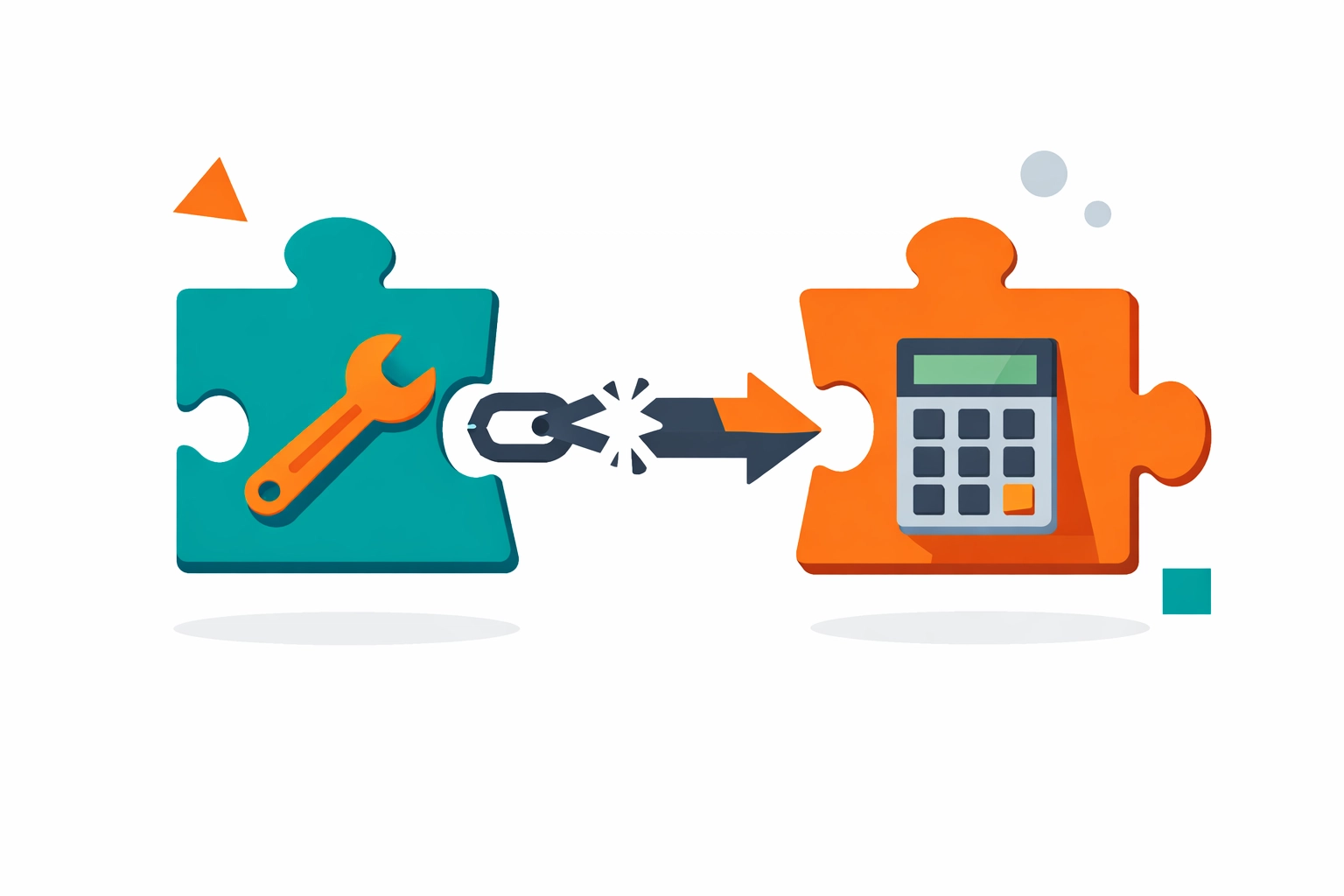
    Disconnected software integration between Housecall Pro and QuickBooks accounting systems

    Let’s Do the Real Math

    Here’s what a typical 3-5 person field service business actually pays:

    • Housecall Pro Essentials: $149/month
    • Add-on package: $80/month
    • QuickBooks Online: $75/month
    • Total: $304/month

    That’s $3,648 per year for software that doesn’t even fully integrate.

    Want more users? Need the MAX plan? You’re looking at $450+/month before you even start working.

    What You’re Really Paying For

    Let’s be honest about what this gets you:

    ✅ Scheduling and dispatch
    ✅ Customer management
    ✅ Mobile invoicing
    ✅ Separate accounting software
    ✅ Manual reconciliation between systems
    ✅ Two different login portals
    ✅ Two separate training curves for your team

    That’s a lot of money for a lot of headaches.

    Small business owner celebrating reduced software costs and monthly expense savings

    The Alternative Nobody’s Telling You About

    We built Valortek because we were tired of this exact problem.

    No separate accounting software. No one-way integrations. No paying twice for features that should work together.

    Everything in one system:

    • Scheduling and dispatch
    • Customer relationship management
    • Invoicing and payments
    • Financial tracking and reporting
    • Real-time analytics
    • Team management

    All for a fraction of what you’re paying now.

    Here’s Our Pricing (The Whole Truth)

    We’re not going to play games with tiered pricing or hidden add-ons.

    $99/month. Period.

    That covers up to 10 users. It includes all features. There’s no “essentials” vs “premium” nonsense. You get everything.

    No additional accounting software needed. No integration headaches. No surprise fees.

    Comparison of complex multiple software systems versus simple unified field service platform

    What $200+/Month in Savings Actually Means

    Let’s say you switch from the Housecall Pro + QuickBooks combo ($304/month) to Valortek ($99/month).

    You save $205 per month.

    That’s $2,460 per year back in your pocket.

    What could you do with an extra $2,460?

    • Hire a part-time admin to actually answer your phones
    • Buy that new tool truck setup you’ve been putting off
    • Give your best tech a well-deserved raise
    • Actually take a vacation

    Or just keep it. It’s your money.

    Why We’re Different

    We’re not trying to be the next big enterprise software giant. We’re a small team building tools for small businesses.

    No venture capital pressure to extract every dollar. No elaborate pricing tiers designed to confuse you. No sales calls where someone tries to upsell you.

    Just honest software at an honest price.

    We built this because we’ve been there. Running a field service business with duct-taped software solutions. Paying way too much for way too little.

    There’s a better way.

    Contractor celebrating business growth and success from field service software savings

    The Bottom Line

    You’re probably paying $300+ per month for:

    • Two separate software systems
    • One-way integration that barely works
    • Extra add-ons to get features you actually need
    • The privilege of manually reconciling everything

    You could be paying $99/month for:

    • One integrated system
    • Everything included
    • No manual reconciliation
    • Actual support from real humans

    The choice is yours.

    But here’s something to think about: What if you just stopped overpaying?

    Ready to See What You’re Missing?

    No pressure. No demos with sales reps. Just try it yourself and see if it works for your business.

    Start Your Free Trial

    Questions? Contact us – we’re happy to help you decide.

  • 2026 Plumbing Trends: Smart Leak Detection and the Need for Better Invoicing Software

    Author: Warren Peterson

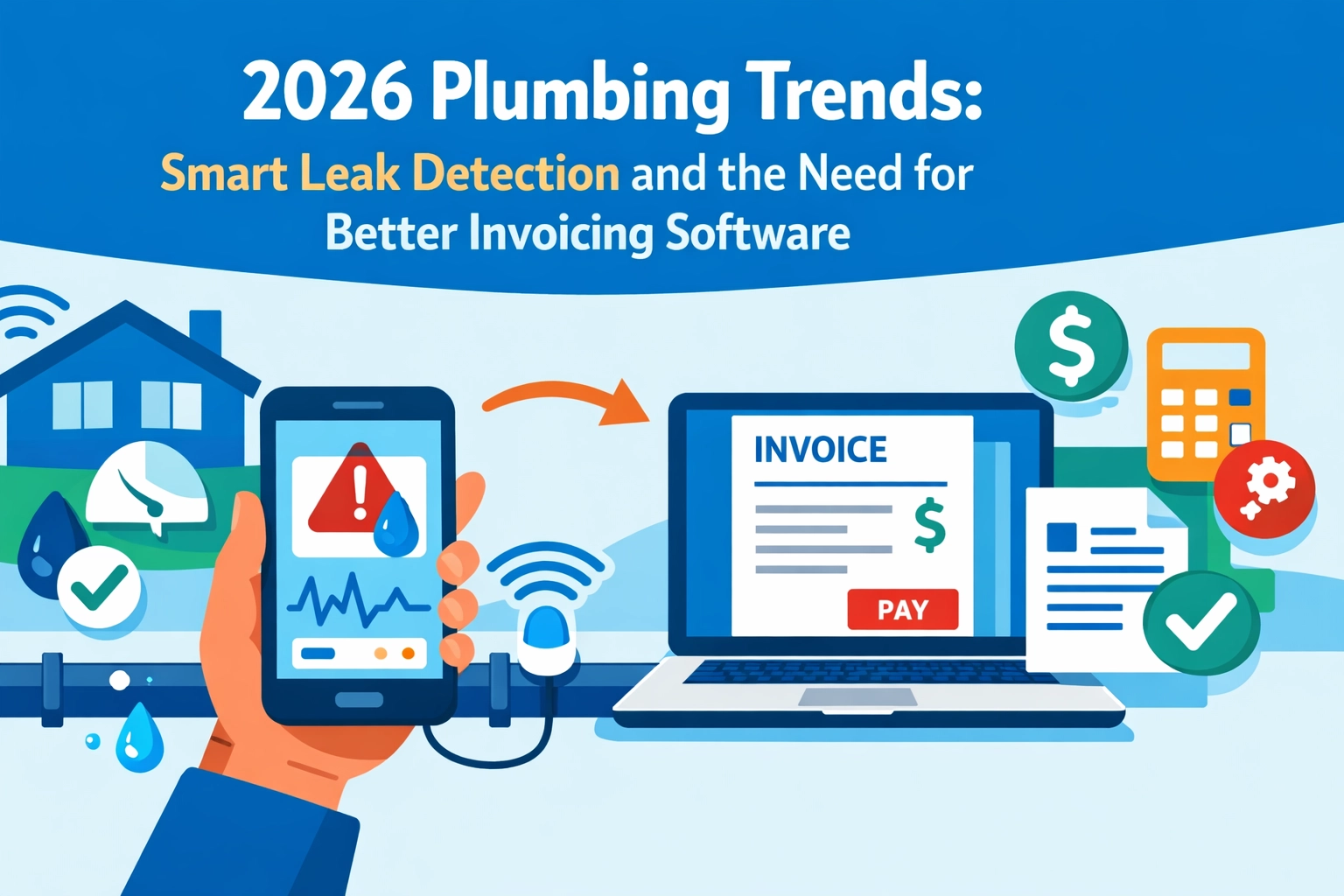
    2026 Plumbing Trends: Smart Leak Detection and the Need for Better Invoicing Software

    The plumbing industry is changing fast. And if you’re not paying attention, you’re already behind.

    Smart leak detection isn’t a luxury anymore. It’s what customers expect. DOE water-heater efficiency standards hit in 2026. EPA water-conservation regulations keep tightening. Your customers are asking for smart tech because they want to save water and money.

    But here’s the problem most plumbers are running into: your service is getting more sophisticated, but your back-office software is still stuck in 2015.

    You’re installing cutting-edge leak detection systems while using the same clunky invoicing software that takes 20 minutes to generate a quote. That doesn’t add up.

    Smart Leak Detection: Not Optional Anymore

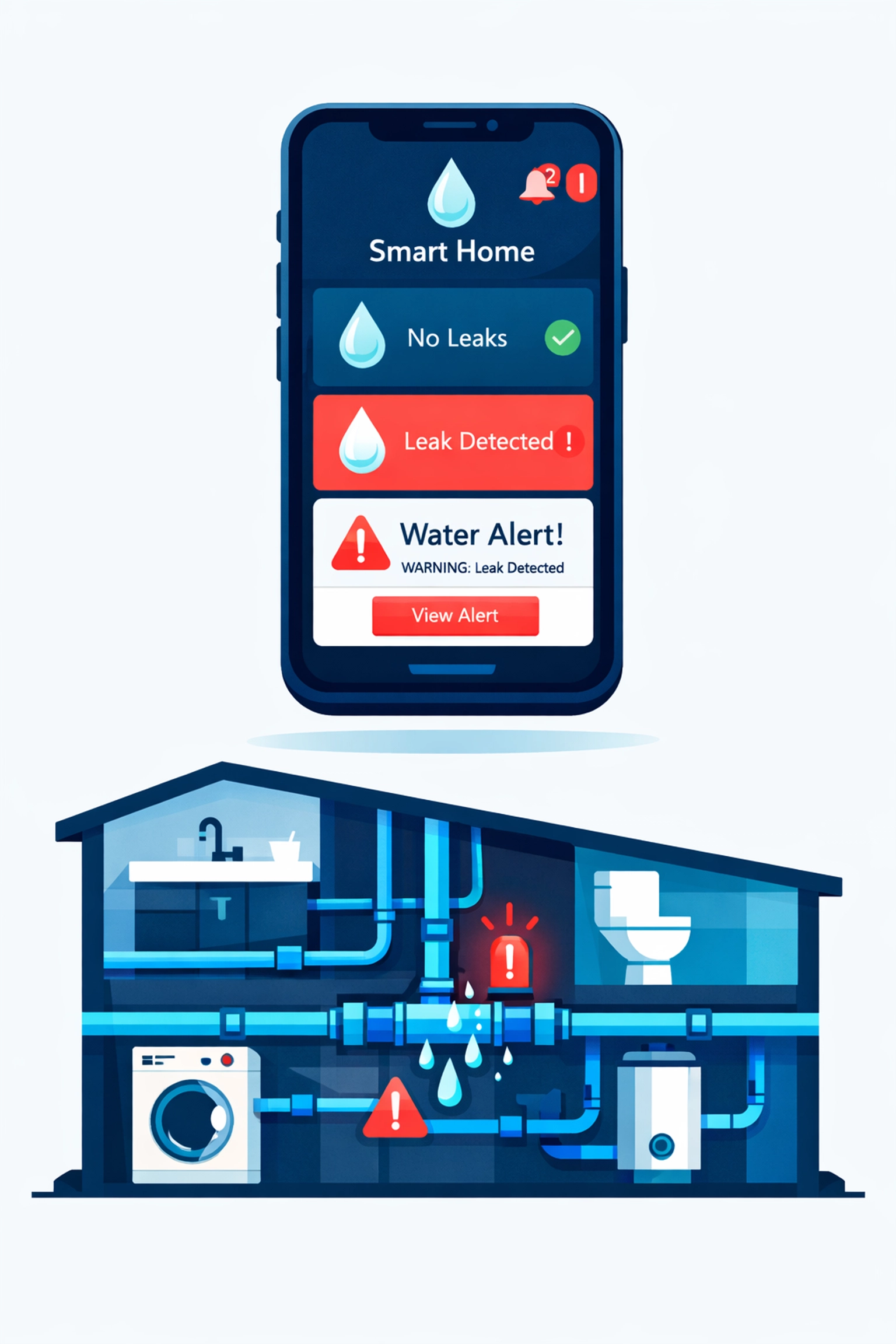
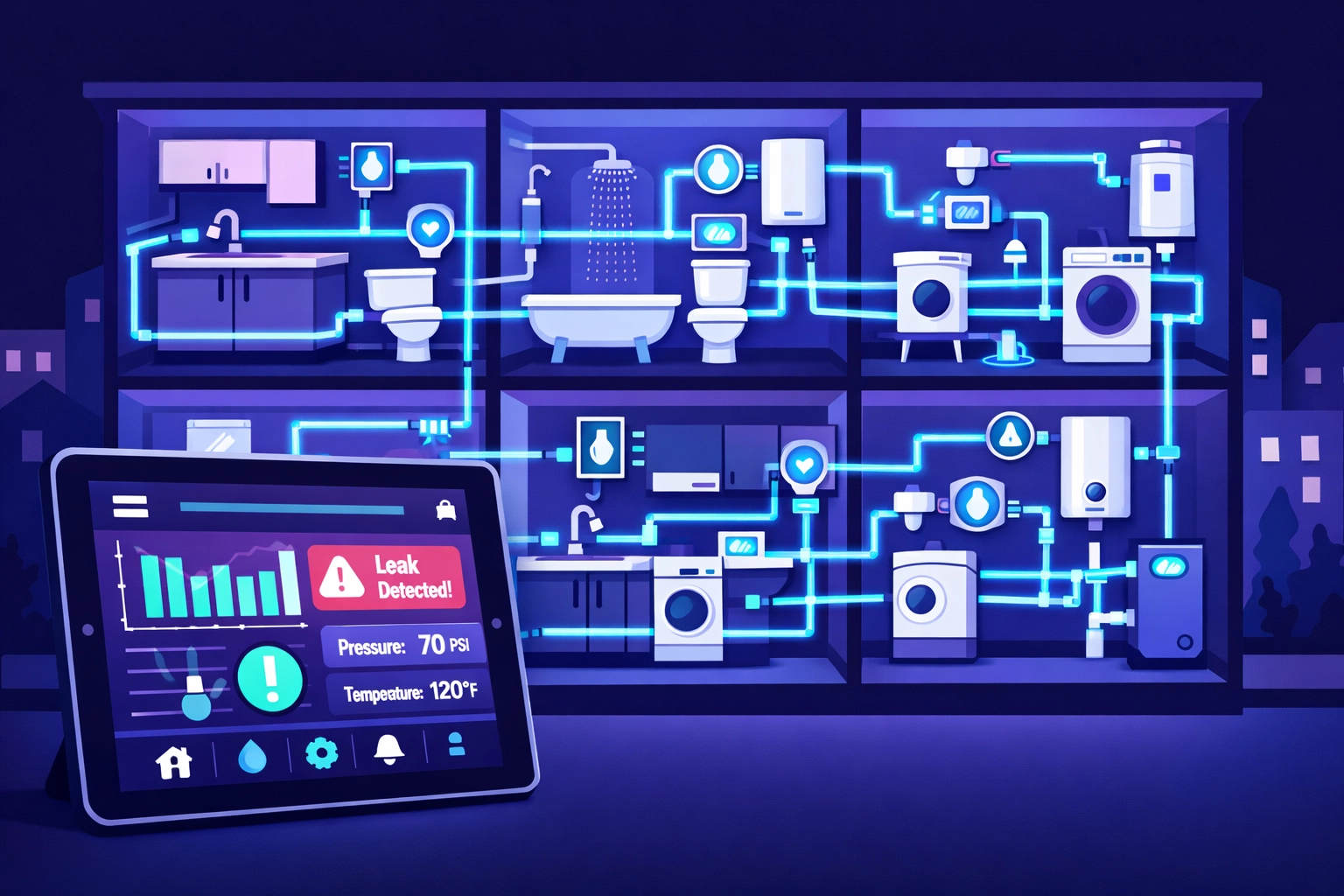
    Homeowners want systems that text them when there’s a leak. They want apps that show water usage in real-time. They want smart shut-off valves that prevent disasters before they happen.

    Smart leak detection app monitoring home plumbing system with water pipes and alerts

    This isn’t just a trend in luxury homes. It’s going mainstream fast.

    Water intelligence features are defining the next wave of residential plumbing. Digital showering controls. Smart water conditioning. Leak detection that actually works. If you’re not offering these services, your competitors are.

    The demand is real. Contractors across the country are reporting major growth in smart plumbing system installations. Customers prioritize clean water and energy efficiency. They’re willing to pay for it.

    Here’s what that means for your business: you need to know how to install, service, and support these systems. That’s a new skill set. New inventory. New vendor relationships. New pricing structures.

    Water Conservation Tech is Everywhere

    Smart leak detection is just one piece. The whole industry is shifting toward conservation.

    Low-flow fixtures aren’t new. But intelligent irrigation systems? Graywater recycling? These are becoming standard in new construction and high-end remodels.

    Federal and state mandates are accelerating this. Manufacturers are redesigning entire product lines to meet 2026 efficiency standards. That means you’re going to be installing and servicing equipment you’ve never touched before.

    Every service call is getting more technical. Every installation requires more product knowledge. Every customer expects you to understand the technology they just saw on YouTube.

    The Back-Office Problem Nobody Talks About

    You’re adapting to new technology on the job site. But what about your business operations?

    Most plumbers we talk to are using the same invoicing software they started with five years ago. Or worse, they’re still doing it on paper.

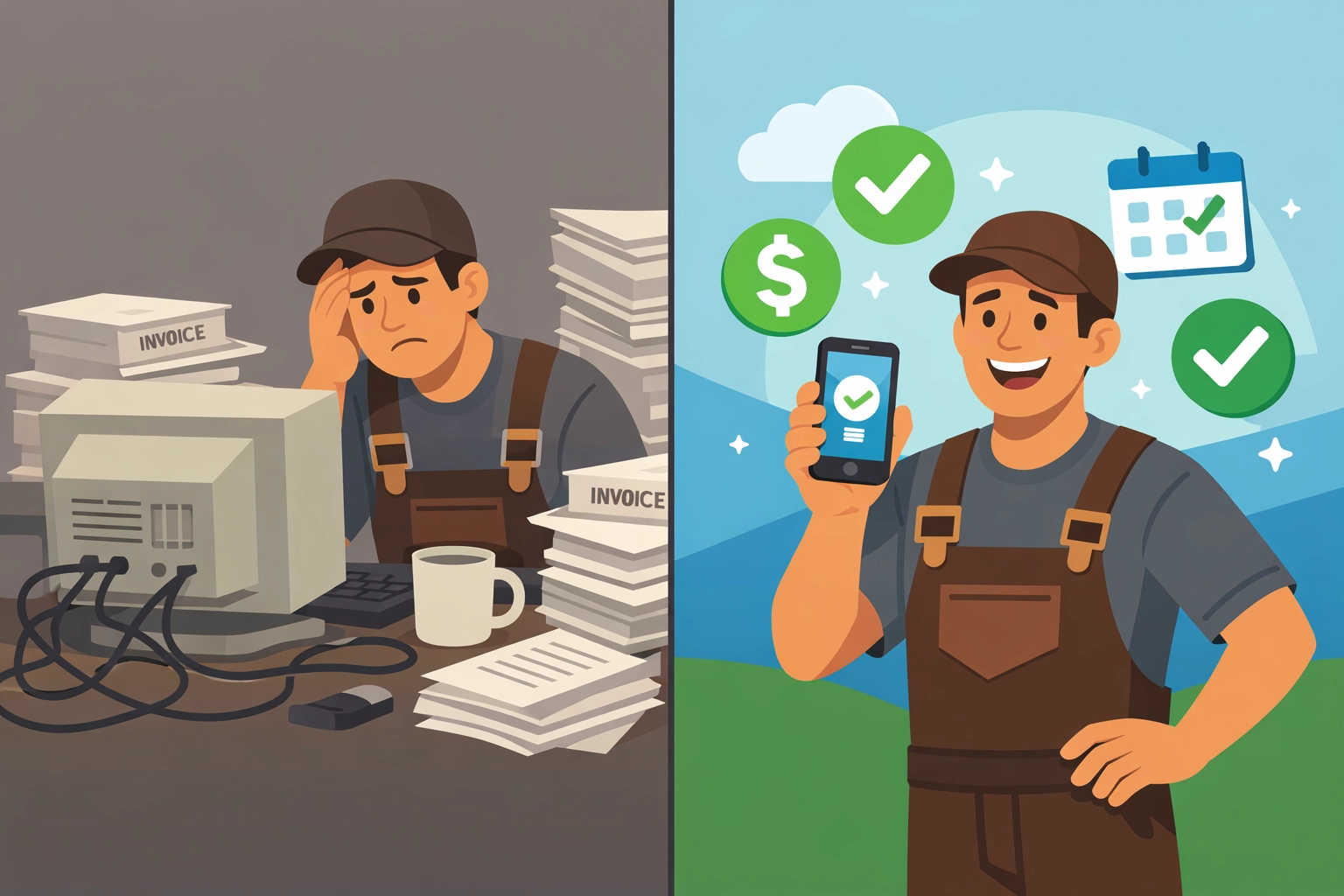
    Plumber comparing outdated paper invoicing to modern digital invoicing software on smartphone

    That worked fine when you were running service calls for traditional water heaters and drain clogs. But now you’re quoting smart leak detection systems with three different components, ongoing monitoring fees, and installation complexity that varies by home.

    Your old invoicing system can’t keep up.

    You need software that handles modern service pricing. You need digital quotes you can send from your phone. You need invoicing that makes sense for recurring monitoring fees and maintenance contracts.

    Because here’s the truth: if it takes you three days to send a quote for a smart plumbing system installation, that customer already hired someone else.

    Why “Best Software for Plumbers” Isn’t Just About Scheduling

    When plumbers search for the best software for plumbers, they’re usually looking for scheduling and dispatch tools. That’s important. But it’s only half the equation.

    The other half is getting paid efficiently.

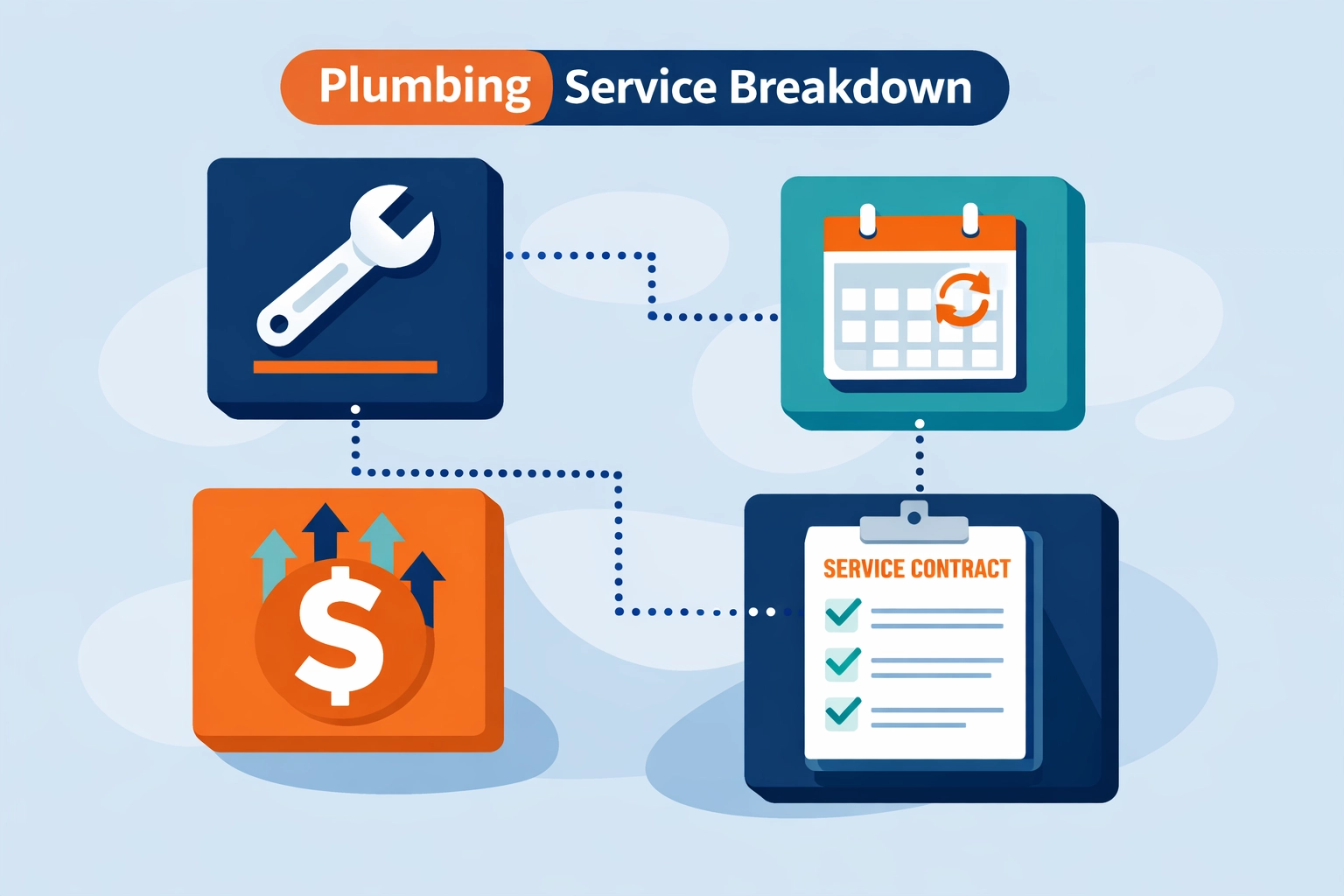
    Smart plumbing services mean more complex pricing. You’re not just charging for labor and a part anymore. You’re billing for:

    • System installation
    • Configuration and setup
    • Customer training
    • Ongoing monitoring (monthly or annual)
    • Maintenance agreements
    • Emergency response contracts

    Traditional invoicing software for contractors wasn’t built for this. It was built for one-time jobs with straightforward pricing.

    You need software that can handle recurring revenue. Subscription billing. Service tiers. Contract renewals.

    Plumbing service pricing components including recurring billing and maintenance contracts

    And you need it to be simple. Because you’re a plumber, not an accountant.

    What Actually Works: Operations Software That Doesn’t Suck

    We built Valortek’s Operations app because we kept hearing the same complaint from contractors: existing software is either too complicated or too limited.

    No bloated enterprise features you’ll never use. No $300/month pricing for stuff you don’t need. Just the tools that actually help you run your business.

    Our Ops app is $99/mo. That’s it. No hidden fees. No per-user charges that multiply when you hire help.

    You get:

    • Fast digital quoting from your phone
    • Invoicing that handles one-time and recurring charges
    • Customer management that doesn’t require a training manual
    • Integration with the tools you already use

    It’s designed for contractors who need to send professional quotes quickly, track payments easily, and not waste hours on administrative work.

    Because the more time you spend wrestling with software, the less time you spend on billable work.

    Prefab and BIM: The Other Trend You Should Know

    Here’s another 2026 trend hitting the plumbing industry: prefabrication and Building Information Modeling (BIM).

    Prefab used to be for big commercial jobs only. Now it’s becoming standard even in residential new construction. Why? Because it’s faster, more accurate, and reduces waste.

    BIM lets you design entire plumbing systems digitally before you cut a single pipe. It catches conflicts before they become expensive mistakes on-site.

    Digital quoting and remote monitoring are moving from “nice-to-have” to essential. Job sites are getting more tech-forward. Design rooms are going digital.

    Smart plumbing monitoring system across apartment building units with digital dashboard

    That means your business systems need to keep pace. If you’re still handwriting quotes and tracking jobs on a whiteboard, you look outdated compared to competitors using modern tools.

    Customers notice. General contractors notice. Property managers notice.

    The Real Question: Can Your Software Handle Your Growth?

    Let’s say you land a big contract installing smart leak detection systems in a 200-unit apartment complex. Great job.

    Can your current software handle:

    • 200 individual quotes (one per unit)?
    • Tracking installation progress across multiple buildings?
    • Billing the property manager monthly for monitoring services?
    • Managing maintenance schedules for all 200 systems?

    If the answer is no, you’ve got a problem.

    The jobs are getting bigger. The technology is getting more complex. The expectations are higher.

    Your software needs to grow with you. Not hold you back.

    Why Plumbers Are Switching to Valortek

    We work with plumbers every day. Small outfits and growing companies. They switch to Valortek because they’re tired of:

    • Software that requires an IT degree to use
    • Pricing that scales up every time they hire someone
    • Features they don’t need buried in menus they can’t navigate
    • Customer support that takes three days to respond

    We keep it simple. We keep it affordable. We keep it focused on what actually matters.

    Quote faster. Invoice easier. Get paid quicker. That’s the goal.

    No enterprise bloat. No corporate buzzwords. Just software that works for plumbers who want to spend more time plumbing and less time doing paperwork.

    The Bottom Line

    2026 plumbing trends are clear: smart leak detection, water conservation tech, and digital integration are the new normal.

    Your customers expect it. Regulations require it. The market is moving that direction whether you’re ready or not.

    But you can’t deliver modern plumbing services while running your business on outdated software. It doesn’t work.

    You need invoicing and operations software that matches the sophistication of the work you’re doing. Software that’s fast, affordable, and actually designed for contractors.

    That’s what we built. $99/mo. No games. No gotchas.

    Start Your Free Trial

    Questions? Contact us – we’re happy to help you decide.
  • Locksmith Business Software and Trends: How Smart Tech is Reshaping 2026

    Author: Warren Peterson

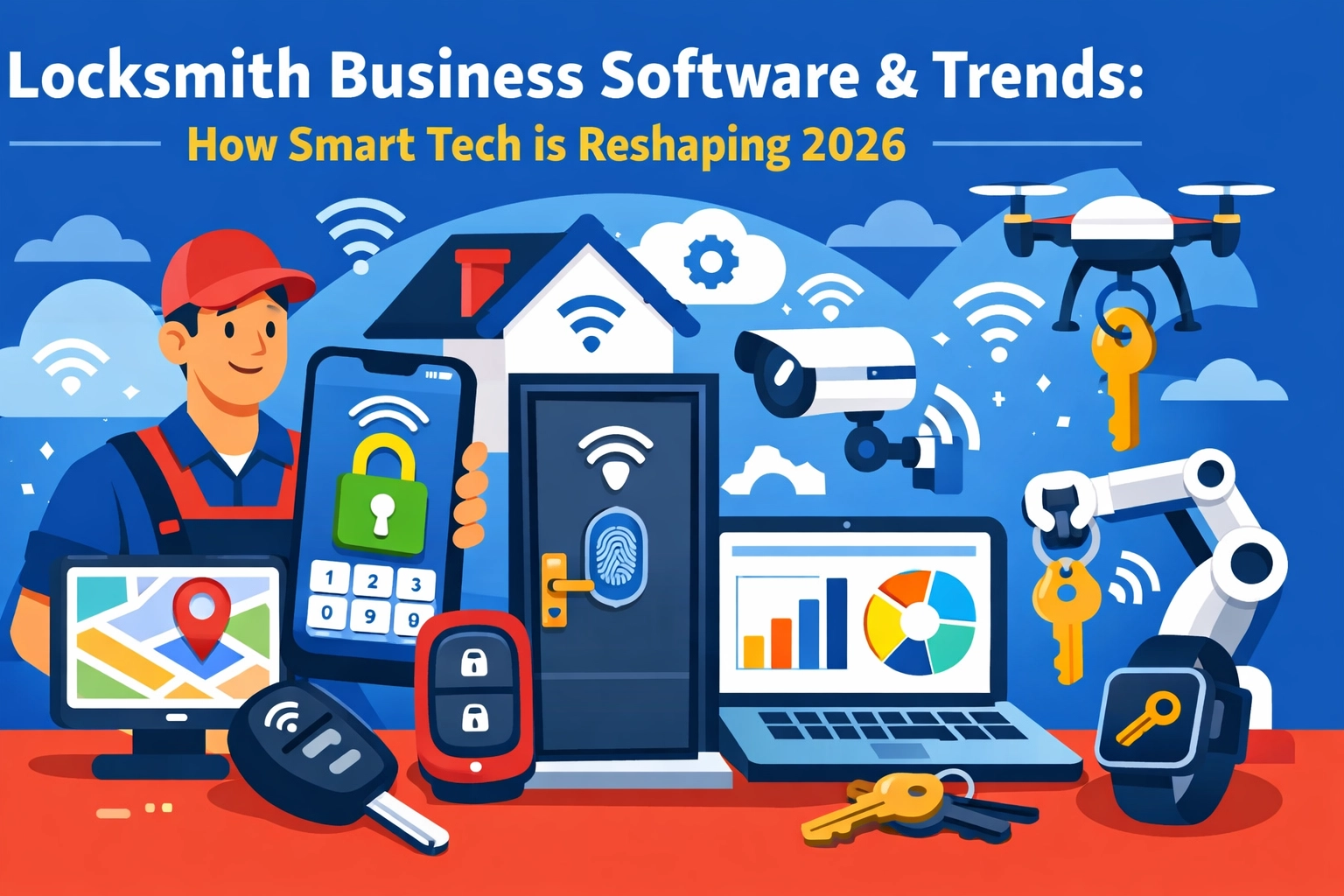
    Locksmith Business Software & Trends: How Smart Tech is Reshaping 2026

    The locksmith industry is changing fast. And we’re not talking about new lock designs.

    We’re talking about how you run your business. Smart tech is everywhere now. AI-powered dispatch. Real-time GPS tracking. Mobile apps that let your techs close deals on-site. Automated booking systems that work while you sleep.

    Here’s what’s actually happening in 2026: and what it means for your locksmith business.

    AI Is Handling Your Phone Calls (And It’s Pretty Good)

    No more missed calls. No more juggling your phone while you’re elbow-deep in a rekey job.

    AI answering systems are now standard in locksmith business software. These aren’t the clunky robocalls from five years ago. Today’s systems can book appointments, answer basic questions, and route emergencies to your on-call tech: 24/7.

    AI-powered phone assistant for locksmith business software with 24/7 automated booking

    Contractor+ launched Estimatic AI. ServiceTitan added AI-powered customer engagement. Even smaller platforms are building this in.

    The tech works. The question is whether you’re paying $500/month for it or getting it at a reasonable price.

    Your Techs Need Real-Time Everything

    Field service management software in 2026 isn’t about digitizing your clipboard anymore. It’s about giving your techs everything they need on their phone.

    Route optimization that cuts drive time by 20-30%. GPS tracking so you know exactly where everyone is. Job details, customer history, and access codes: all in one app.

    The best part? Your techs can update job status, accept payments, and even upsell services without calling the office.

    This is table stakes now. Every serious locksmith business software platform has mobile apps. The difference is in the details: and the monthly cost.

    Integrated Payments Are Non-Negotiable

    Remember taking checks? Or worse, invoicing people and hoping they’d pay in 30 days?

    That’s over.

    Modern locksmith software includes payment processing built right in. Your tech finishes the job, the customer taps their card on your phone, and the money hits your account.

    GPS route optimization map showing field service technician locations and efficient routing

    No manual entry. No reconciliation headaches. No waiting.

    The catch? Some platforms take a cut of every transaction. Others charge flat fees. Read the fine print.

    The All-in-One Platform Takeover

    Here’s the big trend: market consolidation.

    Five years ago, you’d piece together different tools. QuickBooks for accounting. A separate CRM. Maybe a dispatch board. Manual scheduling.

    Not anymore.

    The market has shifted to all-in-one platforms that handle dispatch, scheduling, CRM, invoicing, payments, and mobile management in one system.

    ServiceTitan. Jobber. FieldPulse. HouseCallPro. They all want to be your single solution.

    That sounds great until you see the price tag. Enterprise-level platforms can run $300-$500+ per month. For a small locksmith shop, that’s real money.

    What You Actually Need vs. What They’re Selling

    Let’s be honest about something: most locksmith businesses don’t need every bell and whistle.

    You don’t need predictive AI that forecasts demand six months out. You don’t need 47 different report templates. You don’t need a dedicated account manager walking you through features you’ll never use.

    You need:

    • Easy scheduling that prevents double-bookings
    • Mobile apps your techs can actually use
    • Simple invoicing and payment collection
    • Customer records you can access quickly
    • Basic reporting so you know what’s making money

    That’s it. The rest is feature bloat designed to justify higher monthly fees.

    Mobile payment processing on smartphone for locksmith invoicing and instant transactions

    The Smart Lock Integration Question

    Smart locks are everywhere now. August. Yale. Schlage Encode. Customers are asking about them.

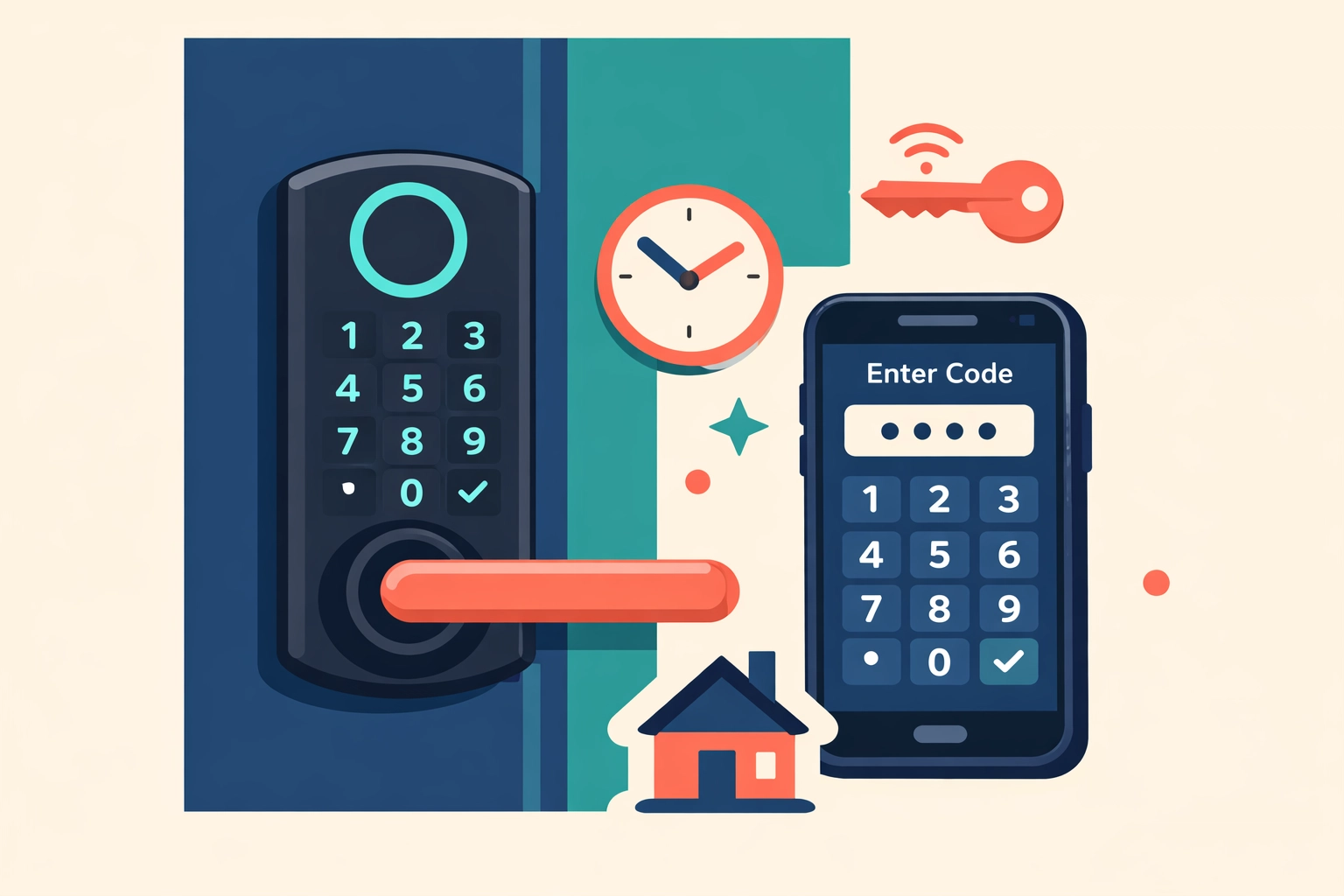
    Some locksmith business software platforms are adding smart lock integrations. You can manage access codes remotely. Set up temporary access for Airbnb hosts. Monitor who’s coming and going.

    This is useful if you’re moving into smart home services. But if you’re focused on traditional locksmith work? It’s nice to have, not need to have.

    Don’t let a sales rep convince you to pay an extra $100/month for features your customers aren’t asking for.

    The Real Cost of “Enterprise” Software

    ServiceTitan is the market leader for field service businesses. They’re great at what they do.

    They’re also expensive. Really expensive.

    We’re talking $300-$500+ per month for smaller operations. Enterprise pricing for teams that aren’t enterprise-sized yet.

    HouseCallPro, Jobber, and FieldPulse fall into similar ranges. They’ve all added impressive features. AI this. Smart that. Automated everything.

    But here’s what nobody talks about: most small locksmith businesses don’t need 80% of what these platforms offer.

    You’re paying for complexity you don’t use. Training time you don’t have. Integrations you don’t need.

    Where Valortek Fits In

    We built our Operations app for exactly this situation.

    No enterprise complexity. No $400/month sticker shock. No sales calls where someone tries to upsell you to the “Professional Plus Premium” tier.

    Just solid field service management software that handles scheduling, dispatch, mobile field work, invoicing, and payments. Everything a locksmith business actually needs to run smoothly.

    $99/month. That’s it.

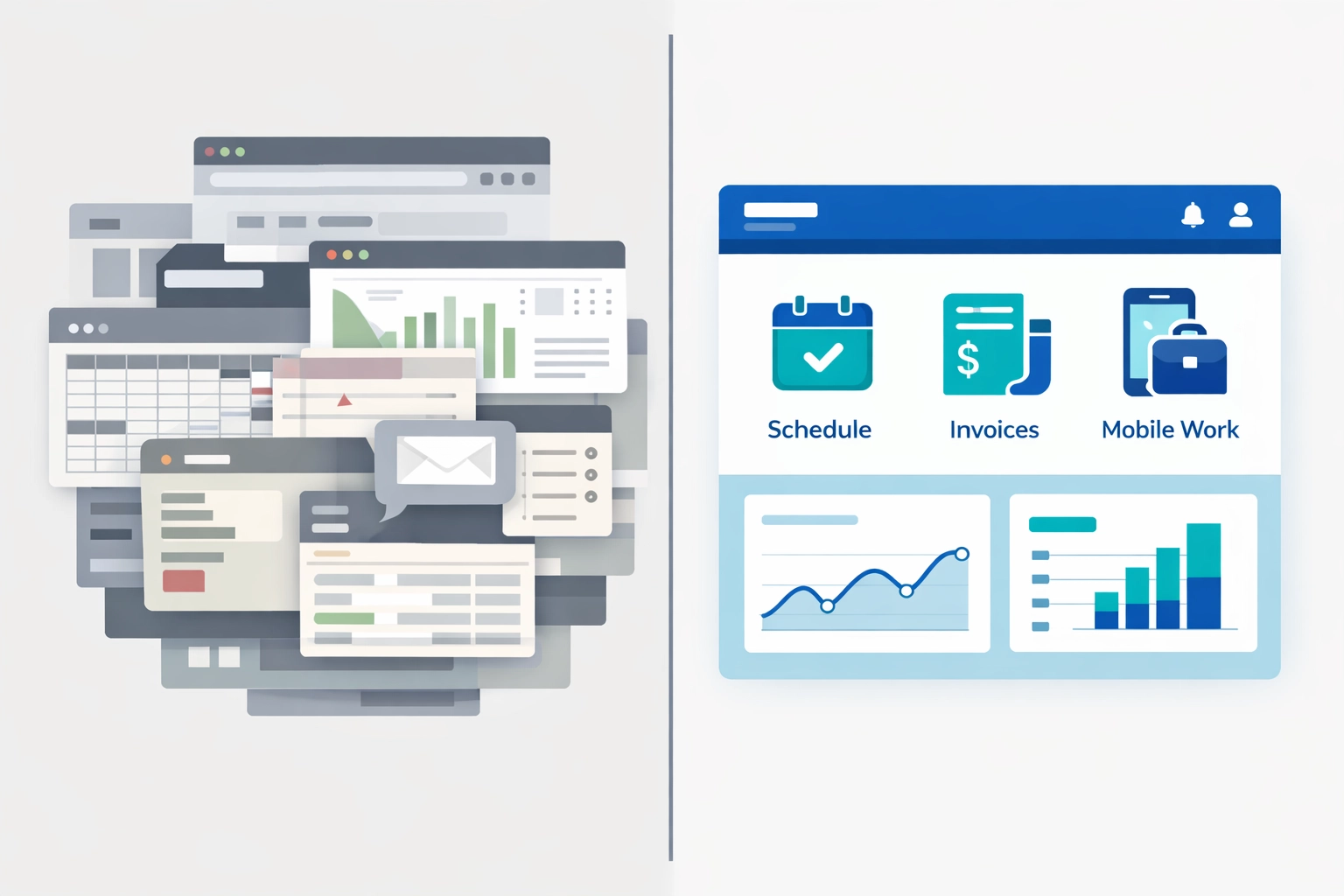
    Comparison of simple locksmith business software vs complex overwhelming enterprise platforms

    We’re not trying to be everything to everyone. We’re not building predictive AI or smart home integrations or 17-layer permission systems.

    We’re building software for small trade businesses that want to stop using spreadsheets and clipboards without taking out a second mortgage to afford “enterprise” tools.

    2026 Is About Picking the Right Tool, Not the Fanciest One

    The locksmith industry has more software options than ever. That’s good.

    But more options also means more noise. More sales pitches. More feature comparisons that don’t actually matter.

    Here’s what matters:

    • Can your techs use it without a training manual?
    • Does it save you time or create more work?
    • Can you afford it without cutting into your margins?
    • Does the company actually respond when you need help?

    The fanciest tool isn’t always the right tool. Sometimes you just need something that works and doesn’t break the bank.

    What’s Next for Locksmith Tech

    We’ll see more AI. More automation. More integrations with smart home platforms and IoT devices.

    That’s all coming.

    But the core of your business hasn’t changed. You show up. You solve problems. You get paid.

    The software should make that easier, not harder.

    If your current system is working, great. If you’re paying too much for features you don’t use, maybe it’s time to look around.

    And if you’re still using paper and spreadsheets? 2026 is the year to fix that.

    Smart lock with smartphone showing digital access code management for locksmith services

    The technology exists now to run your locksmith business smoothly without spending enterprise money. You just have to know where to look.


    Start Your Free Trial

    Questions? Contact us – we’re happy to help you decide.
  • 7 Mistakes Plumbers Make with Field Service Software (That Cost Thousands in Lost Revenue)

    Author: Warren Peterson
    Category: Operations

    You’re losing money. Every single day.

    Not because you’re bad at plumbing. You’re probably great at it. You’re losing money because your systems are bleeding cash in ways you don’t even notice.
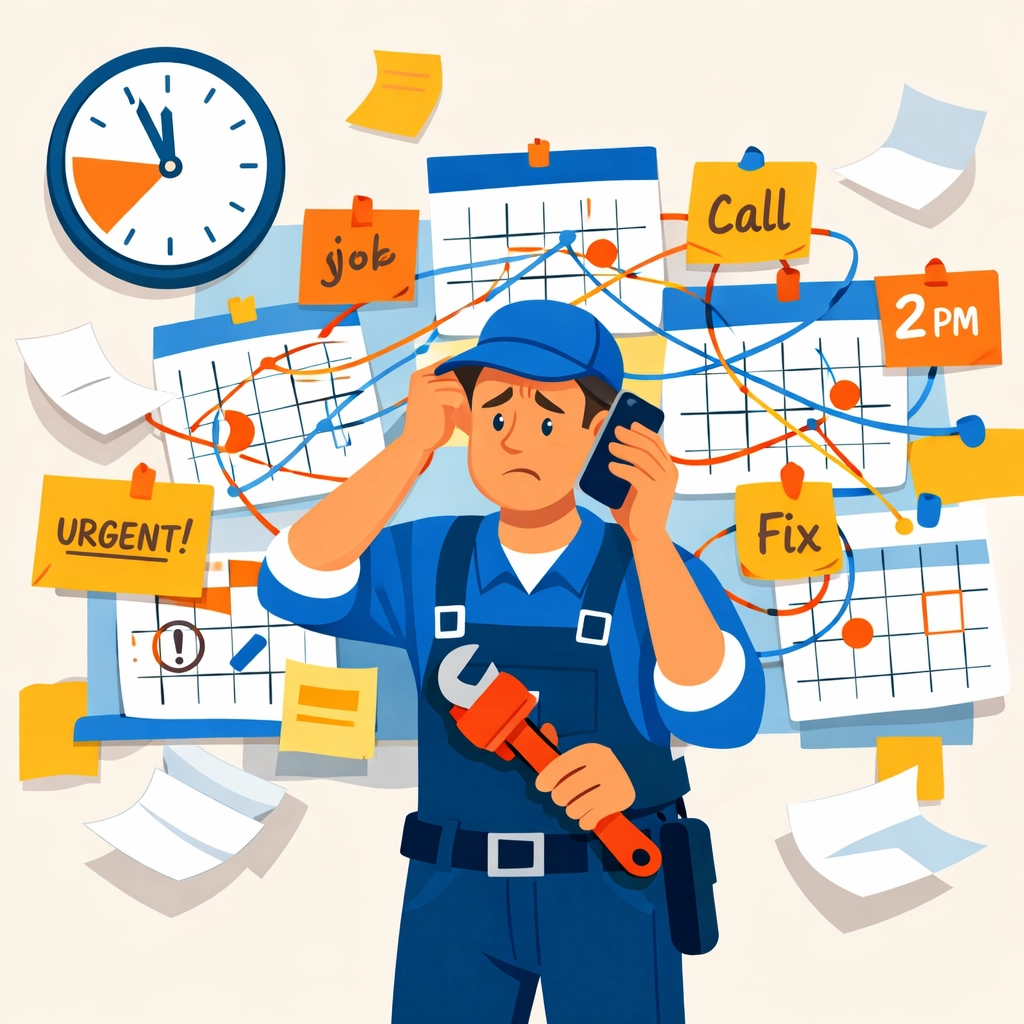
    We’ve worked with hundreds of plumbing businesses over the years. The ones with 1-10 employees? They’re the ones getting hit hardest by these mistakes. And most don’t realize it until tax season rolls around and they’re scrambling to explain where all the money went.
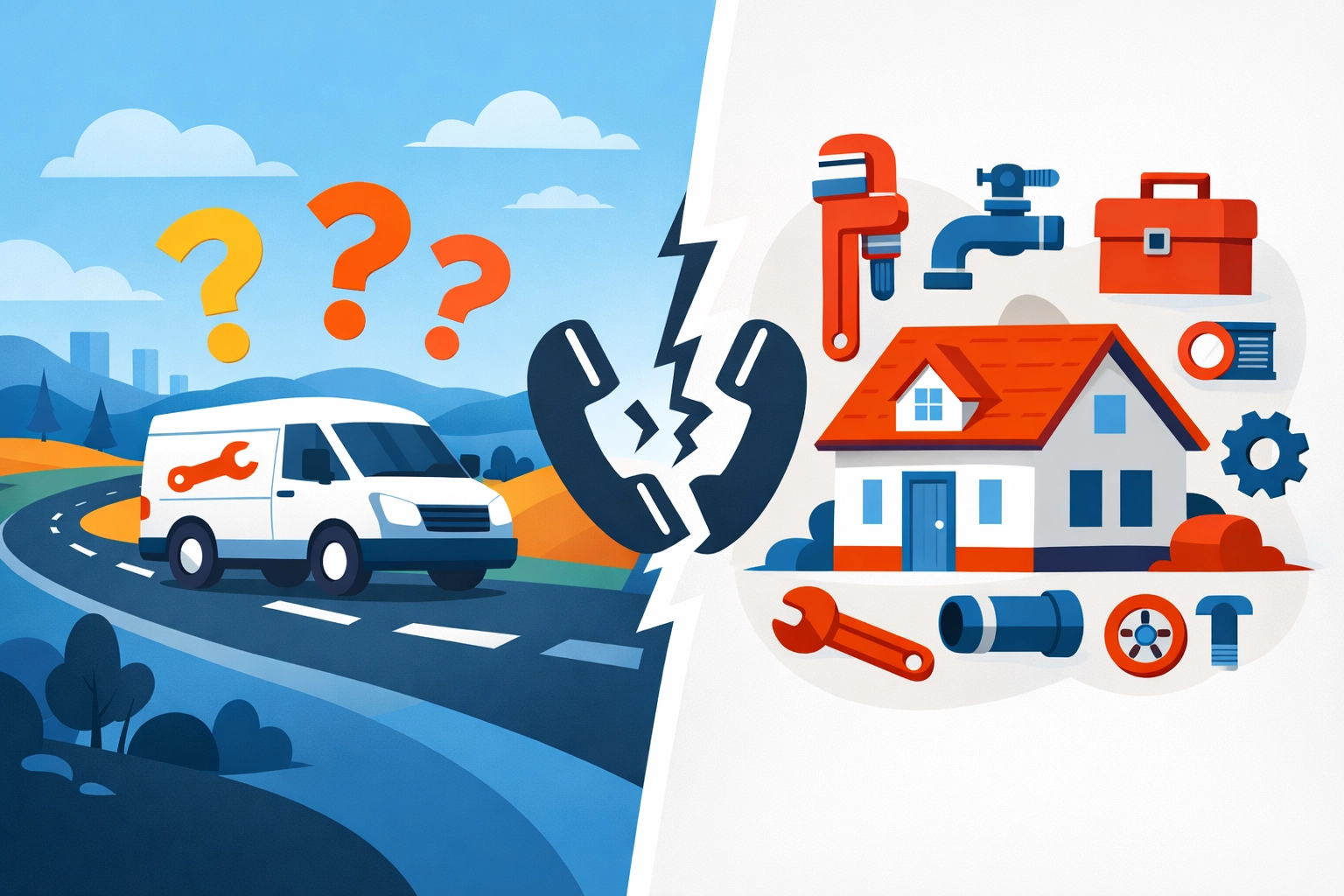
    Let’s fix that.

    Mistake #1: Manual Scheduling (AKA Playing Tetris With Your Calendar)

    You’re still using a whiteboard. Or a paper calendar. Or worse: a group text thread.

    Here’s what that costs you: About 2-3 hours per day of admin time. That’s $15,000-$25,000 per year in wasted labor for a small team.

    Plumber overwhelmed by manual scheduling chaos with paper calendars and missed appointments

    Manual scheduling means double bookings. It means sending your guy across town when there’s a closer job. It means your dispatcher can’t see who’s available, who’s running late, or who just finished early and could squeeze in another call.

    Every miscommunication is a missed opportunity. Every routing mistake burns gas and time. It adds up fast.

    Mistake #2: No Real-Time Communication (So Your Techs Are Flying Blind)

    Your tech shows up to a job. The customer says “I told the office it was an emergency sewer backup, not a leaky faucet.”

    Nobody told your tech.

    Now he’s got the wrong parts. Wrong tools. Wrong expectation about how long this will take. He has to reschedule or make another trip.

    That’s two visits for one job. Your profit margin just evaporated.

    Real-time communication isn’t fancy. It’s basic. Your techs need to know what they’re walking into before they knock on the door. Without field service software that connects the office to the field, you’re playing telephone with expensive consequences.

    Mistake #3: Ignoring First-Time Fix Rates (And Paying For It Twice)

    Here’s a number that should scare you: Industry average first-time fix rate for plumbers is around 70-75%.

    That means 25-30% of your jobs require a second visit.

    Field service communication breakdown between plumber's van and customer causing repeat visits

    Every return trip costs you. You’re paying for drive time. You’re paying for labor. You’re not getting paid for travel. And your customer is annoyed they had to take time off work again.

    Why does this happen? Because your techs don’t have the right information before they leave. They don’t know what parts to bring. They can’t see the job history. They’re guessing.

    Good field service software tells your tech what they need before they go. It shows them what parts were used on similar jobs. It gives them access to customer notes and previous service records.

    One visit instead of two. That’s pure profit.

    Mistake #4: Disconnected Systems Creating Cash Flow Chaos

    Your scheduling is in one place. Your invoicing is somewhere else. Your QuickBooks is its own island. Nothing talks to each other.

    So you’re entering the same data three times. And making mistakes every single time.

    Jobs get completed but invoices don’t go out for weeks. You’re doing the work but not collecting the money. Then tax season hits and you’re spending $1,500-$2,500 getting your books cleaned up because nothing matches.

    Here’s the thing: Connected systems save you serious money. When your field service software integrates with your accounting, invoices go out automatically. Payments get tracked in real-time. Your books stay clean.

    That’s $1,000+ in tax prep savings right there. Plus you actually know where your money is instead of drowning in spreadsheets every quarter.

    Mistake #5: Random Routes That Waste Time and Gas

    Your dispatcher sends Tech A to the north side, then back to the south side, then north again.

    Meanwhile Tech B is sitting in the south side all day.

    Inefficient plumbing route planning wasting time and money compared to optimized scheduling

    Bad routing is invisible money loss. You’re burning gas. You’re paying techs to drive instead of work. You’re fitting 4 jobs into a day when you could fit 6.

    Smart scheduling software optimizes routes automatically. It looks at where your techs are. Where the jobs are. And maps the most efficient path.

    The result? One or two extra jobs per tech per day. That’s 5-10 extra billable jobs per week for a small team. At $200 per job, you just found $50,000-$100,000 in annual revenue you were leaving on the table.

    Mistake #6: Zero Data (So You’re Guessing About Everything)

    Quick question: What’s your average job value? What’s your most profitable service? Which tech completes jobs fastest? Which neighborhoods are most profitable?

    If you can’t answer these questions in under 30 seconds, you don’t have data. You’re running your business on gut feeling.

    That works until it doesn’t.

    Field service software tracks everything. Job completion times. Revenue per tech. Profit margins by service type. Customer retention rates.

    This isn’t about drowning in reports. It’s about knowing which levers to pull. Maybe you’re scheduling too many low-profit jobs. Maybe one tech needs more training. Maybe you should stop serving that area that’s 45 minutes away.

    Data tells you where to focus. Guessing costs you money.

    Mistake #7: Treating Software Like an Expense Instead of an Investment

    “Field service software costs too much.”

    We hear this all the time. Usually from the same people spending $300-$400 per month on systems that don’t talk to each other.

    Let’s do the math on what good software actually saves you:

    • 2 hours of admin time per day: $15,000/year
    • Better routing (2 extra jobs per tech per week): $50,000/year
    • Improved first-time fix rate (10% improvement): $20,000/year
    • Cleaner books (less tax prep and fewer errors): $2,000/year
    • Fewer missed invoices: $10,000/year

    That’s $97,000 in savings and new revenue. Per year. For a small plumbing team.

    Good software pays for itself in the first month. Everything after that is pure profit.

    Stop Bleeding Money

    These mistakes aren’t complicated. They’re just expensive.

    The fix is simple: Get your systems right. Stop doing things manually. Stop using five different tools that don’t work together. Stop guessing.

    Field service software built for small plumbing businesses solves all seven of these problems. It connects your scheduling, dispatch, communication, invoicing, and reporting into one place.

    Your techs know where to go and what to bring. Your invoices go out automatically. Your books stay clean. You can see what’s working and what’s not.

    No more spreadsheets. No more whiteboards. No more scrambling at tax time wondering where the money went.

    Just straightforward systems that help you keep more of what you earn.

    Want to stop losing thousands to these mistakes? Let’s talk about what better systems look like for your business.

    Valortek Inc – We help small trade businesses get their operations dialed in. Real solutions. Real savings.

    Start Your Free Trial

    Questions? Contact us – we’re happy to help you decide.