Category: Case Studies

  • Looking for Field Service Software? Here Are 5 Privacy Risks You Should Know Before Using an App Store

    You’re busy running a business. Maybe you’re an electrician with three vans on the road. Maybe you run an HVAC crew that’s booked out until July. You need a way to manage schedules, invoices, and your team without losing your mind.

    So, you do what everyone does. You open the App Store or Google Play. You search for “field service management.” You see a shiny app with 4.8 stars and a “Free” button.

    You click download. You think you just found a tool. In reality, you might have just invited a silent partner into your business: one that takes everything and gives back very little.

    At Valortek Inc, we see this every day. Small trade businesses are being mined for data by the very platforms they trust to help them grow. This is the first entry in our new series exploring how Big Tech handles your data. We’re pulling back the curtain on Google and Apple’s data collection practices.

    Here are 5 privacy risks you need to consider before you download that next app.

    1. The Location Leech

    Every field service app asks for your location. It makes sense on the surface. You want to see where your technicians are. You want to optimize routes. You want to give customers an ETA.

    But Big Tech wants that data for a different reason. They aren’t just looking at where your truck is right now. They are building a map of your entire business operation.

    When you use an app through a traditional store, your location data often flows back to the platform provider. They know which neighborhoods you’re frequenting. They know how long you spend at a job site. They know your supply chain because they see you stopping at the same wholesaler every Tuesday morning.

    No privacy. No boundaries. Just constant surveillance.

    Google and Apple use this “anonymous” data to build profiles. They can predict market trends. They can see which areas are growing and which are shrinking. They use your hard work to fuel their advertising engines.

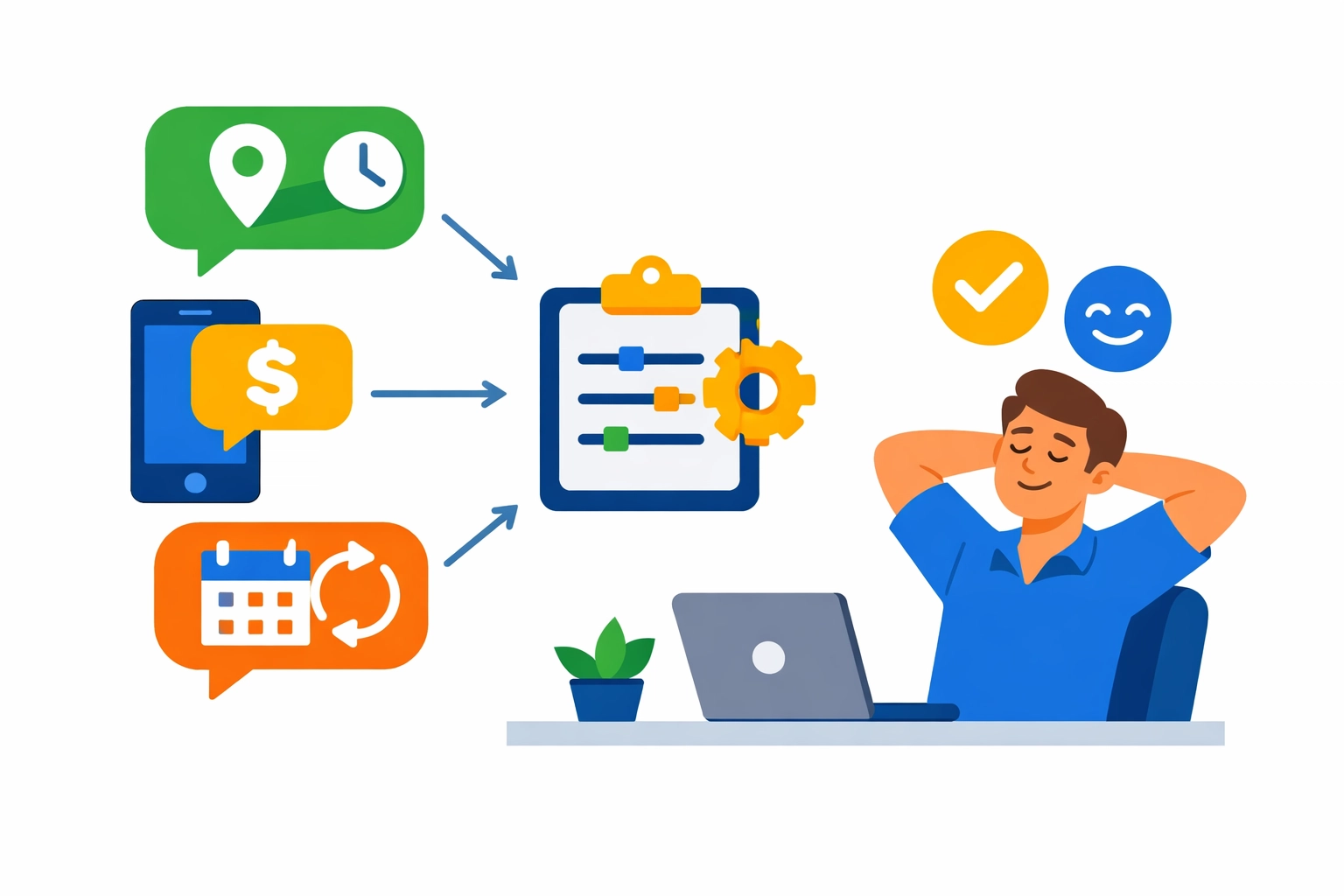
    Illustration showing location tracking of service trucks on a map, highlighting field service software privacy risks.

    2. Your Customer List is Their Prospect List

    When you set up a new field service app, the first thing it asks for is permission to access your contacts. It sounds convenient. You don’t want to type in names and numbers manually.

    But your customer list is the most valuable asset you own. It is the lifeblood of your trade business.

    When you grant an app access to your contacts, you aren’t just giving it to the app developer. You are often handing that data to the ecosystem itself. Through “Contact Scraping” and data syncing, Big Tech begins to understand the relationship between you and your clients.

    Imagine your customer starts seeing ads for a massive national plumbing franchise because Google knows they just hired you. It happens. They use your data to help your competitors target your customers.

    No protection. No loyalty. Just data harvesting.

    We believe your customers belong to you. Their phone numbers, addresses, and service histories shouldn’t be a line item in a Silicon Valley database. That’s why we focus on business data sovereignty.

    3. The Financial Trail

    Most field service apps today include “integrated payments.” It’s convenient for your guys in the field to take a credit card on a tablet.

    But have you looked at the cost? Not just the 2.9% fee. The privacy cost.

    When you process payments through an app store-regulated environment, the platform sees your revenue. They see your average ticket size. They see how often you’re invoicing. They see your growth rate.

    This data is incredibly sensitive. In the wrong hands, it can be used to manipulate your access to credit or change the way your business is “ranked” in search results. If a platform knows your business is struggling or thriving, they can adjust their algorithms to extract more value from you.

    No transparency. No honesty. Just digital auditing.

    We’re not an enterprise giant looking to skim your margins. We’re a team that believes your financial data should stay between you, your customer, and your bank.

    Valortek company logo

    4. The SDK “Ghost in the Machine”

    Most people think an app is a single piece of software. It’s not. Most apps are built like Legos using “Software Development Kits” or SDKs.

    These are pre-made blocks of code provided by companies like Facebook, Google, and Amazon. App developers use them because they’re easy and free. But nothing is actually free.

    These SDKs act like digital spies living inside your field service software. Even if the app developer has good intentions, these third-party trackers are constantly pinging back home. They collect “Device Fingerprinting” data: things like your battery level, your IP address, your signal strength, and your unique device ID.

    They use this to track you across the web. If you’re logged into the app on your work phone, they can link your business activity to your personal browsing habits.

    No separation. No escape. Just total integration.

    Digital illustration of a smartphone sending hidden data to the cloud, representing app store tracking risks.

    5. The Landlord Problem (Lack of Sovereignty)

    When you download an app from an app store, you don’t own the software. You’re essentially renting space on someone else’s land.

    If Apple or Google decides they don’t like a certain app, they can delete it. If they change their Terms of Service, you have to agree or lose access to your data. You are at the mercy of their EULA (End User License Agreement).

    Most of these agreements state that the platform has a “non-exclusive, royalty-free license” to use the data generated by the app. That means you are doing the work, and they are keeping the information.

    If you ever try to leave, you might find that getting your data out is nearly impossible. They make it easy to go in, but they make it a nightmare to get out. That’s not a partnership. That’s a hostage situation.

    No control. No ownership. Just a monthly lease on your own information.

    Why Valortek is Different

    We’re not another software conglomerate. We’re Valortek Inc. We’re a business consulting firm that actually cares about the trades.

    We don’t believe in the App Store model for sensitive business operations. We believe in security. We believe in privacy. Most importantly, we believe in Business Data Sovereignty.

    What does that mean? It means your data stays yours.

    • We don’t sell your location history.
    • We don’t scrape your contact lists.
    • We don’t let Big Tech look over your shoulder while you’re invoicing.

    We help you build systems that you control. Systems that reside on your own infrastructure or in secure, private environments where Big Tech can’t get their hands on your trade secrets.

    Running a business is hard enough. You shouldn’t have to worry about your phone stabbing you in the back.

    Secure digital vault representing business data sovereignty and protection from third-party software risks.

    Ready to Take Control?

    The convenience of an app store is a trap. It feels like progress, but it’s often a step backward for your privacy and security.

    You deserve software that works as hard as you do. You deserve a partner who respects the walls of your business.

    At Valortek, we’re helping trade businesses move away from the “Big Tech Tax.” We’re showing owners how to leverage technology without sacrificing their soul: or their data.

    Stop being the product. Start being the owner.

    Start Your Free Trial

    Questions? Contact us – we’re happy to help you decide.


    For more information on how we handle data and protect your business, visit our Privacy Page.

  • Labor Shortage Survival Guide: 3 Ways Tech Fills the Gap for Teams Under 10

    [HERO] Labor Shortage Survival Guide: 3 Ways Tech Fills the Gap for Teams Under 10

    It’s 2026, and the labor market feels like a desert.

    You’ve posted the ads. You’ve offered the bonuses. You’ve even tried the “free pizza Friday” routine.

    Still, your team is sitting at seven people when you need twelve. The work is piling up, the customers are getting restless, and your current crew is starting to look a little frayed at the edges.

    We get it. At Valortek, we talk to small business owners every day who are stuck in this exact spot.

    You don’t have the budget of a Fortune 500 company to throw money at the problem. You don’t have a dedicated HR department to scout talent 24/7. You just have your shop, your tools, and a handful of reliable people.

    The good news? You don’t need a massive crew to do massive work.

    No massive payroll. No management headaches. Just smart tech.

    Here is how small teams under ten are using automation to punch way above their weight class and survive the 2026 labor shortage.

    1. Stop Guessing, Start Scheduling

    If you’re still using a whiteboard or a basic calendar to run your team, you’re losing hours every single day.

    For a team of five or six, every minute counts. You can’t afford “windshield time” where technicians are driving across town because the schedule wasn’t optimized.

    No manual routing. No phone tag. Just precision.

    Modern scheduling tech, the kind we build here at Valortek, automatically forecasts your staffing needs based on real demand patterns. It doesn’t just tell you who is available; it tells you who should be where to minimize travel and maximize billable hours.

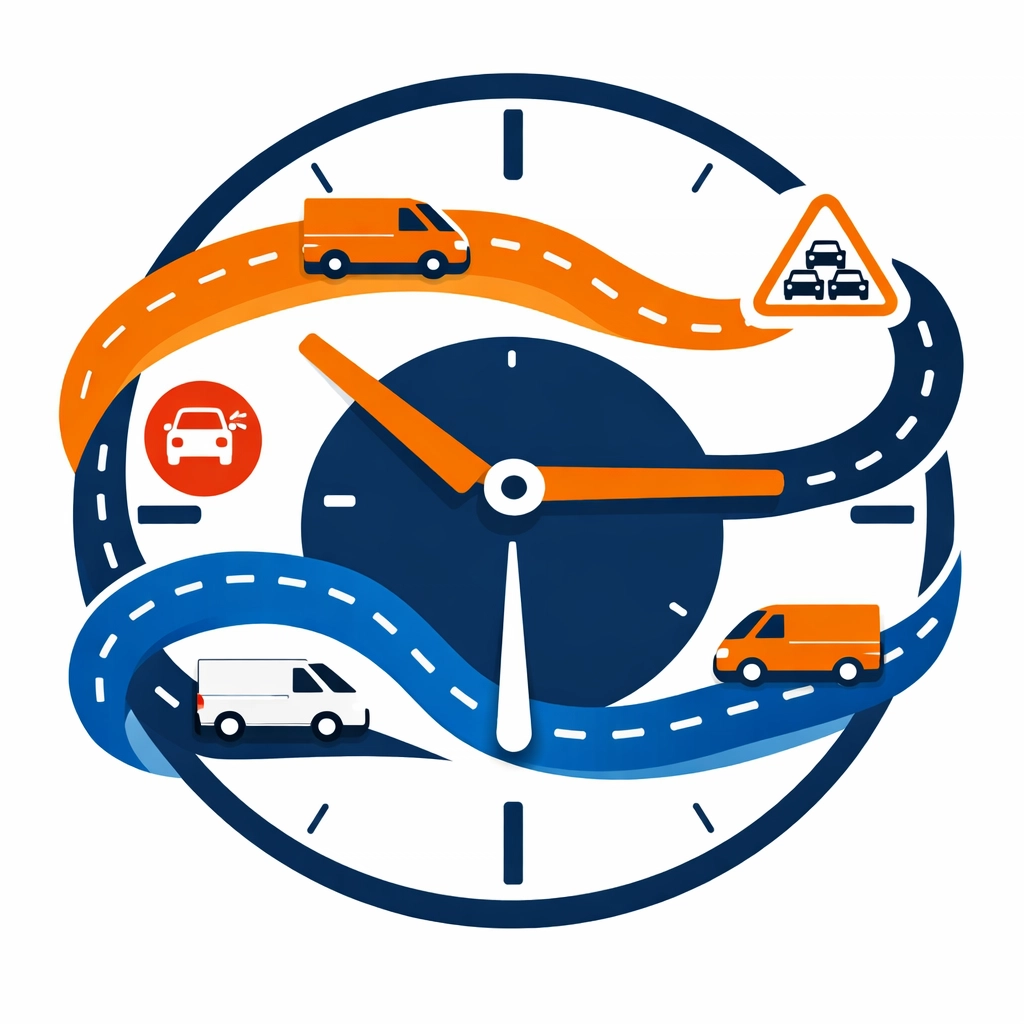
    Flat illustration of service van routes on a clock-integrated map for optimized crew scheduling.

    Studies show that businesses using automated scheduling see overtime reductions of about 23%. That’s massive for a small team.

    When you reduce overtime, you reduce burnout. When you reduce burnout, you keep the good people you already have.

    In a labor shortage, retention is your best recruitment strategy.

    We’ve seen labor costs drop by 15% just by switching from “gut feeling” scheduling to data-driven routing. For a team under ten, that 15% is the difference between struggling and scaling.

    2. The Power of Remote Resolution

    Why send a truck when you can send a link?

    In 2026, the “truck roll” is the most expensive thing your business does. It costs gas, it costs vehicle wear-and-tear, and most importantly, it costs a technician’s time.

    If you have eight technicians and three of them are stuck in traffic for an hour, you effectively only have five technicians.

    No unnecessary driving. No wasted fuel. Just remote fixes.

    Automation allows you to implement “remote resolution” workflows. Before a tech even grabs their keys, your system can prompt the customer to upload photos, videos, or even hop on a quick guided diagnostic call.

    About 20% of service calls can actually be solved: or at least triaged: without a van ever leaving the shop.

    If your team of seven can solve two jobs a day remotely, you’ve basically added an entire extra person to your crew without hiring a single soul.

    That’s how you handle the work of a 10-person crew with only 7 people. It’s not about working harder; it’s about making sure your experts are only on the road when they absolutely have to be.

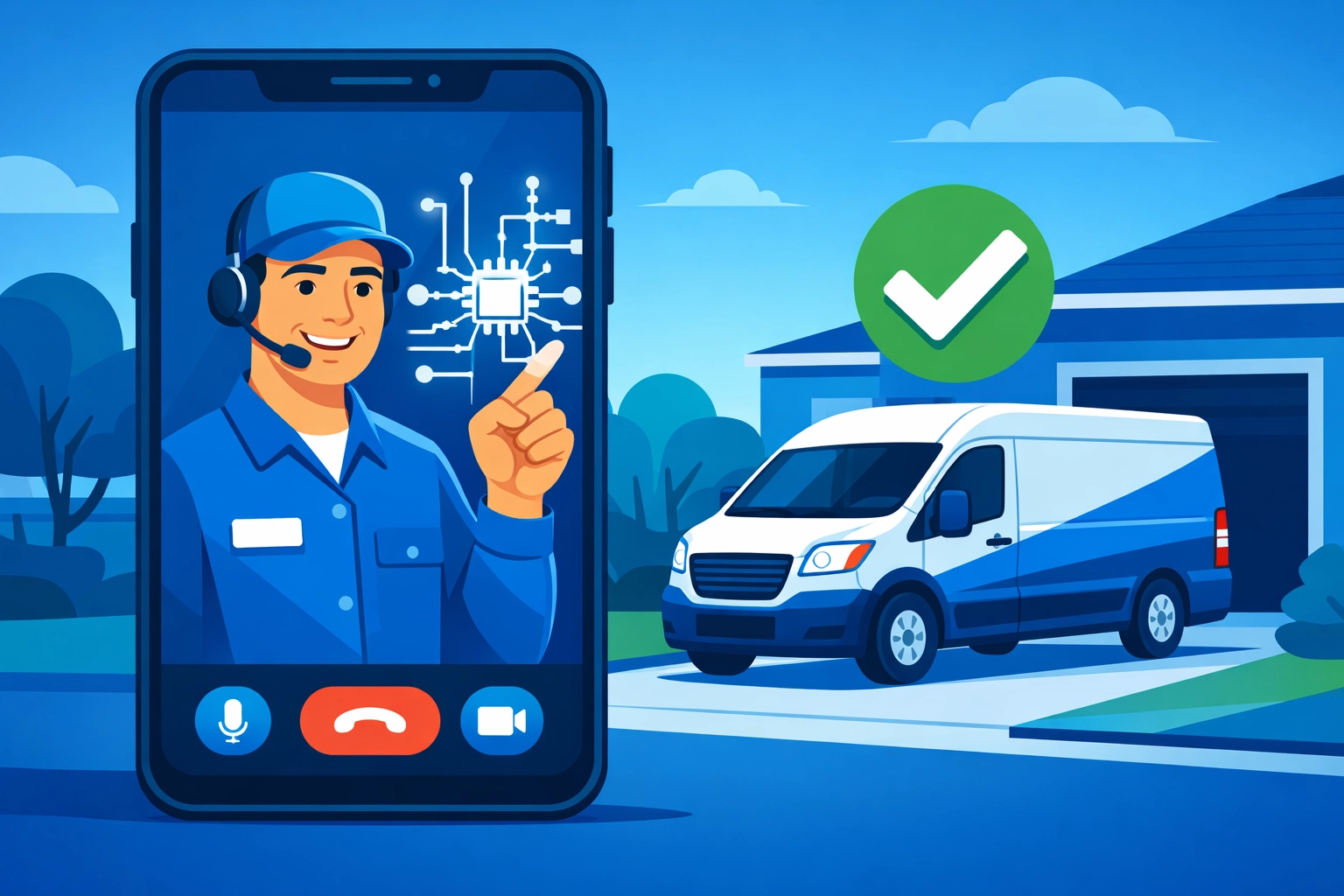
    Service technician performing a remote video diagnosis on a smartphone to reduce unnecessary truck rolls.

    3. Leverage the Contingent “Shadow Team”

    You don’t always need a full-time hire. Sometimes you just need a specific skill for a specific week.

    Nearly 80% of employers are now using contingent or temporary staffing to fill gaps. For a small business, this is a superpower.

    No long-term contracts. No heavy onboarding. Just the help you need.

    By using an integrated platform like Valortek, you can bring in freelancers or specialized contractors and plug them directly into your workflow. They see the same tasks, the same notes, and the same schedules as your core team.

    This “flex” model lets you scale up during a busy month and scale back when things quiet down.

    Instead of turning down a big project because you’re “too small,” you use tech to manage a hybrid team of your core employees and specialized contractors.

    Digital work applications also help you find “hidden” skills within your current team. Maybe your lead electrician is also great at basic project management software, or your office manager has a knack for digital marketing.

    When you have a small team, everyone wears multiple hats. Tech makes sure those hats actually fit.

    Valortek company logo

    Why Simplicity Wins in a Shortage

    When you’re short-staffed, the last thing you need is a “complex enterprise solution.”

    You don’t have time for a three-month implementation period. You don’t have time to train your guys on a software that looks like a flight simulator.

    We believe in the “Keep It Simple” rule.

    No bloat. No jargon. Just a tool that works as hard as you do.

    Most software companies want to sell you a hundred features you’ll never use. They want to lock you into a price tier that assumes you have 50 employees.

    We’re different. We’re a small team, just like you.

    We know that for a business under ten people, transparency and speed are everything. You need to know your numbers today, not after a meeting with a “consultant” next Tuesday.

    Minimalist illustration showing business apps consolidating into one central operations software hub.

    The “One Tool” Philosophy

    The biggest mistake small teams make is using five different apps to do one job.

    They have one app for payroll, one for scheduling, one for customer messages, and a stack of paper for invoices.

    This creates “admin drag.”

    When you have a small crew, you can’t afford to have your best person sitting in the office for three hours a day doing data entry.

    No disconnected apps. No manual data entry. Just one hub.

    By consolidating your operations into one platform, you reclaim those admin hours. That’s time your team can spend in the field, finishing jobs and making customers happy.

    Automation handles the follow-up emails. It handles the invoice reminders. It handles the tax adjustments for the new 2026 legislation.

    It’s like having a virtual assistant that never sleeps and never asks for a raise.

    Ready to Scale Without the Hiring Headache?

    The labor shortage isn’t going away anytime soon. The “old way” of hiring your way out of growth problems is getting harder and more expensive by the day.

    But you have an advantage. You’re small, you’re fast, and you’re frustrated with the status quo.

    That’s exactly why we built Valortek.

    We help teams under ten act like teams of twenty. We strip away the complexity so you can focus on the craft.

    No more stressing over the “Help Wanted” ad that isn’t getting any hits.

    Focus on the people you have. Empower them with the right tools. Watch your business grow while your competitors are still waiting for a phone call that isn’t coming.

    We’re here to help you navigate this. No enterprise fluff. Just real solutions for real trade businesses.

    Start Your Free Trial

    Questions? Contact us – we’re happy to help you decide.

  • Stop Wasting 10 Hours a Week: How AI Cuts Field Service Admin Without the Hype

    You didn’t start an HVAC or plumbing business because you loved paperwork. You started it because you’re good at the trade. You like fixing things. You like helping people.

    But as your business grows, the "admin tax" starts to pile up.

    Every Sunday night, you’re staring at a stack of invoices. Every Monday morning, you’re playing phone tag with three different techs and five frustrated customers. It feels like you’re running a call center, not a service company.

    Most field service owners lose at least 10 hours a week to pure administrative noise. That’s 40 hours a month. That’s an entire work week gone.

    We’re here to help you take that week back. And no, you don’t need a $50,000 enterprise software suite to do it. You don’t need a degree in data science. You just need AI that actually works for the trades.

    The Admin Problem is a Growth Killer

    Admin isn't just boring. It’s expensive.

    When you spend two hours a day manually entering data into QuickBooks or re-typing customer addresses into a calendar, you aren't growing. You're idling.

    No new leads. No billable hours. Just busy work.

    Small teams of 1 to 10 employees feel this the most. You don't have a dedicated "dispatch department" or a "billing squad." You have a spouse helping out or maybe one person in the office trying to do it all.

    When the admin load gets too heavy, things start to break.

    • Technicians show up at the wrong house.
    • Parts aren't ordered on time.
    • Invoices get forgotten.

    It’s a cycle of chaos that keeps small businesses small.

    Stop the Hype: What AI Actually Is

    Before we go further, let's clear the air.

    When most people talk about AI, they show you robots or sci-fi interfaces. They talk about "machine learning models" and "neural networks."

    We don’t care about any of that. And neither should you.

    In the world of field service, AI is just a smarter set of hands. It’s software that can read, remember, and react.

    No more manual data entry. No more clicking "copy and paste" fifty times a day. No more guessing which tech is closest to a job.

    At Valortek Inc, we focus on the grounded reality of your workday. We use AI to kill the repetitive tasks that drain your energy.

    No fluff. No buzzwords. Just more time in your day.

    Valortek company logo

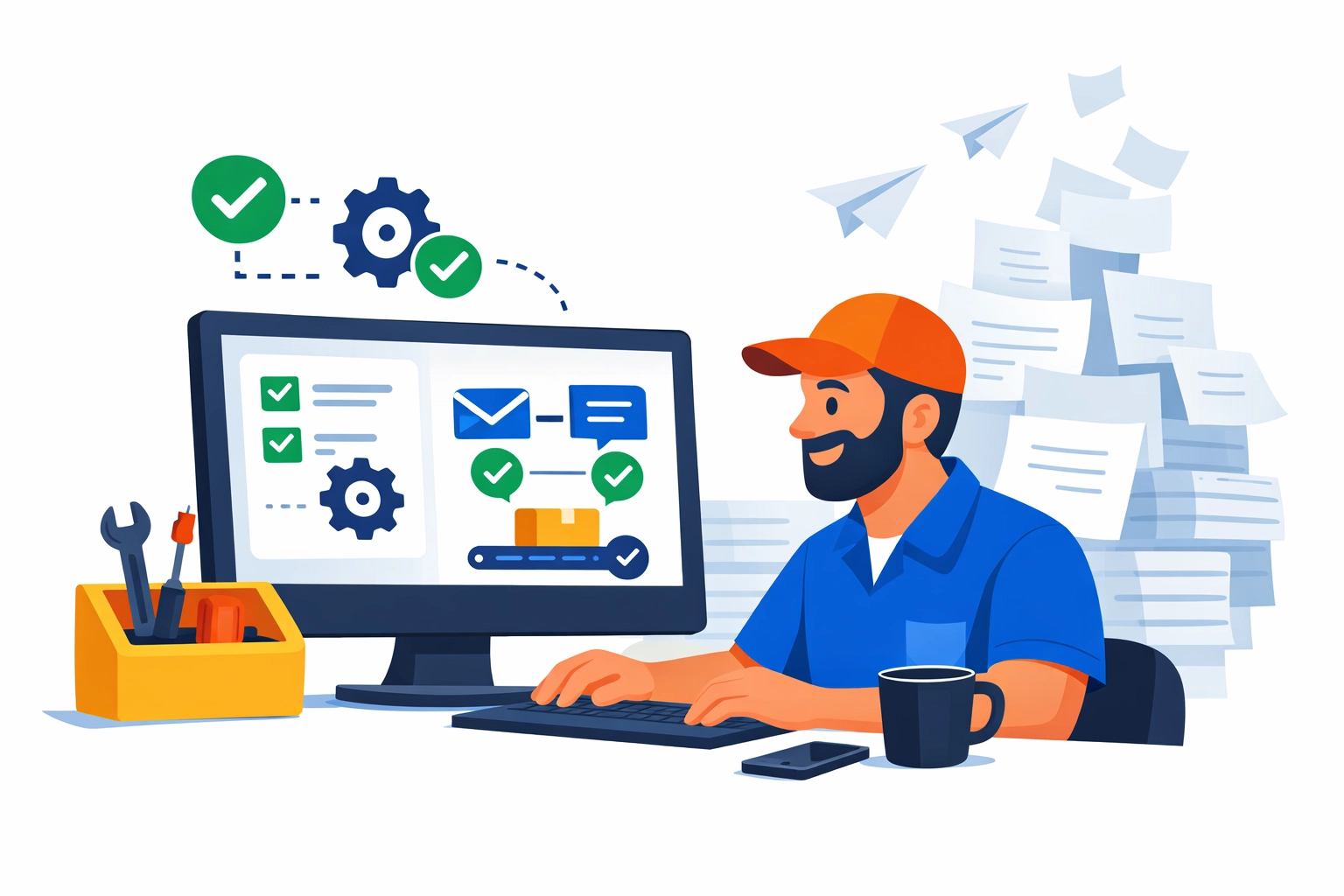
    Flat illustration of automated work orders reducing paperwork for a small field service team.

    1. Automated Work Order Processing

    Think about the last time a new lead came in through your website or via text.

    What happened? You probably had to read the message, look up the customer in your database, manually create a job, and then type in the service details.

    AI changes that.

    Modern field service tools can now read an incoming request and automatically populate a work order. It identifies the service type (e.g., "Leaking Water Heater"), the urgency, and the customer’s history.

    No manual typing. No "oops, I got the address wrong." Just a ready-to-dispatch job waiting for your approval.

    Research shows that automating these repetitive administrative tasks allows office staff to focus on complex responsibilities rather than data entry. It’s the difference between being a "typist" and being a "manager."

    2. Solving the Scheduling Jigsaw Puzzle

    Scheduling is a nightmare.

    Tech A is in the middle of a job that’s taking longer than expected. Tech B just finished early. A "Priority 1" emergency call just came in across town.

    Usually, this means 20 minutes of frantic phone calls and moving blocks around a digital calendar.

    AI handles this in real-time.

    It looks at traffic patterns, technician skill sets, and current job progress. If a tech is running late, the system can automatically adjust the afternoon schedule and send a text to the next customer.

    No more "Where are you?" calls. No more angry customers waiting on a porch. Just a smooth, optimized route that saves gas and time.

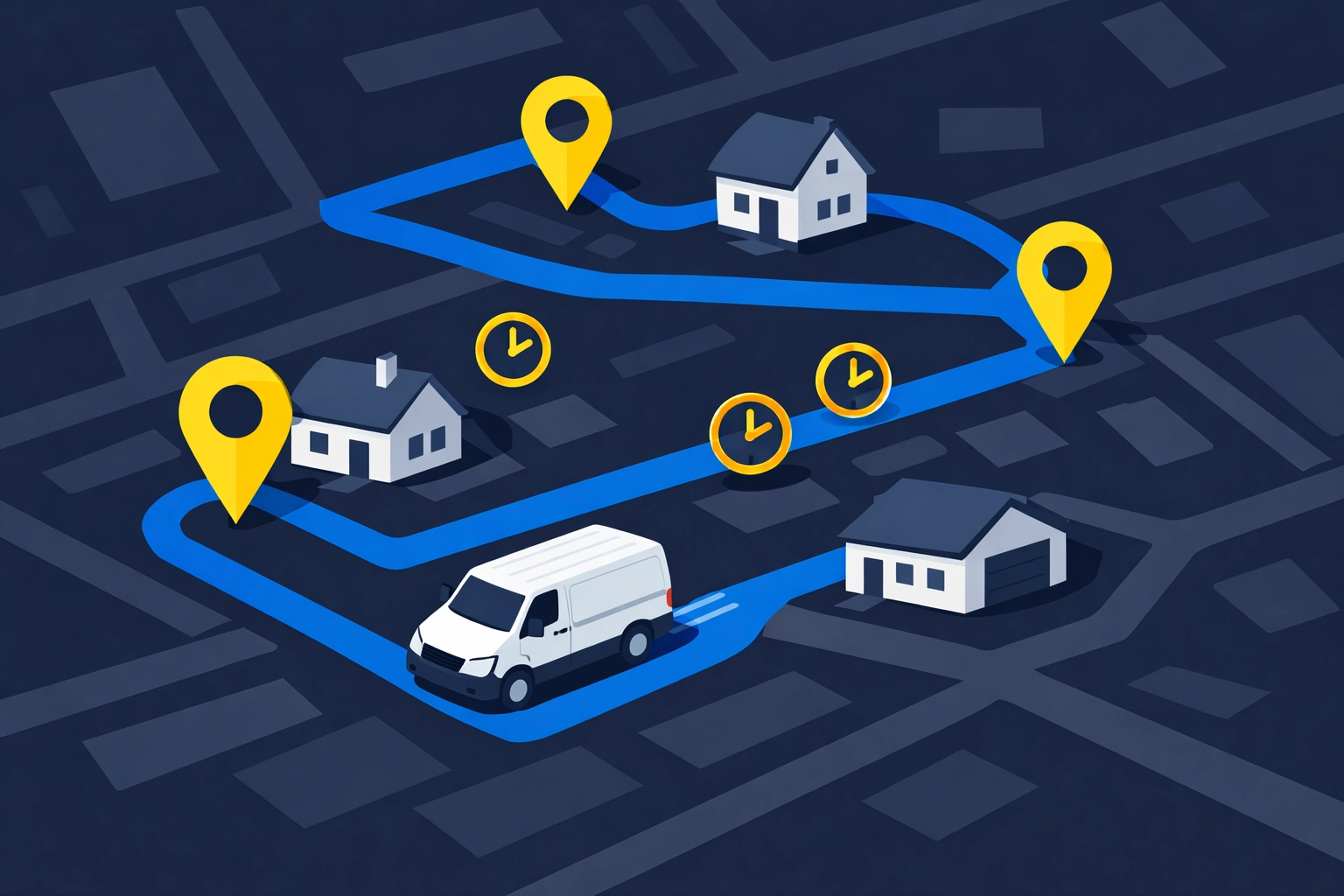
    Illustration of a service van following an optimized route on a map for efficient field service scheduling.

    3. The "Perfect" Pre-Work Brief

    One of the biggest time-wasters in the field is the "information gap."

    A technician arrives at a job. They don't know what model of furnace the customer has. They don't know that the last guy who was there three months ago found a cracked heat exchanger. They spend 15 minutes digging through old notes or calling the office.

    AI can automatically compile "pre-work briefs."

    Before the tech even puts the truck in gear, the AI draws from your historical data and knowledge base. It gives the tech a summary:

    • "Customer has a 2018 Carrier unit."
    • "Last service was Nov 2025."
    • "Previous technician noted the filter was severely clogged."

    The tech arrives prepared. They look like a pro. The job gets done faster.

    4. Reducing the Customer Service Burden by 80%

    Most of your office phone calls are the same three questions:

    1. "When will the tech be here?"
    2. "How much is the diagnostic fee?"
    3. "Can I reschedule?"

    Handling these calls manually is a massive time sink.

    Real-world data shows that implementing smart automated communication can reduce the workload for customer service staff by up to 80%.

    AI-driven chatbots and automated SMS sequences can handle the "low-value" questions. If a customer wants to reschedule, they click a link and do it themselves. If they want to know where the tech is, they check a live map.

    You only pick up the phone when it actually matters.

    5. Invoicing That Doesn't Require a Weekend

    If you’re still waiting until Friday to "catch up on billing," you’re losing money.

    The longer you wait to send an invoice, the longer it takes to get paid.

    With AI-integrated job management, the invoice is generated the second the tech hits "Complete." The system pulls the parts used, the labor hours recorded, and the tax rates for that specific zip code.

    The tech shows the customer the tablet, gets a signature, and the invoice is sent before the truck leaves the driveway.

    No manual calculations. No "remind me what parts we used." Just cash flow.

    Mobile tablet displaying a completed digital invoice for faster field service billing and payments.

    Flat illustration of automated customer SMS and chat handling common scheduling and pricing questions.

    The Valortek Philosophy: Simple Over Complex

    We’ve seen the "big name" software options out there.

    They’re full of buttons you’ll never click. They charge you hundreds of dollars a month for features you don't need. They take six months to set up.

    We don't do that.

    We believe software should be invisible. It should sit in the background and make your life easier, not give you a new full-time job managing the software itself.

    No enterprise bloat. No confusing dashboards. Just clean, efficient job management.

    We’re a small team, just like you. We value transparency and honesty. We’re not trying to sell you a "digital transformation." We’re trying to give you 10 hours of your life back.

    How to Get Started Without the Headache

    You don't have to automate everything overnight. In fact, you shouldn't.

    Start with one thing. Maybe it’s automated appointment reminders. Maybe it’s digital invoicing.

    Once you see the time savings, you’ll never go back to the old way. You’ll find that you’re less stressed. You’re more profitable. And you might actually get to enjoy a Sunday evening without thinking about a spreadsheet.

    Ready to see how grounded, practical AI can change your business?

    We built Valortek to be the solution we wanted for ourselves. Simple. Powerful. Fairly priced.

    You can read more about how we handle your information in our privacy policy, or learn more about our team on our author page.

    The "admin tax" is optional. It’s time to stop paying it.

    Start Your Free Trial

    Questions? Contact us – we're happy to help you decide.

  • The Play Store Privacy Gap: Is Your Trade Business Data Safe?

    Your trade business runs on apps now.
    Scheduling. Estimates. Payments. Photos. GPS. Texts.

    And most of those apps come from one place.
    Google Play.

    Here’s the uncomfortable part.
    Google Play is great at distribution. It’s not the same thing as protection.

    No paranoia. No conspiracy. Just reality.
    If you install random apps to “run the business,” you’re handing over more than you think.

    The “Privacy Gap” is simple

    Google Play requires disclosures.
    It doesn’t guarantee behavior.

    No magic badge. No automated truth serum. Just developer promises.

    Apps must fill out the Data Safety section.
    They’re supposed to disclose what they collect, share, and secure.

    That’s useful.
    But it’s not the same as “your business data is safe.”

    The gap is the space between:

    • what an app says it collects
    • what it actually collects
    • what it can collect if you grant permissions
    • what third parties collect through SDKs and integrations

    You don’t need to be a security expert.
    You just need a system.

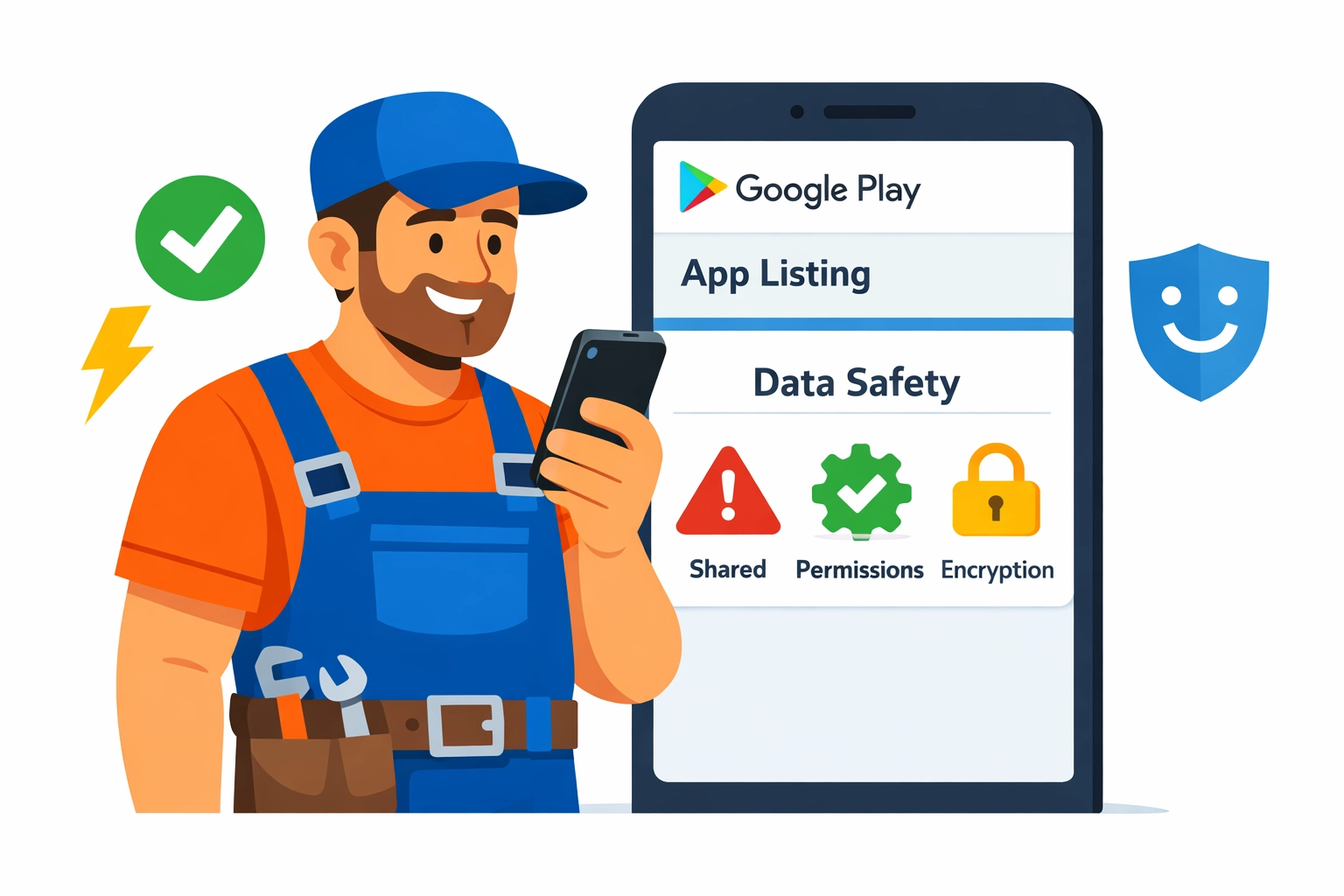
    Illustration of a trade business owner reviewing a Google Play app listing and the Data Safety panel.

    What “business data” are we talking about?

    For trade businesses, app data isn’t abstract.
    It’s your competitive edge.

    Think:

    • Customer list (names, addresses, phone numbers)
    • Job history (notes, diagnoses, parts used)
    • Pricing (rates, margins, discounts)
    • Photos (before/after, equipment labels, serial numbers)
    • Crew info (employee names, schedules, locations)
    • Payment data (invoices, payment status, sometimes card-related metadata)
    • Messages (texts, emails, in-app chat)
    • Location data (tech GPS, route patterns, job density)

    No fluff. No “data is the new oil.” Just this:
    If the wrong app leaks it, you’ll feel it.

    What Google Play collects vs what apps collect

    Let’s separate two things people mix together.

    1) Google Play / Google services (the platform layer)

    If you use Android and the Play Store, Google itself may process data tied to:

    • your Google account
    • device identifiers
    • app installs and updates
    • diagnostics and performance
    • purchase and subscription activity (if applicable)

    This is mostly “platform” stuff.
    It’s big, broad, and not always avoidable.

    2) The apps you install (the app layer)

    This is where trade businesses get exposed.

    The app can collect:

    • what you type into it (customer records, notes, quotes)
    • what you upload (photos, attachments)
    • what it can access (contacts, files, location) if you allow it
    • what it sees through embedded third-party tools (analytics, ads, crash logs)

    No one’s coming for your business specifically.
    But your data can still end up in places you didn’t intend.

    The Data Safety section: helpful, but not a shield

    Google Play’s Data Safety section is a start.
    It’s also easy to misunderstand.

    Here’s how to read it like an operator, not a lawyer.

    “Data collected” doesn’t mean “data sold”… but it might move

    Apps can “collect” data for:

    • app functionality
    • analytics
    • personalization
    • advertising
    • fraud prevention
    • legal compliance

    Those buckets sound fine.
    They’re also broad enough to drive a truck through.

    “Data shared” is the line that matters most

    Shared usually means sent to another company.
    Analytics providers. Marketing tools. Cloud services. Payment processors.

    Sometimes that sharing is necessary.
    Sometimes it’s just convenient for the developer.

    “Data encrypted in transit” is not the finish line

    Encrypted in transit means HTTPS.
    Good. Expected. Not special.

    What you also want to know:

    • Is data encrypted at rest?
    • Who inside the vendor can access it?
    • Do they support role-based access?
    • Do they log admin access?
    • What’s their breach history and response plan?

    Google Play won’t answer that for you.
    You have to.

    The quiet risk: permissions you grant once and forget

    Most data exposure doesn’t come from a dramatic hack.
    It comes from “Allow” taps.

    No scare tactics. No doom. Just common patterns we see.

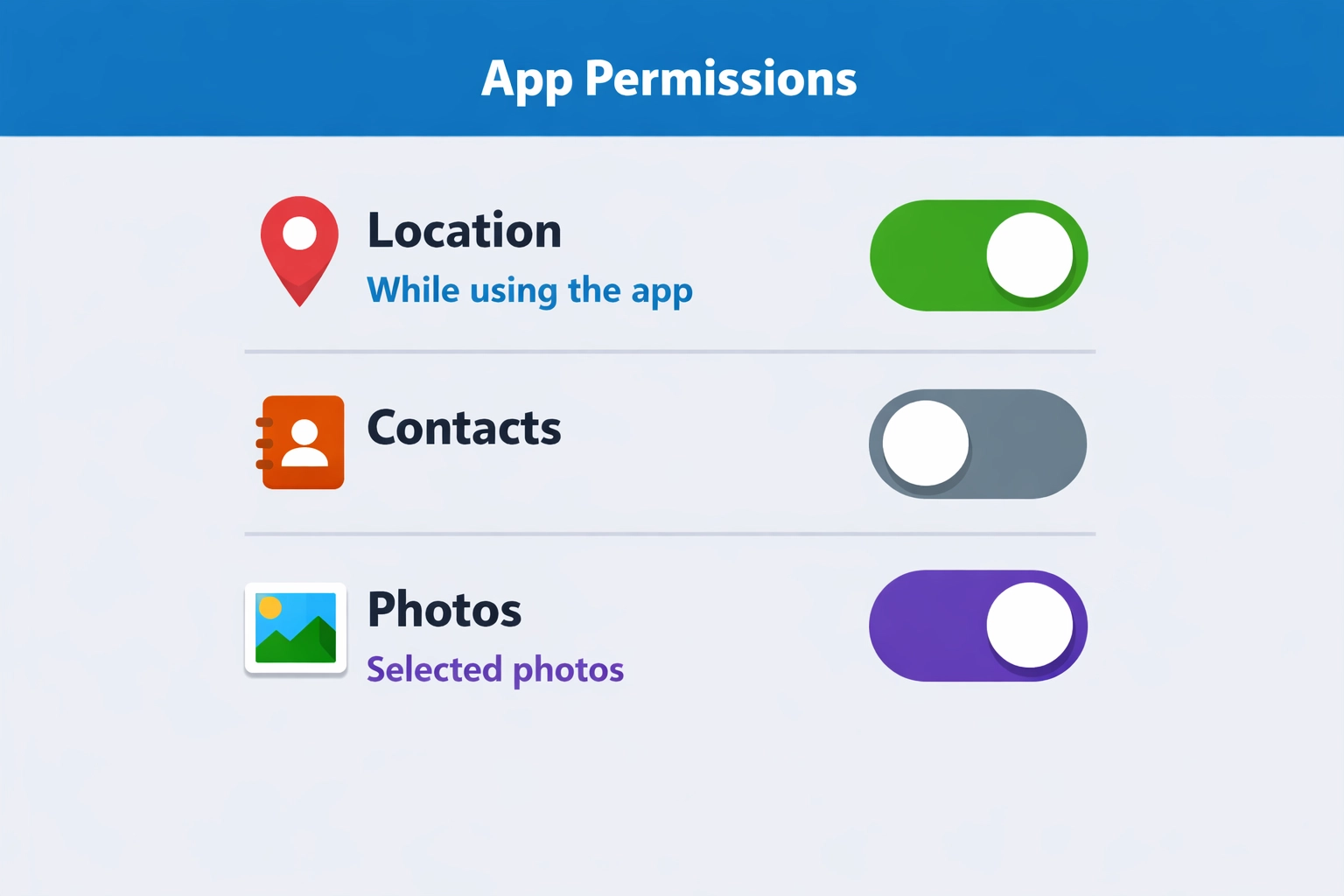
    Location permission (the big one for trades)

    Lots of apps ask for location.
    Sometimes it’s legit (dispatch, arrival ETAs). Sometimes it’s not.

    Risk in plain English:

    • your job density becomes visible in aggregate
    • tech home addresses can be inferred (start/end points)
    • route patterns can reveal high-value accounts

    What to do:

    • Use “While using the app” instead of “Always”
    • Turn off background location unless you truly need it
    • For owner/admin phones, avoid giving location permissions at all

    Contacts permission (customer list leakage)

    Some apps ask to “help you invite customers.”
    That’s code for “we want your address book.”

    If your customer list lives in contacts, that’s a soft target.
    Even “hashed” or “obfuscated” contact uploads can still be sensitive.

    What to do:

    • Don’t store your customer list in personal contacts
    • Don’t grant contacts access unless the app’s core job requires it

    Photos/Files permission (jobsite documentation exposure)

    Trade apps love photos.
    Photos often contain more than you think.

    • addresses on work orders
    • license plates
    • serial numbers
    • faces
    • inside-of-home layouts

    What to do:

    • Keep job photos inside a dedicated system, not random gallery apps
    • Limit file access to “selected photos” where Android allows it
    • Remove old app permissions after you stop using the app

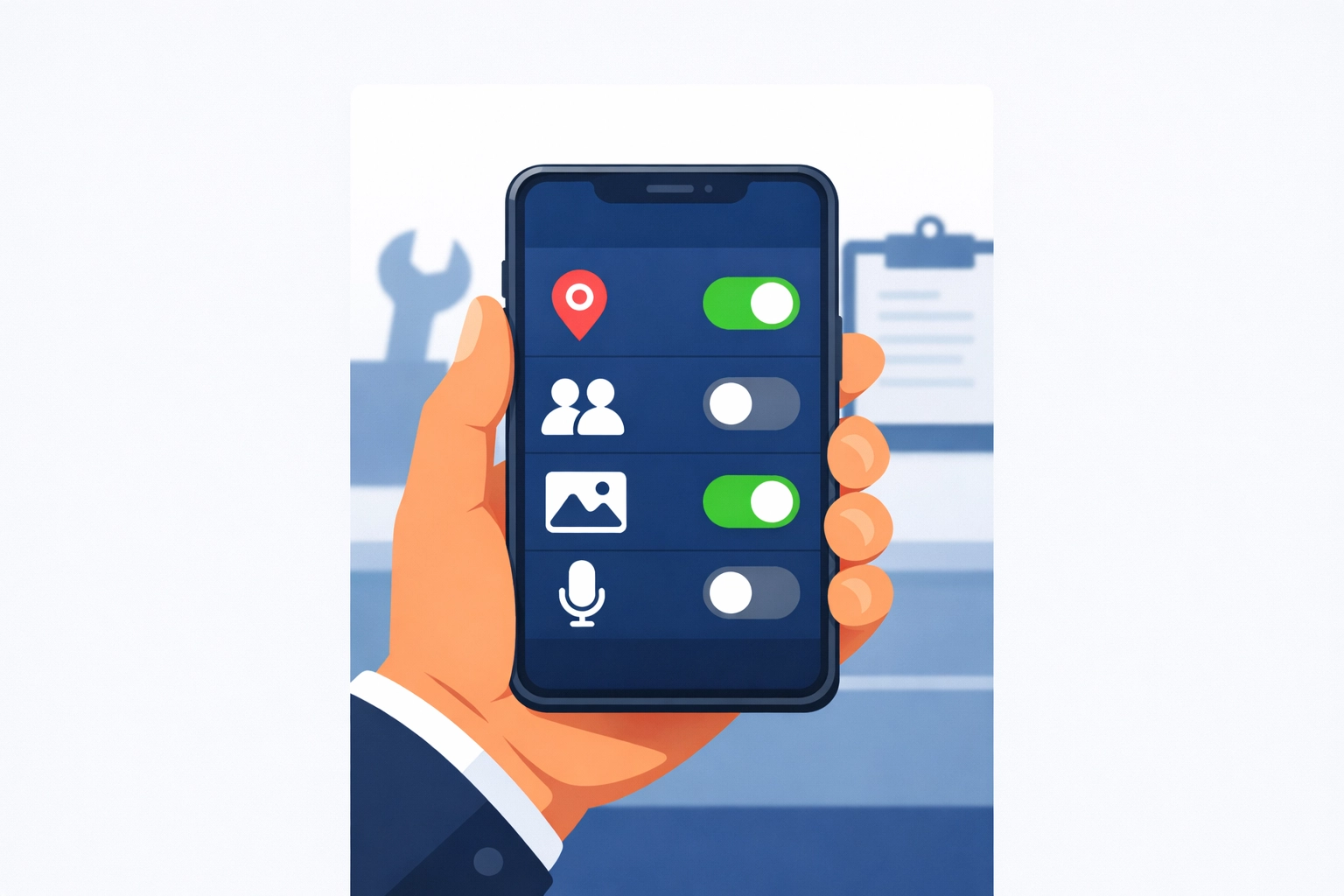
    Illustration of a smartphone screen managing privacy settings and app permissions for a trade business.

    Illustration of an Android permission toggle screen with Location (While using), Contacts (Off), Photos (Selected).

    The third-party SDK problem (even in “legit” apps)

    Many apps are built with plug-ins.
    Analytics. Crash reporting. Marketing. Chat widgets.

    Those components can collect their own data.
    Sometimes they’re listed. Sometimes they’re buried in policy text.

    Common SDK categories:

    • Analytics (what you click, how long you stay, device info)
    • Attribution (where you came from, campaign tracking)
    • Crash logs (device, app state, sometimes snippets of what was on screen)
    • Ad networks (even if the app “doesn’t run ads,” some frameworks still exist)

    No villain story here.
    It’s just “modern app development.”

    Your job is to decide:
    Is this app a tool… or a data pipeline?

    The “reasonable expectation” trap

    Google’s policies say apps shouldn’t collect data in ways users wouldn’t expect without prominent disclosure and consent.

    But “reasonable expectation” is fuzzy.
    And a disclosure you never read still counts as a disclosure.

    If an estimating app collects:

    • device identifiers
    • usage analytics
    • location “for fraud prevention”
    • email for “marketing”

    …that might be disclosed.
    You still might not expect it.

    So don’t rely on expectation.
    Rely on controls.

    A practical checklist before you install a Play Store app

    No audits. No enterprise security program. Just a quick filter.

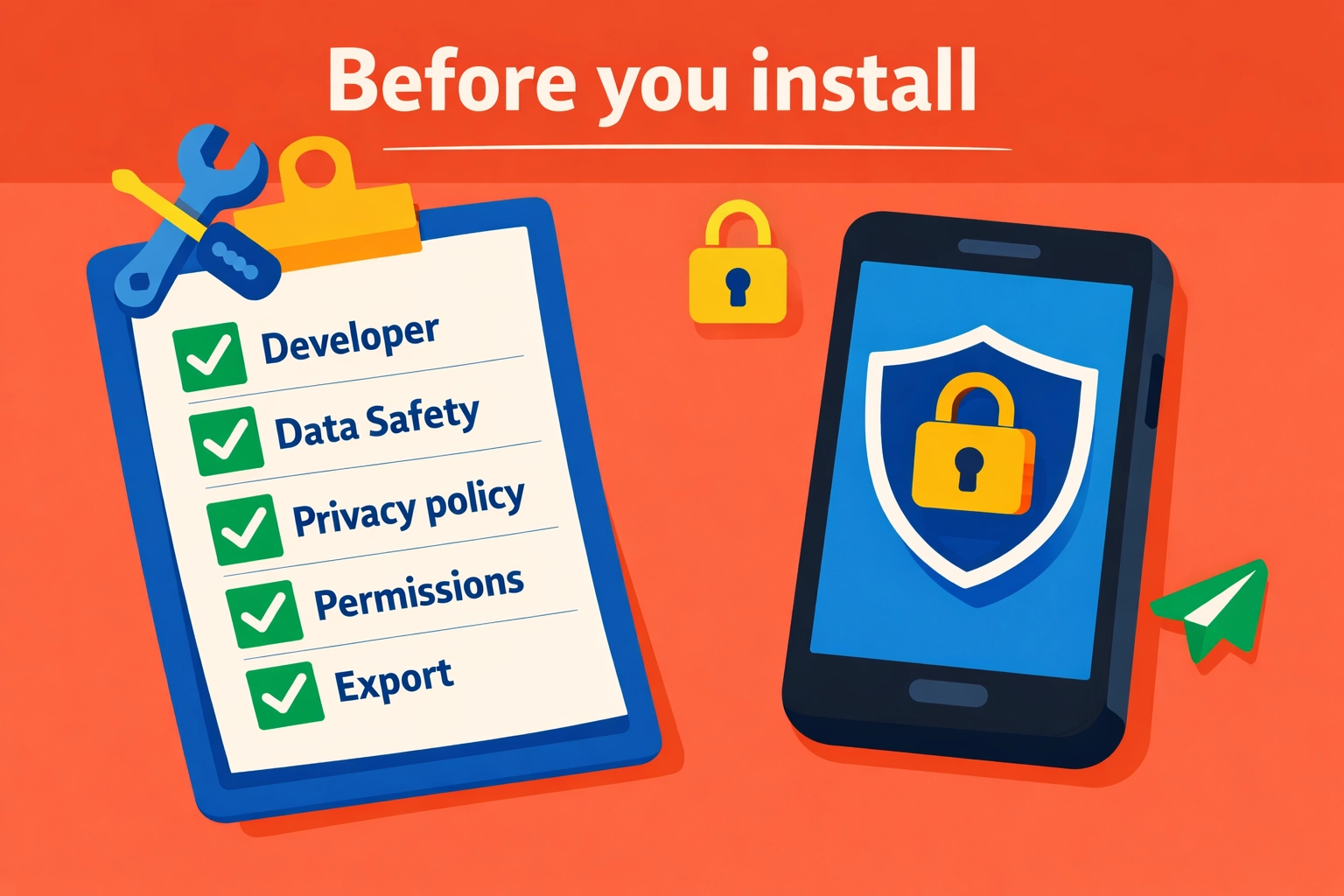
    Illustration of a simple 'Before you install' checklist for vetting Play Store apps.

    1) Check the developer name like you’re hiring them

    Is it:

    • a real company with a track record?
    • a brand-new developer with 2 apps and a Gmail address?
    • a “studio” with no website?

    If it’s hard to identify who they are, that’s the point.
    Skip it.

    2) Read the Data Safety section for “Shared”

    You’re looking for:

    • data shared for advertising
    • data shared with “partners”
    • broad categories like “Personal info” or “Financial info” shared

    Sharing isn’t always wrong.
    But for a trade ops app, advertising sharing should be a red flag.

    3) Open the privacy policy and search for 5 words

    Use find-in-page for:

    • “share”
    • “third party”
    • “partners”
    • “advertising”
    • “sell”

    If you see “we may share with trusted partners” with no list, no purpose, no opt-out?
    That’s not transparency.

    You can also compare to our approach to privacy here:
    https://www.valortek.com/privacy

    4) Look at permissions before install, then verify after install

    The store listing may show permissions.
    But you should verify in Android settings after the first run.

    If it requests:

    • contacts + location + files + microphone
      …and it’s a basic invoicing app?
      Hard pass.

    5) Ask one question: “What happens if we leave?”

    If you can’t export your data easily, you’re trapped.
    And trapped data tends to get messy.

    You want:

    • export of customers, invoices, job history
    • clear retention/deletion policy
    • a way to close the account and remove data

    How to protect your operations (without slowing down the crew)

    This is the part that matters.
    Simple moves. Big payoff.

    Keep business apps off personal phones (when possible)

    No perfection required.
    Just separation.

    Options:

    • company-owned Android phones for techs
    • Android Work Profile / MDM-lite setup
    • a dedicated tablet for invoicing and photos

    When personal and business mix, permissions get sloppy.
    And data spreads.

    Standardize your “approved app list”

    No 30 different apps across 8 techs.
    No “whatever I found on Play Store.”

    Create one short list:

    • scheduling/dispatch
    • estimates/invoices
    • payments
    • job photos (if separate)
    • communication

    Everything else is optional.
    Optional is where the risk hides.

    Remove permissions quarterly (yes, really)

    Set a calendar reminder. 15 minutes.

    • review installed apps
    • uninstall what you don’t use
    • reset permissions for the rest
    • re-grant only what’s needed

    This one habit catches:

    • old apps you forgot
    • permissions that crept in over time
    • “trial apps” that never left

    Turn off ad personalization on work devices

    This doesn’t solve everything.
    But it reduces cross-app profiling.

    On Android, you can:

    • review Google privacy settings
    • limit ad personalization
    • reset advertising ID (where available)

    Again: not magic.
    Just less tracking.

    Treat customer data like you treat tools

    You don’t leave a $2,000 tool unattended on a jobsite.
    Don’t leave your customer list in the hands of unknown apps either.

    • minimize who can export
    • use roles (tech vs admin)
    • keep pricing/rates limited to those who need it

    What we think small trade businesses actually need

    No enterprise security theater.
    No 40-page compliance binder. Just sane defaults.

    At Valortek, we’re not another “download 12 apps and pray” stack.
    We’re not another platform that needs your data to run ads.

    No confusion. No gotchas. Just clear operations tools built for real trade businesses.

    If you want fewer apps, fewer logins, and fewer unknowns touching your data, that’s the direction we’d push you in.

    And if you’re not sure where to start, we’ll tell you straight.
    Even if the answer is “keep what you have, just lock it down.”


    Start Your Free Trial

    Questions? Contact us – we’re happy to help you decide.

  • Appliance Repair in 2026: Why Physical Expertise is Still King

    It’s 2026. Your refrigerator can tell you when the milk is sour. Your washing machine can order its own pods. Your oven can suggest recipes based on what’s in the pantry.

    Everywhere you look, things are getting “smarter.”

    There is a lot of talk about AI doing everything. People say software will eventually run the world. They think that because an appliance is connected to the internet, it can fix itself.

    They are wrong.

    No magic software. No remote-only fixes. Just hard work and expert hands.

    The truth is, as appliances get more complex, the person who knows how to pick up a wrench becomes more valuable, not less. We’re seeing it every day in the industry. The digital side of things identifies the problem. The human side of things actually solves it.

    The AI Blind Spot

    AI is great at data. It can track cycles, monitor temperature fluctuations, and flag a sensor that isn’t reporting correctly.

    But AI has a massive blind spot: the physical world.

    An AI can tell you that a dishwasher isn’t draining. It might even tell you that the drain pump isn’t receiving enough voltage. What it can’t see is the stray Lego piece wedged in the impeller. It can’t see the hair clog that’s been building up for three years. It can’t see the slight corrosion on a wire that just needs a quick clean.

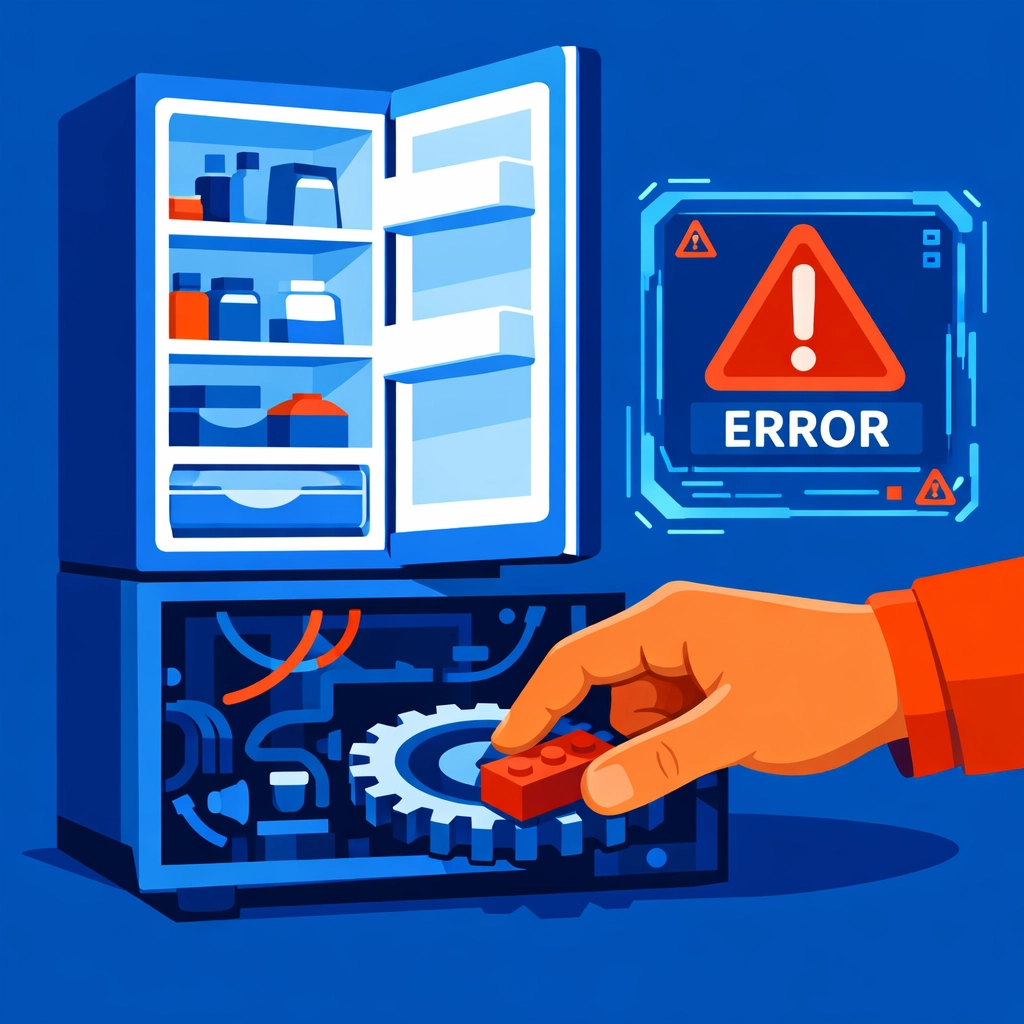
    Technician manually removing a physical obstruction from a refrigerator gear to fix an error.

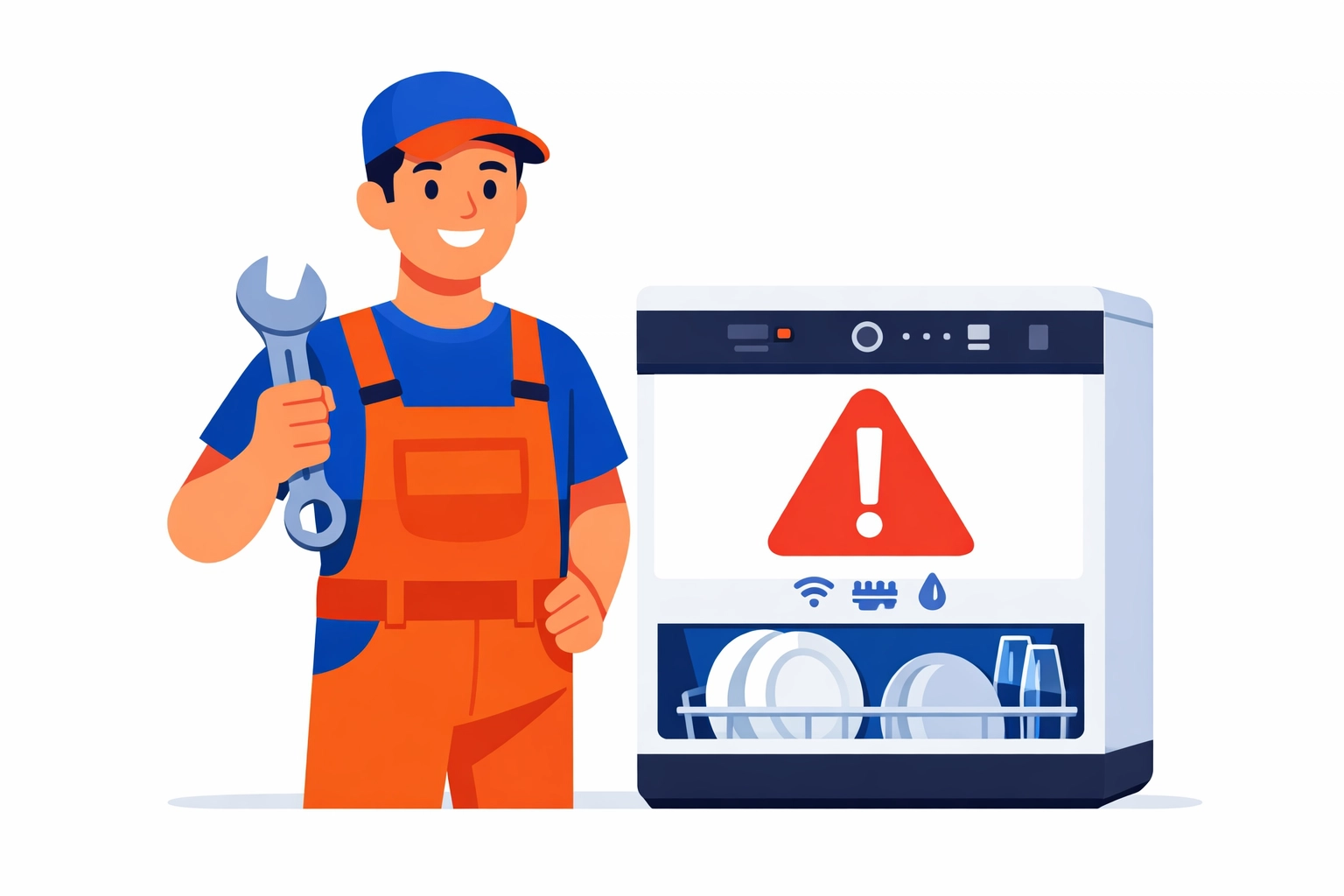
    Appliance repair tech fixing a smart dishwasher with an alert on the screen (flat illustration).

    Physical repair is about more than just following a manual. It’s about intuition. It’s about being able to hear a “thump” and knowing exactly which bearing is starting to go. It’s about the “touch” you develop after five years in the field.

    No algorithm can replicate that.

    We see companies trying to replace technicians with “remote diagnostic experts.” It sounds efficient on paper. In reality? It usually leads to three different parts being shipped to a customer’s house, none of which fix the actual issue because no one laid eyes on the machine.

    The Hybrid Tech Era

    We aren’t saying technology is useless. Far from it.

    Modern appliances are hybrids. They are 50% mechanical systems and 50% IoT (Internet of Things) technology. To be a top-tier technician in 2026, you have to speak both languages.

    You need to understand IoT protocols and mobile app interfaces. You need to know how to troubleshoot a Wi-Fi module that won’t connect to a local mesh network. But you also need to know how to rebuild a compressor.

    This dual requirement is creating a massive gap in the market.

    Modern appliance technician workspace combining digital diagnostics and physical repair tools.

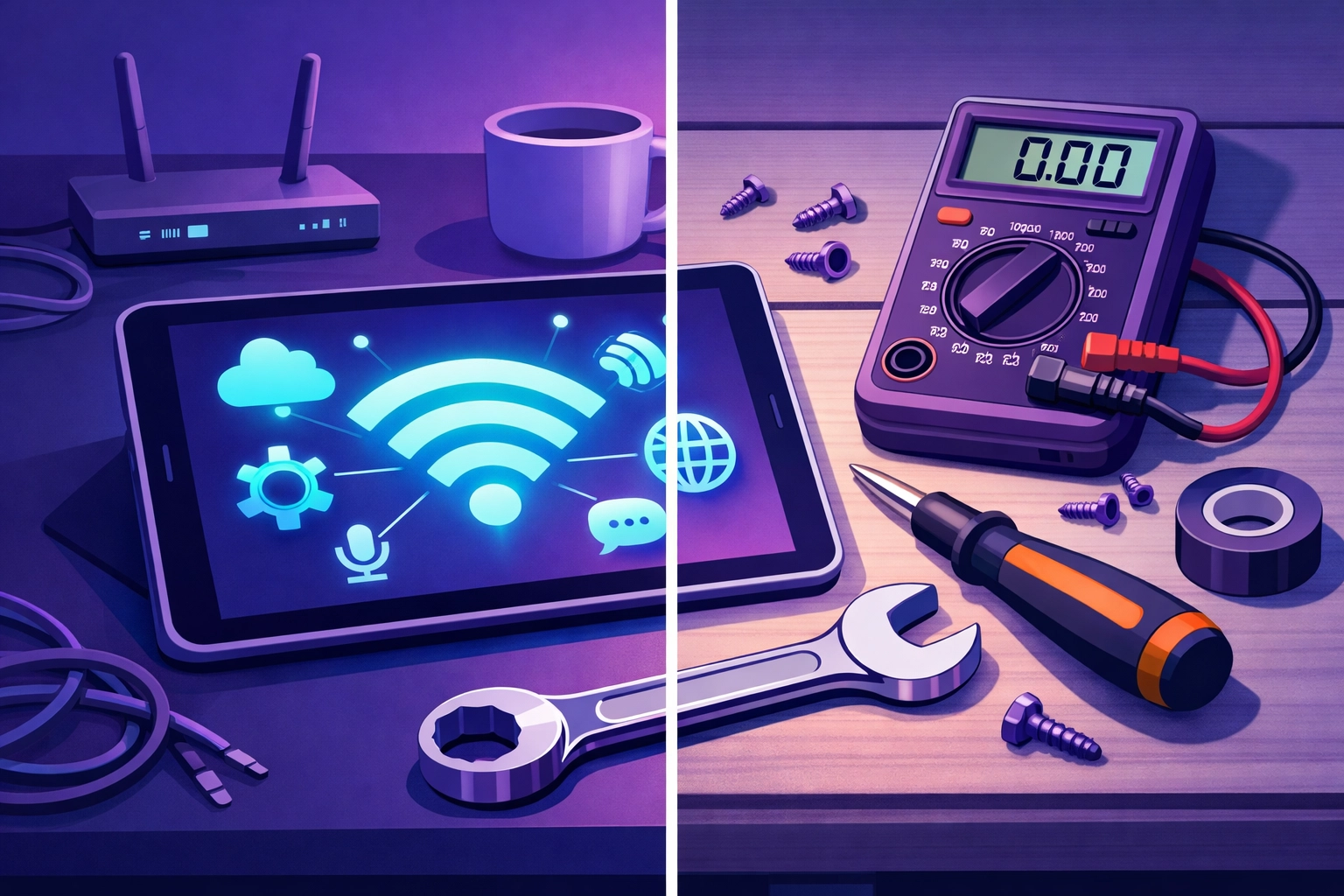
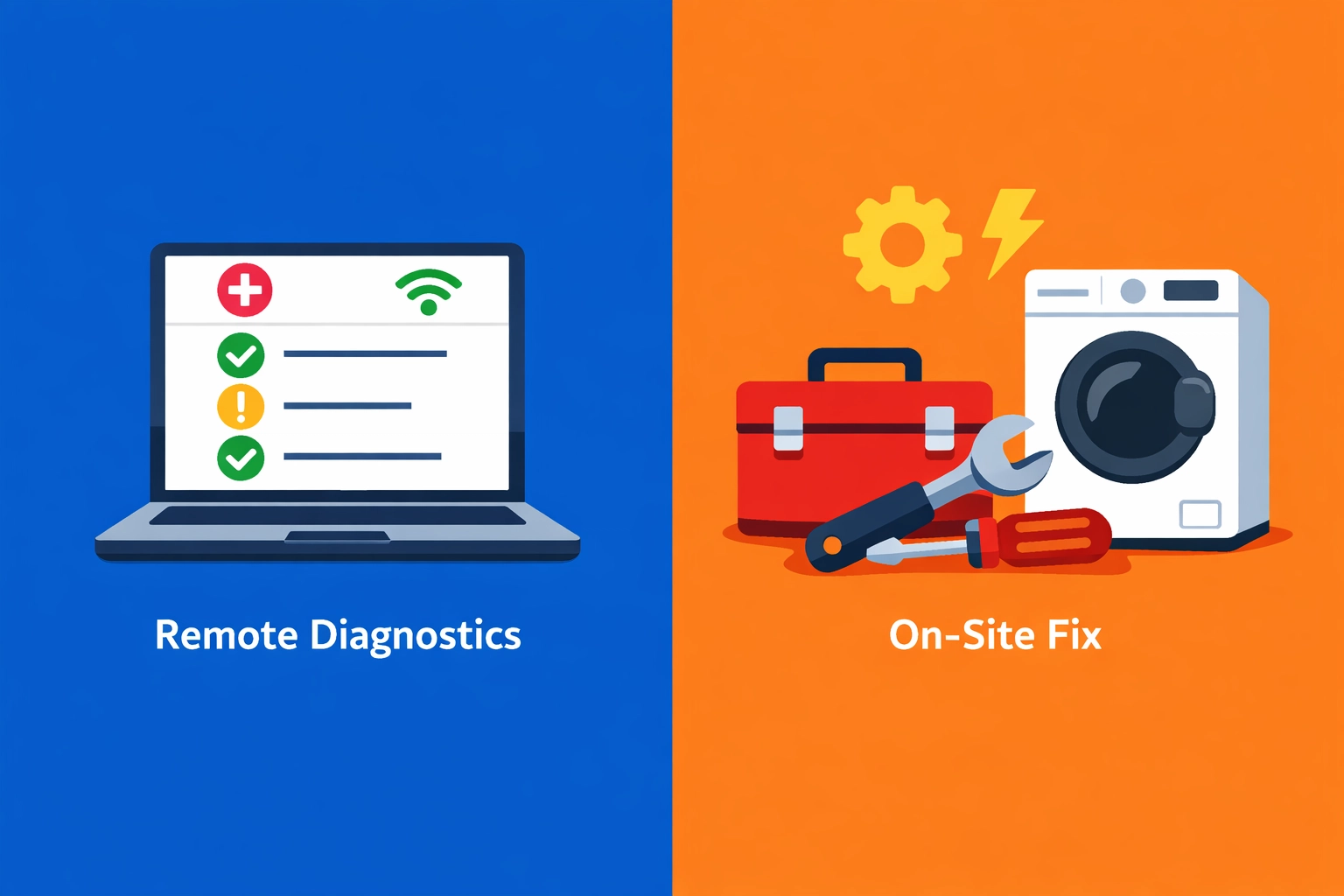
    Split view of remote diagnostics on a laptop vs on-site appliance repair with tools (flat illustration).

    Research shows there is currently a 25% global deficit in qualified technicians. Training programs are struggling. While 32% of service providers now offer some form of remote diagnostics, they are finding that it only scratches the surface.

    The complexity of these units makes DIY repairs almost impossible for the average homeowner. They might be able to reset a router, but they aren’t going to pull apart a $4,000 smart range to find a short in a wiring harness.

    Breakdown repairs are still the most requested service. Why? Because the more complex a machine is, the more ways it can break.

    The $32 Billion Reality

    Let’s talk numbers. Plain and simple.

    The appliance repair industry is a $32 billion worldwide opportunity. The average consumer spends about 15-20% of an appliance’s total cost on repairs every single year.

    That money isn’t going to software subscriptions. It’s going to the person who shows up at the door and gets the machine running again.

    85% of consumers prioritize same-day service. They don’t want a “virtual consultation.” They want their fridge to stop leaking onto their hardwood floors. They want their laundry done before Monday morning.

    Professional service technician with a successfully repaired washing machine for a happy customer.

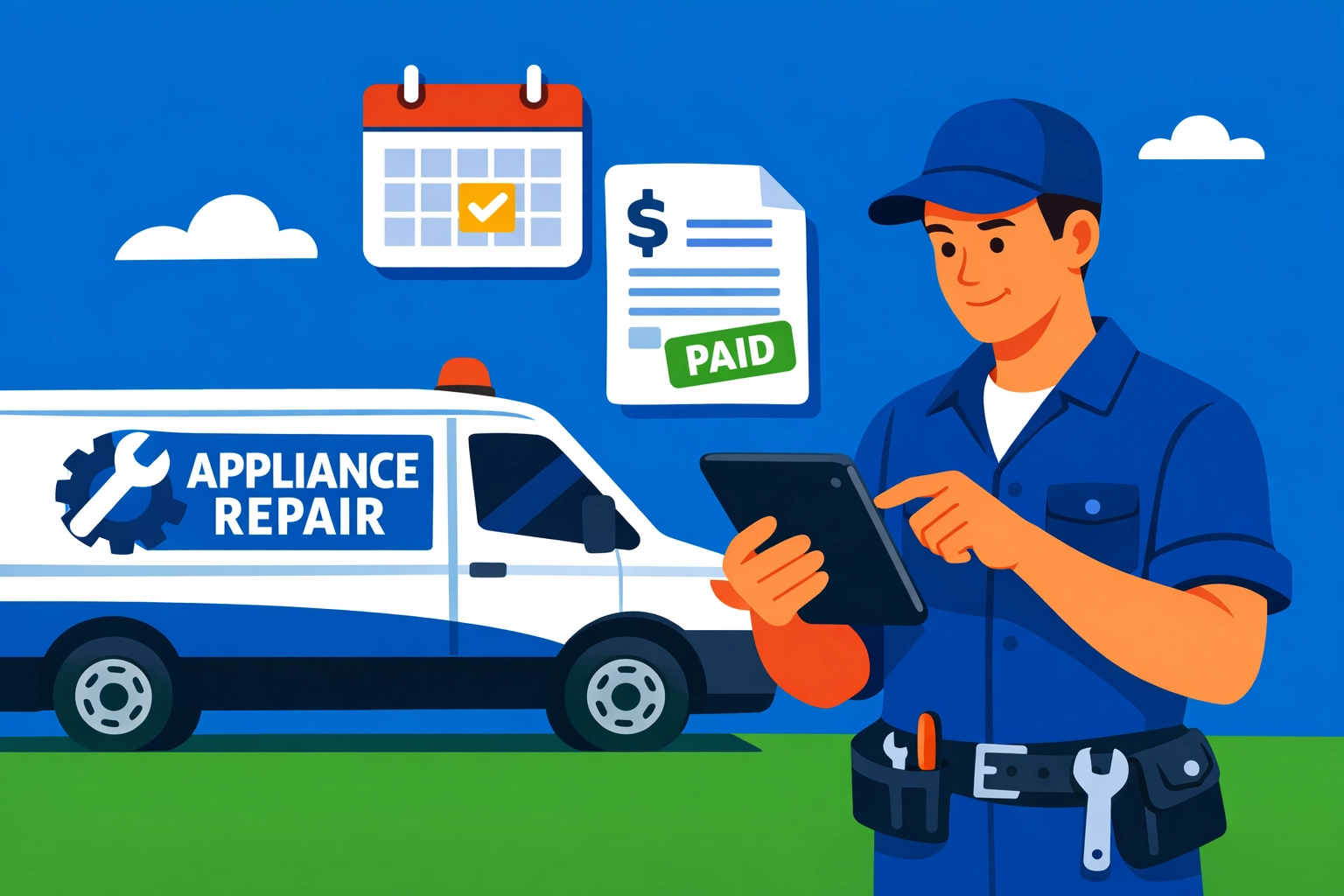
    Field service technician and van using a tablet for scheduling and invoicing (flat illustration).

    Efficiency is the only way to win in this market. 60% of customers express frustration over wait times for replacement parts. If you are the business that has the expertise to diagnose it right the first time and the logistics to get it fixed fast, you win.

    This is where the human element is king. A physical technician can pivot. They can find a workaround. They can identify a secondary issue while they’re already inside the machine, preventing a second service call and building massive trust with the customer.

    Why Your Skills Are Future-Proof

    If you’re running an appliance repair business, you might feel the pressure to “automate” everything. Don’t fall for the hype.

    Automate your scheduling. Automate your invoicing. Automate your follow-ups. But never try to automate the expertise.

    Your value lies in your ability to solve physical problems in a physical world.

    Think about it:

    • AI can’t feel vibration. It can’t tell if a machine is unlevel or if the floor joists are the real problem.
    • AI can’t smell. It doesn’t know the difference between a burnt-out motor and a scorched wire.
    • AI can’t negotiate. It doesn’t know how to explain to a frustrated homeowner why a repair is better than a replacement in a way that builds a long-term relationship.

    We’re seeing a shift toward predictive maintenance. Systems that tell us a part will fail in two months. That’s great. It’s a $4.2 billion emerging market. But guess who has to go out and replace that part before it fails?

    You do.

    Scaling the Human Side of Business

    At Valortek, we don’t believe in replacing people with tech. We believe in using tech to make people more powerful.

    Valortek company logo featuring a bold blue “V” inside a square icon, next to the word “Valortek” in modern blue lettering

    We work with appliance repair businesses to help them scale without losing their soul. Most consulting firms want to give you a 50-page manual and a bunch of buzzwords.

    We’re not another enterprise consulting firm. We’re Valortek.

    We focus on the systems that let your technicians do what they do best: fix things. We look at your operations, your customer flow, and your tech stack. We strip out the junk that’s slowing you down.

    No bloat. No nonsense. Just results.

    If your techs are spending three hours a day on paperwork, they aren’t fixing appliances. If your dispatching system is sending them across town in peak traffic, you’re losing money.

    We help you tighten those bolts.

    The Bottom Line

    Physical expertise is the ultimate competitive advantage in 2026.

    As the world gets more digital, the ability to work with your hands becomes a rare and premium skill. Don’t let the “AI will replace us” crowd get in your head. They’ve never had to troubleshoot a sealed system on a sub-zero fridge at 4:00 PM on a Friday.

    You provide a service that is essential. You keep homes running. You keep families fed.

    Technology is just the assistant. You are the expert.

    Ready to grow your repair business without the headache? Let’s talk about how to make your operations as sharp as your technical skills.

    Start Your Free Trial

    Questions? Contact us – we’re happy to help you decide.

  • Scaling Without Stress: How an Appliance Repair Shop Grew from 1 to 5 Techs

    When Growth Becomes Your Biggest Problem

    Mike Torres had a good problem.

    Too many customers. Not enough hours in the day. His one-man appliance repair shop in Phoenix was turning away business every single week.

    So he hired a second technician. Then a third.

    That’s when things got messy.

    The Chaos of Coordinating Multiple Techs

    Mike thought adding techs would solve his problems. Instead, it created new ones.

    Scheduling became a nightmare. Who was where? Who had which parts? Which jobs were done and which were still pending?

    Overwhelmed appliance repair shop owner struggling with chaotic scheduling and communication across multiple technicians

    He tried spreadsheets. They broke down immediately. Too many moving parts. Too many updates needed in real-time.

    He tried group texts. Complete disaster. Messages got lost. Techs showed up at the wrong houses. Customers called asking why no one came.

    Mike was working 14-hour days just managing his team. Not fixing appliances. Not growing the business. Just… coordinating.

    Sound familiar?

    The Software Shopping Nightmare

    So Mike did what we all do. He went software shopping.

    He found tools that charged per technician. $50 for tech one. $50 for tech two. Before he knew it, his software bill would be $250/month with five techs.

    Other platforms wanted $300+ per month for “enterprise” features he didn’t need.

    Some had the features but required a PhD to operate. His techs wouldn’t use them. Back to square one.

    Mike needed something simple. Something his team would actually use. Something that wouldn’t cost more every time he grew.

    The Valortek Difference

    That’s when Mike found Valortek.

    $99 per month. Flat. For his entire team.

    No per-user fees. No surprise charges when he hired tech number four and five. Just straightforward pricing that made sense.

    But price wasn’t the game-changer. The simplicity was.

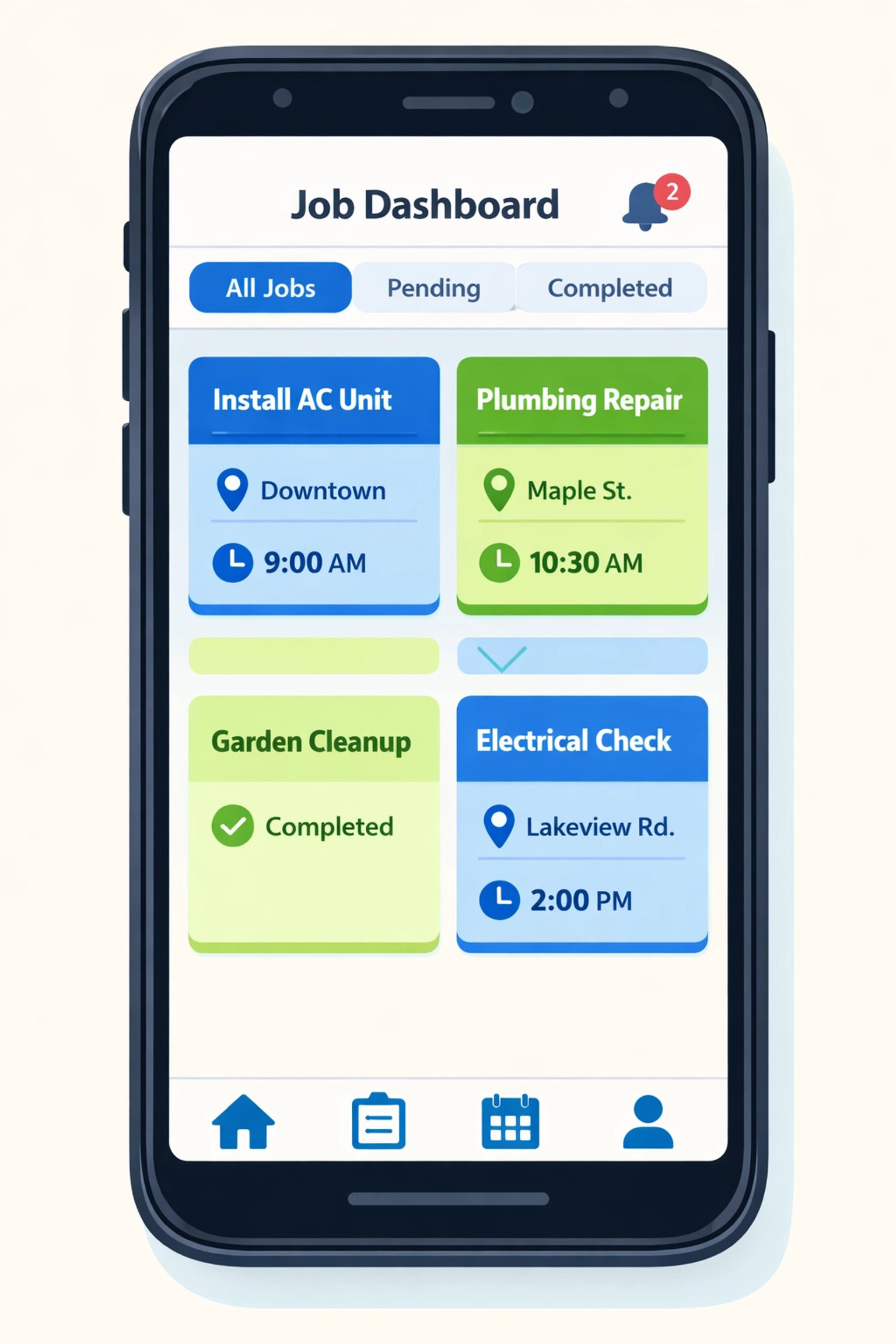
    Clean job management dashboard showing organized service calls and technician schedules for appliance repair business

    Mike set up his account in 30 minutes. No implementation consultant. No training seminars. Just a clean dashboard that made sense immediately.

    He created his first job. Assigned it to a tech. The tech got a notification. Done.

    No complicated workflows. No unnecessary features. Just the essentials that actually matter when you’re running a repair business.

    Job Management That Actually Works

    Here’s what changed for Mike’s team:

    Morning Chaos → Morning Clarity

    Before Valortek, Mike spent his first hour every day fielding calls and texts from techs asking about their schedule. Now everyone opens the app and sees their day. That’s it.

    Lost Parts → Tracked Inventory

    Mike’s techs were constantly running to the supply house mid-day because they didn’t know they needed a part. Now they check the job details before they leave. Parts are tracked. Time is saved.

    Customer Confusion → Customer Confidence

    Customers used to call asking “When is your guy coming?” Mike had no good answer. Now every job has a status. Mike knows. The customer knows. Everyone’s happy.

    Before and after comparison showing transformation from disorganized operations to streamlined appliance repair workflow

    End of Day Madness → End of Day Simplicity

    Mike used to spend 45 minutes every evening reconciling what happened. Which jobs were done? Which need follow-up? Who collected payment?

    Now it takes five minutes. Everything’s in the system. Updated in real-time. Clean records automatically.

    The Growth That Followed

    Within six months of implementing Valortek, Mike’s business transformed.

    He hired techs four and five. His software bill? Still $99.

    His revenue? Up 280%.

    His stress level? Way down.

    He’s not spending his days playing dispatcher anymore. He’s actually working on his business. Marketing. Training. Building systems.

    His techs are happier too. They’re not confused about where to go or what to do. They just open the app, see their jobs, and get to work.

    Customer satisfaction scores went up. Reviews got better. Referrals increased.

    All because the operational chaos disappeared.

    Why This Works for Small Teams

    Here’s the thing about scaling from one to five techs. You’re not big enough for enterprise software. But you’re too big for spreadsheets.

    You need something that actually fits your size.

    Confident appliance repair technician checking daily job schedule on mobile app beside service van

    Most software companies don’t get this. They build for either solo operators or 50-person teams. Nothing in between.

    We built Valortek for exactly this stage. The awkward middle. The growth phase where you need real tools but can’t afford enterprise complexity or pricing.

    That’s why we don’t charge per user. That’s why we keep it simple. That’s why Mike’s not the only repair shop owner who’s scaled stress-free with us.

    What Mike Wishes He’d Known Earlier

    I asked Mike what advice he’d give his past self. His answer was simple:

    “Don’t wait until you’re drowning to get organized.”

    He waited until he had three techs and complete chaos before looking for help. If he’d implemented Valortek earlier, he could have avoided months of stress.

    The best time to set up job management? Before you need it desperately. When you can think clearly and build good habits.

    The second best time? Right now.

    No Gimmicks. Just Tools That Work.

    We’re not going to promise you’ll 10x your business overnight. We’re not going to claim Valortek will solve every problem you have.

    What we will say: if coordinating your team is eating your time and sanity, we can help.

    If you’re tired of software that charges more every time you grow, we’re your alternative.

    If you want something your techs will actually use without a training manual, we’ve got you covered.

    Business growth chart showing appliance repair company scaling from one to five technicians successfully

    Mike’s story isn’t unique. It’s the story of hundreds of service businesses that hit the same wall at the same stage.

    The difference is what happens next. Stay stuck in chaos. Or get organized and keep growing.

    Your call.


    Start Your Free Trial

    Questions? Contact us – we’re happy to help you decide.

  • From Paper to Profit: How an Electrician Saved 10 Hours a Week on Admin

    Meet Mike. He’s been running his electrical business in Denver for eight years. Two trucks. Four employees. Good reputation.

    He was drowning in paperwork.

    The Paper Problem

    Mike’s mornings looked like this: Coffee. Open the filing cabinet. Shuffle through yesterday’s job sheets. Try to read his technician’s handwriting. Transfer everything to a spreadsheet. Create invoices. Email them. File the papers.

    Every. Single. Day.

    His afternoons? Fielding calls from the field. “Where’s the Johnson address?” “What materials do I need?” “Did you get my hours from Tuesday?”

    He had a system. Sort of.

    Job details lived in a binder. Schedules lived in a wall calendar. Time tracking lived in a different spreadsheet. Customer info lived in yet another file. Invoices lived in QuickBooks, but he had to enter everything manually.

    Nothing talked to anything else.

    Chaotic desk with scattered paperwork, spreadsheets, and filing cabinets showing electrician admin overload

    The Breaking Point

    The wake-up call came on a Thursday.

    A customer called asking about an invoice. Mike couldn’t find the job sheet. His tech swore he turned it in. Twenty minutes of searching later, Mike found it buried under some other paperwork.

    That same day, he realized he’d forgotten to invoice three jobs from the previous week. He stayed until 9 PM catching up on admin work.

    He did the math. He was spending roughly 12-15 hours per week on administrative tasks. That’s almost two full working days.

    Two days he could be out doing estimates. Growing the business. Actually working as an electrician instead of a secretary.

    Something had to change.

    The Solution: Going Digital

    Mike wasn’t a tech guy. He’d avoided business software because it seemed complicated and expensive.

    But he couldn’t keep losing hours to paperwork.

    He found Valortek Operations. No enterprise pricing. No year-long contracts. Just $99 a month.

    The setup was simple. He entered his customer list. Added his team. Created his service catalog.

    Then he downloaded the mobile app on his phone and his technicians’ phones.

    That’s where everything changed.

    Before and after comparison: electrician switching from paper filing to mobile app management

    How the Mobile App Transformed His Day

    Here’s what happens now when Mike schedules a job:

    He creates it in the system. Assigns it to a tech. The tech gets a notification on their phone. They tap it. They see the customer address, job details, and any notes. GPS directions are one tap away.

    No phone calls. No texts. No “Did you get my message?”

    When the tech arrives at the job, they clock in from their phone. The app tracks their location and time automatically. They can see what materials they need. They can add photos of the work. They can create notes about what they found.

    All from their phone.

    When the job is done, they clock out. They can even collect the customer’s signature right there on the phone screen.

    Mike sees everything in real-time. Where his guys are. What stage each job is at. How long things are taking.

    No more evening paperwork sessions. No more hunting for job sheets. No more “I forgot to turn in my timesheet.”

    Mobile job management app interface showing scheduling, GPS, time tracking, and photo features

    The Results: 10 Hours Back Every Week

    Mike tracked his time for the first month after switching. Here’s exactly where he saved 10 hours per week:

    Scheduling: 2 hours saved

    Before, he spent time calling or texting job details to his techs. Now he just assigns the job in the app. Done.

    Time tracking: 1.5 hours saved

    His guys used to text or call in their hours. He’d write them down. Then enter them into a spreadsheet. Then calculate the totals. Now it’s automatic. They clock in and out from their phones.

    Job documentation: 2 hours saved

    No more deciphering handwritten job sheets. No more chasing techs for missing paperwork. Everything’s digital and complete before they leave the job site.

    Invoicing: 3 hours saved

    This was the big one. He used to manually create every invoice from his spreadsheet notes. Now the system generates invoices automatically from completed jobs. He just reviews and sends.

    Customer communications: 1.5 hours saved

    Customers can see their appointment times. They get automatic reminders. They receive invoices by email. Mike’s phone rings a lot less.

    That’s 10 hours. Every single week.

    Time savings visualization: 10 hours per week saved switching from paperwork to digital system

    What He’s Doing With His Time Now

    Mike didn’t hire more staff with those 10 hours. He invested them back into growth.

    He’s doing three more estimates per week. That’s converting to about five additional jobs per month. At his average job size, that’s an extra $4,000 in monthly revenue.

    The $99 monthly cost? It paid for itself in the first week.

    He’s also home for dinner more often. His stress level dropped. His wife noticed.

    The Mobile App Features That Matter Most

    If you ask Mike what features he actually uses, he’ll tell you these:

    Mobile scheduling – His techs see their day’s jobs right on their phone. No morning briefings needed.

    GPS navigation – One tap and their phone gives them directions to the job. No more calling for addresses.

    Digital timesheets – Clock in, clock out. The app knows where they are and how long they worked.

    Photo documentation – Before and after photos live with the job record. Great for insurance claims and customer records.

    Customer signatures – Collect approval right on the phone. No more paper forms to lose.

    Real-time updates – Mike sees job status changes instantly. He knows what’s happening without asking.

    These aren’t fancy features. They’re just the basics done right. On a phone. In the field.

    That’s what makes the difference.

    What Mike Wishes He’d Known Earlier

    “I should have done this three years ago,” Mike says.

    He was scared of the learning curve. Turned out, if you can use a smartphone, you can use Valortek Operations. His oldest tech figured it out in a day.

    He was worried about the cost. But he was already paying in time. Ten hours at his hourly rate is way more than $99.

    He thought he’d lose the personal touch. Instead, he’s more responsive because he’s not buried in paperwork.

    The switch took him one weekend to set up. One week to get comfortable. One month to wonder how he ever lived without it.

    No Enterprise Software. No Complexity. Just Results.

    We’re not selling you a massive platform you’ll never fully use.

    We built Valortek Operations for businesses like Mike’s. Small teams. Real work. No time for complicated software.

    You get what you need. Scheduling. Time tracking. Job management. Invoicing. Mobile access.

    Nothing you don’t.

    $99 per month. No hidden fees. No “contact us for pricing.” No year-long commitment.

    It either saves you time and makes you money, or it doesn’t.

    For Mike, it saved 10 hours a week and added $4,000 in monthly revenue.

    Your numbers might be different. But the math probably works the same way.


    Start Your Free Trial

    Questions? Contact us – we’re happy to help you decide.