Category: Finance

  • The $1,200 Tax Surprise: How Valortek Tax Planning Saved an HVAC Business

    Meet Jake. He runs a small HVAC business in Colorado. Three trucks. Five employees. Good reputation.

    Last year, his accountant handed him a $1,800 bill for tax prep.

    Jake paid it. Felt like he had no choice.

    Then he found Valortek.

    The Problem: Expensive Tax Prep and Zero Visibility

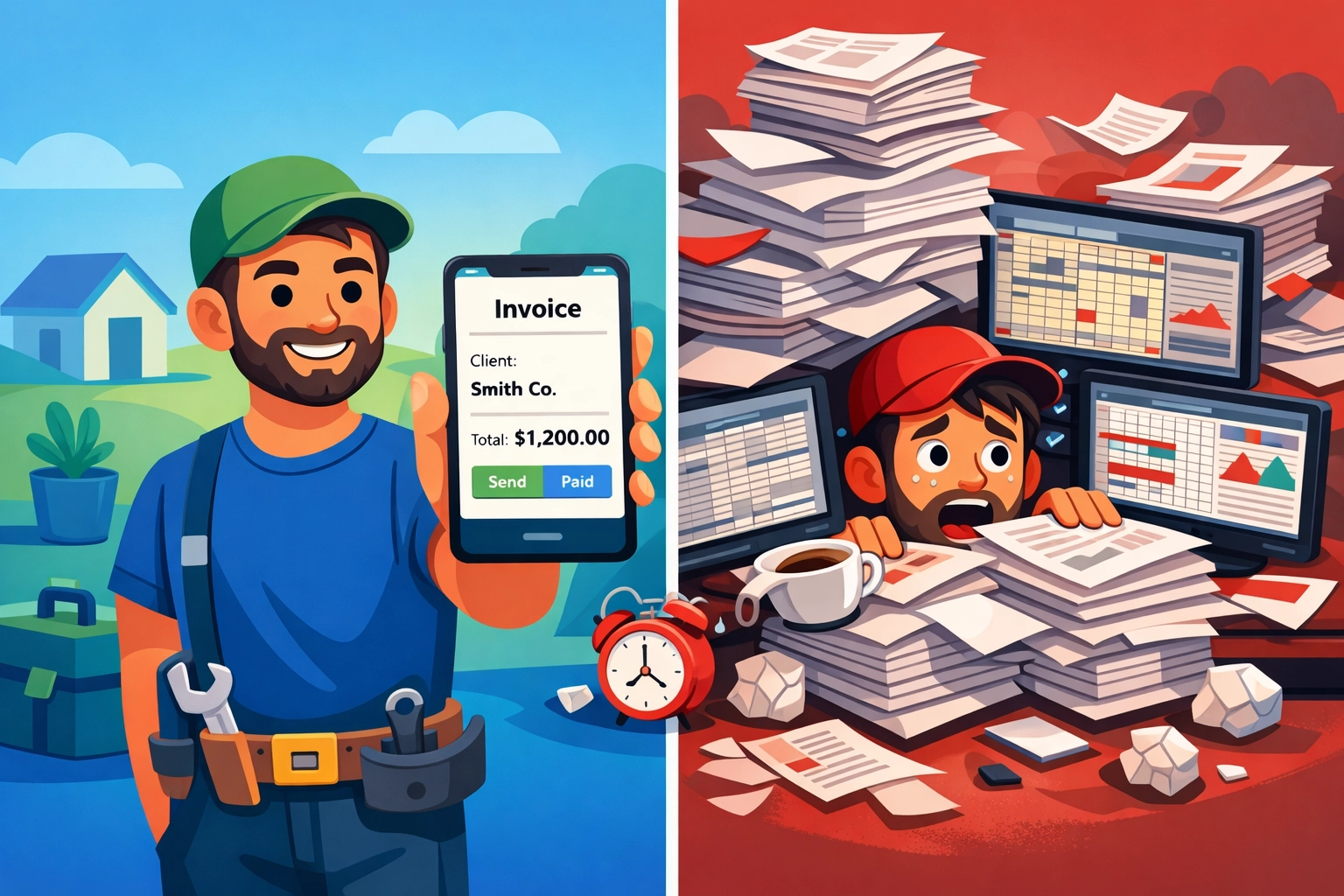
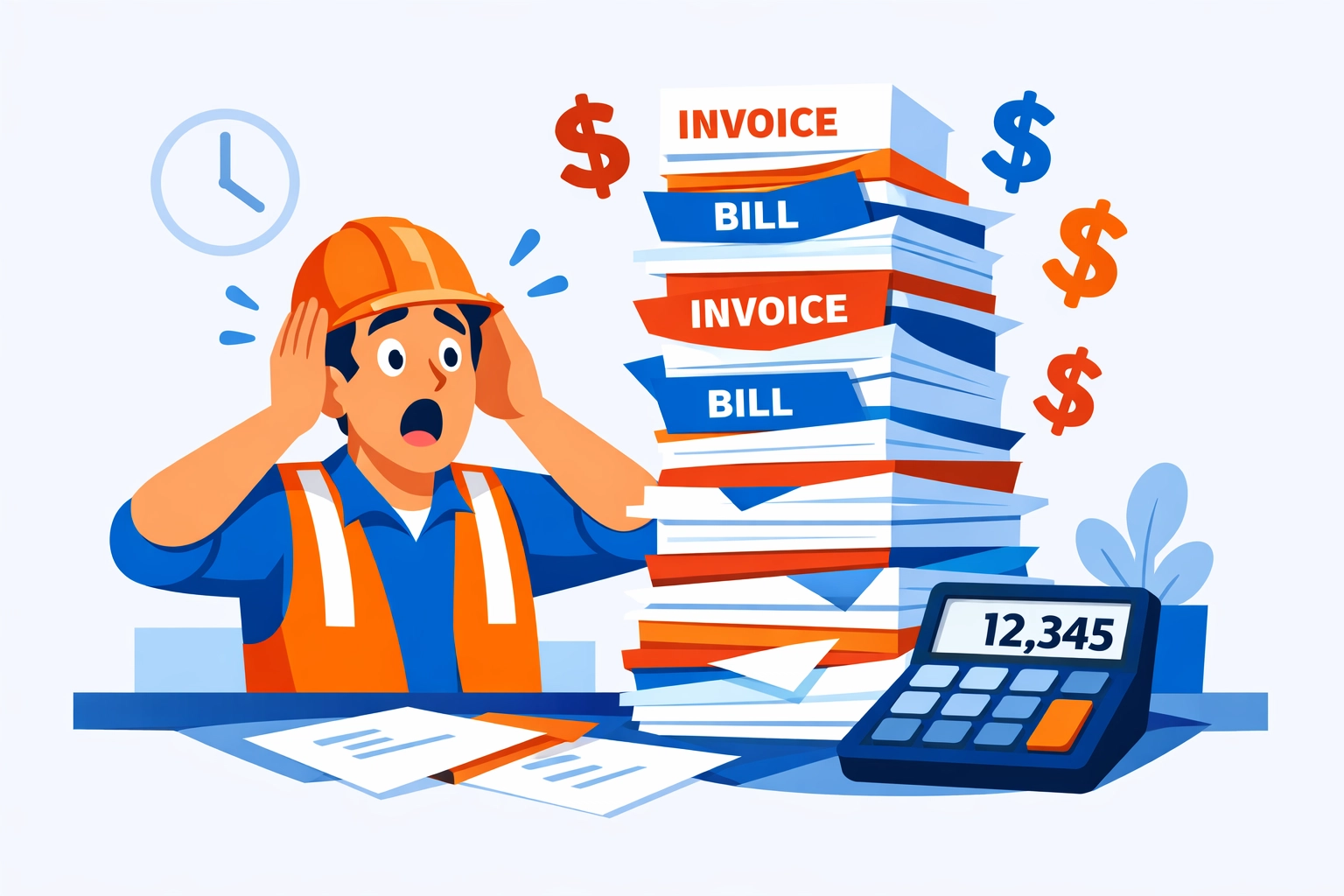
    Jake’s situation was typical. No monthly bookkeeping. No tax planning. Just a pile of receipts in April and a big bill from his CPA.

    His accountant would spend hours sorting through everything. Jake would wait nervously to find out what he owed. Then he’d scramble to cover the tax payment.

    No forecasting. No preparation. Just surprises.

    Bad ones.

    Small business owner stressed with disorganized tax receipts and invoices on desk

    What Jake Needed

    Jake didn’t need fancy enterprise software. He needed three things:

    Monthly visibility into his taxes. Not once a year. Every month.

    Cash flow forecasting. So he could plan for tax payments instead of panicking about them.

    Simple financial management. That didn’t require a finance degree to understand.

    That’s it.

    The Valortek Solution

    Jake signed up for Valortek Finance in January. The $149/month bundle. It included both our operations tools and our finance features.

    Here’s what happened.

    Automated Tax Planning

    Valortek tracks income and expenses automatically. Every invoice. Every payment. Every cost.

    Then it calculates estimated quarterly taxes. In real time.

    Jake could see his tax liability on his dashboard. Updated daily. No surprises.

    He set aside money each month. By the time Q1 taxes were due, he had the cash ready.

    No scrambling. No stress.

    Before and after comparison: chaotic tax documents vs organized financial dashboard

    Cash Flow Forecasting

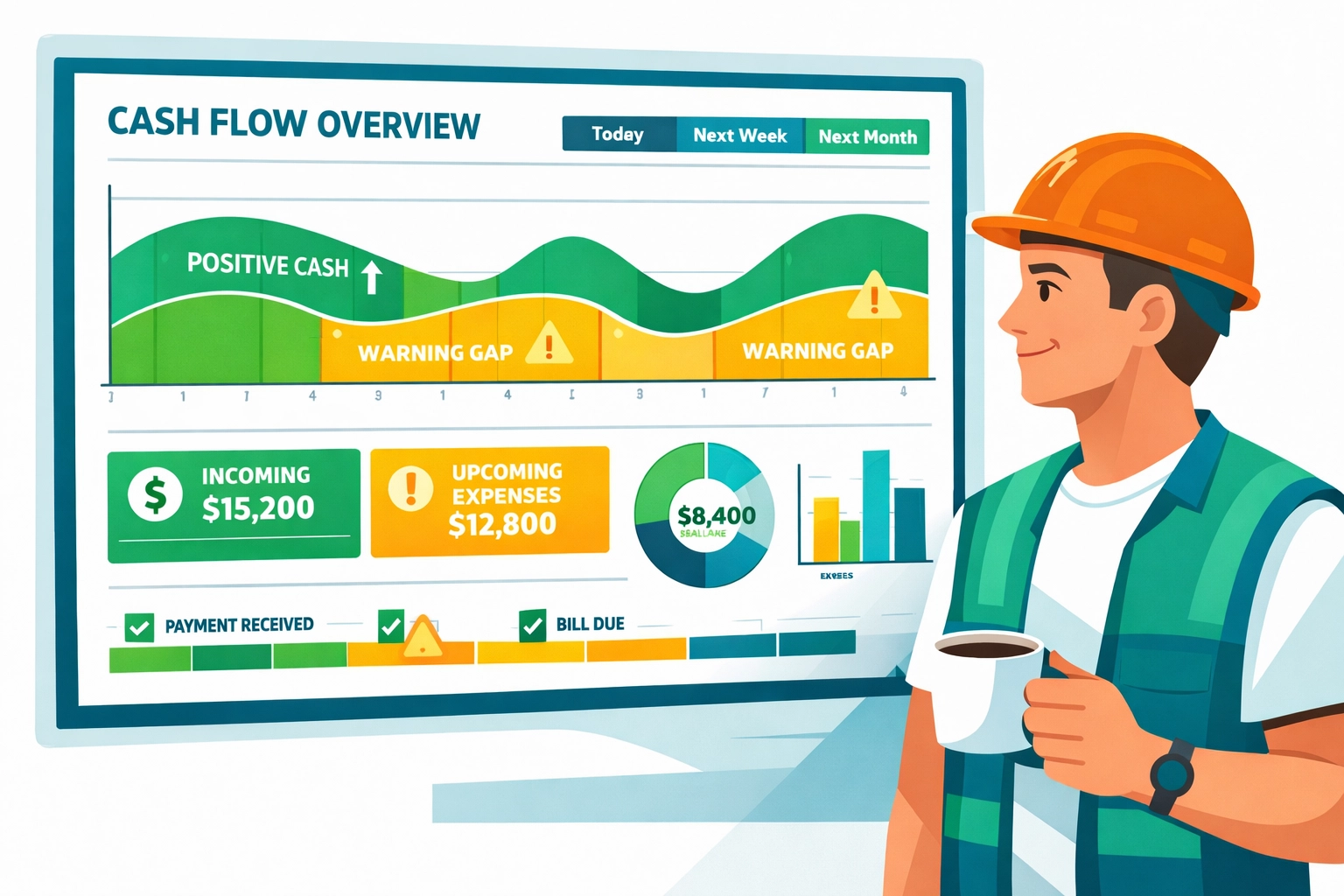
    The finance app showed Jake exactly what was coming in and going out. Not just this week. For the next 90 days.

    He could see when big tax payments were due. He could plan around them.

    When a customer delayed payment, Jake saw the impact immediately. He adjusted his spending before it became a problem.

    This alone saved him from bouncing a payroll check.

    The $1,200 Saving

    Jake’s accountant bill this year: $600.

    Why? Because Valortek did most of the work. The monthly categorization. The tax calculations. The organized reporting.

    His CPA just reviewed everything and filed. Took three hours instead of twelve.

    Savings: $1,200.

    That’s a year of Valortek. Paid for. With money left over.

    But the real value wasn’t the $1,200. It was the peace of mind.

    The Results

    Here’s what changed for Jake:

    No more April panic attacks. Taxes became predictable.

    Better cash flow management. He could see problems coming and fix them early.

    Lower accounting costs. His CPA charged less because everything was organized.

    Smarter business decisions. He knew his numbers. He could plan growth confidently.

    Time savings. Five hours a month. Minimum.

    Jake’s exact words: “I should’ve done this three years ago.”
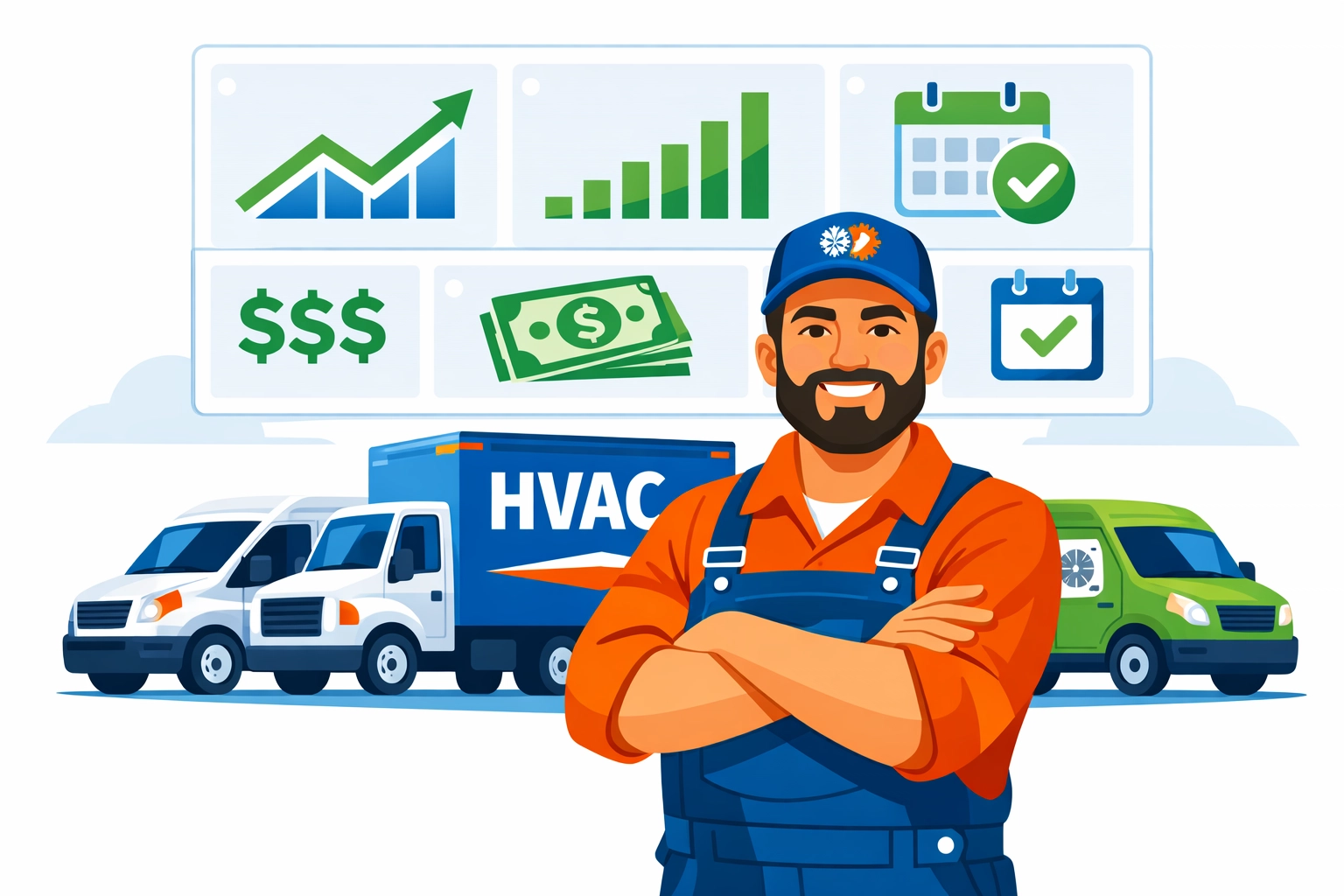
    HVAC business owner with service trucks and digital financial dashboard overlay

    How Valortek Finance Works

    No complicated setup. No finance degree required. Just practical tools.

    Tax Planning Features

    • Automatic income and expense tracking
    • Real-time quarterly tax estimates
    • Tax payment reminders
    • Easy categorization for deductions
    • Year-end reports ready for your CPA

    Cash Flow Forecasting

    • 90-day cash flow projections
    • Invoice tracking and payment predictions
    • Expense planning tools
    • Cash runway calculations
    • Alert system for potential shortfalls

    Everything syncs automatically. You just review and make decisions.

    Why This Matters for HVAC Businesses

    HVAC businesses have unique cash flow challenges. Big material costs. Seasonal fluctuations. Equipment financing.

    Tax planning gets messy fast.

    Most HVAC owners we talk to are doing what Jake did. Flying blind until tax season. Then getting hit with huge bills and accounting fees.

    It doesn’t have to be that way.
    HVAC technician at work with floating financial management icons

    The Simple Truth

    You don’t need a $500/month CFO service. You don’t need enterprise accounting software.

    You need visibility. You need forecasting. You need tools that actually work for small businesses.

    That’s Valortek.

    Pricing That Makes Sense

    Finance standalone: $99/month. Tax planning and cash flow forecasting.

    Operations bundle: $149/month. Finance plus scheduling, invoicing, and customer management.

    No contracts. No setup fees. Cancel anytime.

    For context: Jake’s $1,200 in accountant savings covered eight months of Valortek. Everything after that is pure profit.

    What Jake Says Now

    “I check my Valortek dashboard every Monday morning. Takes five minutes. I know exactly where I stand. I know what’s coming. I can make decisions without guessing.”

    “My accountant loves it too. She said I’m her most organized client now. That’s never been said about me before.”

    “The tax planning feature alone is worth it. But the cash flow forecasting? That’s changed how I run my business.”

    That’s what we’re building Valortek for. Real businesses. Real problems. Real solutions.

    No corporate jargon. No complicated dashboards. Just tools that work.

    Business owner confidently reviewing financial dashboard on laptop

    Ready to Take Control?

    If you’re tired of tax surprises and cash flow anxiety, we built Valortek for you.

    Try it free for 14 days. See what Jake saw. Make better decisions with better data.

    We’re a small team. We’re building software for business owners like you. Simple. Honest. Effective.

    Start Your Free Trial

    Questions? Contact us – we’re happy to help you decide.

  • Stop Wasting $200/Month on Field Service Software: The QuickBooks + Housecall Pro Alternative for Small Trades

    You’re paying too much for field service management software.

    Let’s do the math. QuickBooks Online Plus runs $90/month. Housecall Pro starts at $169/month. That’s $259/month, or $3,108 per year, just to schedule jobs and send invoices.

    And that’s before you pay your accountant $1,500 at tax time because your books are a mess.

    Most trades with 1–10 employees don’t need enterprise software. You need scheduling. Invoicing. Payment collection. Basic bookkeeping that doesn’t require a CPA to interpret.

    You don’t need two separate platforms that barely talk to each other.

    Why Small Trades Overpay for Software

    The standard advice is simple: use Housecall Pro for field service management and QuickBooks for accounting. Sync them together. Easy, right?

    Except it’s not.

    Contractor managing multiple field service software platforms causing workflow frustration

    You’re running two subscriptions. Two login screens. Two support teams. And when the sync breaks: and it will: you’re stuck figuring out which side dropped the ball.

    Here’s what actually happens:

    • Your technician closes a job in Housecall Pro
    • The invoice syncs to QuickBooks (maybe)
    • The payment syncs separately (sometimes)
    • Your chart of accounts gets cluttered with auto-generated entries
    • You spend 45 minutes every week reconciling transactions that should match but don’t

    This isn’t efficiency. It’s expensive babysitting.

    Field service management software should save you time, not create more work. But when you’re stitching together two platforms that were never designed to work as one system, you end up with gaps.

    The Hidden Costs Nobody Talks About

    The $259/month subscription fee is just the start. Here’s what else you’re paying for:

    Tax prep nightmares. When your data lives in two places, your accountant bills extra hours to reconcile everything. That’s $1,000–$2,000 annually in additional CPA fees just to clean up your books before filing.

    Cash flow guesswork. You can’t see real-time profit and loss when half your data is in one system and half is in another. You’re always estimating. That leads to overspending in good months and scrambling in slow ones.

    Training costs. Every new office person needs to learn two systems. Every technician needs separate logins. Onboarding takes twice as long.

    Integration failures. One software update on either side can break the sync. Now you’re manually entering invoices while waiting for support to fix it.

    Add it all up and you’re closer to $5,000/year in total cost of ownership. Not $3,108.

    What Invoicing Software for Contractors Actually Needs

    Let’s be honest about what a small trade business actually needs.

    You need to schedule jobs without a PhD in software.

    You need to invoice customers the second the work is done.

    You need to accept payments on-site: card, check, ACH, whatever.

    You need your books to update automatically so you’re not doing data entry at 9 PM on a Saturday.

    Field service management software dashboard showing scheduling, invoicing, and payment features

    You need payroll that doesn’t require a separate subscription.

    You need to see your cash position without exporting three different reports and building a spreadsheet.

    That’s it. Everything else is feature bloat.

    The big platforms add AI-powered marketing automation and customer journey mapping and advanced reporting dashboards. Great for a 50-person operation. Useless if you’re running three trucks.

    The $149 Alternative That Actually Works

    We built Valortek for trades with 1–10 employees who are tired of overpaying for software they don’t fully use.

    One platform. One login. One monthly price.

    $149/month gets you:

    • Drag-and-drop scheduling for your whole crew
    • Mobile app for technicians to manage jobs, capture photos, and collect payments in the field
    • Automated invoicing that sends the moment a job is marked complete
    • Payment processing (credit card, ACH, checks) with industry-standard rates
    • Chart of accounts that updates in real time: no syncing, no delays
    • Basic payroll included (no separate Gusto or ADP subscription)
    • Tax-ready reports you can hand directly to your accountant

    No integration headaches. No double data entry. No surprise fees when you add your fourth employee.

    You save $110/month compared to the QuickBooks + Housecall Pro combo. That’s $1,320 per year back in your pocket.

    Where the Real Savings Show Up

    The monthly subscription savings are nice. But the real money is in what you avoid.

    Tax prep gets cheaper. When your accountant gets clean, organized books from a single system, they bill fewer hours. Our customers report saving $1,000–$1,500 annually on CPA fees because everything’s already categorized correctly.

    Comparison of disorganized bookkeeping vs organized invoicing software for contractors

    Cash flow improves. Real-time financials mean you actually know if you can afford that new truck or if you need to push purchasing to next month. No more guessing. No more overdraft fees because you thought you had more in the bank.

    You stop losing money to billing delays. When invoices go out automatically, customers pay faster. The average small trade loses $8,000/year to invoices that never get sent because someone forgot or got busy.

    Training time drops by half. One system means one onboarding process. Your new office manager is productive in days, not weeks.

    Add it up and you’re saving $3,000–$5,000 annually compared to the traditional two-platform approach.

    Who This Is For (And Who It’s Not)

    Valortek is built for small residential service businesses. Plumbers. HVAC techs. Electricians. Locksmiths. Appliance repair. Handyman services.

    If you’re running 1–10 employees and 90% of your work is residential service calls, this is for you.

    This is NOT for:

    • Commercial contractors managing multi-month projects
    • Enterprises with 50+ employees needing advanced workforce management
    • Businesses that require custom integrations with proprietary systems

    We’re not trying to be everything to everyone. We’re trying to be the best option for small trades who need simple, reliable software that doesn’t cost $300/month.

    Field Service Management Software That Doesn’t Overcomplicate Things

    Here’s what using Valortek actually looks like:

    Morning: You add today’s jobs to the schedule. Drag them to your technicians’ calendars. Done.

    Midday: Your tech completes a furnace repair. Takes a photo of the new filter. Marks the job complete in the mobile app. Customer gets an invoice instantly. Pays with a card on the spot.

    Afternoon: That payment hits your account. Your books update automatically. Accounts receivable drops. Revenue goes up. Cash balance reflects the deposit.

    End of day: You check your dashboard. See exactly what you made today, what you’re owed, what’s scheduled tomorrow.

    No exporting. No reconciling. No logging into three different systems.

    Service technician using mobile field service app to invoice customer on-site

    The Bottom Line for Small Trades

    You’re probably overpaying for field service management software right now.

    Not because you chose bad products. QuickBooks and Housecall Pro are fine tools. But they were built for different purposes and forcing them to work together creates expensive inefficiency.

    For small trades, simple wins.

    One platform that handles scheduling, invoicing, payments, and bookkeeping will save you $1,320/year in subscriptions alone. Add in lower tax prep costs, better cash flow management, and eliminated billing delays, and you’re saving $3,000–$5,000 annually.

    That’s real money. Money that could buy a new toolset. Cover a slow month. Give everyone a bonus at the end of the year.

    Ready to Stop Overpaying?

    We’re not going to pressure you with a free trial that auto-converts to a paid plan. We’re not going to require a credit card upfront.

    If you want to see Valortek in action, just email us. We’ll show you how it works. Answer your questions. Give you straight information so you can make the right call for your business.

    No sales pitch. No follow-up spam. Just people helping people run better businesses.

    Valortek Inc
    https://valortek.com

    Start Your Free Trial

    Questions? Contact us – we’re happy to help you decide.

  • Housecall Pro Vs. Affordable Alternatives: Which Is Better For Your 1-10 Person HVAC Business?

    Look, Housecall Pro is everywhere. Every HVAC group you’re in. Every trade show. Every podcast ad.

    But here’s the thing nobody talks about: it’s expensive as hell for small teams.

    You’re running a 1-10 person HVAC business. You need scheduling, invoicing, and estimates that don’t make you look like you’re running your business from a napkin. But you’re not a 50-person operation with enterprise budgets.

    So let’s cut through the noise. We’re breaking down exactly what Housecall Pro costs versus real alternatives: and when each one actually makes sense for your business.

    The Housecall Pro Pricing Nobody Warns You About

    Housecall Pro advertises $79/month for their Basic plan. Sounds reasonable, right?

    Wrong.

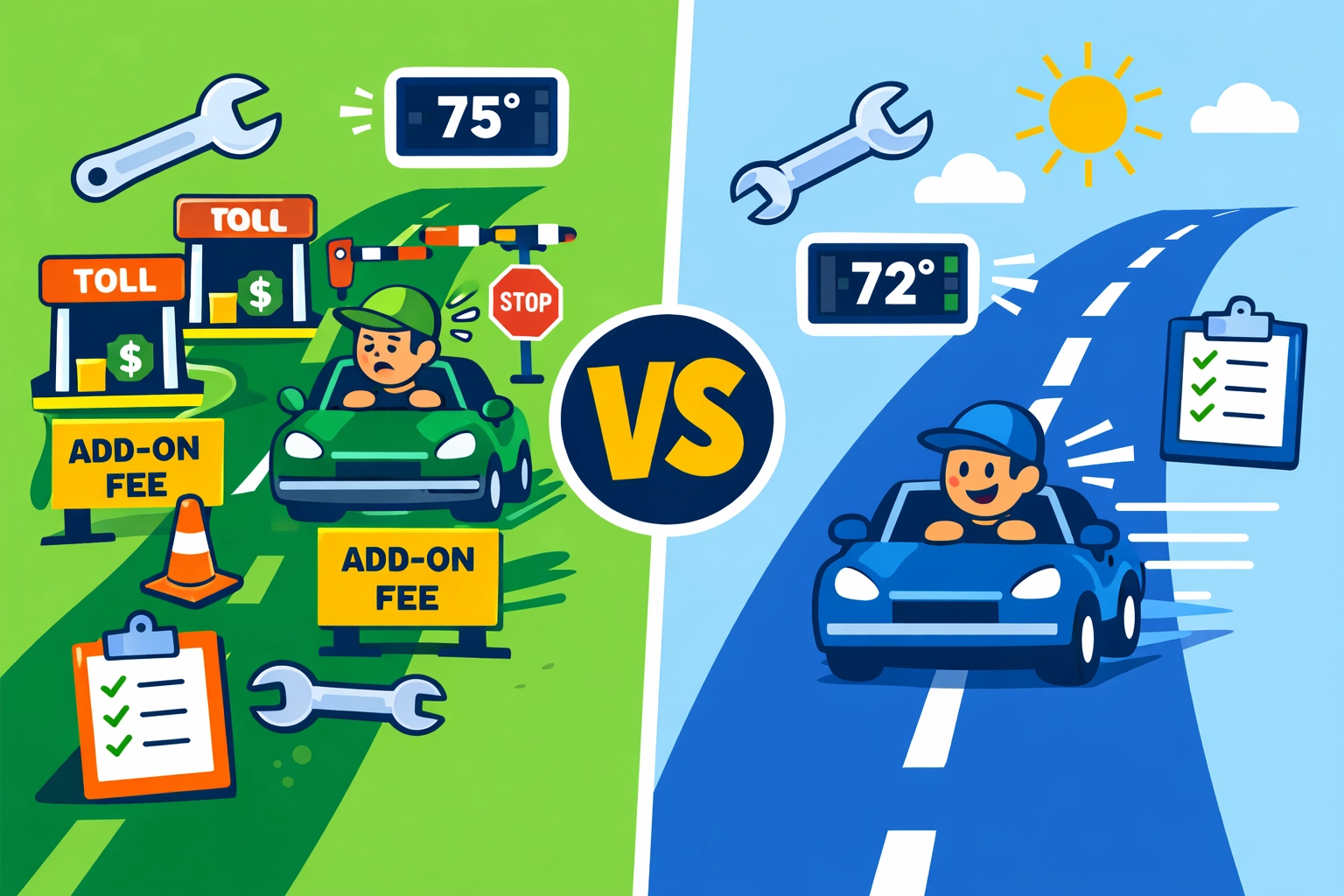
    That $79/month doesn’t include the tools you actually need for HVAC work. Want proper estimating functionality? Add the GoLawn add-on at $67/month. Want flat-rate pricing that doesn’t require building everything from scratch? That’s the Profit Rhino integration at $149/month.

    Suddenly your “affordable” $79/month turns into $295/month. For one person.

    HVAC technician shocked by Housecall Pro hidden add-on fees and escalating software costs

    Let’s look at what you’re actually paying by team size:

    Solo operator: $146/month minimum (Basic + GoLawn for real estimating). That’s $1,752/year.

    2-5 users: $189/month for Essential plan. Seems okay until you realize you’re locked at 5 users max and still need add-ons for advanced features. That’s $2,268/year.

    6-10 users: $329/month base for MAX plan, plus $35/month for each user beyond 8. A 10-person team pays around $399/month or $4,788/year.

    Those numbers add up fast. And we haven’t even talked about the features you’re getting.

    What You Actually Get for That Money

    Housecall Pro isn’t a bad product. It’s just built for bigger operations.

    You get solid scheduling, customer communication, invoicing, and payment processing. The mobile app works well. The integrations are extensive because they have 45,000+ users.

    But here’s what kills small teams: everything’s modular. Every specialized feature comes as an add-on. Every advanced tool requires another monthly fee.

    Want flat-rate pricing databases specific to HVAC? Add-on.

    Want better estimates? Add-on.

    Want advanced reporting? Upgrade your tier.

    The feature set is deep. But you’re nickel-and-dimed to access it.

    Field service software features separated by add-on fees and paywalls for small HVAC businesses

    The Affordable Alternative That Actually Competes

    Let’s talk QuoteIQ. Not because we’re pushing it: but because the numbers are impossible to ignore.

    Solo operator: $98.99/month for QuoteIQ Pro. Everything included. No add-ons. That’s $48 less per month than Housecall Pro Basic with the estimating add-on. Saves you $564/year.

    Small teams (2-5 users): QuoteIQ Elite at $189.99/month supports up to 7 users with every feature unlocked. Compare that to Housecall Pro Essential at $189/month for only 5 users: and you still need add-ons.

    Growing teams (6-10 users): QuoteIQ Max is $349.99/month with unlimited users. Housecall Pro charges $399/month for 10 users. You save $49/month ($588/year) while getting unlimited scaling.

    But pricing alone doesn’t tell the story.

    Feature Comparison: Where Each Platform Wins

    Here’s where things get interesting.

    QuoteIQ bundles everything:

    • Full quoting and estimating
    • Scheduling and dispatch
    • Invoicing and payments
    • Property measurements
    • Photo documentation
    • Automation workflows
    • Customer self-scheduling portal

    All included. No add-ons. No surprise fees.

    Housecall Pro spreads those features across tiers and add-ons. You get more control over what you pay for: but you also pay more to access what you need.

    Cost comparison showing Housecall Pro pricing versus affordable alternatives for HVAC contractors

    Where Housecall Pro beats alternatives:

    Industry-specific tools. If you need HVAC flat-rate pricing databases, Housecall Pro’s Profit Rhino integration delivers. QuoteIQ doesn’t have pre-built HVAC pricing books.

    Ecosystem depth. With 45,000+ users, Housecall Pro has deeper third-party integrations and more community resources.

    Human support layer. HCP Assist offers 24/7 human call answering. That’s a premium feature you can’t ignore if you’re competing for after-hours emergency calls.

    Where alternatives win:

    Upfront pricing. QuoteIQ gives you everything for one price. No surprises. No add-ons. No tier upgrades to access basic features.

    Unlimited users at higher tiers. Housecall Pro charges per user above 8. QuoteIQ Max supports unlimited users at $349.99/month flat.

    Faster setup for small teams. When everything’s included, you’re not spending hours figuring out which add-ons you need.

    When Housecall Pro Actually Makes Sense

    Let’s be honest. Sometimes the expensive option is the right call.

    If you’re running 6+ techs and need industry-specific flat-rate pricing, Housecall Pro might justify the cost. The Profit Rhino integration alone can speed up your estimating process dramatically.

    If you’re planning to scale past 10 employees quickly, Housecall Pro’s ecosystem gives you room to grow. The integrations, the support network, the advanced routing: it’s built for scale.

    If you need 24/7 human call answering and your customers expect premium service, HCP Assist delivers real value.

    But for most 1-10 person HVAC businesses? You’re overpaying for features you won’t use for years.

    Housecall Pro versus budget-friendly alternatives comparison for small HVAC business software

    When Alternatives Save You Thousands

    Here’s the math nobody wants you to do:

    A 3-person HVAC team on Housecall Pro Essential pays $2,268/year minimum. Add a couple critical add-ons and you’re at $3,000+/year.

    The same team on QuoteIQ Elite pays $2,279.88/year with everything included. That’s essentially the same price: but you’re getting 2-3x the features without add-on fees.

    A solo operator saves $564/year minimum on QuoteIQ Pro versus Housecall Pro Basic with estimating. That’s a truck payment. Or a marketing budget. Or just money in your pocket.

    Over 5 years? A solo operator saves $2,820. A 5-person team could save $3,000-$5,000 depending on which add-ons you would’ve needed.

    That’s real money.

    The Bottom Line for Small HVAC Businesses

    If you’re a 1-5 person operation focused on growth without enterprise budgets, affordable alternatives like QuoteIQ deliver better value. You get all the core features you need without add-on creep.

    If you’re 6-10 people with complex scheduling, routing, and industry-specific pricing needs, Housecall Pro becomes competitive. The premium features start justifying the premium price.

    Both platforms offer 14-day free trials. Test them both. See which interface clicks with your team. Check if those specialized HVAC tools are worth the extra $1,000-$3,000/year.

    Don’t choose software because everyone else uses it. Choose it because the math works for your business.

    Small HVAC business owner calculating annual savings from choosing affordable software alternatives

    Try Before You Commit

    We’re not here to push one platform over another. We’re here to help you make smart decisions with your money.

    Run the 14-day trials. Track what you actually use. Calculate your real costs with add-ons included.

    Then pick the tool that fits your team size, your growth plans, and your budget.

    Need help figuring out which features you actually need? We work with HVAC businesses every day on software decisions, operations consulting, and growth strategy.

    Reach out at https://valortek.com and let’s talk through your specific situation.

    No sales pitch. Just honest advice from people who’ve helped dozens of trade businesses get their operations dialed in.

    Start Your Free Trial

    Questions? Contact us – we’re happy to help you decide.
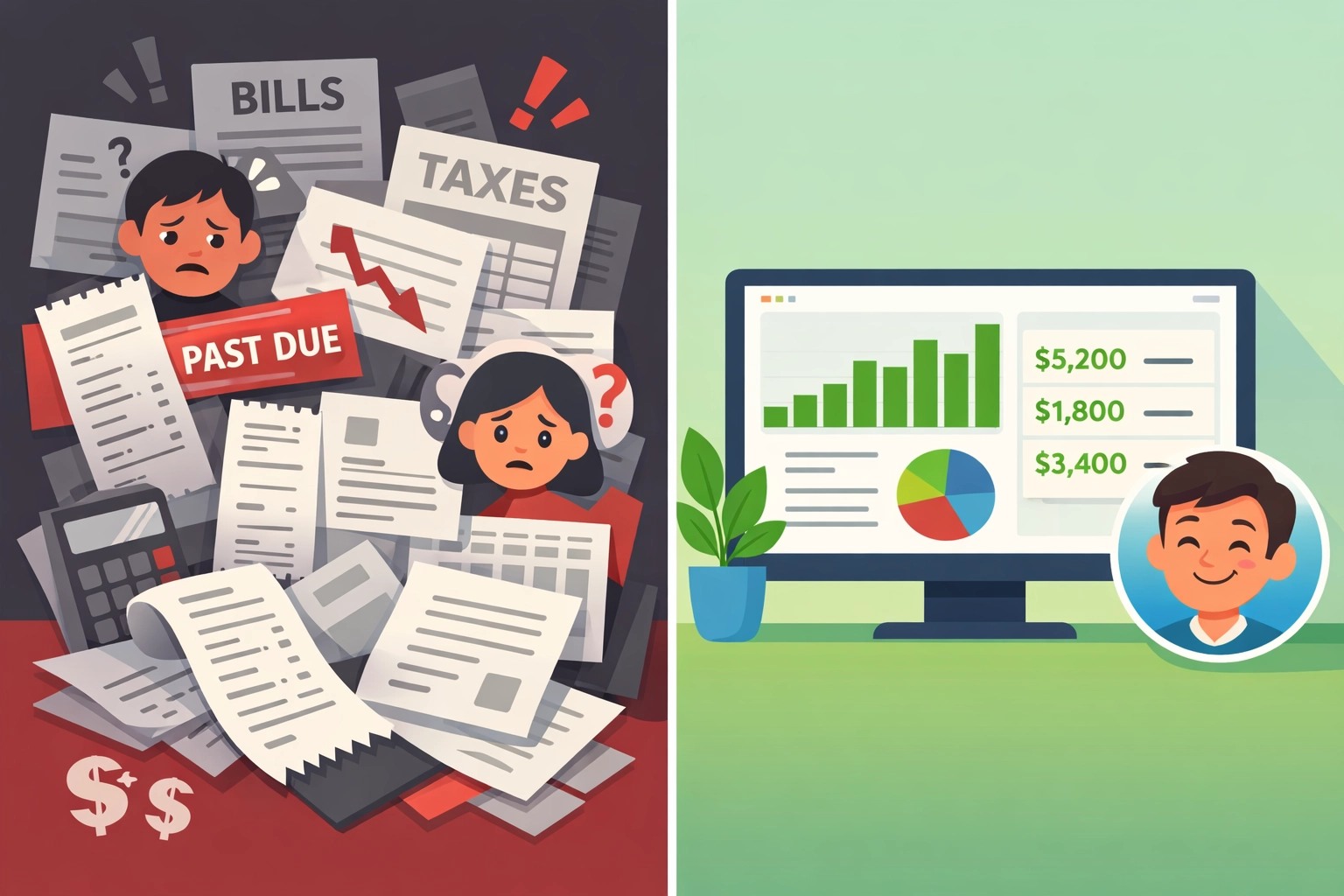
  • How to Choose the Best Invoicing Software for Contractors (Without Overpaying or Overcomplicating)

    You need to send invoices. You need to get paid. That’s it.

    But somehow the software market has convinced contractors they need seventeen features, twelve integrations, and a PhD in accounting software just to bill for a job.

    We’re not doing that here.

    The Real Problem with Most Invoicing Software

    Most contractors pick invoicing software the same way they pick a new truck. They look at all the bells and whistles, get sold on features they’ll never use, and end up paying way more than they should.

    Here’s what actually happens:

    You sign up for the enterprise plan because it sounds professional. You spend three days watching tutorial videos. Your team ignores half the features. You’re still manually entering data six months later.

    Sound familiar?

    Contractor frustrated by overly complicated invoicing software with too many features

    What Actually Matters (And What Doesn’t)

    Let’s cut through the noise. You need software that does three things really well:

    Create invoices fast. From the field. From your truck. Without a manual.

    Get you paid faster. Same-day deposits beat fancy reporting every single time.

    Stop you from forgetting billable items. Automation that catches what you’d miss manually.

    That’s it. Everything else is feature bloat designed to justify higher pricing tiers.

    The Simple Breakdown by Business Size

    Solo or 1-2 person crew?

    You don’t need software built for managing fifty technicians. You need something you can learn in twenty minutes and use from your phone.

    Zoho Invoice or Square Invoices work great here. Free tiers available. No credit card required to start. Square gives you same-day deposits if you use their payment processing.

    The monthly cost for small operations should be under $50. Period. If someone’s charging you $200+/month for basic invoicing, you’re overpaying.

    Small team (3-10 people)?

    Now you need something that handles multiple jobs at once and doesn’t require you to manually track who did what.

    Jobber and HoneyBook sit in this sweet spot. They’re built for service businesses. Mobile-first. Simple interfaces. Your crew can actually use them without calling you every five minutes.

    Pricing runs $29-$109/month depending on team size. That’s reasonable.

    Three essential invoicing software features: speed, fast payment, and automation

    Larger contractor company?

    If you’re running multiple crews, different locations, or complex job costing, then yeah, you might need something more robust.

    But here’s the thing: even then, you probably don’t need the $500/month enterprise solution. Most contractors we talk to are using about 30% of the features they’re paying for.

    Start with mid-tier options and only upgrade when you hit actual limitations. Not theoretical ones.

    How to Avoid the Overpaying Trap

    Match your billing model to the software.

    Bill by the hour? FreshBooks automatically generates invoices from tracked time. Makes sense.

    Project-based billing? You need something that handles milestones and deposits without making you create three separate invoices.

    Don’t pay for time-tracking features if you bill flat-rate. Don’t pay for inventory management if you’re a service-only business.

    Calculate the real monthly cost.

    Some software looks cheap until you factor in payment processing fees. Square charges 2.9% + $0.30 per transaction. If you invoice $10,000/month, that’s $320 in fees on top of any subscription cost.

    Other platforms bundle everything into one monthly price. Neither approach is wrong, just know what you’re actually paying.

    Run the math based on your typical monthly invoice volume. The “cheaper” option isn’t always cheaper.

    Simple mobile invoicing app compared to complicated manual paperwork for contractors

    Test before you commit.

    Most decent software offers a free trial or free tier. Use it.

    Actually create invoices. Send them to yourself. Try using it from your phone in your truck. Get your crew to test it if they’ll be using it.

    If you’re confused after an hour, your team will hate it after a week.

    The Features That Actually Save You Money

    Automation that reduces data entry.

    The best invoicing software pulls job data automatically. You schedule a job, your crew completes it, and the invoice populates itself.

    Fieldy does this well for field service contractors. Job completion triggers invoice creation. Your crew isn’t manually entering line items.

    This matters because manual entry is where money gets lost. Forgotten materials. Missed labor hours. The small stuff that adds up.

    Mobile-first design.

    If your crew can’t easily use it from their phones, they won’t use it at all. Then you’re back to paper tickets and manual entry.

    Look for software designed for field work first, office work second. Not the other way around.

    Simple approval workflows.

    For teams, you need a way to review invoices before they go out. But you don’t need a six-step approval process with committee oversight.

    One person reviews, one click approves, invoice sends. That’s it.

    Common Mistakes We See All the Time

    Buying software designed for accountants when you need software designed for contractors.

    QuickBooks is great accounting software. But it wasn’t built for field service. You’ll spend time configuring it to work the way you work.

    Contractor-specific software works out of the box. Less configuration. Less frustration.

    Choosing based on features instead of workflow.

    That impressive feature list doesn’t matter if it makes your actual invoicing process slower.

    Ask yourself: will this help me get invoices out faster? Will my crew actually use it? Will I get paid quicker?

    If the answers aren’t yes, keep looking.

    Contractor using mobile invoicing software on smartphone in work truck

    Paying for integrations you don’t use.

    “But it integrates with seventeen other platforms!” Cool. Do you use any of those seventeen platforms?

    Integrations only matter if they connect tools you’re already using. Otherwise, it’s marketing talk.

    The Decision Framework

    Here’s how to choose without overthinking it:

    1. Write down your actual needs (not wants)
    2. Set a realistic monthly budget based on team size
    3. Test 2-3 options that fit both criteria
    4. Pick the one your team finds easiest
    5. Start using it

    That’s it. Don’t spend three months researching. Don’t create a forty-point comparison spreadsheet.

    Pick something good enough and start invoicing. You can always switch later if needed.

    Most contractors never switch because they overthink the initial choice and end up paralyzed. Then they stick with whatever they picked first because switching feels like too much work.

    The Bottom Line

    Good invoicing software should make you money, not cost you time.

    It should be simple enough that your crew uses it. Fast enough that you send invoices same-day. Automated enough that you stop leaving money on the table.

    Everything else is optional.

    Start with the simplest solution that meets your actual needs. Not your imagined future needs. Not what the biggest contractor in your market uses.

    Your actual needs. Today.

    You can always add complexity later. You can’t get back the time you waste on overly complicated software now.

    Start Your Free Trial

    Questions? Contact us – we’re happy to help you decide.

  • Why Am I Profitable But Broke? Cash Flow Secrets Every Contractor Needs to Know

    You just landed a great project. The margins look solid. Your accountant says you’re profitable.

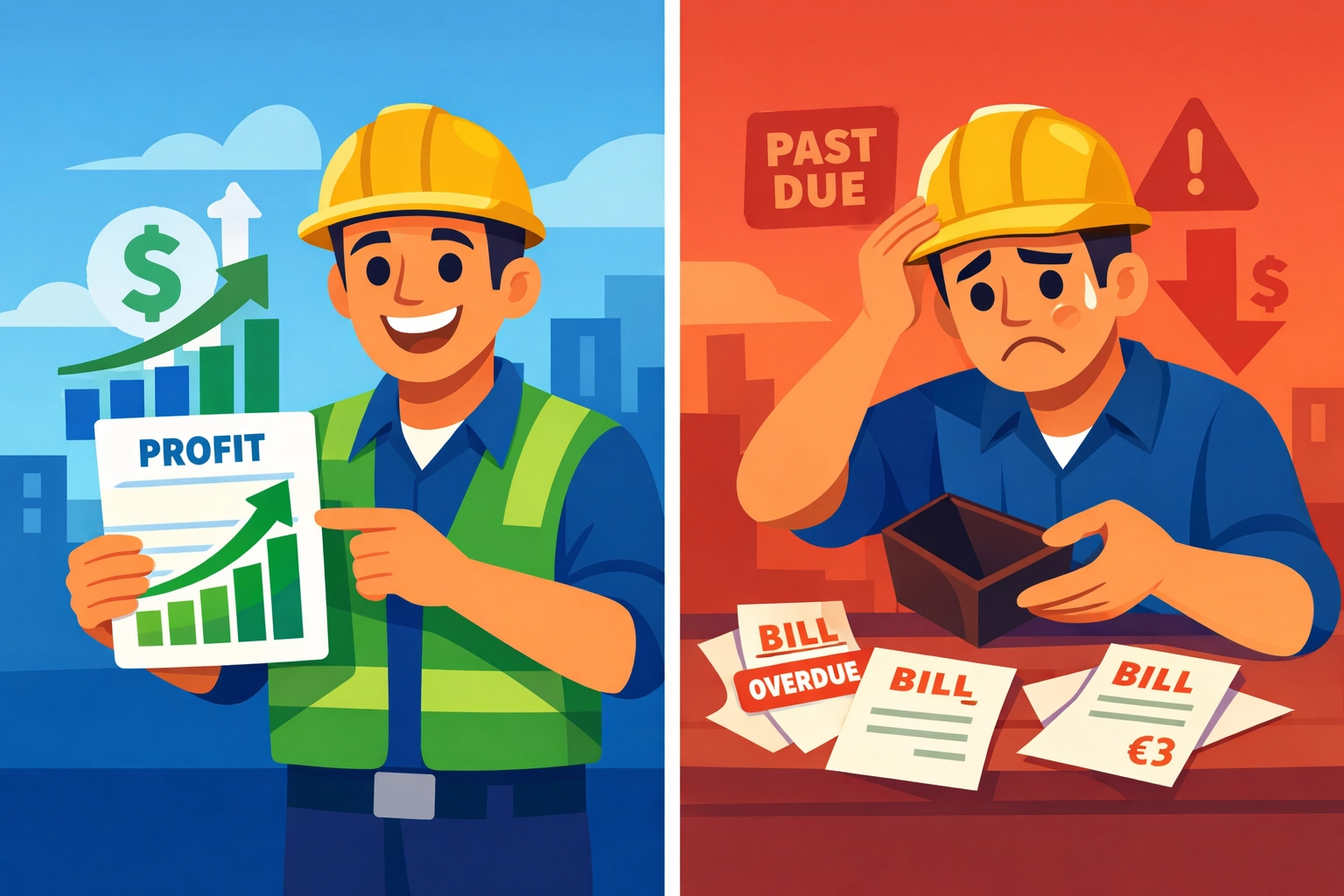
    So why can’t you make payroll next week?

    Welcome to the contractor’s paradox. You’re making money on paper while scrambling to keep the lights on in reality.

    This isn’t about bad business decisions. It’s about how construction cash flow actually works: and why most contractors don’t see the train wreck coming until it’s too late.

    The Timing Problem Nobody Talks About

    Here’s the brutal truth: you spend money today and get paid weeks or months later.

    That gap between writing checks and cashing them? That’s where profitable businesses go broke.

    You mobilize. You buy materials. You pay crews. You cover equipment costs. All of this happens before you see a single dollar from the client.

    Meanwhile, your invoice sits on someone’s desk for 30, 60, sometimes 90 days.

    The math might work on an annual P&L statement. But math doesn’t pay your suppliers on Friday.

    Contractor comparing profit reports versus empty wallet showing cash flow gap

    The Four Cash Flow Killers

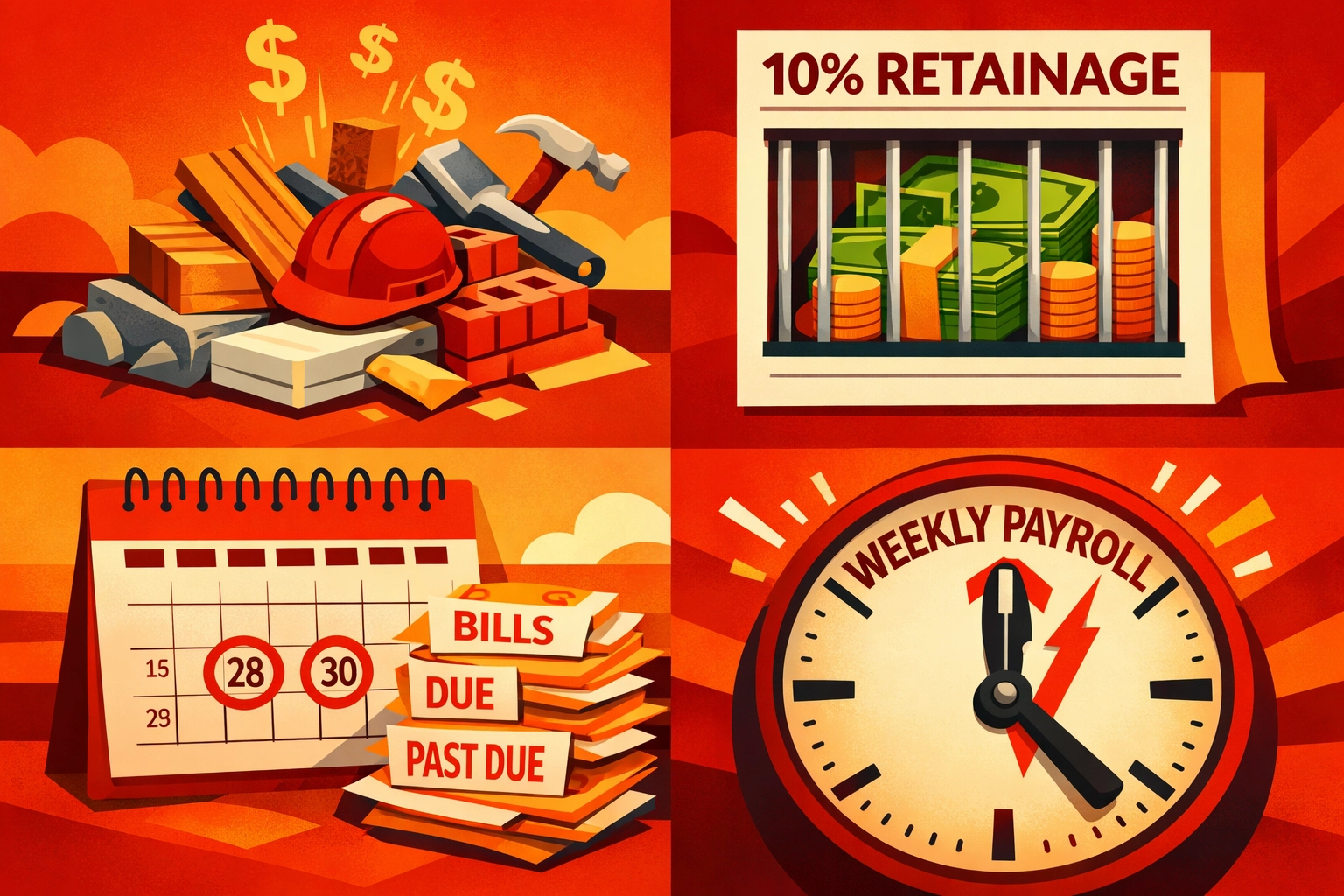
    1. Upfront Costs Hit Hard

    Every project starts with cash flowing out. Mobilization, materials, labor: it all needs funding before you bill your first progress payment.

    If you’re juggling three or four projects at once, that’s three or four cash drains happening simultaneously.

    2. Retainage Steals Your Money

    Most contracts hold back 5-10% of your payment until project completion. That’s your money, earned and owed, sitting in someone else’s account.

    On a $500K project, that’s $50K you can’t touch. On multiple projects? You could have six figures trapped in retainage.

    3. Slow-Paying Clients

    You invoice on time. They pay whenever they feel like it.

    Every day they delay is another day you’re funding their project with your own cash reserves.

    4. Payroll Doesn’t Wait

    Your crew expects checks every week or two. They don’t care that your client is slow to pay.

    High payroll expenses compound fast when payment delays stretch out.

    The Secrets That Keep Cash Flowing

    Let’s talk solutions. These aren’t accounting tricks. They’re survival tactics.

    Front-Load Your Billing Schedule

    Negotiate payment terms that match your actual cash needs. If you’re spending heavily upfront, get paid upfront.

    Structure your billing to reflect when you’re actually incurring costs. Don’t let standard payment schedules drain you dry while you wait for milestone payments.

    Fight Retainage Hard

    Every contract negotiation should include a conversation about retainage. Push for lower percentages. Negotiate phase-outs as the project progresses.

    Even reducing retainage from 10% to 5% doubles your available cash flow.

    Four cash flow challenges for contractors: upfront costs, retainage, delays, and payroll

    Invoice Immediately

    The moment your billing period ends, get that invoice out. Every day you delay is another day without payment.

    Then follow up. Be polite but persistent. Your vendors aren’t giving you grace periods: don’t give them to your clients.

    Use Strategic Financing

    Pay for materials and equipment with terms or financing when possible. Preserve your cash for payroll and operational expenses you can’t defer.

    But avoid the trap of short-term financing with high interest. That’s just trading one cash flow problem for a bigger one.

    Align Vendor Terms With Customer Receipts

    Try to negotiate payment terms with suppliers that match when you expect customer payments. Pay-when-paid clauses with subs can help preserve cash.

    This isn’t about stiffing anyone. It’s about syncing cash in with cash out.

    Forecasting: The Real Secret Weapon

    Here’s what separates thriving contractors from struggling ones: they see problems coming.

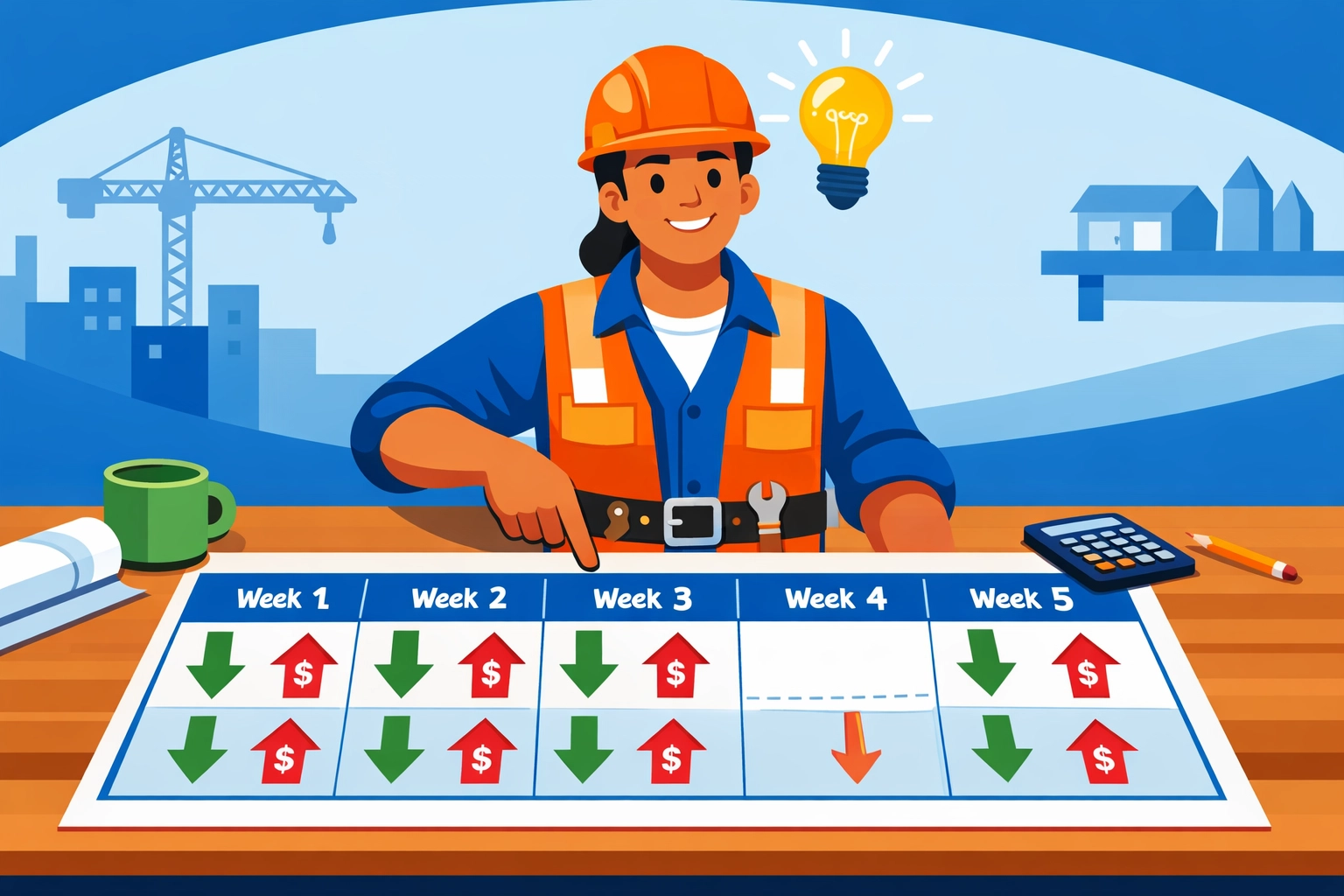
    Cash flow forecasting isn’t complicated. It’s just looking ahead at when money comes in versus when it goes out.

    Most contractors operate blind. They know their current bank balance and hope it’s enough.

    That’s not a strategy. That’s Russian roulette.

    Contractor reviewing cash flow forecast calendar to identify upcoming payment gaps

    Real forecasting means:

    • Tracking expected payments by date
    • Mapping upcoming expenses by week
    • Identifying cash gaps before they hit
    • Making decisions while you still have options

    When you can see a cash crunch coming three weeks out, you can act. You can accelerate billing. You can defer non-critical expenses. You can arrange financing on good terms.

    When you discover the problem the day before payroll? You’re out of options.

    How Valortek Fixes This

    We built our system because we saw too many profitable contractors go broke.

    No complicated spreadsheets. No financial wizardry. Just clear visibility into your actual cash position: today and three months from now.

    Our cash flow forecasting tools connect your invoices, expenses, and payment schedules. You see exactly when money’s coming and when it’s going.

    More importantly, you see the gaps. The dangerous weeks where expenses exceed expected payments.

    That visibility changes everything. You make better decisions about taking new work. You time equipment purchases smarter. You know when to push harder for payment.

    The contractors using our system don’t eliminate cash flow challenges. They just stop getting blindsided by them.

    Cash flow management dashboard showing contractor's income and expense tracking

    Track Everything or Pay the Price

    Accurate job costing isn’t optional. If you don’t know your true costs: direct and indirect: you can’t know if you’re actually profitable.

    Equipment maintenance. Insurance. Administrative overhead. These costs are real even if they’re not tied to a specific invoice.

    Track them. Allocate them. Include them in your cash flow planning.

    The project that looks profitable at first glance might be bleeding cash when you account for actual costs.

    Build Your Safety Net

    Construction is unpredictable. Weather delays happen. Scope changes occur. Costs creep up.

    If you’re operating with zero contingency, any surprise becomes a crisis.

    Build reserves. Set aside a percentage of each payment for the inevitable unexpected expense.

    It’s not exciting. It won’t help you grow faster. But it will keep you from having to choose between paying your crew and paying your suppliers.

    The Bottom Line

    Being profitable but broke isn’t a sign you’re bad at business. It’s a sign you’re operating without visibility into your actual cash position.

    The solution isn’t working harder or hoping clients pay faster. It’s implementing systems that show you where your cash is, where it’s going, and where the gaps are coming.

    Every contractor deals with the same structural challenges. The difference is whether you see problems early or discover them too late.

    We built Valortek to give you that early warning system. To turn cash flow from a constant worry into a managed process.

    Because you deserve to actually enjoy the profits you’re earning: not just see them on paper while you stress about making payroll.

    Start Your Free Trial

    Questions? Contact us – we’re happy to help you decide.
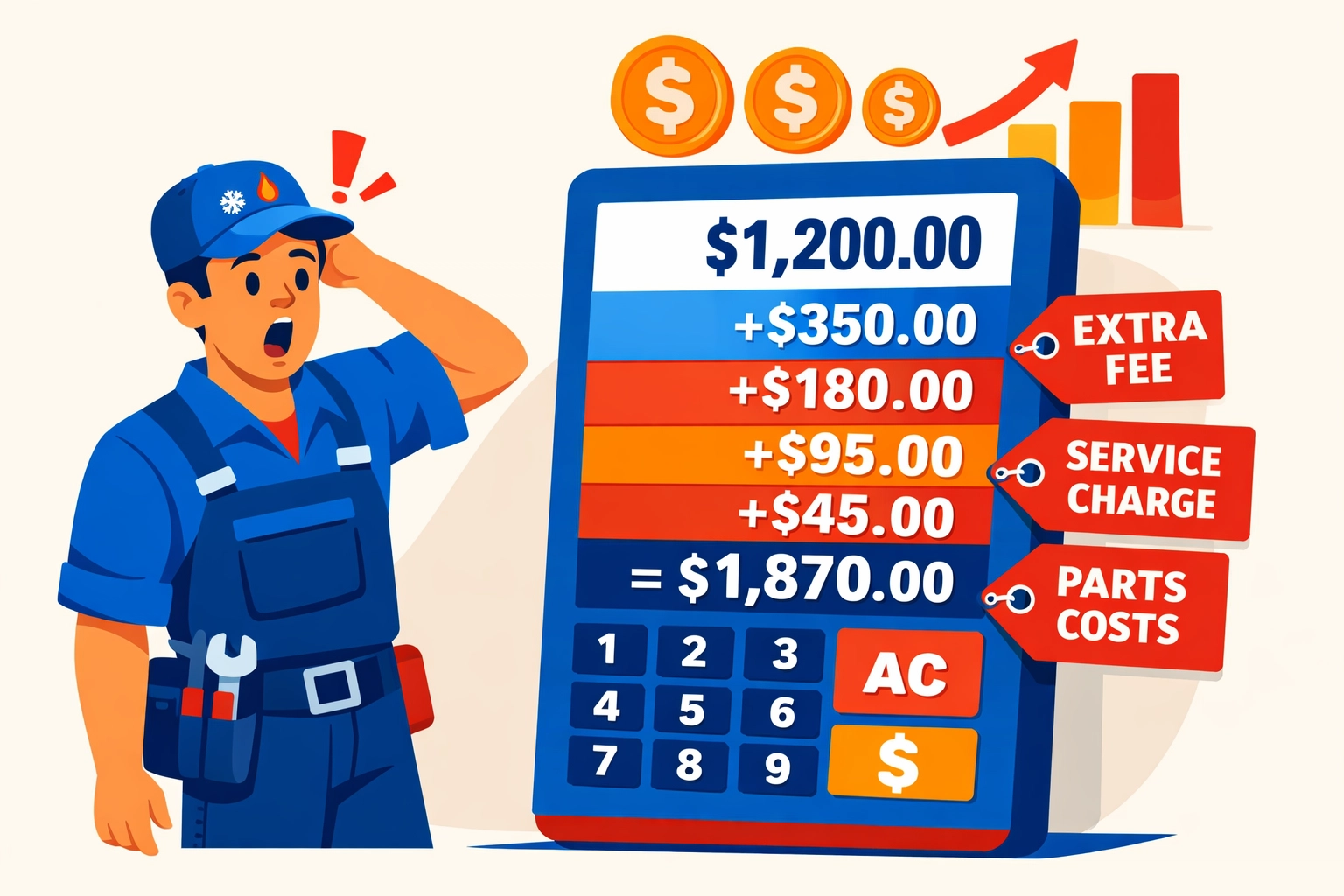
  • Stop Paying $300+/Month: The Real Cost of Housecall Pro + QuickBooks (And What to Use Instead)

    Let’s talk about what you’re actually paying for field service software.

    Most contractors we talk to think they’re spending “around $150” on Housecall Pro. Then they mention QuickBooks. Then they remember the add-ons.

    By the time we’re done adding it up? They’re over $300 per month.

    Every. Single. Month.

    The Real Housecall Pro Price Tag

    Here’s what Housecall Pro actually costs in 2026:

    • Basic Plan: $59/month (annual) or $79/month (monthly) – 1 user only
    • Essentials Plan: $149/month (annual) or $189/month (monthly) – up to 5 users
    • MAX Plan: $299/month – up to 8 users

    Sounds straightforward, right?

    Wrong.

    Contractor reviewing expensive software bills and hidden costs for field service management

    The Hidden Costs Nobody Talks About

    The Basic and Essentials plans don’t include everything you need. Want those “essential” features? Add $80/month for the add-on package.

    Let’s say you’re running a small plumbing business with 3 techs. You pick the Essentials plan because Basic only covers one user.

    Your Housecall Pro cost: $149/month + $80/month add-ons = $229/month

    But you’re not done yet.

    QuickBooks Isn’t Included

    Housecall Pro doesn’t handle your accounting. For that, you need QuickBooks.

    QuickBooks Online starts at around $30/month for basic plans, but most service businesses need the mid-tier plan at $60-90/month to handle everything properly.

    Add another $60-90/month to your software bill.

    Now we’re at $289-319/month. And we haven’t talked about the real kicker yet.

    The One-Way Integration Problem

    Housecall Pro integrates with QuickBooks. That sounds great until you understand what “integrate” actually means here.

    It’s one-way only.

    Data flows from Housecall Pro to QuickBooks. That’s it. Make a change in QuickBooks? It won’t sync back to Housecall Pro.

    You’re essentially paying for two separate systems that barely talk to each other.

    Disconnected software integration between Housecall Pro and QuickBooks accounting systems

    Let’s Do the Real Math

    Here’s what a typical 3-5 person field service business actually pays:

    • Housecall Pro Essentials: $149/month
    • Add-on package: $80/month
    • QuickBooks Online: $75/month
    • Total: $304/month

    That’s $3,648 per year for software that doesn’t even fully integrate.

    Want more users? Need the MAX plan? You’re looking at $450+/month before you even start working.

    What You’re Really Paying For

    Let’s be honest about what this gets you:

    ✅ Scheduling and dispatch
    ✅ Customer management
    ✅ Mobile invoicing
    ✅ Separate accounting software
    ✅ Manual reconciliation between systems
    ✅ Two different login portals
    ✅ Two separate training curves for your team

    That’s a lot of money for a lot of headaches.

    Small business owner celebrating reduced software costs and monthly expense savings

    The Alternative Nobody’s Telling You About

    We built Valortek because we were tired of this exact problem.

    No separate accounting software. No one-way integrations. No paying twice for features that should work together.

    Everything in one system:

    • Scheduling and dispatch
    • Customer relationship management
    • Invoicing and payments
    • Financial tracking and reporting
    • Real-time analytics
    • Team management

    All for a fraction of what you’re paying now.

    Here’s Our Pricing (The Whole Truth)

    We’re not going to play games with tiered pricing or hidden add-ons.

    $99/month. Period.

    That covers up to 10 users. It includes all features. There’s no “essentials” vs “premium” nonsense. You get everything.

    No additional accounting software needed. No integration headaches. No surprise fees.

    Comparison of complex multiple software systems versus simple unified field service platform

    What $200+/Month in Savings Actually Means

    Let’s say you switch from the Housecall Pro + QuickBooks combo ($304/month) to Valortek ($99/month).

    You save $205 per month.

    That’s $2,460 per year back in your pocket.

    What could you do with an extra $2,460?

    • Hire a part-time admin to actually answer your phones
    • Buy that new tool truck setup you’ve been putting off
    • Give your best tech a well-deserved raise
    • Actually take a vacation

    Or just keep it. It’s your money.

    Why We’re Different

    We’re not trying to be the next big enterprise software giant. We’re a small team building tools for small businesses.

    No venture capital pressure to extract every dollar. No elaborate pricing tiers designed to confuse you. No sales calls where someone tries to upsell you.

    Just honest software at an honest price.

    We built this because we’ve been there. Running a field service business with duct-taped software solutions. Paying way too much for way too little.

    There’s a better way.

    Contractor celebrating business growth and success from field service software savings

    The Bottom Line

    You’re probably paying $300+ per month for:

    • Two separate software systems
    • One-way integration that barely works
    • Extra add-ons to get features you actually need
    • The privilege of manually reconciling everything

    You could be paying $99/month for:

    • One integrated system
    • Everything included
    • No manual reconciliation
    • Actual support from real humans

    The choice is yours.

    But here’s something to think about: What if you just stopped overpaying?

    Ready to See What You’re Missing?

    No pressure. No demos with sales reps. Just try it yourself and see if it works for your business.

    Start Your Free Trial

    Questions? Contact us – we’re happy to help you decide.