Category: Operations

  • Why This Locksmith Swapped Housecall Pro for Valortek (And Never Looked Back)

    Meet Jake Rodriguez. He runs a locksmith business in Phoenix with six technicians and two dispatchers.

    For three years, he paid Housecall Pro over $300 a month. He thought that’s just what good software costs.

    Then he found Valortek.

    The Breaking Point

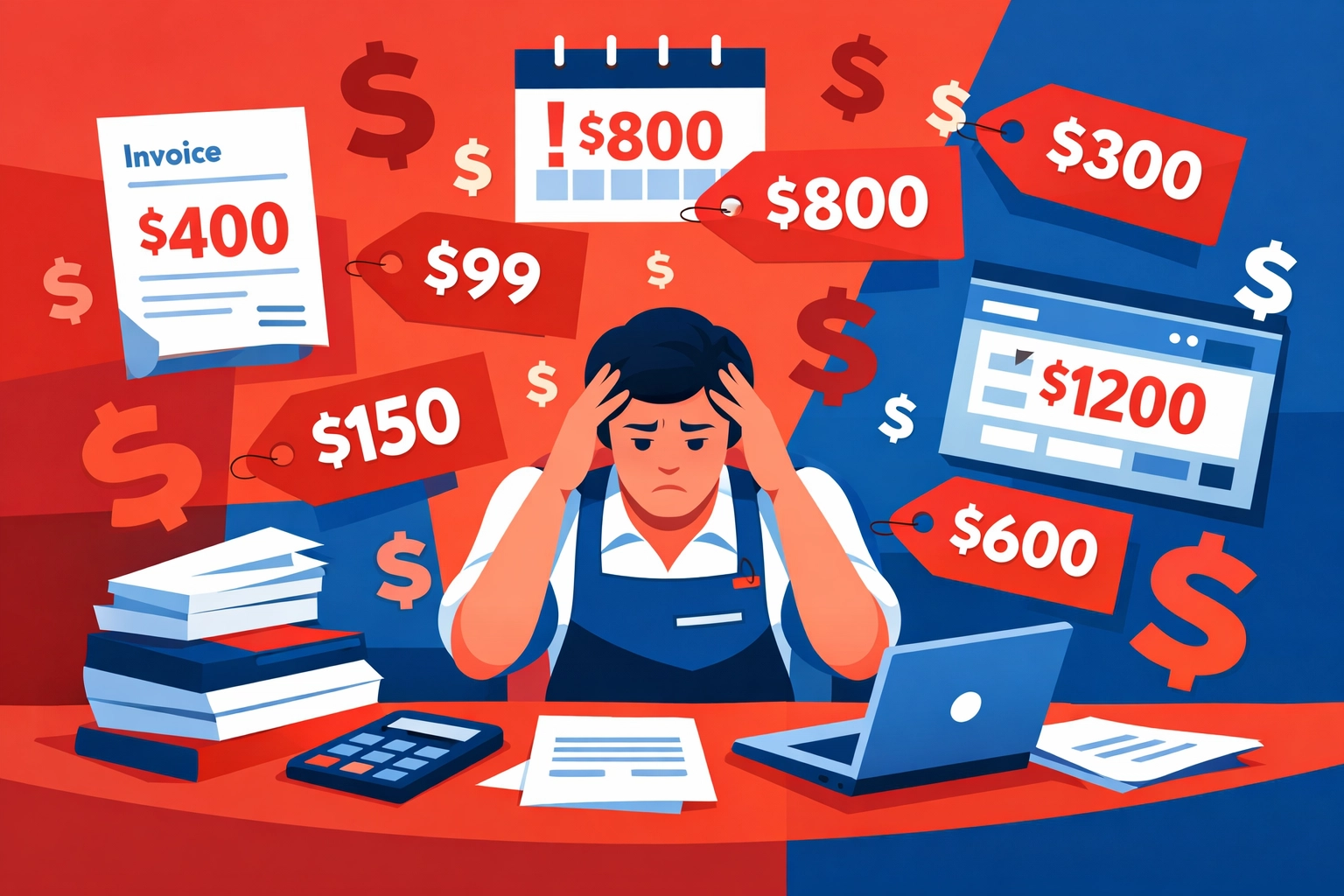
    Jake’s monthly software bill kept climbing. First it was $249. Then $289. Then $324 after adding another technician.

    “Every time we grew, the bill grew faster,” Jake told us. “And half the features we were paying for? We never used them.”

    The final straw came when Housecall Pro announced another price increase. Jake started looking for alternatives.

    He wasn’t just looking for cheaper. He was looking for better.

    Locksmith business owner frustrated by rising Housecall Pro software costs and invoices

    What Jake Actually Needed

    His requirements were simple:

    • Fast scheduling and dispatch
    • Mobile app his techs would actually use
    • Customer communication that doesn’t require a PhD
    • Invoicing that doesn’t glitch
    • Reports that show him what’s actually happening in his business

    He didn’t need enterprise features. He didn’t need bells and whistles. He needed software that worked.

    The Housecall Pro Reality Check

    Here’s what Jake was dealing with:

    The price: $300+ per month for his team size. That’s $3,600 a year minimum. And it kept going up.

    The complexity: Features buried in menus. Settings that required YouTube tutorials. His dispatchers spent more time fighting the software than dispatching calls.

    The limitations: Want custom workflows? Pay more. Need advanced reporting? Upgrade. API access? Different tier.

    The speed: Slow load times. Laggy mobile app. Technicians complained constantly.

    Jake wasn’t alone. We hear this story all the time from field service businesses.

    They start with Housecall Pro because it’s well-known. Then they realize they’re paying premium prices for basic features.

    Enter Valortek

    Jake found Valortek through a friend in the HVAC business. Skeptical at first.

    “Another field service platform? Great,” he thought.

    But the pricing caught his attention. $99 per month. That’s it.

    Half the cost of what he was paying. For his entire team.

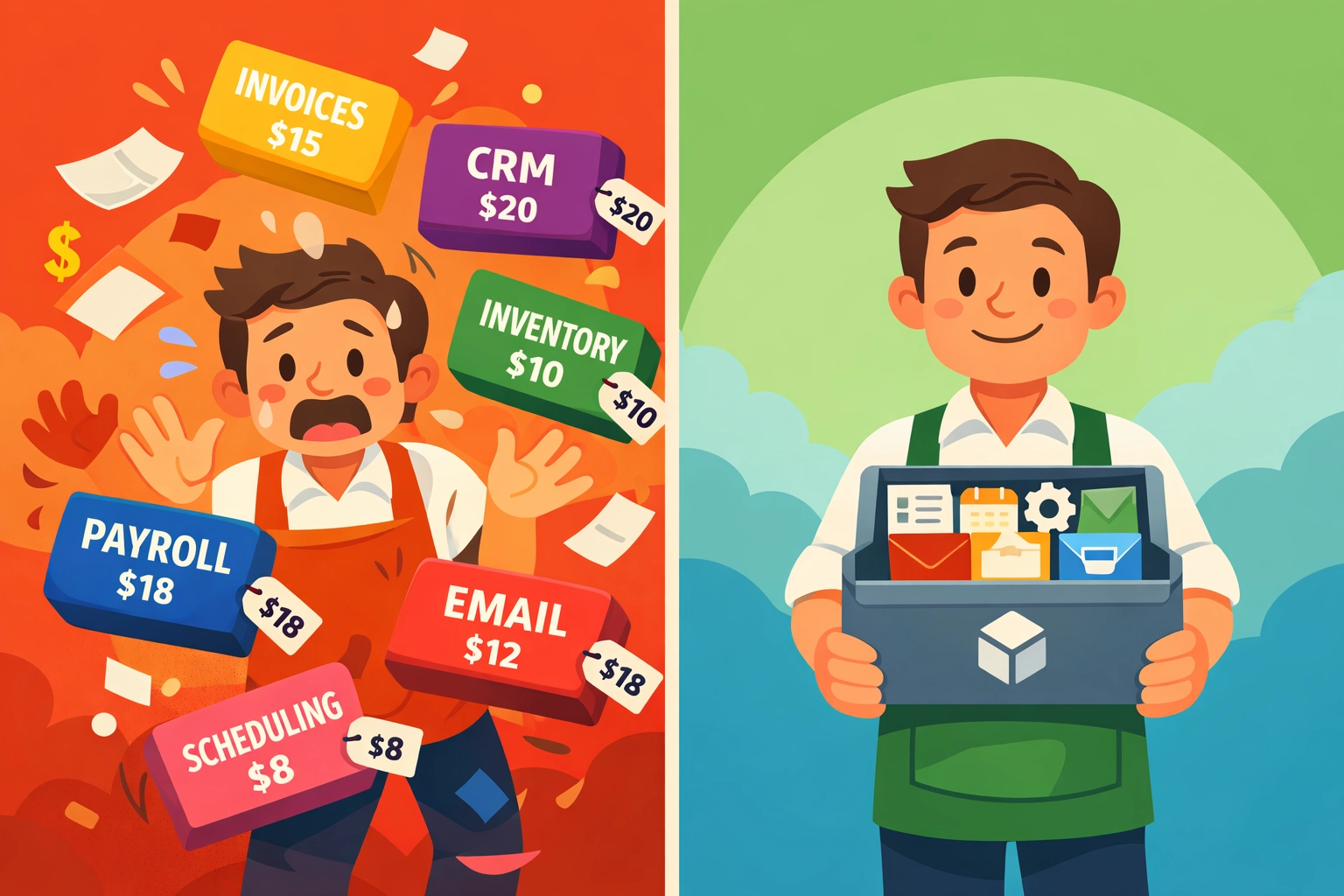
    Side-by-side comparison showing chaotic Housecall Pro workflow versus streamlined Valortek field service management

    The Feature Comparison That Changed Everything

    Jake made a spreadsheet. On one side, Housecall Pro. On the other, Valortek.

    Here’s what shocked him:

    Valortek included everything he needed:

    • ✅ Unlimited users
    • ✅ Advanced scheduling with AI-powered optimization
    • ✅ Custom workflow automation
    • ✅ Full mobile app suite
    • ✅ Real-time GPS tracking
    • ✅ Customer portal
    • ✅ QuickBooks integration
    • ✅ Custom reporting dashboards
    • ✅ API access
    • ✅ Priority support

    For $99 per month.

    With Housecall Pro, half those features required upgrades. The other half didn’t exist at all.

    He called us. Asked if there was a catch.

    There wasn’t.

    The Switch

    Jake signed up for a trial. Took him two days to migrate his data and train his team.

    “I expected this to take weeks,” he said. “It took an afternoon.”

    His dispatchers loved it immediately. Cleaner interface. Faster workflow. Everything they needed right where they expected it.

    His technicians? Even better. The mobile app was actually fast. They could complete jobs, collect payments, and move on without fighting their phones.

    Three Months Later

    We checked in with Jake after his first quarter on Valortek.

    The numbers told the story:

    Financial Impact:

    • Saved $200+ per month on software costs
    • That’s $2,400 per year back in his pocket
    • ROI in the first month

    Operational Impact:

    • Dispatch time cut by 40%
    • Technician job completion speed up 25%
    • Customer satisfaction scores improved
    • Zero downtime or technical issues

    “My techs actually thank me for the switch,” Jake said. “That never happens with software.”

    Locksmith technician using Valortek mobile app for scheduling and route optimization in service van

    The Features That Made the Difference

    Three things stood out for Jake’s locksmith business:

    1. AI-Powered Scheduling

    Valortek’s scheduling engine learns from your business patterns. It suggests optimal routes. Predicts job duration. Factors in traffic and technician skill sets.

    Housecall Pro has scheduling. Valortek has smart scheduling.

    The difference? Jake’s techs now complete 2-3 more jobs per day. Without working longer hours.

    2. Custom Workflow Automation

    Every locksmith job is different. Residential rekeys, commercial access control, emergency lockouts.

    With Valortek, Jake built custom workflows for each job type. Automatic status updates. Triggered communications. Follow-up sequences.

    Housecall Pro required manual work for everything.

    3. Real Business Intelligence

    Jake’s favorite feature? The reporting dashboard.

    He sees everything in real-time. Revenue by technician. Job completion rates. Customer lifetime value. Average ticket size.

    “I used to pull reports from three different places and combine them in Excel,” he explained. “Now it’s all there. Updated live.”

    Makes business decisions easier when you actually know what’s happening.

    What Jake Wishes He’d Known Sooner

    “I wasted $7,200 over two years paying more for less,” Jake admits.

    Three things he’d tell other locksmith business owners:

    Stop assuming expensive means better. The big-name platforms spend millions on marketing. You’re paying for their ads, not better software.

    Actually test the alternatives. Jake thought switching would be painful. It wasn’t. Most modern platforms make migration easy.

    Calculate the real cost. It’s not just the monthly fee. It’s the add-ons. The upgrades. The “premium” features that should be standard.

    Business owner reviewing Valortek dashboard analytics showing locksmith business performance metrics

    Why This Matters for Your Locksmith Business

    You’re probably in Jake’s shoes right now.

    Paying too much. Getting too little. Wondering if there’s a better way.

    There is.

    We built Valortek specifically for field service businesses tired of enterprise pricing and enterprise complexity.

    No bloat. No add-on fees. No “call for pricing.”

    Just powerful software that works. For half the cost.

    The Locksmith-Specific Benefits

    Valortek understands locksmith businesses:

    • Quick emergency dispatch for lockouts
    • Inventory tracking for keys and hardware
    • Recurring service management for commercial clients
    • Mobile estimates and on-site payment collection
    • Customer history and key codes database

    Everything you need. Nothing you don’t.

    The Bottom Line

    Jake’s saving $2,400 per year. His team’s more productive. His customers are happier.

    He switched six months ago. He’s never looking back.

    Neither are the hundreds of other field service businesses making the same move.

    The question isn’t whether you should switch. The question is what’s the cost of waiting?

    Every month on overpriced software is money you’re not investing in your business. In your team. In growth.

    Ready to See the Difference?

    We’re not going to pressure you. We don’t need to.

    Try Valortek free. See for yourself why locksmith businesses are making the switch.

    Compare the features. Compare the price. Compare the results.

    Then decide.

    Start Your Free Trial

    Questions? Contact us – we’re happy to help you decide.
  • Field Service Management Software for 1-10 Employees: Which One Will not Nickel-and-Dime You?

    Author: Warren Peterson
    Category: Operations

    You’re running a small HVAC shop, locksmith business, or appliance repair service. You’ve got 3 techs. Maybe 7 on a good month.

    And you just got quoted $247/month for field service management software.

    That’s nearly $3,000 a year. For scheduling and invoicing.

    Let’s talk about why most field service management software companies are pricing you out, and which ones won’t.

    The Nickel-and-Dime Playbook

    Here’s how it usually works.

    You see an ad. “$49/month!” it screams. You click. You sign up.

    Then you realize that’s for one user. Your dispatcher needs access? Add $49. Two techs in the field? That’s another $98.

    Suddenly you’re at $196/month. And you haven’t even added GPS tracking, online payments, or integrations with QuickBooks.

    Those are “premium features.” Another $50–100/month.

    Small business owner stressed by rising field service software costs and hidden per-user fees

    The per-user pricing trap is the oldest trick in the SaaS playbook. It sounds fair until you do the math. Three employees shouldn’t triple your software costs, but with most platforms, they do.

    Feature gating is the second move. You need invoicing? That’s the “Pro” plan. Want customers to pay online? “Premium” tier. Two-way texting with clients? “Enterprise.”

    No thank you.

    What Small Trade Businesses Actually Need

    You don’t need enterprise resource planning. You’re not IBM.

    You need four things:

    1. Scheduling that doesn’t suck. Drag-and-drop calendar. Mobile access. That’s it.
    2. Invoicing that’s fast. Create an invoice in under 60 seconds. Send it. Get paid.
    3. Job management basics. Track what’s been done, what’s pending, and who’s doing it.
    4. A price that won’t make you wince every time you check your bank statement.

    Most field service management software tries to do everything. CRM. Marketing automation. Inventory control across 47 warehouses.

    You just want to schedule Mike for a furnace repair Tuesday at 2pm and invoice Mrs. Patterson when he’s done.

    The Free-Tier Bait-and-Switch

    Kickserv and Workiz both offer free plans. That sounds great.

    And for a solo operator testing the waters, they are.

    But here’s what happens: you grow to 4 employees. You need better reporting. You want online booking. Suddenly the free tier feels like a demo, not a real product.

    So you upgrade. And the upgrade costs $120/month. Per location.

    Free tiers aren’t designed for you to stay on them. They’re designed to get you hooked, then upsell you into plans that cost as much as the “expensive” competitors you were avoiding.

    The “Affordable” Options That Aren’t

    Let’s break down what you’ll actually pay for the popular choices when you have 5 employees:

    Jobber: Starts at $49/month. Sounds reasonable. But that’s for one user. Add 4 more techs at $30/user and you’re at $169/month. Want route optimization? Customer portal? Another tier. You’re looking at $230+/month realistically.

    Housecall Pro: Advertised at $65/month for core features. But most shops with 5+ employees end up on the $195/month plan to get dispatch automation and payment processing that actually works.

    Comparison of complex multi-tier software pricing versus simple all-in-one field service solution

    ServiceTitan and FieldRoutes: These are the “enterprise” options. If you have to ask the price, you can’t afford it. Think $300–500+/month minimum. Great for 50-employee operations. Overkill (and overpriced) for you.

    QuickBooks Online + add-ons: QuickBooks alone is $65–200/month depending on features. Then you need a separate scheduling tool ($50+/month). Then payment processing fees. You’re building Frankenstein’s monster and paying $250+/month for the privilege.

    What Transparent Pricing Actually Looks Like

    Here’s the thing: your software costs shouldn’t scale faster than your revenue.

    If you go from 2 employees to 5 employees, your software shouldn’t go from $100/month to $300/month. That’s absurd.

    We built Valortek because we were tired of watching small trade businesses get squeezed by software companies.

    No per-user fees. No feature gating. No surprise upgrades.

    Our Operations app is $99/month. Period. That includes:

    • Scheduling and dispatching for unlimited users
    • Job management and work order tracking
    • Mobile app access for your whole team
    • GPS and route optimization
    • Customer database with full history

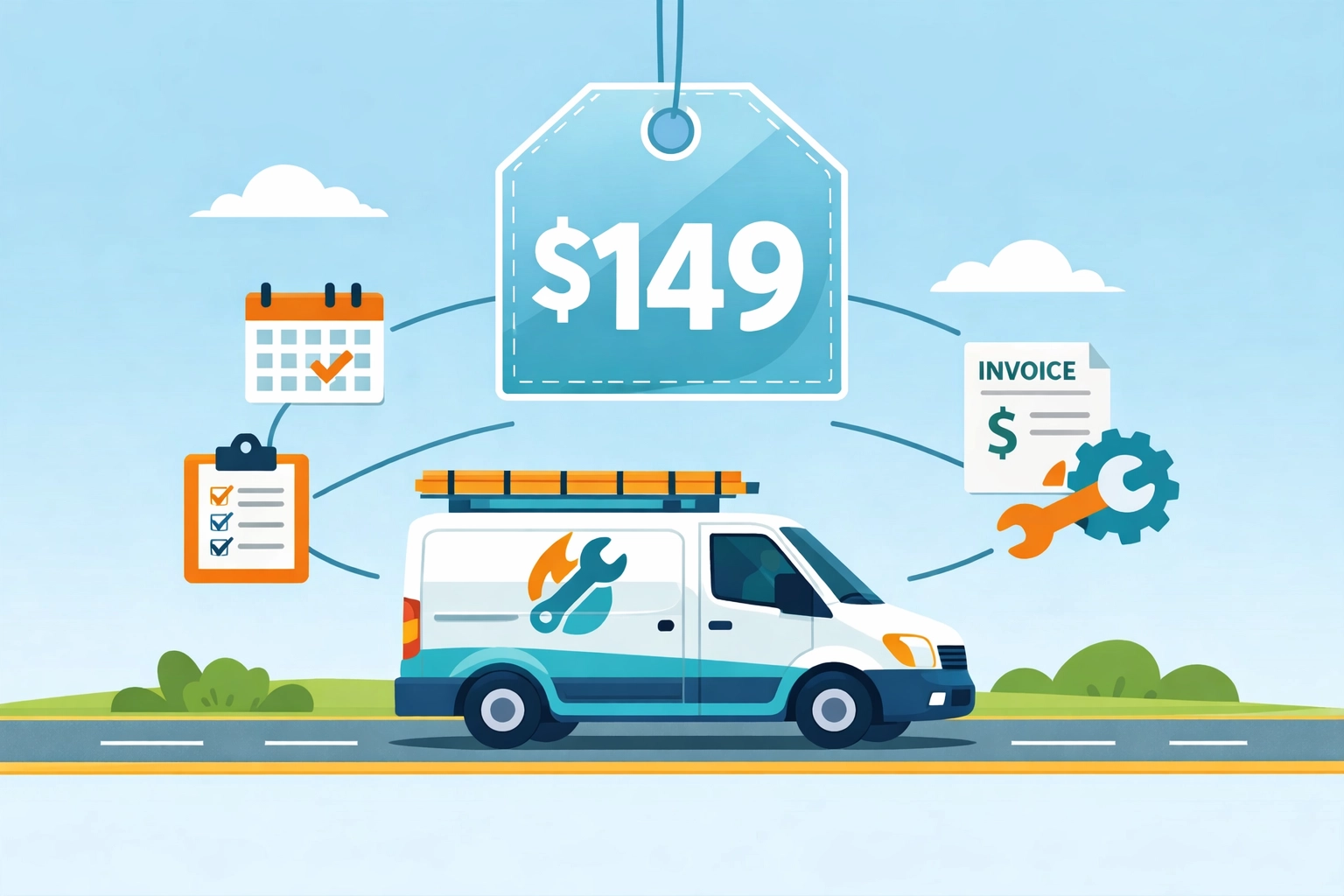
    Need invoicing, estimates, and payment processing too? That’s $149/month total for the complete bundle (coming soon).

    One price. All features. Every employee.

    Field service van with transparent flat-rate pricing for scheduling and invoicing software

    A 5-person locksmith shop pays the same $149/month as a solo electrician with big growth plans. No penalties for hiring. No upgrade pressure.

    Why We Price This Way

    We’re not venture-backed. We’re not trying to hit a $100M valuation by 2027.

    We’re just a small team building software for other small businesses.

    You know what small businesses need? Predictability. You budget $149/month in January, it’s $149/month in December.

    The big platforms nickel-and-dime you because their investors demand 40% year-over-year growth. They have to keep increasing revenue per customer. That means price hikes, new “premium” tiers, and forcing you onto annual contracts.

    We don’t play that game.

    Who Valortek Is For (And Who It’s Not For)

    Let’s be honest: if you’re running a 50-tech operation with 6 locations and need advanced analytics dashboards, we’re probably not your best fit.

    ServiceTitan exists for a reason.

    But if you’re a:

    • Plumber with 3 employees
    • HVAC company with 7 techs
    • Locksmith with 2 vans
    • Appliance repair shop with 5 service pros
    • Electrician growing from solo to small team

    We built this for you.

    You don’t need software that does 1,000 things. You need software that does 10 things really well and doesn’t charge you per-person for the privilege of using them.

    Field service technician using simple scheduling and invoicing tools to save time

    The Real Cost of “Cheap” Software

    Here’s what nobody tells you: that $49/month plan you’re eyeing?

    It’ll cost you way more than $49.

    You’ll spend 6 hours getting it set up. Another 4 hours realizing it doesn’t do online payments without an upgrade. Another 3 hours migrating to a different platform because the “cheap” one couldn’t scale with you.

    Time is money. Especially when you’re the one answering phones, dispatching techs, AND trying to fix Mrs. Chen’s water heater.

    Pay for software that works from day one. Not software that requires constant babysitting, workarounds, and eventual migration.

    What to Ask Before You Buy

    Don’t just take our word for it. Here are the questions you should ask ANY field service management software company:

    1. What’s the real monthly cost for 5 users with all essential features? Make them give you a number. If they dodge, run.
    2. What happens when I add my 6th employee? Per-user pricing? Tier upgrade required?
    3. Are invoicing and payments included, or is that extra?
    4. Can I cancel anytime, or am I locked into annual billing?
    5. What’s NOT included in the base price? Make them list it.

    If they can’t answer these clearly in under 2 minutes, they’re hiding something.

    Try Before You Commit

    We offer a 14-day trial. No credit card required. No sales call pressure.

    Download the app. Add your team. Schedule a few jobs. Send an invoice.

    If it works for you, great. If not, no hard feelings.

    You can test Valortek risk-free at https://valortek.com and see exactly what $99 or $149/month gets you.

    No surprises. No upsells. Just straightforward field service management software that won’t nickel-and-dime your small business.

    Because you’ve got enough to worry about without your software bill becoming another problem.

    Start Your Free Trial

    Questions? Contact us – we’re happy to help you decide.
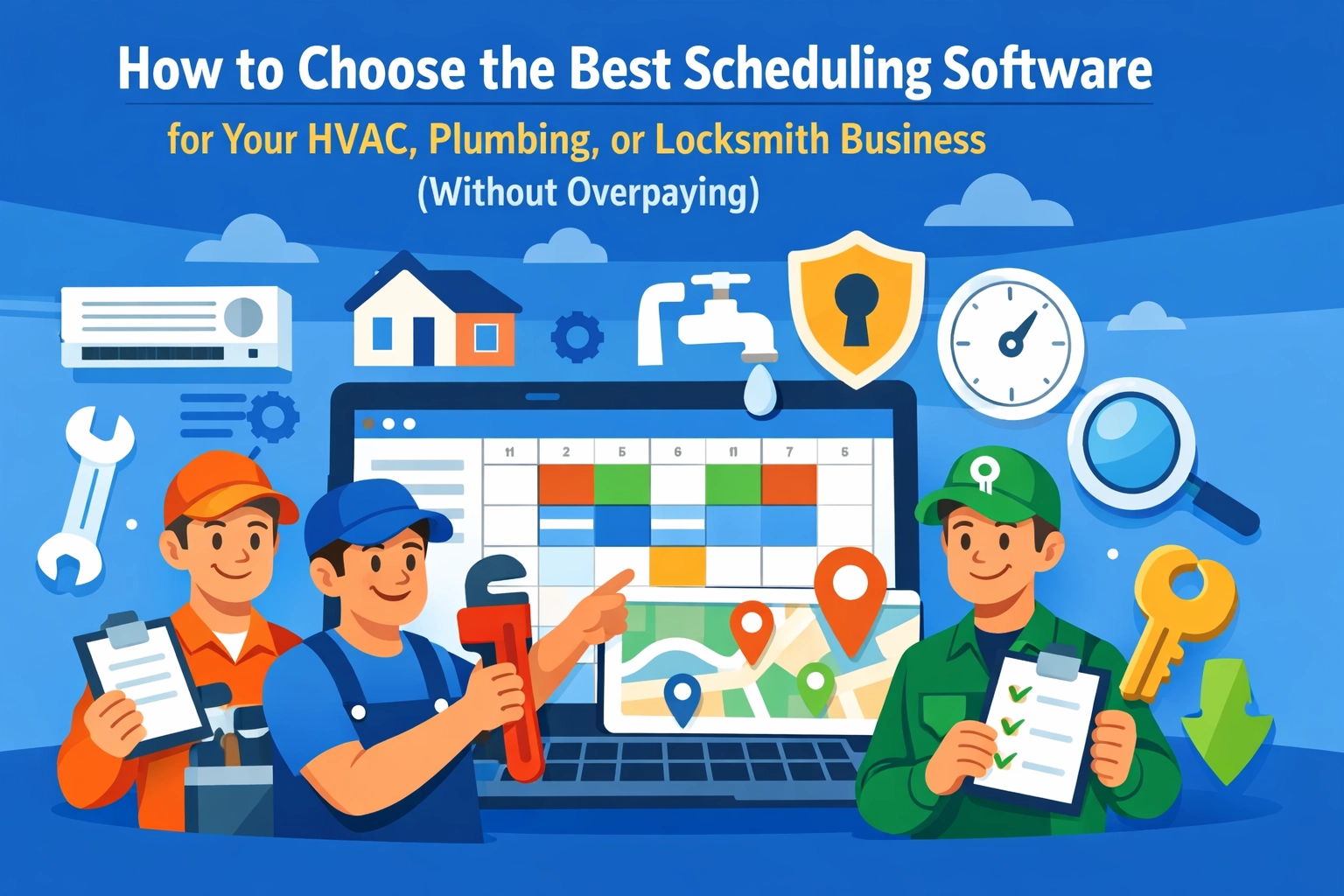
  • How to Choose the Best Scheduling Software for Your HVAC, Plumbing, or Locksmith Business (Without Overpaying)

    How to Choose the Best Scheduling Software for Your HVAC, Plumbing, or Locksmith Business (Without Overpaying)

    Author: Warren Peterson
    Category: Operations

    You’re spending too much on scheduling software.

    Not because you picked the wrong tool. Because most tools are built for enterprise companies with 50+ technicians and dedicated IT teams.

    You’ve got 3-8 people on the truck. You need something that works Monday morning without a training manual.

    Here’s how to find HVAC scheduling software, plumbing dispatch tools, or locksmith business software that actually fits your business: without the $300/month price tag.

    Most Field Service Software Is Built for Companies You’ll Never Become

    The big names in field service management target companies with 20+ vehicles and full-time dispatchers.

    Their feature lists are impressive. Their pricing is terrifying.

    You don’t need predictive maintenance algorithms. You need to know where Mike is and when he’ll finish the job on Elm Street.

    The gap between what enterprise software offers and what a 5-person plumbing company actually needs is massive. That gap is where you’re wasting money.

    Business owner overwhelmed by complex enterprise field service software with hidden costs

    What Actually Matters for Small Trade Businesses

    Strip away the marketing and fancy dashboards. Here’s what you use every single day:

    Scheduling that doesn’t require a PhD. Drag jobs onto a calendar. See conflicts before they happen. That’s it.

    Dispatching that works in the truck. Your techs need to see their schedule, get directions, and mark jobs complete from their phones.

    Invoicing that happens on-site. Create an invoice while you’re still standing in the customer’s driveway. Collect payment before you leave.

    Basic customer tracking. Names, addresses, service history, notes. Nothing fancy.

    Text and email reminders. So customers actually show up and you’re not driving across town to locked houses.

    That’s the list. If you’re paying for anything beyond these five things, you’re probably overpaying.

    The Real Cost Breakdown Nobody Shows You

    Most HVAC scheduling software and plumbing management tools hide their true costs behind “starting at” pricing.

    Here’s what actually happens:

    You see $99/month advertised. Looks reasonable.

    Then you realize that’s for one office user. Each technician is $125/month extra. You’ve got four techs. You’re suddenly at $599/month.

    Then they charge setup fees. Implementation takes three weeks. You’re paying your old system and the new system simultaneously.

    Then they upsell you on payment processing, customer portal access, advanced reporting, API access, and premium support.

    Your $99/month tool is now $800/month and you’re using maybe 30% of the features.

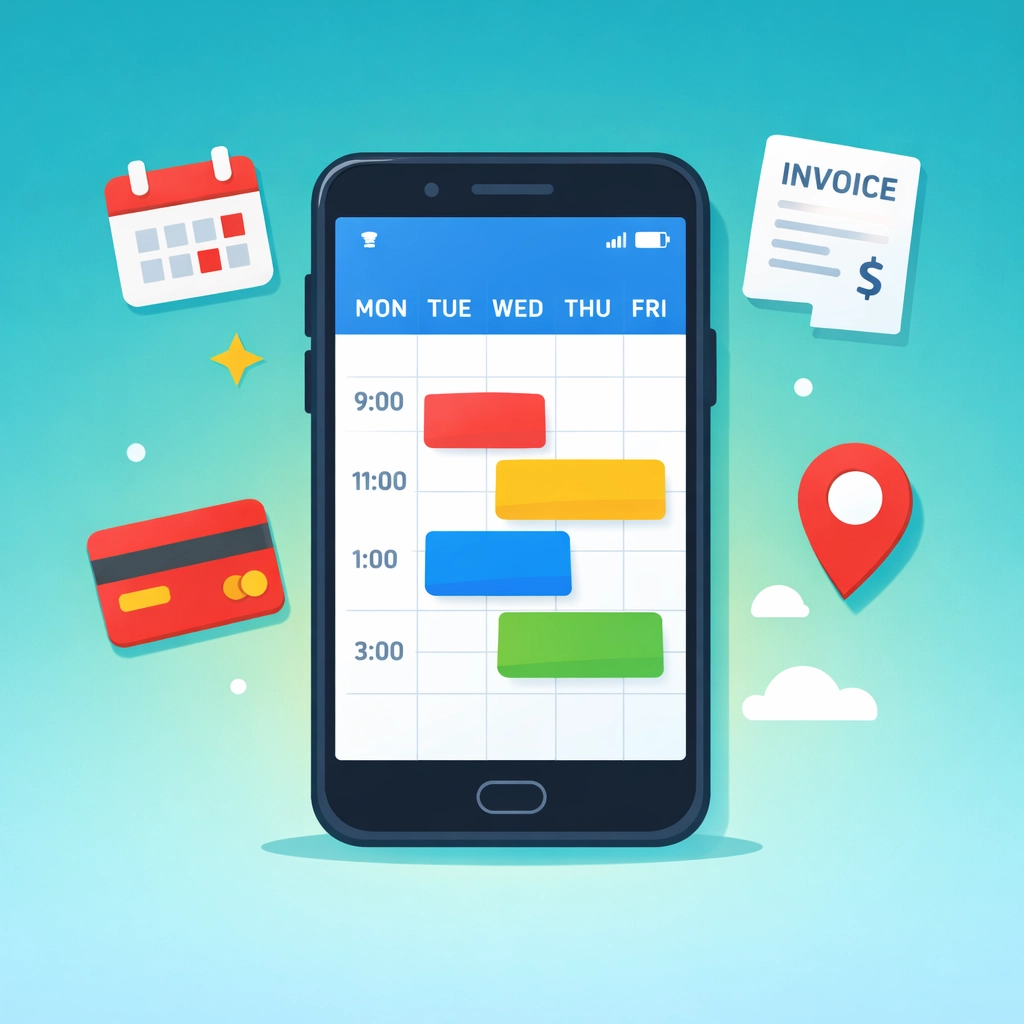
    Simple mobile scheduling software interface for HVAC and plumbing businesses

    How to Match Software to Your Actual Business Size

    If you’re running solo or with 1-2 helpers: You need the absolute basics. Scheduling, invoicing, and payment collection. Skip anything that mentions “enterprise” or “scalable.” You’re looking at the $50-150/month range, all-in.

    If you’ve got 3-8 technicians: This is the sweet spot for affordable, powerful tools. Look for flat-rate pricing that includes your whole team, not per-user pricing that scales out of control. The $99-200/month range should cover everything.

    If you’re running 10+ technicians: You might actually need some of those advanced features. But start simple anyway. You can always upgrade. You can’t easily downgrade once you’ve built workflows around expensive tools.

    The best software for plumbers with three trucks is completely different than what works for a 30-person HVAC company. Don’t let salespeople convince you otherwise.

    Industry-Specific Features That Actually Matter

    For HVAC companies: You need recurring maintenance scheduling built-in. Not bolted on. Your revenue depends on service agreements and seasonal checkups. If the software treats these like one-off jobs, you’ll spend hours doing manual workarounds.

    For plumbers: Emergency dispatch has to be dead simple. When someone calls at 11 PM with a burst pipe, you can’t be fumbling through software menus. One-tap “send nearest available tech” should be standard.

    For locksmiths: Speed matters more than anything. You’re often dealing with emergencies and quick jobs. The software needs to let you create, complete, and invoice a job in under two minutes total. If it takes longer than that, it’s slowing you down.

    These aren’t nice-to-haves. They’re how you actually work.

    Comparison of hidden software costs versus transparent flat-rate pricing for contractors

    Red Flags That Signal You’re About to Overpay

    Multi-week implementations. If it takes a month to get up and running, it’s too complicated for your business.

    Required training sessions. Software that needs formal training is software your techs won’t use.

    Per-user pricing above $100/month. You’ll hit budget problems the second you hire your fourth person.

    Separate charges for “modules.” Scheduling is extra. Invoicing is extra. Payment processing is extra. These should all be included.

    No mobile app or a clunky one. Your team lives in their phones. If the mobile experience is an afterthought, the whole system fails.

    Annual contracts only. Companies confident in their product offer monthly pricing. Annual-only is a lock-in move.

    The One-Hour Decision Framework

    You don’t need weeks of demos and comparison spreadsheets.

    Here’s how to decide in one afternoon:

    Hour 1: Sign up for three free trials. Actually use them. Create a fake job. Schedule it. Invoice it. Did it feel easy or frustrating?

    Look at your credit card statement. What are you paying now for all your tools combined? (Scheduling software + QuickBooks + payment processor + whatever else.) That’s your baseline.

    Write down your actual workflow. Not what you wish it was. What happens from the moment a customer calls to the moment you get paid. The right software should support exactly that flow.

    Check mobile reviews. Not the company website. App Store and Google Play. If techs are complaining about the mobile app, believe them.

    Count clicks. How many taps does it take to complete a common task? Fewer is always better.

    If a tool passes all five checks and costs less than what you’re paying now, you’re done.

    HVAC, plumbing, and locksmith service vehicles representing trade-specific scheduling software

    Why We Built for the $99/Month Reality

    We kept seeing the same story. Small trade businesses signing up for $400/month software and using 20% of it.

    So we built something different.

    No enterprise features you’ll never touch. No per-user pricing that explodes when you grow. No modules or add-ons or premium tiers.

    Just scheduling, invoicing, job management, and payments in one place. For one flat price that includes your whole team.

    We’re not trying to serve every company. We’re built specifically for HVAC, plumbing, electrical, and locksmith businesses with 2-15 people who are tired of overpaying.

    Make the Switch Without the Chaos

    Moving from your current system shouldn’t take weeks or require an IT consultant.

    The right locksmith business software or HVAC scheduling software should let you:

    Import your customer list in five minutes. Export from your old system, upload to the new one. Done.

    Run both systems for a week if you want. Schedule new jobs in the new system while you finish old jobs in the old one.

    Train your team in an afternoon, not a month. If it’s not intuitive enough for that, it’s not simple enough.

    Start seeing ROI immediately. Not in quarter three after full implementation. Week one should already feel easier.

    That’s what “without overpaying” really means. Not just the monthly cost. The time cost, the training cost, the complexity cost.

    What Happens Next

    You’ve got options now. Too many options, honestly.

    Here’s what we’d do:

    Pick three tools that claim to serve businesses your size. Actually try them for an hour each. The right one will feel obvious.

    Don’t get sold on features you don’t need. Don’t accept per-user pricing above $100. Don’t sign annual contracts on your first software purchase.

    And if you want to see what we built specifically for small trade businesses who are tired of overpaying, check out Valortek.

    We’re not trying to be everything to everyone. Just the best option for HVAC, plumbing, and locksmith companies who want scheduling, invoicing, and job management in one place without the enterprise price tag.

    Start Your Free Trial

    Questions? Contact us – we’re happy to help you decide.
  • Housecall Pro Alternative: 7 Field Service Apps That Cost Half as Much (2026 Comparison)

    Housecall Pro just raised their prices again in February 2026. Their “Core” plan now sits at $149/month per user. Add GPS tracking? That’s another $20 per vehicle monthly. Want sales proposals? Tack on $40 more.

    Before you know it, you’re paying $250+ per month for software that should cost half that.

    We’ve tested every major Housecall Pro alternative on the market. The good news? There are seven solid options that give you the same features (or better) for 50-70% less money.

    Here’s the breakdown.

    The Real Cost of Housecall Pro in 2026

    Let’s be clear about what you’re actually paying.

    Base price: $149/month for the Core plan. Sounds reasonable until you realize what’s NOT included.

    Photo documentation? You’ll need CompanyCam at $19-49 per user. Property measurements? GoiLawn runs $67-255/month. Route optimization? Beeline Routes charges $20-50/month.

    Do the math. You’re looking at $255-504 per month for a complete system. That’s $3,060-6,048 annually.

    Most small trade businesses don’t need enterprise-level software. You need scheduling, invoicing, payment processing, and client management. Maybe some financial reporting.

    You don’t need to spend $500/month for that.

    Field service management software dashboard showing scheduling and invoicing features

    7 Housecall Pro Alternatives That Won’t Drain Your Budget

    1. Valortek – Financial Management Built In

    We built Valortek specifically for trade businesses that are tired of paying for three separate systems.

    No separate accounting software. No separate tax planning consultant. No separate field service app.

    Valortek combines scheduling, invoicing, payment processing, AND financial management with tax planning guidance in one platform for $149/month.

    You get everything Housecall Pro offers, plus real financial insights that actually help you keep more of what you earn. Quarterly tax estimates. Deduction tracking. Profit margin analysis by job type.

    The software pays for itself when you stop overpaying the IRS or scrambling at tax time.

    2. FieldFuze – Zero Monthly Fees

    FieldFuze takes a different approach. No monthly subscription at all.

    They charge 2.9% on processed payments. That’s it. No hidden fees. No per-user costs. No add-ons.

    For a business processing $10,000 monthly, that’s $290 in fees. Compare that to Housecall Pro’s $149 base plus payment processing (2.7%) plus add-ons.

    Best for: Solo operators or small teams processing lower monthly volumes.

    3. Jobber – Transparent Pricing

    Jobber starts at $39/month for their entry-level plan.

    Mobile job tracking, client automation, and online booking all included. No surprise fees when you need basic features.

    Their pricing is straightforward. You know exactly what you’re paying each month. Growth plans scale at $129 and $249, still competitive with Housecall Pro’s bloated pricing.

    Best for: Small businesses just getting started with field service software.

    Seven field service apps displayed on mobile devices for cost comparison

    4. FieldPulse – AI-Powered Booking

    FieldPulse offers something Housecall Pro doesn’t: 24/7 AI appointment booking.

    Your customers can schedule themselves any time, day or night. The AI handles questions, confirms availability, and books the job. You wake up to confirmed appointments.

    Pricing runs cost-efficient for teams of 1-5, though they don’t publish exact rates publicly. Request a quote and compare it to your current Housecall Pro bill.

    Best for: Businesses losing leads after hours or on weekends.

    5. QuoteIQ – Bundled Features

    QuoteIQ markets itself as the “$2,000 annual savings” alternative.

    They bundle photo documentation, property measurement, and route optimization directly into their platform. Everything Housecall Pro makes you pay extra for.

    Standard pricing sits around $99-149/month depending on team size, but you’re getting 4-5 tools in one.

    Best for: Landscaping, roofing, and exterior service businesses that need property imaging.

    6. RazorSync – Offline Functionality

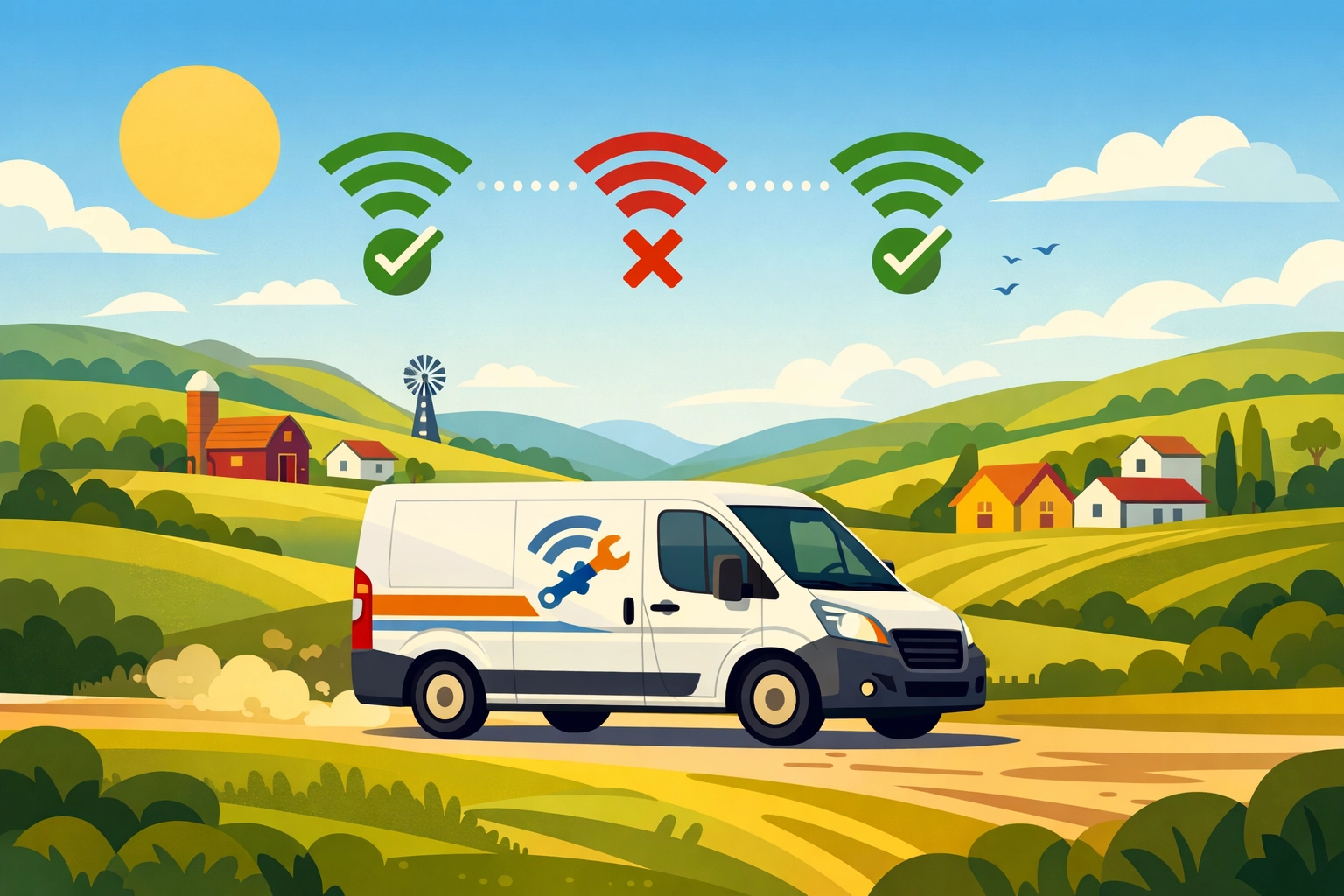
    RazorSync built their mobile app for contractors working in areas with spotty cell service.

    Full offline mode. Enter job details, collect signatures, process payments: all without internet. Everything syncs when you’re back online.

    Pricing is competitive with entry plans under $100/month. The offline capability alone makes it worth considering if you work rural routes.

    Best for: Contractors in remote areas or basements with poor connectivity.

    Service van with offline connectivity in rural area for field contractors

    7. Kickserv – Simple Organization

    Kickserv keeps things simple. Tags, colors, filters: basic organization that actually works.

    No bloated feature set you’ll never use. Just clean job management, scheduling, and invoicing that small businesses can figure out in an afternoon.

    Pricing starts low and stays affordable as you scale. Their support team actually answers the phone.

    Best for: Business owners who want simple software that just works.

    What You Actually Need in Field Service Software

    Stop paying for features you don’t use.

    Here’s what matters for most trade businesses under 10 employees:

    Scheduling and dispatch: See your day at a glance. Assign jobs. Send technicians the details.

    Mobile access: Your team needs job info on their phones. Customer history, service notes, photos.

    Invoicing and payments: Generate invoices on-site. Accept credit cards. Get paid faster.

    Client management: Contact info, service history, equipment details all in one place.

    Basic reporting: Revenue, outstanding invoices, job completion rates.

    That’s it. Most businesses don’t need advanced territory management or 47 different pipeline views.

    And you definitely don’t need to pay $300-500/month for it.

    The Valortek Difference: More Than Just Scheduling

    We’re not just another field service app.

    Valortek was built by business consultants who work with trade businesses every day. We saw the same problem repeatedly: owners using three different systems that don’t talk to each other.

    One app for scheduling jobs. QuickBooks for accounting. A CPA for tax planning.

    That’s three monthly bills. Three logins. Three places where your data lives separately.

    We fixed that.

    Valortek gives you field service management PLUS the financial tools you need to actually run a profitable business. Real-time profit tracking by job type. Quarterly tax estimates so you’re never caught off guard. Deduction tracking that makes tax time simple.

    Your scheduling software should help you make more money, not just stay organized.

    Comparison of multiple software systems versus unified field service platform

    Making the Switch From Housecall Pro

    Switching software feels risky. We get it.

    But staying with overpriced software is riskier. That’s $2,000-4,000 per year you could reinvest in your business. Marketing. Equipment. Hiring help.

    Most platforms offer free trials. Test 2-3 alternatives before committing. Import your customer data (every decent platform supports CSV imports). Run them parallel for a week.

    You’ll know pretty quickly which system fits your workflow.

    The migration pain lasts a week. The cost savings last years.

    Your Next Step

    Stop overpaying for field service software.

    Housecall Pro isn’t bad software. It’s just overpriced for what small trade businesses actually need.

    If you want scheduling, invoicing, payments, AND financial management that helps you keep more of what you earn, check out Valortek. We built it specifically for businesses tired of juggling multiple systems.

    Book a free demo at valortek.com. We’ll show you exactly how much you can save while getting better financial insights than Housecall Pro ever offered.

    Or pick one of the other six alternatives listed above. Any of them will save you money compared to what you’re paying now.

    Just stop accepting $300/month as normal. It’s not.

    Questions about switching? Contact our team at valortek.com. We’ll walk you through it step by step. No pressure. No sales pitch. Just honest guidance from people who’ve helped hundreds of trade businesses make the switch.

    Start Your Free Trial

    Questions? Contact us – we’re happy to help you decide.
  • How This 2-Person Plumbing Team Cut Software Costs by 60%

    Meet Jake and Maria.

    They run a two-person plumbing operation in Denver. No office. No receptionist. Just them, two trucks, and a lot of clogged drains.

    Like most small service businesses, they needed software to stay organized. Scheduling jobs. Sending invoices. Tracking payments. The usual stuff.

    They were paying $300 a month for it.

    For a team of two, that stung.

    The Old Setup: Death by a Thousand Subscriptions

    Jake and Maria were using Housecall Pro for scheduling and job management. It cost them about $169 per month for two users.

    Then they needed QuickBooks for accounting. Another $130 per month.

    Total: roughly $300 per month.

    That’s $3,600 a year. For two people.

    “We’re not a big company,” Maria told us. “We’re just trying to keep the lights on and serve our customers well.”

    The software worked fine. But every month when those charges hit their account, it felt excessive.

    They didn’t need enterprise features. They didn’t need fancy integrations. They needed to know where to be and when, send invoices that actually got paid, and keep their books straight.

    That’s it.

    Small business owner frustrated managing multiple software platforms and scattered receipts

    The Problem with Piecing It Together

    Here’s what happens when you cobble together multiple software solutions.

    You’re entering the same customer data in two different places. You’re switching between tabs constantly. You’re hoping the two systems play nice together.

    They usually don’t.

    Jake spent hours each week reconciling Housecall Pro jobs with QuickBooks entries. Maria was managing customer information in both systems, trying to keep everything synced.

    “It was like having two brains that didn’t talk to each other,” Jake said.

    The monthly cost was one problem. The time waste was another.

    And when you’re a two-person team, time literally is money. Every hour spent fighting with software is an hour not spent fixing pipes.

    The Search for Something Better

    Maria started looking for alternatives.

    She wanted something that handled scheduling, invoicing, and basic accounting in one place. No switching between platforms. No duplicate data entry.

    And she wanted it to cost less than $300 a month. Ideally, a lot less.

    Most solutions she found fell into two categories:

    Too basic. Free tools that couldn’t handle real business needs. No invoicing. No payment processing. Just glorified calendars.

    Too expensive. Enterprise platforms charging $400+ per month for features they’d never use.

    Then she found Valortek.

    The Switch: One Platform, Half the Cost

    Valortek’s operations bundle costs $149 per month.

    That’s it. Everything included.

    Scheduling? Check. Invoicing? Check. Payment processing? Check. Basic accounting? Check.

    For a two-person team, it was exactly what they needed. Nothing more. Nothing less.

    The math was simple:

    • Old cost: $300/month ($3,600/year)
    • New cost: $149/month ($1,788/year)
    • Savings: $151/month ($1,812/year)

    That’s a 60% reduction.

    For context, that’s enough savings to cover their truck insurance for the year. Or buy new tools. Or just keep in their pockets.

    Business owner using unified software platform for scheduling, invoicing, and payments

    What Actually Changed

    Jake and Maria made the switch in February.

    Here’s what their day-to-day looks like now.

    Scheduling jobs is stupid simple. When a customer calls, Maria opens one platform. She checks Jake’s calendar, books the appointment, and the customer gets an automatic confirmation text. Done.

    No switching apps. No double-checking availability in another system.

    Invoicing happens instantly. Jake finishes a job, pulls up the customer on his phone, and sends the invoice right there. The customer can pay by card immediately.

    The payment automatically shows up in their accounting records. No manual entry. No reconciliation headaches.

    “I used to send invoices when I got home at night,” Jake said. “Now I send them before I leave the customer’s driveway. We get paid faster.”

    One source of truth. Customer information lives in one place. Job history, payment history, notes about their weird water heater: it’s all right there.

    Maria doesn’t maintain two databases anymore. She doesn’t wonder if the information in Housecall Pro matches what’s in QuickBooks.

    It just works.

    The Real Win: Time Back

    The $151 monthly savings is nice.

    But the real win? Jake and Maria got their evenings back.

    No more end-of-day data entry. No more weekend reconciliation sessions. No more “Did you update this in QuickBooks?” conversations.

    They finish work and they’re done.

    “We’re plumbers, not accountants,” Maria said. “We just wanted software that didn’t require a degree to use.”

    Why This Works for Small Teams

    Most software companies design for big businesses. Then they try to sell downsized versions to small teams.

    That’s backwards.

    Small teams don’t need 80% of the features in enterprise software. They need the core stuff to work perfectly.

    Valortek built specifically for teams like Jake and Maria’s. Two to twenty people. Service-based businesses. Companies that need real functionality without the bloat.

    Scheduling that doesn’t require a manual. Invoicing that takes seconds, not minutes. Accounting that stays current automatically.

    No training required. No implementation specialist. No onboarding calls.

    You sign up, add your customers, and start working.

    The Bottom Line

    Jake and Maria cut their software costs from $300 to $149 per month.

    They’re saving $1,812 per year.

    But more importantly, they’re saving hours every week. They’re getting paid faster. And they’re running their business from one platform instead of juggling two.

    “We’re never going back,” Maria said. “This is what software should have been from the start.”

    If you’re a small team paying for multiple tools that don’t talk to each other, there’s a better way.

    One platform. One price. Everything you actually need.

    No enterprise complexity. No paying for features you’ll never touch. Just the tools that help you run your business.

    Simple as that.


    Start Your Free Trial

    Questions? Contact us – we’re happy to help you decide.
  • The Small Business Owner Guide to Field Service Automation in 2026 (Without Enterprise Budgets)

    Author: Warren Peterson
    Category: Operations

    It’s 2026. Your HVAC tech is still calling the office for the gate code. Your plumber just drove across town for a part he could’ve grabbed this morning. Your electrician showed up to a job without knowing the customer’s breaker panel was replaced last year.

    This isn’t an enterprise problem anymore. It’s a small business survival problem.

    Field service automation used to mean six-figure software contracts and dedicated IT staff. Not anymore. The tools that Fortune 500 companies built their operations on are now available to your three-person plumbing crew or five-tech HVAC shop.

    Here’s what you actually need to know.

    Why Automation Isn’t Optional Anymore

    We’re not talking about robots replacing your techs. We’re talking about eliminating the chaos that’s costing you money every single day.

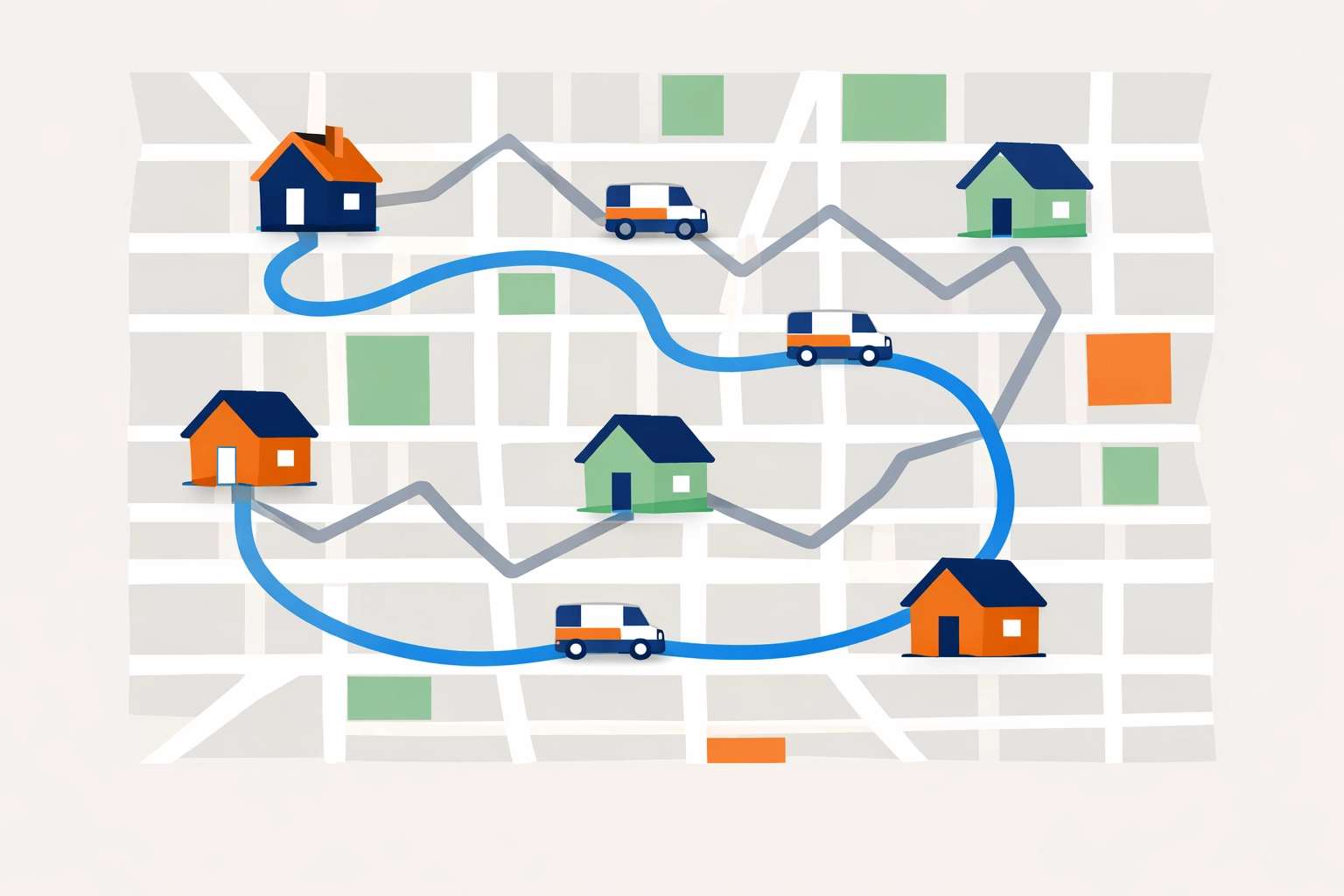
    Route optimization stops the bleeding. Your techs are burning fuel driving in circles because they’re following the order jobs came in, not where customers actually live. Automation clusters appointments geographically. Less windshield time. More billable hours.

    Information gaps kill profitability. When your technician arrives without knowing the customer asked for specific parts, prefers text notifications, or needs a gate code: that’s a wasted trip. Automated dispatching puts complete job context on their phone instantly.

    First-time fix rates matter. If your tech has to come back for parts, you’re paying for that drive twice. Smart inventory systems predict what parts you’ll need before the job even starts.

    This is measurable stuff. Not theory.

    Field service technician using mobile app for work orders on service van

    Start With What Actually Moves the Needle

    Don’t try to automate everything on day one. Start with the features that give you immediate ROI.

    Smart scheduling and dispatching means the system assigns jobs based on who’s qualified, who’s closest, and who’s available. Your junior tech doesn’t get sent to a complex commercial repair. Your senior tech doesn’t waste time on basic service calls.

    Route optimization calculates efficient driving sequences. No more zigzagging across town. Your techs fit more jobs into each day without working longer hours.

    Mobile access gives technicians everything they need on their phones. View schedules. Update job statuses. Take photos. Log materials. Capture signatures. Process payments. Even when cell service is spotty, offline mode keeps them working.

    Automated messaging handles the repetitive communication. Appointment confirmations. 24-hour reminders. Post-job follow-ups. Payment notifications. All automatic. No more playing phone tag.

    Integrated inventory management tracks tools and parts in real-time. You know what’s on each truck, what’s in the warehouse, and what needs reordering before you run out.

    That’s it. These five capabilities solve 80% of your operational headaches.

    The Budget-Conscious Implementation Plan

    You don’t need enterprise budgets. You need smart rollout.

    Start with one high-impact feature. Pick automated appointment reminders or route optimization. Get that working smoothly before adding more complexity. Small wins build momentum.

    Choose platforms built for small teams. We see too many business owners trying to force-fit enterprise solutions designed for 500-person operations. Look for cloud-based software with fundamental features: real-time job tracking, mobile apps, basic scheduling, payment processing.

    Skip the bells and whistles. You’re not managing a national fleet.

    Route optimization map showing efficient field service scheduling vs inefficient routing

    Digitize incrementally. Don’t throw out all your paper processes on Monday morning. Start by digitizing job forms and customer signatures. Then move to digital job notes. Then tackle scheduling.

    One workflow at a time.

    Track metrics from day one. Set up your reporting dashboard to monitor first-time fix rate, job completion time, technician utilization, and customer satisfaction. If these numbers don’t improve within 90 days, your automation isn’t working.

    Data tells you the truth.

    Getting Your Team to Actually Use It

    The best software in the world is worthless if your techs hate it.

    Frame automation as support, not surveillance. Your field staff needs to understand these tools eliminate tedious paperwork and phone calls: not monitor their every move. Show them how mobile apps save time on-site instead of adding tasks.

    Provide real training. Not a 47-slide PowerPoint deck. Interactive, hands-on sessions where they use the actual features they’ll need daily. Let them ask questions. Address concerns.

    Start with your early adopters. There’s always one tech who likes new technology. Get them using the system successfully, then let them show the others how it makes their day easier.

    People trust their coworkers more than they trust vendors.

    Small business owner transitioning from paper chaos to digital field service automation

    What This Actually Gets You

    By integrating these automation tools, you’re building a digital memory of your operations.

    You’ll spot patterns. Which customers call most frequently. Which services spike in summer versus winter. Which parts you go through fastest. Which technicians handle certain job types most efficiently.

    This data improves decision-making without hiring more office staff.

    Reduced operational costs. Less fuel. Fewer missed appointments. Higher first-time fix rates. More jobs per day without overtime.

    Faster response times. When customers call, you know exactly who’s available and closest. No more “let me check the schedule and call you back.”

    Improved customer satisfaction. Accurate arrival windows. Techs showing up fully informed. Professional digital invoices. Easy payment options.

    A foundation for growth. When you’re ready to add another truck or hire more techs, your systems scale without proportionally increasing administrative overhead.

    That’s the real value. You build capacity to grow without building a bigger office staff.

    The 2026 Reality

    Field service automation isn’t new technology anymore. It’s table stakes.

    Your competitors are using these tools. Your customers expect the professionalism these tools enable. The cost of staying manual is higher than the cost of adopting automation.

    We’re not talking about massive transformation projects. We’re talking about practical tools that solve specific problems your business faces every day.

    Start small. Pick one pain point. Automate it. Measure the results. Then move to the next one.

    No enterprise budgets required. Just smart decisions about where technology can support the work your team is already doing.


    Need help figuring out where to start? We work with small service businesses every day on exactly these challenges. No corporate jargon. No one-size-fits-all packages. Just practical advice for real operations.

    Valortek Inc | Business Consulting

    Start Your Free Trial

    Questions? Contact us – we’re happy to help you decide.

  • How to Schedule Jobs, Invoice Customers, AND Forecast Cash Flow Without Juggling 3 Different Apps

    How to Schedule Jobs, Invoice Customers, AND Forecast Cash Flow Without Juggling 3 Different Apps

    Let’s talk about the mess you’re probably dealing with right now.

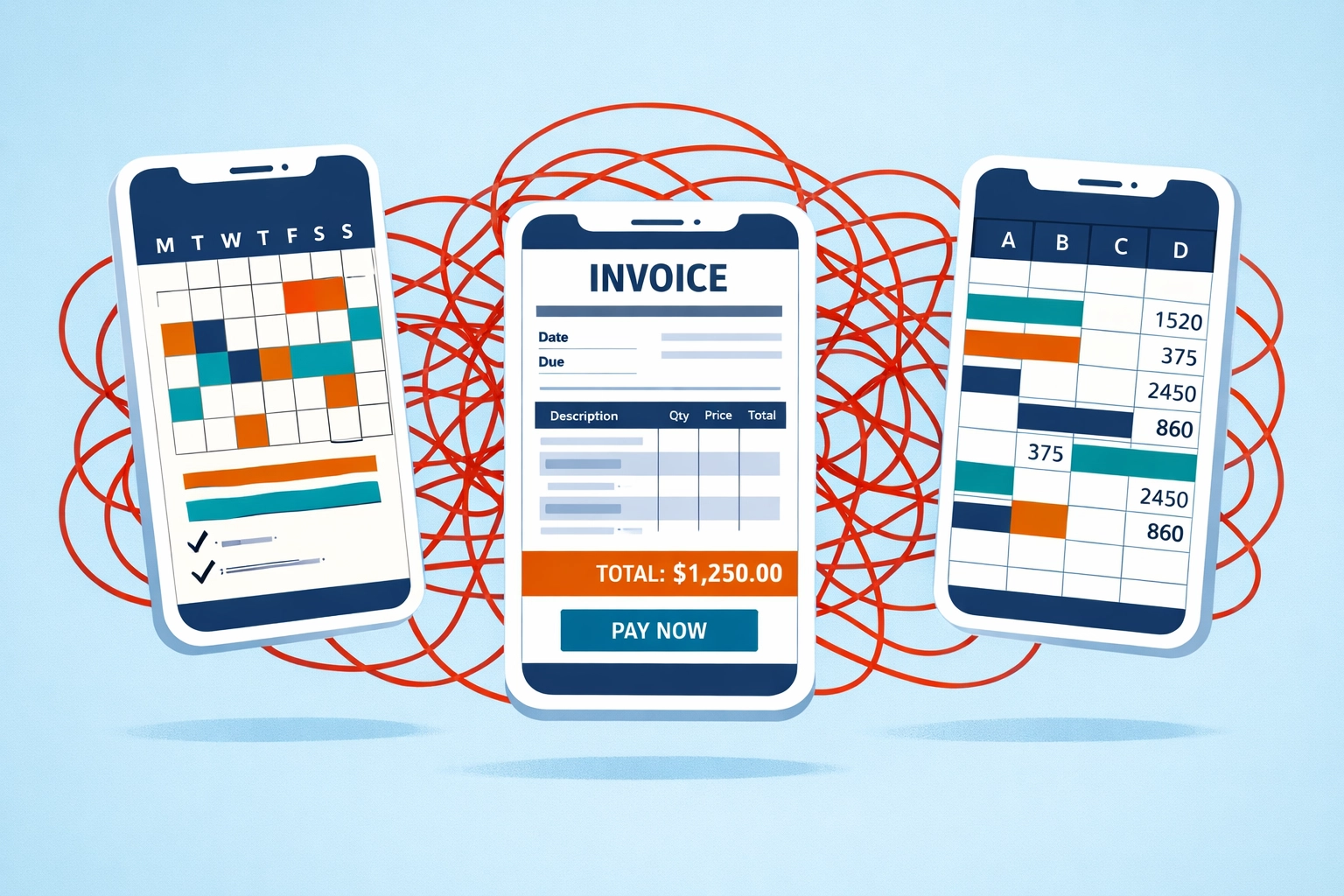
    One app for scheduling jobs. Another for sending invoices. A third one (or worse, a spreadsheet) for tracking cash flow.

    You’re copying data between systems. You’re double-entering information. You’re losing billable hours in the shuffle.

    And at the end of the month? You’re still surprised by your bank balance.

    There’s a better way.

    The Three-App Trap

    Here’s what happens when your systems don’t talk to each other.

    You schedule a job in your calendar app. Great. Then you have to manually create an invoice from that job. Then you need to remember to log that payment in your cash flow tracker.

    Miss one step? You just worked for free.

    Three disconnected business apps creating chaos between scheduling, invoicing, and cash flow tracking

    Every disconnect between your scheduling, invoicing, and forecasting is a potential revenue leak. It’s time you’ll never get back. It’s money you should have captured but didn’t.

    The average small business owner wastes 8-12 hours per week on administrative tasks that could be automated. That’s an entire workday gone.

    Not because you’re inefficient. Because your tools aren’t working together.

    What Integration Actually Means

    When we say “integrated platform,” we’re not talking about apps that sort-of-connect through clunky imports and exports.

    We’re talking about real integration. One system. One database. One source of truth.

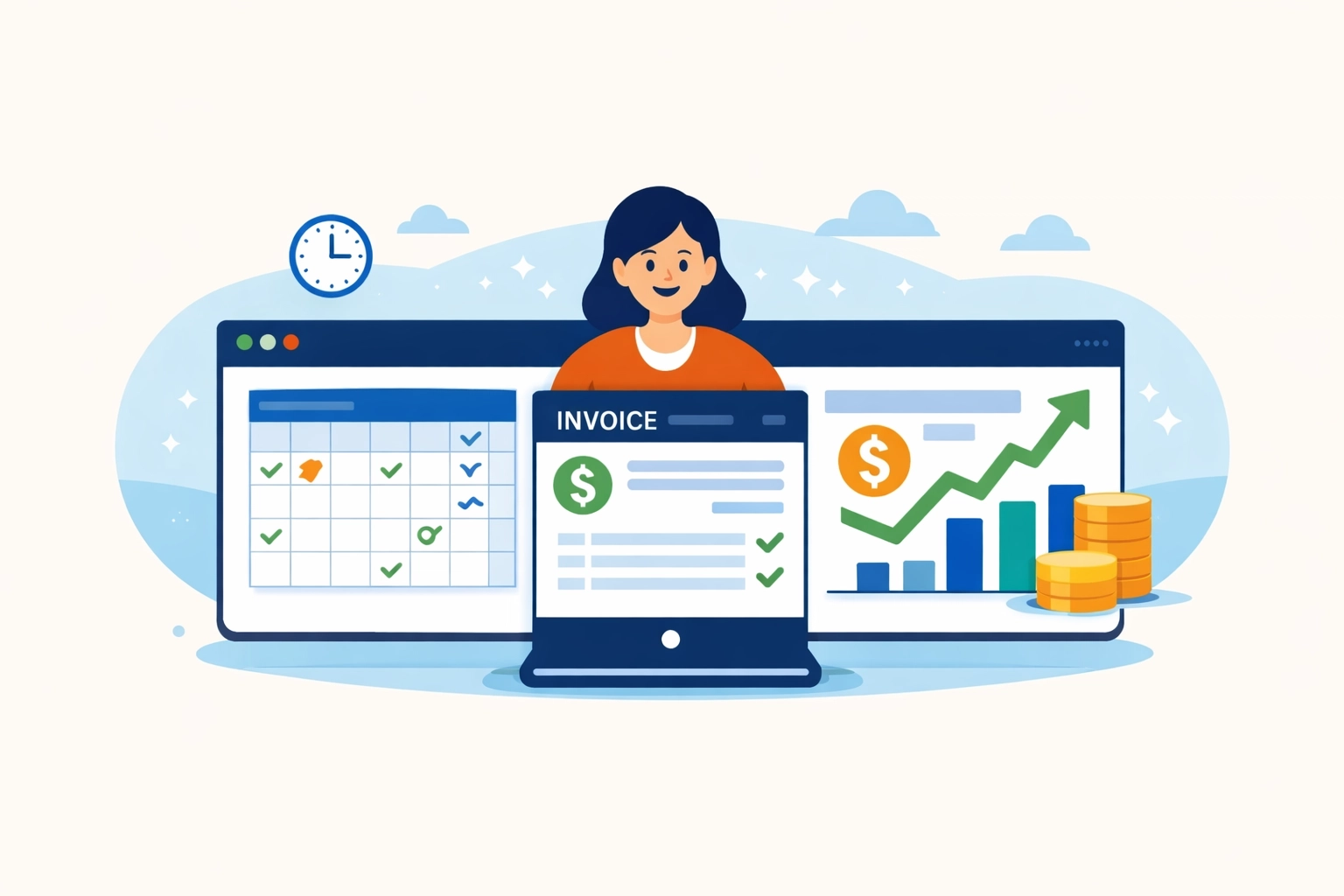
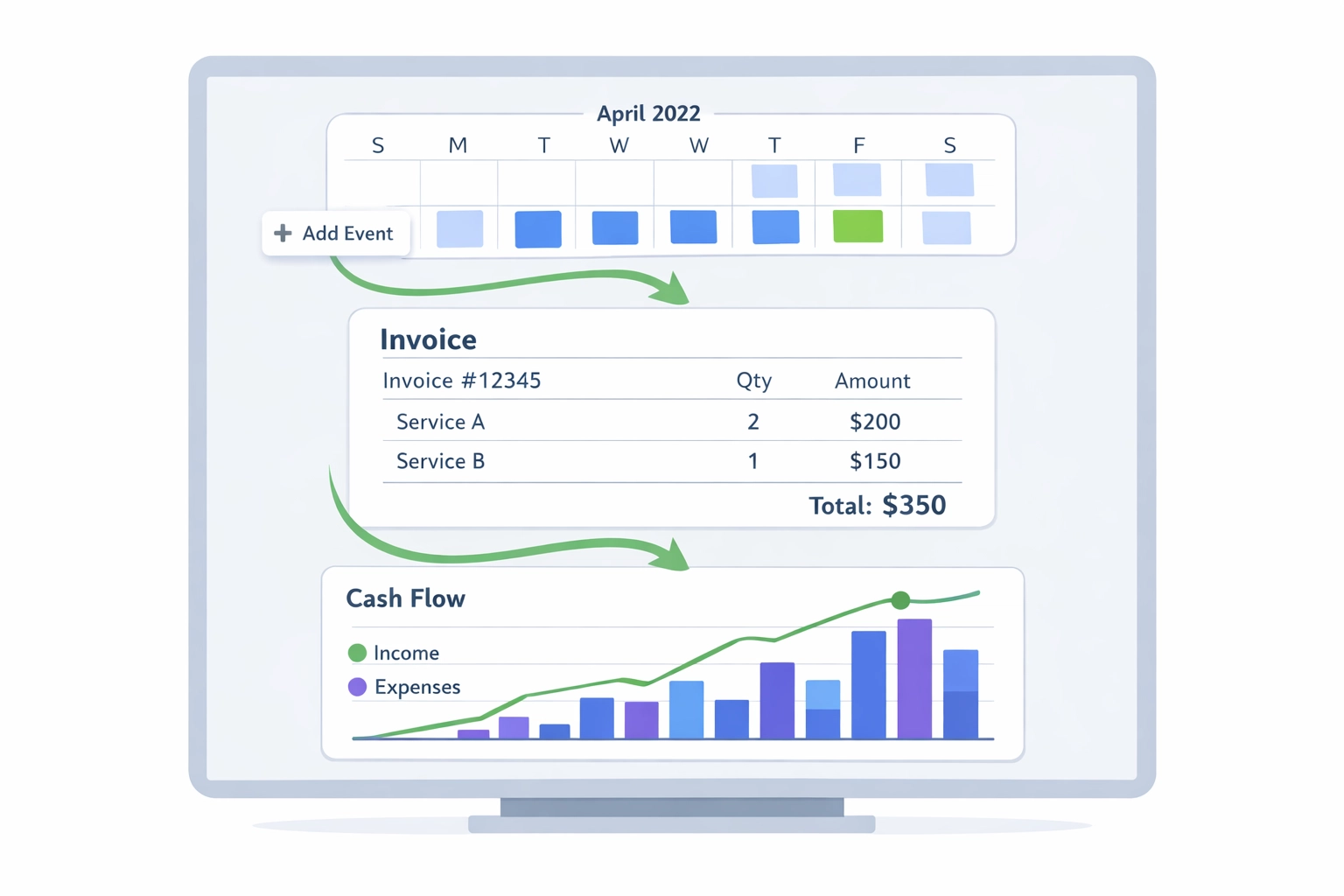
    You schedule a job. That information automatically flows into your invoice. When the invoice gets paid, your cash flow forecast updates instantly.

    No copying. No pasting. No wondering if your numbers are current.

    Integrated dashboard showing scheduling, invoicing, and cash flow forecasting working together seamlessly

    This isn’t magic. It’s just smart software design.

    And it’s what separates businesses that scale from businesses that stay stuck doing manual data entry.

    The Three Pillars: Scheduling, Invoicing, and Forecasting

    Let’s break down what each piece does when it’s actually connected to the others.

    Scheduling That Doesn’t Suck

    Real-time calendar management. Drag-and-drop job assignments. Automatic customer notifications.

    But here’s the difference: when you schedule a job, the system already knows the customer’s billing terms. It already knows your hourly rate or project fee. It’s already preparing the invoice before you even start the work.

    That’s integration.

    Invoicing That Actually Happens

    How many jobs have you completed and forgotten to bill? Be honest.

    With an integrated system, invoices generate automatically from completed jobs. Time tracked? It’s on the invoice. Expenses logged? They’re included. Materials used? Already there.

    One-click invoicing isn’t a luxury. It’s how you make sure every dollar you earn actually gets collected.

    Automated invoice with paid stamp showing faster payment processing and billing efficiency

    You can support hourly billing, fixed-fee projects, milestone payments, or any combination. The system doesn’t care. It just makes sure you get paid for what you do.

    Cash Flow Forecasting That Makes Sense

    Here’s where most small businesses completely fail.

    You look at your bank balance and think you’re doing fine. Then three invoices come due at once and you’re scrambling.

    Real cash flow forecasting uses your scheduling data and invoice history to predict what’s coming. It shows you exactly when money will hit your account and when bills need to be paid.

    Some platforms now use AI to analyze patterns in your business. They can predict revenue dips. They can flag margin risks. They can even suggest optimal staffing levels based on your pipeline.

    That’s the difference between guessing and knowing.

    Why This Matters More Than You Think

    Let’s get specific about what changes when you stop juggling apps.

    Speed

    Automated invoice generation means you get paid faster. Period. No more waiting until Friday to “do all the billing.” Invoices go out the same day the work is done.

    Faster invoicing means faster payment. Faster payment means better cash flow. Better cash flow means you sleep better.

    Accuracy

    When everything lives in one system, there’s no room for data entry errors. No forgetting to log a job. No accidentally using the wrong rate. No missing expenses that should have been billed.

    You capture 100% of your billable work. Not 85%. Not 90%. All of it.

    Business dashboard displaying scheduled jobs, pending invoices, and cash flow metrics in real-time

    Visibility

    Real-time dashboards show you exactly where your business stands. Not where it stood last week when you had time to update the spreadsheet.

    You can see scheduled jobs, pending invoices, expected revenue, and upcoming expenses all in one place. You can make decisions based on actual data instead of gut feel.

    The $149/Month Solution

    We’ve built something different at Valortek.

    Our Operations and Finance apps work together as a single integrated platform. Not two separate tools that kind-of-connect. One unified system.

    $149 per month gets you:

    • Complete job scheduling with calendar sync and customer notifications
    • Automated invoice generation from completed jobs
    • Real-time cash flow forecasting based on your pipeline
    • Payment processing integration
    • Mobile access for field teams
    • Unlimited users (because charging per seat is ridiculous)

    No hidden fees. No surprise charges for “premium features.” No forcing you to upgrade to enterprise pricing to get basic functionality.

    We’re not trying to be the everything-for-everyone platform. We’re focused on the core problem: helping you schedule work, bill for it, and know exactly where your money is.

    What Makes This Different

    Most business software is built for enterprises and scaled down for small businesses. That’s backwards.

    We started with small business needs and built up from there.

    That means you don’t pay for features you’ll never use. You don’t need a manual to figure out basic tasks. You don’t need to hire a consultant to set it up.

    Streamlined workflow from job scheduling to invoicing to payment in one integrated system

    You get scheduling, invoicing, and cash flow management that works together. That’s it. That’s what you need.

    No CRM you won’t use. No project management features designed for 50-person teams. No “AI-powered insights” that just tell you obvious things.

    Just the tools you need to run your business without the administrative chaos.

    Making the Switch

    Moving from multiple systems to an integrated platform sounds intimidating. It shouldn’t be.

    Your existing data imports in minutes, not days. Your team can be up and running in an afternoon. And you’ll start seeing time savings immediately.

    The average customer saves 10+ hours per week after switching. That’s time you can spend on actual revenue-generating work instead of shuffling data between apps.

    Most people wish they’d made the switch sooner. Nobody wishes they’d waited longer.

    Ready to Stop Juggling?

    If you’re tired of copy-pasting data between systems, missing billable hours, and being surprised by your cash flow, let’s talk.

    We’re a small team of real people building practical software for businesses like yours. No sales pressure. No long contracts. No BS.

    Check out what we’re building at Valortek or reach out directly if you have questions.

    We’re here to help you run your business better, not to sell you software you don’t need.

    Start Your Free Trial

    Questions? Contact us – we’re happy to help you decide.
  • Field Service Scheduling Software Showdown: What $99/Month Actually Gets You in 2026

    Let’s talk about something that drives me crazy.

    You go to a field service software website. You see flashy features. Big promises. Happy customers in stock photos.

    But no price.

    Just a “Contact Sales” button that leads to a 30-minute demo where someone tries to sell you a $300/month plan.

    The Pricing Game Nobody Wins

    Here’s what usually happens when you shop for field service scheduling software in 2026:

    ServiceTitan? Call for pricing. (Spoiler: It’s expensive. Think $300-$500+ per user.)

    Housecall Pro? Starts around $49/month but quickly jumps to $169/month when you need actual features.

    Jobber? $129 to $349/month depending on team size.

    FieldEdge? Custom pricing. (Translation: If you have to ask, you can’t afford it.)

    Notice a pattern? Either they hide the price completely or they hook you with a low tier that’s basically useless.

    Business owner confused by hidden field service software pricing and unclear cost structures

    What $99/Month Actually Gets You

    We’re not playing that game.

    Valortek is $99/month. Period. No hidden fees. No surprise charges when you add your third team member. No “oh, you need integrations? That’s an extra $50/month.”

    Here’s what you get:

    Full scheduling system. Drag and drop. Recurring jobs. Multi-day projects. Route optimization. All the stuff you actually need.

    Customer management. Contact history. Job notes. Equipment tracking. Photos and files.

    Invoicing and payments. Send invoices. Take payments. Track what’s paid and what’s outstanding.

    Mobile app for your techs. They see their schedule. They update job status. They take photos. They collect signatures. All from their phone.

    Real-time updates. Office sees what techs are doing. Techs see schedule changes immediately.

    Basic reporting. Revenue. Job completion rates. Tech performance. The numbers that matter.

    Email and SMS notifications. Automated reminders for customers. Job confirmations. Payment receipts.

    That’s not a stripped-down version. That’s the full platform.

    The Honest Comparison

    Let me break down what you’re actually comparing when you look at the big players.

    ServiceTitan ($300-500+/user/month)

    Yes, it’s powerful. Enterprise-grade. Built for companies with 50+ techs.

    But here’s the thing: most small field service businesses don’t need enterprise software. They need something that works. Something their team will actually use.

    ServiceTitan has every feature imaginable. You’ll use maybe 20% of them.

    We built Valortek to focus on the 20% you’ll actually use every day.

    Housecall Pro ($169/month for Professional tier)

    Their entry tier looks cheap at $49/month. But it caps you at 2,500 jobs per year and one user.

    Once you’re actually running a business, you need the Professional plan at $169/month. And that’s still limiting you to 10,000 jobs annually.

    Our $99/month has no job caps. No user limits. You grow, the price stays the same.

    Comparison of cluttered software dashboard versus simple field service scheduling interface

    Jobber ($129-349/month)

    Solid product. Good mobile app. But their pricing tiers are confusing.

    You start at $129/month for the “Connect” plan. But you can’t do GPS tracking or advanced reporting. Those are on the “Grow” plan at $249/month.

    Want custom workflows? That’s the “Manage” tier at $349/month.

    We give you everything in one plan. No upgrades. No “unlock this feature for just $100 more per month.”

    FieldEdge and ServiceTitan (Custom Pricing)

    When a company won’t tell you the price, it’s because the price is high.

    These platforms are built for big operations. Multiple locations. Complex workflows. Integration with heavy-duty accounting systems.

    If that’s you, great. But if you’re running a 3-10 person operation, you’re paying for a Ferrari when you need a pickup truck.

    The Hidden Costs Nobody Talks About

    Here’s what really gets expensive with the big platforms:

    Implementation fees. Some charge $1,000-5,000 just to set up your account.

    Training costs. When software is complicated, you need training. That’s billable hours.

    Integration charges. Want to connect to QuickBooks? That’ll be extra. Stripe? Extra. Your phone system? Extra.

    Per-user fees. Most platforms charge per user. So if you have 5 techs and 2 office staff, you’re paying 7x the base price.

    Storage limits. Upload too many photos and files? Pay more for storage.

    SMS and email charges. Some platforms nickel and dime you for every text message sent to customers.

    We don’t do any of that.

    $99/month is $99/month. Unlimited users. Unlimited jobs. Unlimited storage. SMS and email included.

    Hidden costs in field service software including training, integration, and per-user fees

    Who This Is Actually For

    Let’s be honest about who should use Valortek versus who should use something else.

    Valortek is perfect for:

    Small to mid-size field service businesses. Plumbers, electricians, HVAC techs, locksmiths, appliance repair, pest control, cleaning services.

    Teams of 1-20 people who need solid scheduling, dispatching, and invoicing without enterprise complexity.

    Business owners who want software that works out of the box. Not software that requires a consultant to set up.

    People who are tired of paying $300/month for features they never use.

    Valortek might not be for you if:

    You’re running a 100+ person operation across multiple states. (You probably need ServiceTitan.)

    You need deep integration with legacy enterprise systems. (You probably need something custom.)

    You have extremely specific workflow requirements that need custom development. (You probably need a dedicated dev team.)

    We’re not trying to be everything to everyone. We’re trying to be the best option for the vast majority of field service businesses.

    The Real Question

    Here’s what it comes down to:

    Do you want to pay $200-500/month for software that has every possible feature, most of which you’ll never touch?

    Or do you want to pay $99/month for software that does everything you actually need, works on day one, and doesn’t nickel and dime you as you grow?

    Plumbers, electricians, and HVAC technicians using mobile field service scheduling software

    We built Valortek because we were tired of the same old game.

    Complicated software. Hidden pricing. Sales calls that waste your time. Contracts that lock you in.

    No complicated tiers. No hidden fees. Just simple, honest pricing for software that works.

    You get full scheduling, dispatching, invoicing, payments, mobile apps for your techs, and customer management. Everything you need to run your field service business.

    $99/month. That’s it.

    Try it for free. No credit card required. No pressure.

    If it works for you, great. If not, no hard feelings.

    Start Your Free Trial

    Questions? Contact us – we’re happy to help you decide.
  • 7 Mistakes Plumbers Make with Field Service Software (And How Cheap Spreadsheets Cost You $1,000+ Yearly)


    Look, we get it. You’re a plumber, not a software engineer.

    You just want to fix pipes, collect money, and go home. But those “free” spreadsheets and sticky notes you’re using? They’re bleeding cash every single month.

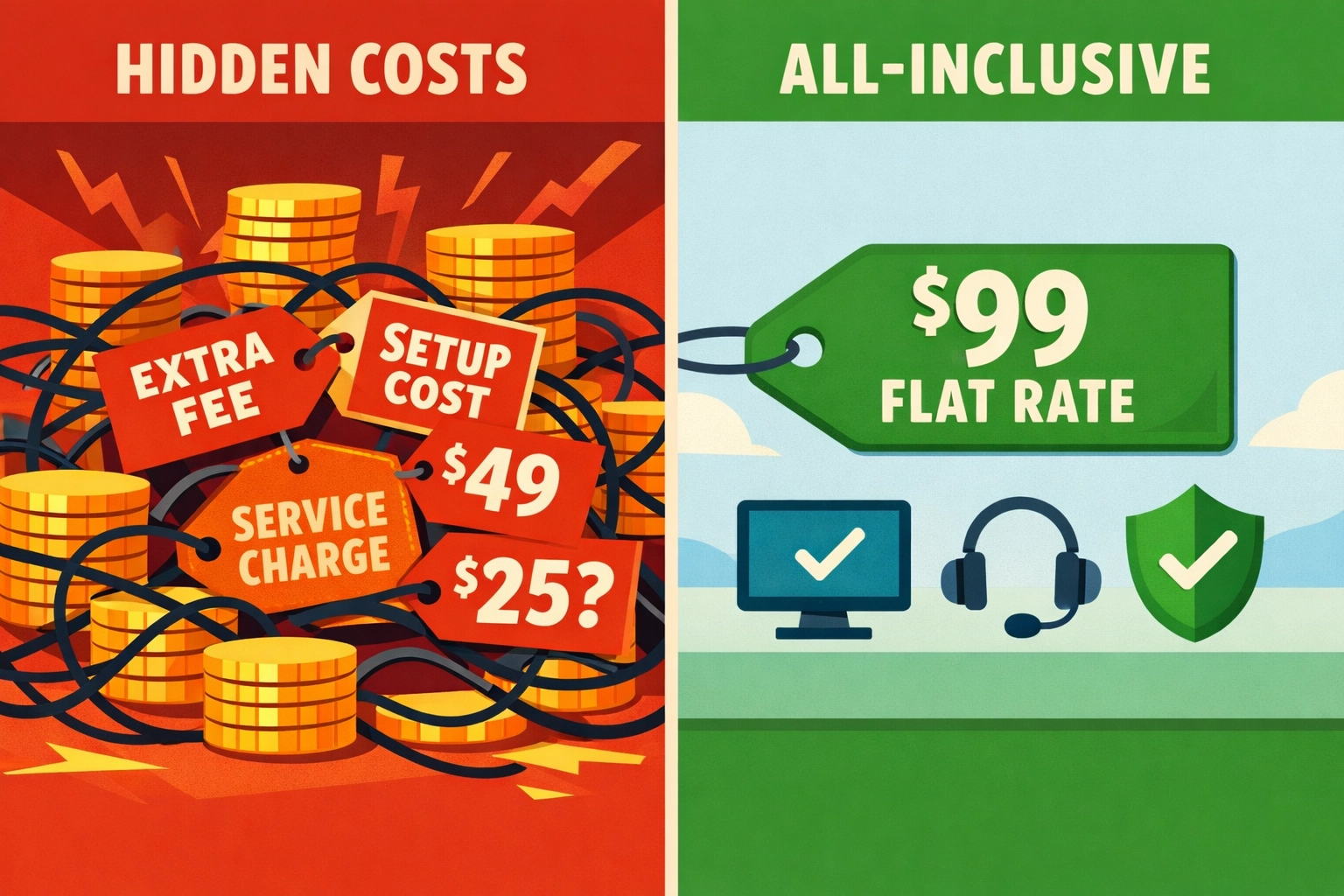
    We’ve worked with dozens of plumbing businesses. The ones clinging to manual systems are leaving $1,000+ on the table every year. Sometimes way more.

    Here are the seven biggest mistakes we see: and what they’re actually costing you.

    Mistake #1: Double Booking Your Techs (And Looking Like an Amateur)

    You know the drill. Job written on a calendar. Same time slot written in a different color. Tech shows up to Mrs. Johnson’s house: except another tech is already there for a different job across town.

    Manual scheduling is a disaster waiting to happen.

    Plumber facing double-booked appointments on conflicting scheduling calendars

    Spreadsheets don’t stop you from booking two jobs at 2 PM. Google Calendar doesn’t care if you already wrote “Dave – Water Heater” on Tuesday. Physical appointment books? Forget about it when your office manager goes on vacation.

    The real cost: Lost jobs mean lost revenue. But worse? You just told a customer you’re disorganized. Good luck getting that referral.

    One botched appointment costs you the $300 job plus whatever that customer would’ve spent over the next five years. We’re talking thousands in lifetime value.

    Mistake #2: Techs Showing Up Without the Right Parts

    Your guy drives 45 minutes to replace a water heater. Gets there. Realizes he grabbed the wrong expansion tank.

    Now he’s driving back. That’s 90 minutes of windshield time. Plus fuel. Plus the customer who’s annoyed they took off work for nothing.

    This happens because your systems don’t talk to each other. The estimate says one thing. The dispatch note says another. Your tech is winging it based on a phone call from yesterday.

    The real cost: Return trips destroy your margins. You’re paying labor twice. Burning fuel twice. And that customer? They’re telling their neighbors you “had to come back” because you weren’t prepared.

    First-time fix rates matter. Every return trip is pure profit walking out the door.

    Mistake #3: Billing So Slowly You’re Basically Giving Interest-Free Loans

    You finish a $2,000 job on Monday. The invoice gets created… when? Thursday? Next week?

    Manual billing means you’re waiting days (or weeks) to get paid for work you already did. Meanwhile, your credit card bill isn’t waiting. Your supply house isn’t waiting. Your payroll definitely isn’t waiting.

    Plumber missing water heater parts at service van causing return trips

    Spreadsheet invoices mean printing, mailing, or emailing PDFs. Then customers “lose” them. Then you follow up. Then they mail a check. Then you deposit it five days later.

    The real cost: Cash flow delays compound fast. If you’re doing $15,000 in monthly revenue and invoicing takes an extra week, you’re constantly operating $3,500 behind where you should be.

    That’s money you can’t use for parts, payroll, or growth. You’re broke on paper while customers owe you thousands.

    Mistake #4: Routing Your Techs Like It’s 2005

    Your tech finishes a job in North Denver at 10 AM. Next job? South Denver at 2 PM. But there was a job in South Denver at 10:30 that he drove right past.

    No route optimization means you’re burning fuel and time for no reason.

    Manual scheduling doesn’t consider geography. You’re looking at a calendar, not a map. You’re thinking about time slots, not drive distances.

    The real cost: Wasted fuel alone adds up. If your tech drives an extra 20 unnecessary miles per day at current gas prices, that’s $15-20 daily. Times 250 work days? You just lit $4,000 on fire.

    Plus, poor routing means fewer jobs per day. If better routes give you one extra job per tech per week, that’s 50 extra jobs per year. At $300 average, that’s $15,000 in lost revenue.

    Mistake #5: Still Using Spreadsheets in 2026

    Let’s be honest. You started the business with Excel because it was free and “good enough.”

    Three years later, you’ve got 47 tabs. Nobody knows which version is current. Changes don’t sync. Your bookkeeper can’t access it. Your tech in the field definitely can’t see it.

    Slow manual invoicing process delaying plumbing business cash flow

    No real-time updates. No mobile access. No automation. Just you, manually entering the same customer info in four different places.

    The real cost: Time is money. If you spend 5 hours per week managing spreadsheets that software could automate, that’s 260 hours per year. At $50/hour (what you could be billing), that’s $13,000 in opportunity cost.

    Plus errors. One wrong number in your tax prep costs you real money with the IRS. One missed invoice costs you the whole job amount.

    Mistake #6: Playing Phone Tag Instead of Communicating in Real-Time

    Your tech needs to talk to the office. He calls. Nobody answers. He leaves a voicemail. Office calls back. He’s under a sink.

    Meanwhile, the customer called with a question. Office has no idea what the tech found. Customer gets frustrated.

    Manual communication means delays. Delays mean unhappy customers and techs making decisions without full information.

    The real cost: Poor communication kills efficiency. If your techs waste 30 minutes per day on back-and-forth calls, that’s 125 hours per year per tech. That’s billable time you’re not collecting.

    Customer satisfaction drops when they can’t get answers. Reviews suffer. Referrals dry up. You lose future business because your systems make you look scattered.

    Mistake #7: Hunting Through Paper Files at Tax Time

    It’s April. Your accountant needs Q1 numbers. You’re digging through file folders, old invoices, and receipt shoeboxes.

    This happens because you never centralized your documents. Job notes are in one place. Invoices somewhere else. Expenses on random credit card statements.

    Inefficient plumber route planning with zigzag paths wasting fuel costs

    Manual record-keeping turns tax prep into a nightmare. You either pay your accountant extra hours to sort through chaos, or you miss deductions because you can’t find receipts.

    The real cost: Here’s where the $1,000+ really hits. Accountants charge $150-300/hour. If your disorganization adds 5-10 hours of their time, that’s $750-3,000 in extra fees.

    Worse? Missed deductions. If you can’t prove expenses, you can’t write them off. Most plumbers miss $2,000-5,000 in legitimate deductions simply because records are scattered.

    That’s real money the IRS is keeping because your systems are stuck in 1995.

    The Simple Fix

    Stop trying to run a 2026 plumbing business with 2005 tools.

    You don’t need enterprise software that costs $500/month and requires a training manual. You need something that actually works for small trade businesses.

    Real-time scheduling that prevents double bookings. Mobile access so techs see job details and inventory. Automated invoicing that gets you paid faster. Route optimization that cuts fuel costs. Centralized documents that make tax time painless.

    At Valortek, we help plumbers (and other trade businesses) stop losing money to manual mistakes. We’re not another complicated enterprise platform. Just simple systems that plug the $1,000+ holes in your operation.

    We’ve seen it happen over and over. Plumbers switch from spreadsheets to real software and suddenly they’re getting paid faster, booking more jobs per day, and keeping better records for tax time.

    The math works. Fix these seven mistakes and you’ll find money you didn’t know you were losing.

    Ready to stop bleeding cash? Let’s talk about what’s actually costing you money in your business.

    Start Your Free Trial

    Questions? Contact us – we’re happy to help you decide.
  • Stop Overpaying for Software: The $200/Month Trap Killing Small Trade Businesses

    Author: Warren Peterson
    Category: Operations

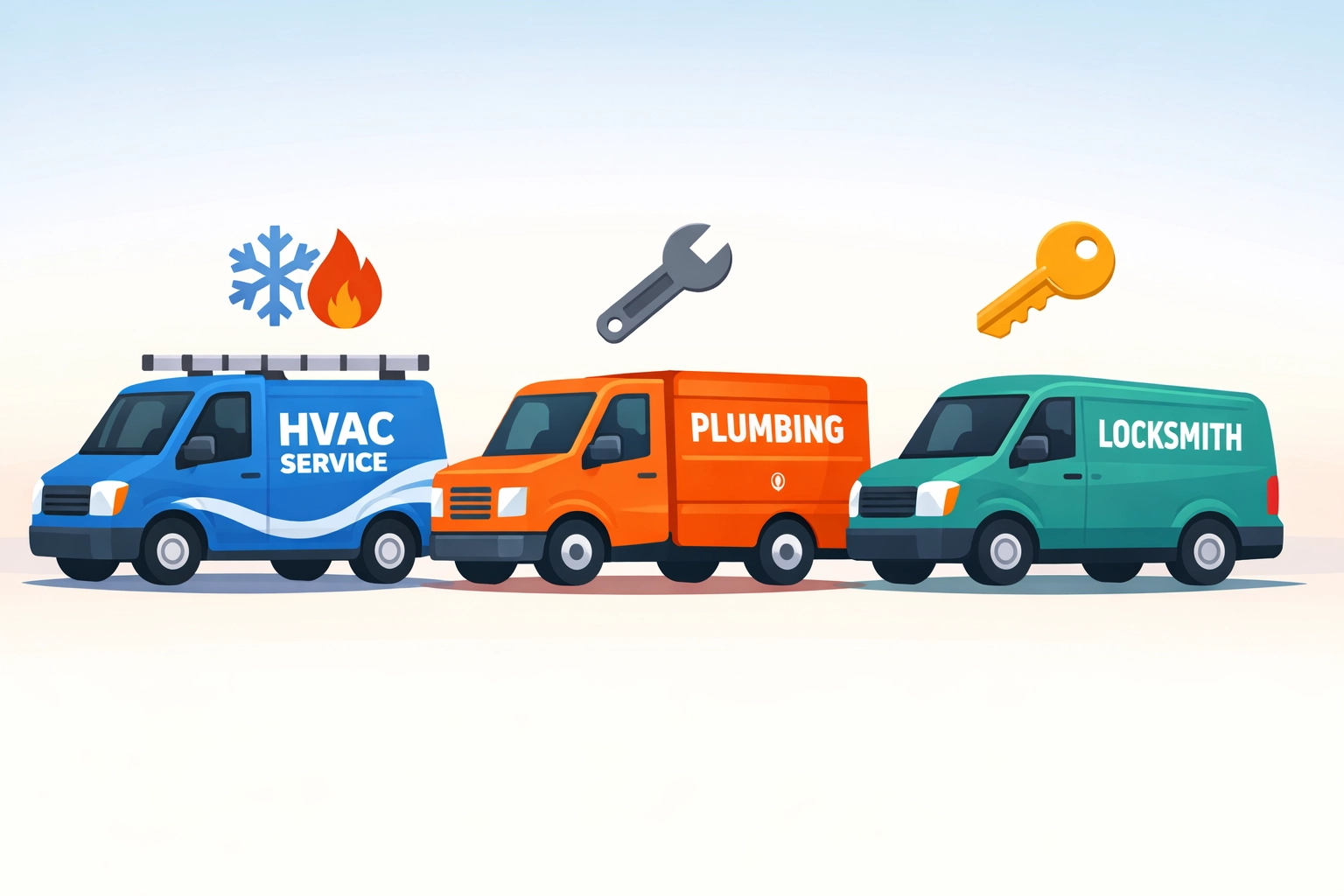
    You’re a plumber with three trucks on the road. Maybe an electrician with five techs. Or an HVAC business doing $500K a year.

    And you’re paying $200–$300 a month for field service software.

    That’s $2,400–$3,600 every single year. For software that does… what exactly? Schedules jobs. Sends invoices. Tracks your team.

    Here’s the thing: you don’t need enterprise software. You need simple tools that work.

    The Field Service Software Scam Nobody Talks About

    Let’s be blunt. Most field service platforms are built for companies with 50+ employees and VC money to burn.

    Then they turn around and sell those same bloated platforms to your 5-person plumbing business.

    Same features. Same complexity. Same enterprise price tag.

    You don’t need 90% of what they’re selling. But you’re paying for all of it.

    Small trade business owner stressed by expensive software pricing tags showing $200-$500 monthly costs

    Housecall Pro? $200–$300+ per month depending on your plan. ServiceTitan? Don’t even ask unless you’ve got a dedicated IT person and a board of directors.

    These platforms are designed for scale. They’re powerful, sure. But they’re overkill for most small trade businesses.

    You’re not running a national franchise. You’re running a tight operation with real margins to protect.

    What You Actually Need (And What You’re Being Sold)

    Let’s break this down.

    What does your trade business actually need from software?

    • Schedule jobs without double-booking
    • Send professional invoices fast
    • Track who’s where and when
    • Get paid on time
    • Maybe some basic reporting to see how you’re doing

    That’s it. No AI-powered dynamic routing. No enterprise integrations. No white-glove onboarding that takes three weeks.

    Just simple tools that let you run your business without hiring a software engineer.

    But here’s what the big platforms sell you:

    • Complex dashboards with 47 different tabs
    • Features designed for 100-person companies
    • Integrations you’ll never use
    • Customer success managers you don’t need
    • Training sessions that eat up your entire Tuesday

    You end up paying enterprise prices for features you’ll never touch.

    Comparison of cluttered enterprise software dashboard versus clean simple field service software interface

    The Real Cost of Overpaying

    Let’s do some quick math.

    $250/month for field service software. That’s $3,000 a year.

    Over three years? $9,000.

    What could you do with an extra $9,000?

    • Hire a part-time admin to handle your scheduling
    • Buy a new tool trailer
    • Actually take a vacation
    • Put it toward marketing that brings in real jobs

    Instead, it’s going to software that’s 10x more complicated than what you need.

    We’ve talked to hundreds of trade business owners. Same story every time.

    “I’m only using like 20% of what I’m paying for.”

    “It took us two months just to get it set up right.”

    “My guys hate using it because it’s too complicated.”

    You’re not alone. And it’s not your fault.

    Why Trade Businesses Overpay

    The software industry has a dirty little secret: pricing has nothing to do with what it costs to run the platform.

    It has everything to do with what they think they can charge.

    Big platforms look at industries with good margins, like trades, and they price accordingly.

    They know you need software. They know you’re making decent money. So they charge what they think you’ll pay.

    Not what the software is worth. Not what it costs them. What they think your business can afford.

    Trade service van with money flying away representing wasted software subscription costs

    Then they lock you into annual contracts. Make it hard to export your data. Add on extra fees for things that should be included.

    It’s not about serving small businesses. It’s about maximizing revenue per customer.

    The Valortek Approach: Software That Respects Your Budget

    We built Valortek Ops for one reason: small trade businesses deserve software that doesn’t drain their bank account.

    No enterprise pricing. No feature bloat. No complexity you don’t need.

    Valortek Ops is $99/month. Period.

    That’s it. No hidden fees. No per-user charges that balloon your bill. No surprise upgrades.

    $99 gets you:

    • Job scheduling and dispatch
    • Professional invoicing
    • Mobile access for your team
    • Customer management
    • Basic reporting and insights
    • Straightforward support when you need it

    Everything you actually need. Nothing you don’t.

    We’re not trying to be the biggest platform. We’re trying to be the most useful one for businesses like yours.

    What $99/Month Actually Looks Like

    Let’s compare.

    Housecall Pro: $200–$300+/month
    ServiceTitan: $300–$500+/month (and that’s being generous)
    Valortek Ops: $99/month

    Over one year:

    • Housecall Pro: $2,400–$3,600+
    • ServiceTitan: $3,600–$6,000+
    • Valortek Ops: $1,188

    You’re saving $1,200–$4,800 every single year.

    That’s real money. Money that stays in your business instead of going to a software company’s shareholders.

    Balance scale showing complex software features versus simple affordable tools for small trade businesses

    We’re not saying those other platforms are bad. They’re great: if you’re a 50-person operation with complex needs.

    But if you’re running a small trade business with 1-10 people? You don’t need to pay enterprise prices.

    Simple Software for Small Trade Businesses

    Here’s what we learned building Valortek: small businesses don’t need more features. They need better ones.

    We focused on doing a few things really well instead of doing a thousand things okay.

    Our dashboard? You can figure it out in five minutes. No training required.

    Our mobile app? Your techs can use it without calling you every time they need to clock in.

    Our pricing? Exactly what we said it would be. No surprises on your credit card statement.

    We built Valortek the way we’d want to be treated as customers.

    Transparent pricing. Simple tools. Real support when you need it.

    No sales calls. No pressure. No contracts that trap you for two years.

    Who Valortek Is For (And Who It’s Not For)

    Let’s be straight about this.

    Valortek Ops is perfect if you’re:

    • Running a trade business with 1-10 employees
    • Tired of overpaying for features you don’t use
    • Looking for simple software that just works
    • Want to keep more money in your business

    Valortek might NOT be right if you’re:

    • Managing 50+ techs across multiple states
    • Need complex enterprise integrations
    • Want every bell and whistle under the sun

    We know our lane. Small trade businesses that need solid, affordable software.

    That’s who we built this for.

    Ready to Stop Overpaying?

    Look, we get it. Switching software is a pain.

    But so is throwing away $2,000+ every year on features you’re not using.

    Valortek Ops gives you what you need at a price that makes sense. $99/month. No games.

    Check out what we’ve built at https://valortek.com.

    If it’s not for you, that’s cool. But if you’re tired of overpaying for software that’s too complicated, we might be exactly what you’re looking for.

    Questions? Reach out. We’re just people trying to help other small businesses succeed.

    Start Your Free Trial

    Questions? Contact us – we’re happy to help you decide.