Your trade business runs on apps now.
Scheduling. Estimates. Payments. Photos. GPS. Texts.
And most of those apps come from one place.
Google Play.
Here’s the uncomfortable part.
Google Play is great at distribution. It’s not the same thing as protection.
No paranoia. No conspiracy. Just reality.
If you install random apps to “run the business,” you’re handing over more than you think.
The “Privacy Gap” is simple
Google Play requires disclosures.
It doesn’t guarantee behavior.
No magic badge. No automated truth serum. Just developer promises.
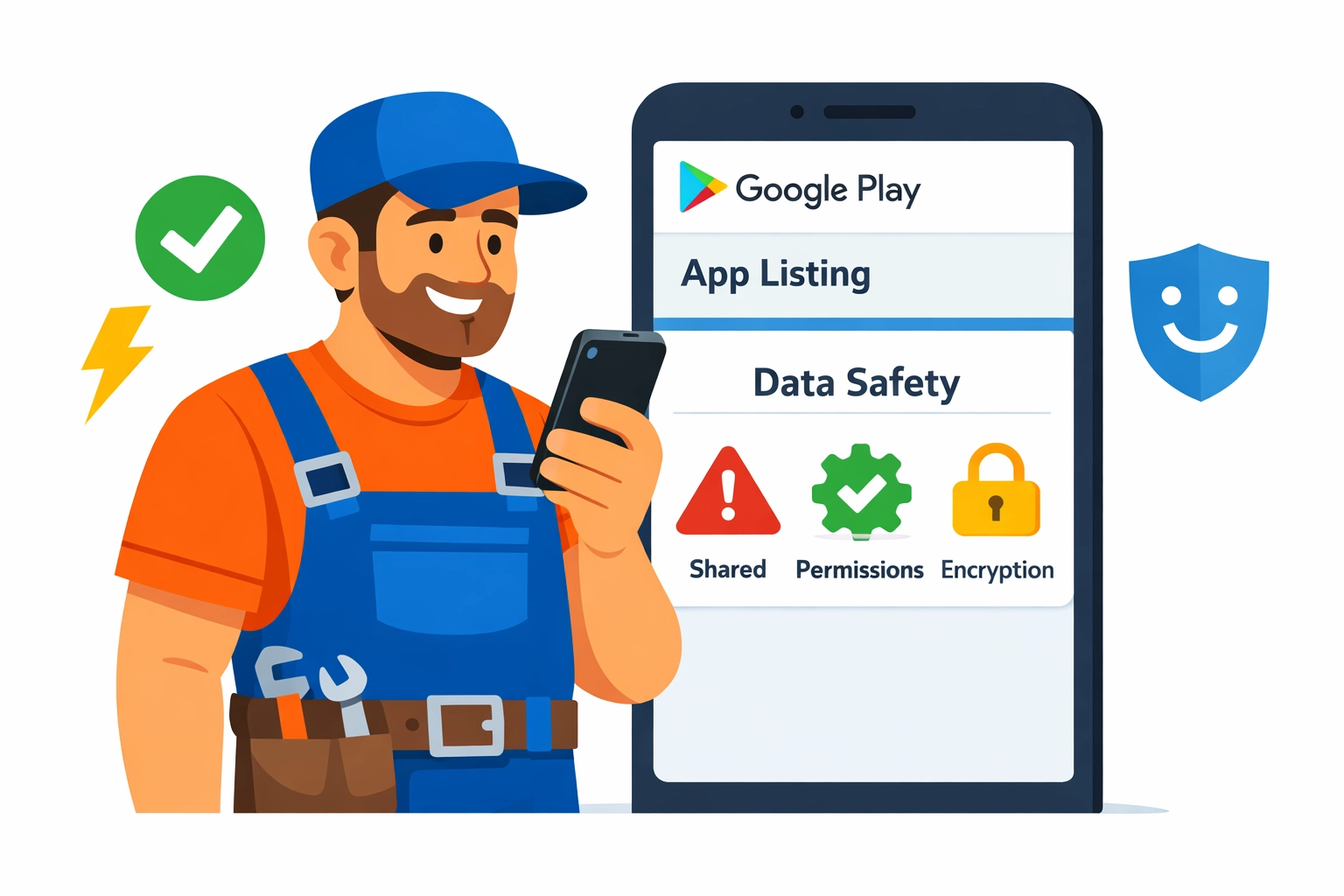
Apps must fill out the Data Safety section.
They’re supposed to disclose what they collect, share, and secure.
That’s useful.
But it’s not the same as “your business data is safe.”
The gap is the space between:
- what an app says it collects
- what it actually collects
- what it can collect if you grant permissions
- what third parties collect through SDKs and integrations
You don’t need to be a security expert.
You just need a system.
What “business data” are we talking about?
For trade businesses, app data isn’t abstract.
It’s your competitive edge.
Think:
- Customer list (names, addresses, phone numbers)
- Job history (notes, diagnoses, parts used)
- Pricing (rates, margins, discounts)
- Photos (before/after, equipment labels, serial numbers)
- Crew info (employee names, schedules, locations)
- Payment data (invoices, payment status, sometimes card-related metadata)
- Messages (texts, emails, in-app chat)
- Location data (tech GPS, route patterns, job density)
No fluff. No “data is the new oil.” Just this:
If the wrong app leaks it, you’ll feel it.
What Google Play collects vs what apps collect
Let’s separate two things people mix together.
1) Google Play / Google services (the platform layer)
If you use Android and the Play Store, Google itself may process data tied to:
- your Google account
- device identifiers
- app installs and updates
- diagnostics and performance
- purchase and subscription activity (if applicable)
This is mostly “platform” stuff.
It’s big, broad, and not always avoidable.
2) The apps you install (the app layer)
This is where trade businesses get exposed.
The app can collect:
- what you type into it (customer records, notes, quotes)
- what you upload (photos, attachments)
- what it can access (contacts, files, location) if you allow it
- what it sees through embedded third-party tools (analytics, ads, crash logs)
No one’s coming for your business specifically.
But your data can still end up in places you didn’t intend.
The Data Safety section: helpful, but not a shield
Google Play’s Data Safety section is a start.
It’s also easy to misunderstand.
Here’s how to read it like an operator, not a lawyer.
“Data collected” doesn’t mean “data sold”… but it might move
Apps can “collect” data for:
- app functionality
- analytics
- personalization
- advertising
- fraud prevention
- legal compliance
Those buckets sound fine.
They’re also broad enough to drive a truck through.
“Data shared” is the line that matters most
Shared usually means sent to another company.
Analytics providers. Marketing tools. Cloud services. Payment processors.
Sometimes that sharing is necessary.
Sometimes it’s just convenient for the developer.
“Data encrypted in transit” is not the finish line
Encrypted in transit means HTTPS.
Good. Expected. Not special.
What you also want to know:
- Is data encrypted at rest?
- Who inside the vendor can access it?
- Do they support role-based access?
- Do they log admin access?
- What’s their breach history and response plan?
Google Play won’t answer that for you.
You have to.
The quiet risk: permissions you grant once and forget
Most data exposure doesn’t come from a dramatic hack.
It comes from “Allow” taps.
No scare tactics. No doom. Just common patterns we see.
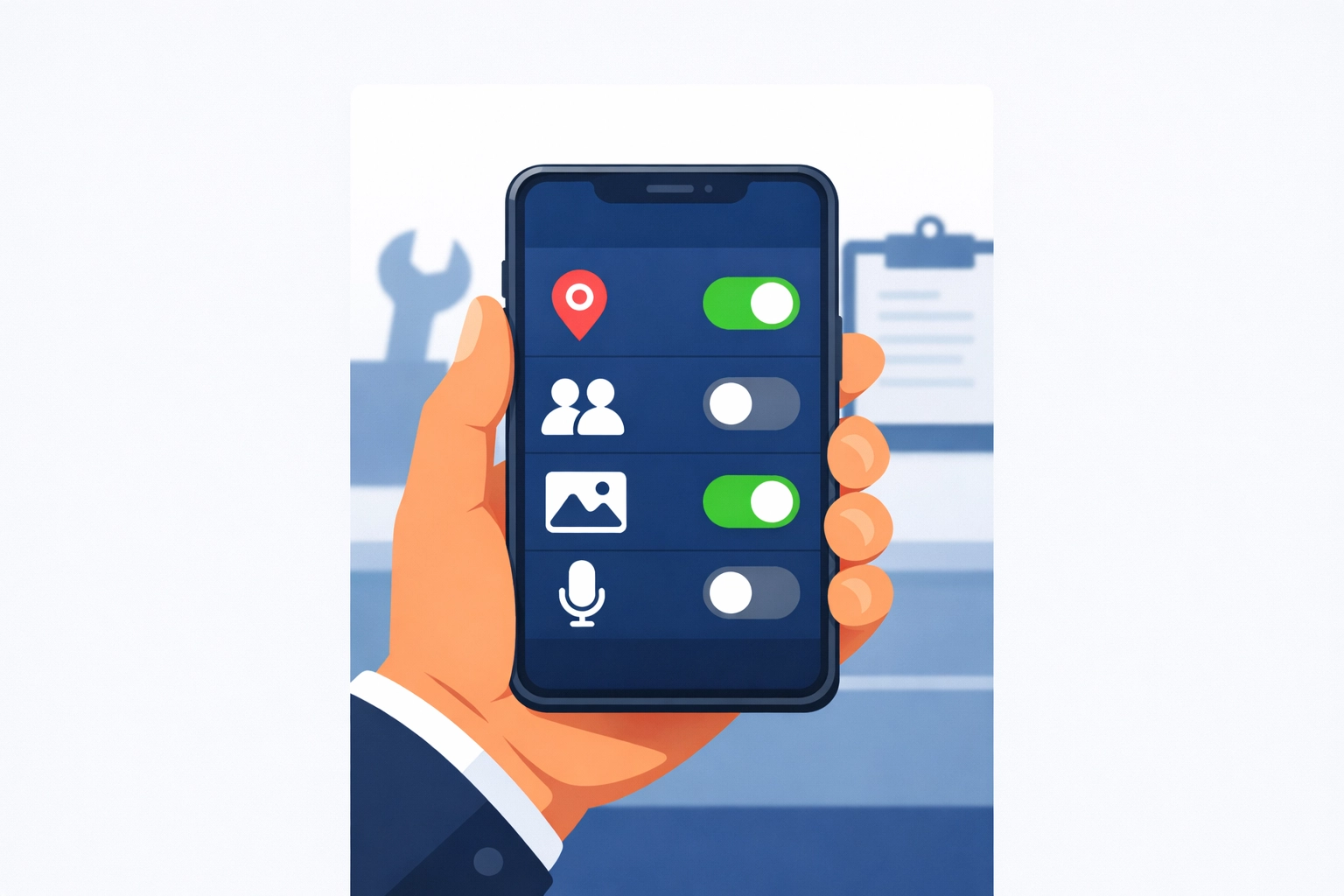
Location permission (the big one for trades)
Lots of apps ask for location.
Sometimes it’s legit (dispatch, arrival ETAs). Sometimes it’s not.
Risk in plain English:
- your job density becomes visible in aggregate
- tech home addresses can be inferred (start/end points)
- route patterns can reveal high-value accounts
What to do:
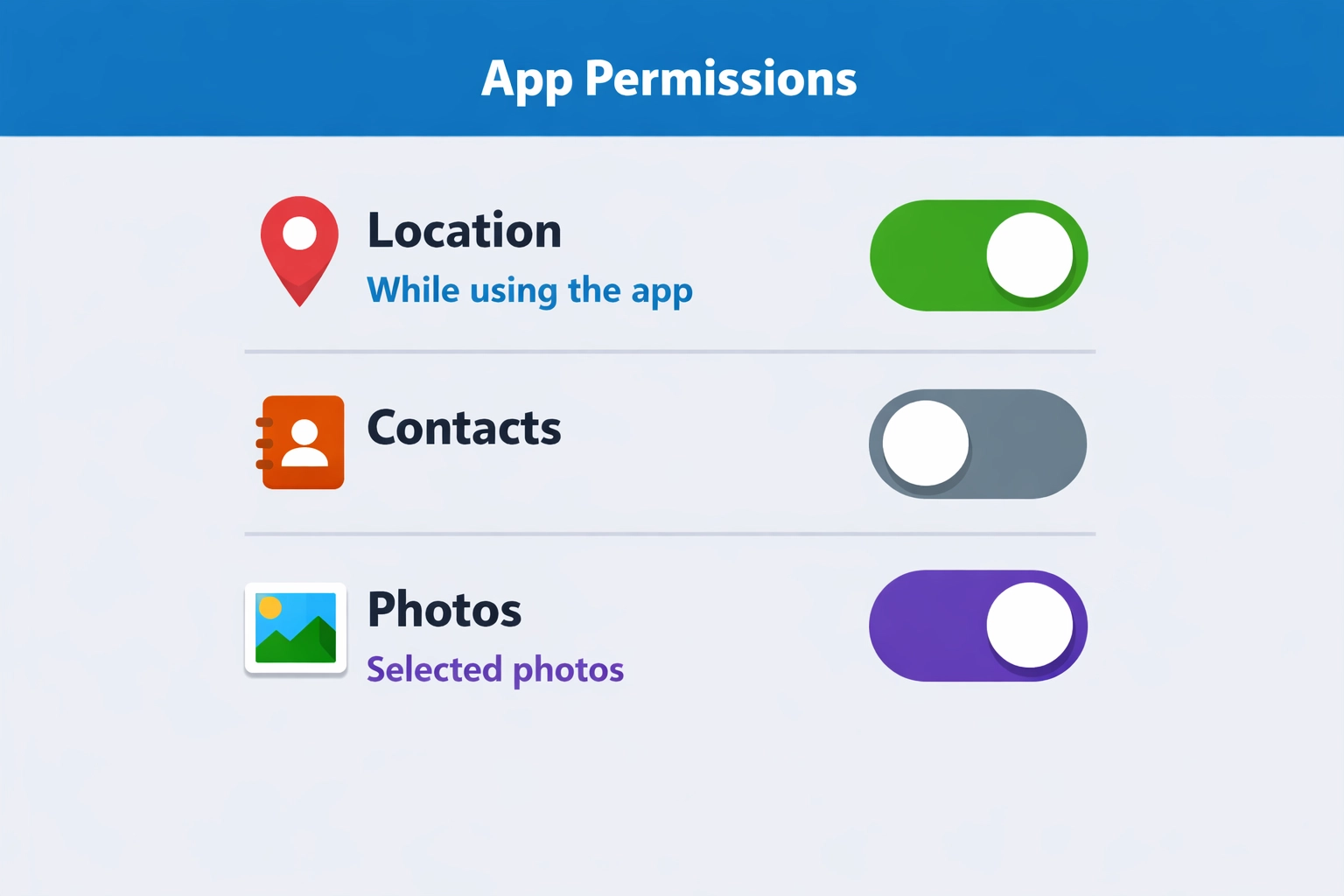
- Use “While using the app” instead of “Always”
- Turn off background location unless you truly need it
- For owner/admin phones, avoid giving location permissions at all
Contacts permission (customer list leakage)
Some apps ask to “help you invite customers.”
That’s code for “we want your address book.”
If your customer list lives in contacts, that’s a soft target.
Even “hashed” or “obfuscated” contact uploads can still be sensitive.
What to do:
- Don’t store your customer list in personal contacts
- Don’t grant contacts access unless the app’s core job requires it
Photos/Files permission (jobsite documentation exposure)
Trade apps love photos.
Photos often contain more than you think.
- addresses on work orders
- license plates
- serial numbers
- faces
- inside-of-home layouts
What to do:
- Keep job photos inside a dedicated system, not random gallery apps
- Limit file access to “selected photos” where Android allows it
- Remove old app permissions after you stop using the app
The third-party SDK problem (even in “legit” apps)
Many apps are built with plug-ins.
Analytics. Crash reporting. Marketing. Chat widgets.
Those components can collect their own data.
Sometimes they’re listed. Sometimes they’re buried in policy text.
Common SDK categories:
- Analytics (what you click, how long you stay, device info)
- Attribution (where you came from, campaign tracking)
- Crash logs (device, app state, sometimes snippets of what was on screen)
- Ad networks (even if the app “doesn’t run ads,” some frameworks still exist)
No villain story here.
It’s just “modern app development.”
Your job is to decide:
Is this app a tool… or a data pipeline?
The “reasonable expectation” trap
Google’s policies say apps shouldn’t collect data in ways users wouldn’t expect without prominent disclosure and consent.
But “reasonable expectation” is fuzzy.
And a disclosure you never read still counts as a disclosure.
If an estimating app collects:
- device identifiers
- usage analytics
- location “for fraud prevention”
- email for “marketing”
…that might be disclosed.
You still might not expect it.
So don’t rely on expectation.
Rely on controls.
A practical checklist before you install a Play Store app
No audits. No enterprise security program. Just a quick filter.
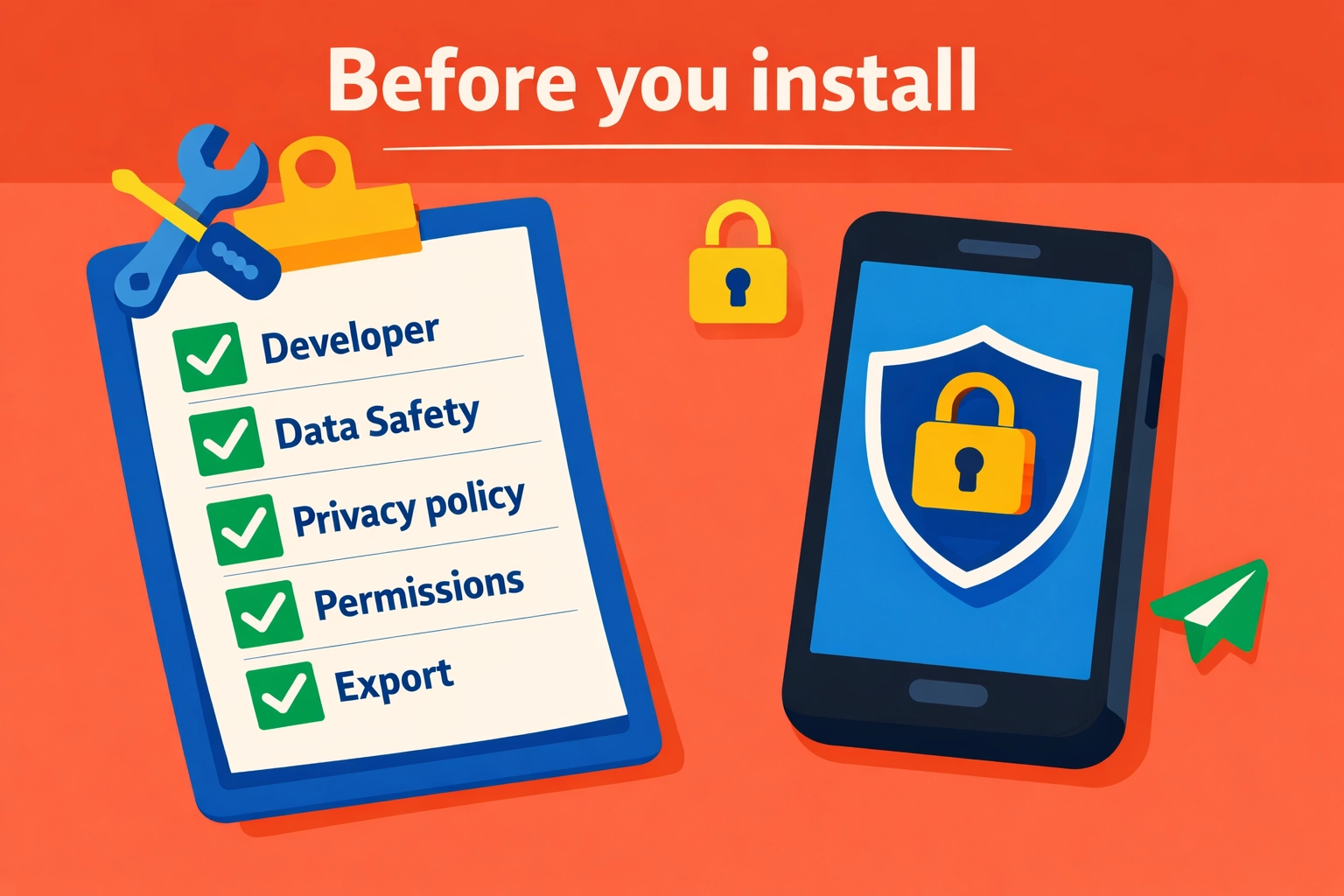
1) Check the developer name like you’re hiring them
Is it:
- a real company with a track record?
- a brand-new developer with 2 apps and a Gmail address?
- a “studio” with no website?
If it’s hard to identify who they are, that’s the point.
Skip it.
2) Read the Data Safety section for “Shared”
You’re looking for:
- data shared for advertising
- data shared with “partners”
- broad categories like “Personal info” or “Financial info” shared
Sharing isn’t always wrong.
But for a trade ops app, advertising sharing should be a red flag.
3) Open the privacy policy and search for 5 words
Use find-in-page for:
- “share”
- “third party”
- “partners”
- “advertising”
- “sell”
If you see “we may share with trusted partners” with no list, no purpose, no opt-out?
That’s not transparency.
You can also compare to our approach to privacy here:
https://www.valortek.com/privacy
4) Look at permissions before install, then verify after install
The store listing may show permissions.
But you should verify in Android settings after the first run.
If it requests:
- contacts + location + files + microphone
…and it’s a basic invoicing app?
Hard pass.
5) Ask one question: “What happens if we leave?”
If you can’t export your data easily, you’re trapped.
And trapped data tends to get messy.
You want:
- export of customers, invoices, job history
- clear retention/deletion policy
- a way to close the account and remove data
How to protect your operations (without slowing down the crew)
This is the part that matters.
Simple moves. Big payoff.
Keep business apps off personal phones (when possible)
No perfection required.
Just separation.
Options:
- company-owned Android phones for techs
- Android Work Profile / MDM-lite setup
- a dedicated tablet for invoicing and photos
When personal and business mix, permissions get sloppy.
And data spreads.
Standardize your “approved app list”
No 30 different apps across 8 techs.
No “whatever I found on Play Store.”
Create one short list:
- scheduling/dispatch
- estimates/invoices
- payments
- job photos (if separate)
- communication
Everything else is optional.
Optional is where the risk hides.
Remove permissions quarterly (yes, really)
Set a calendar reminder. 15 minutes.
- review installed apps
- uninstall what you don’t use
- reset permissions for the rest
- re-grant only what’s needed
This one habit catches:
- old apps you forgot
- permissions that crept in over time
- “trial apps” that never left
Turn off ad personalization on work devices
This doesn’t solve everything.
But it reduces cross-app profiling.
On Android, you can:
- review Google privacy settings
- limit ad personalization
- reset advertising ID (where available)
Again: not magic.
Just less tracking.
Treat customer data like you treat tools
You don’t leave a $2,000 tool unattended on a jobsite.
Don’t leave your customer list in the hands of unknown apps either.
- minimize who can export
- use roles (tech vs admin)
- keep pricing/rates limited to those who need it
What we think small trade businesses actually need
No enterprise security theater.
No 40-page compliance binder. Just sane defaults.
At Valortek, we’re not another “download 12 apps and pray” stack.
We’re not another platform that needs your data to run ads.
No confusion. No gotchas. Just clear operations tools built for real trade businesses.
If you want fewer apps, fewer logins, and fewer unknowns touching your data, that’s the direction we’d push you in.
And if you’re not sure where to start, we’ll tell you straight.
Even if the answer is “keep what you have, just lock it down.”
Questions? Contact us – we're happy to help you decide.
Leave a Reply