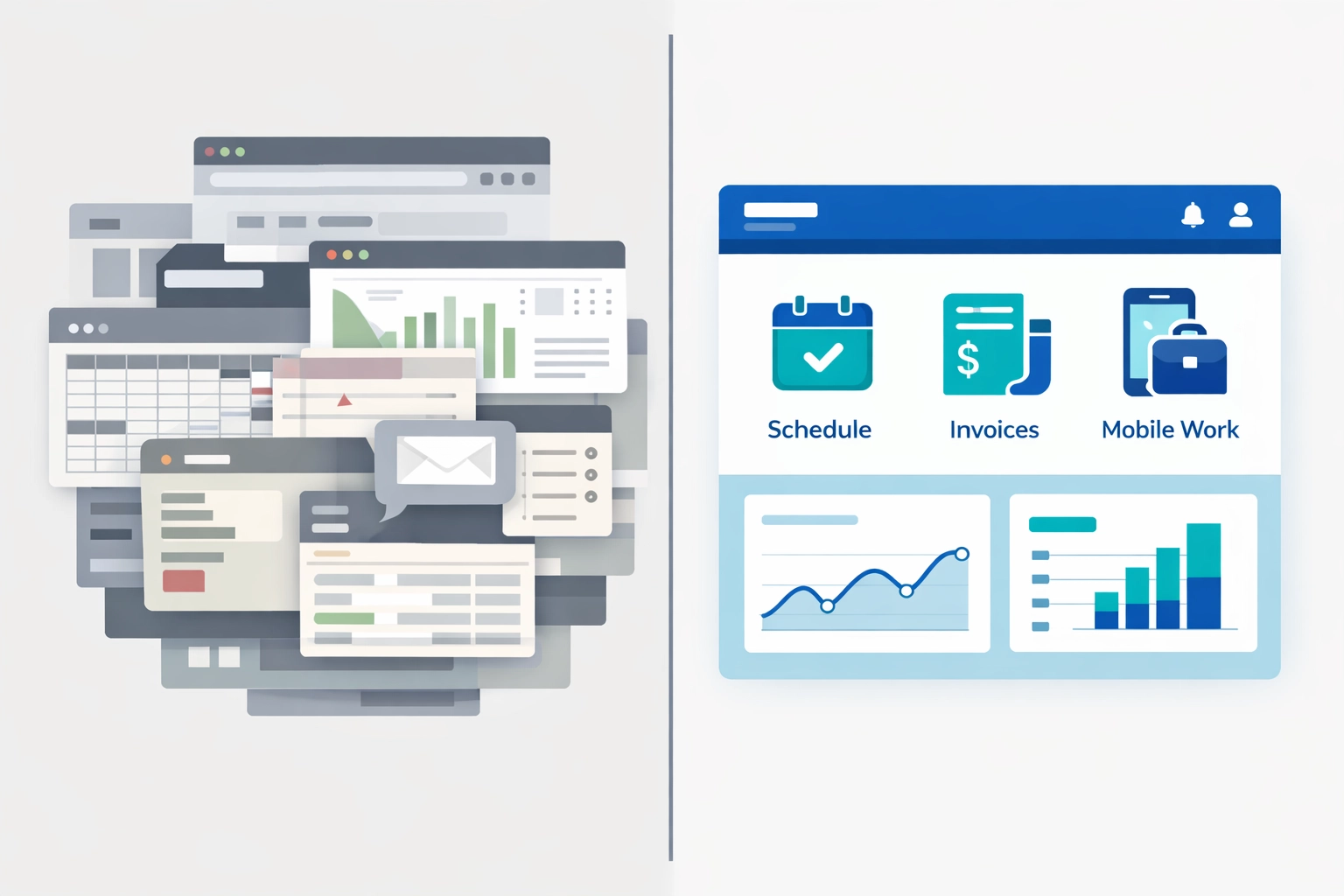
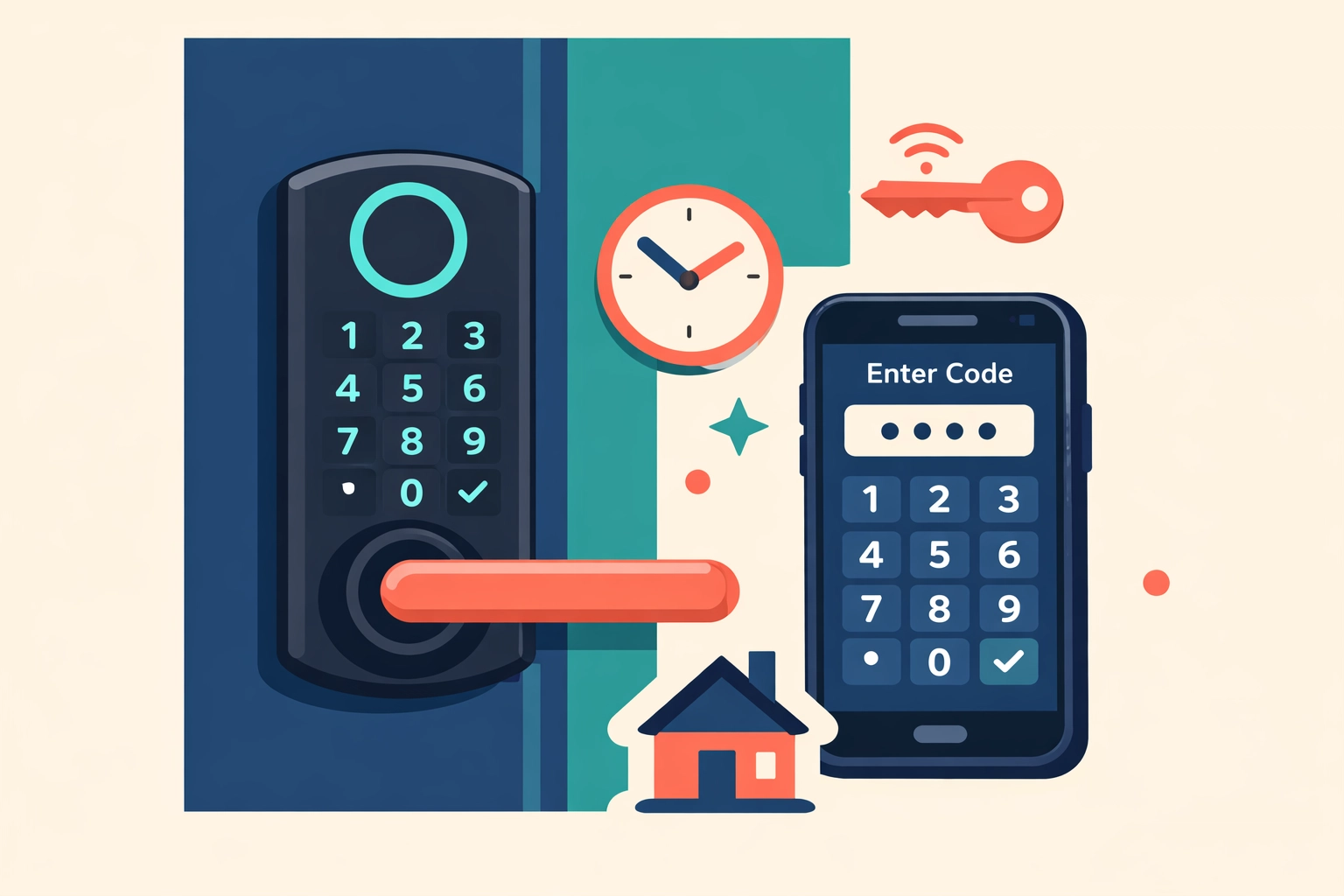
Blog

  • HVAC Scheduling Software and The Green Revolution: 2026 Industry Trends You Can not Ignore

    Author: Warren Peterson
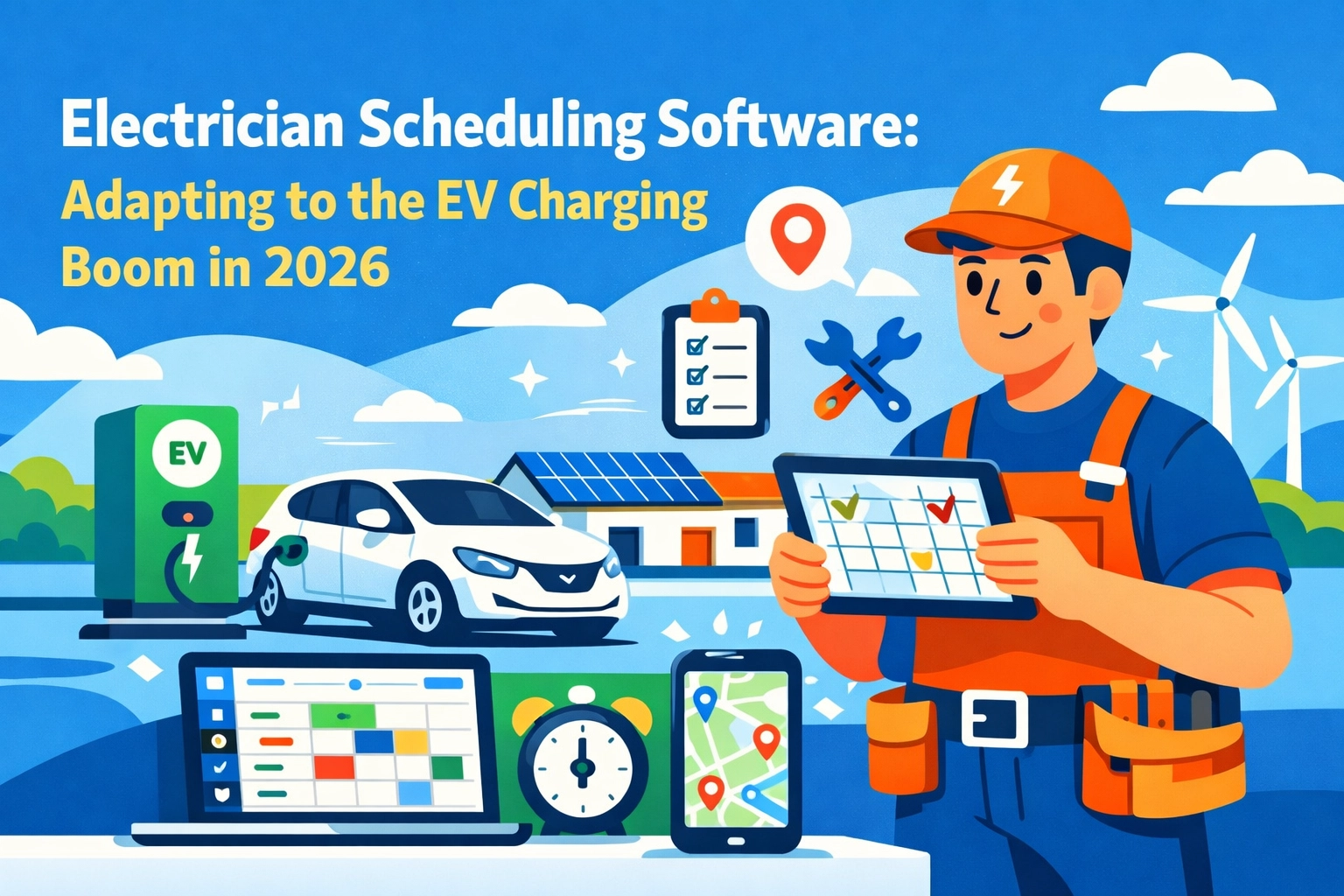
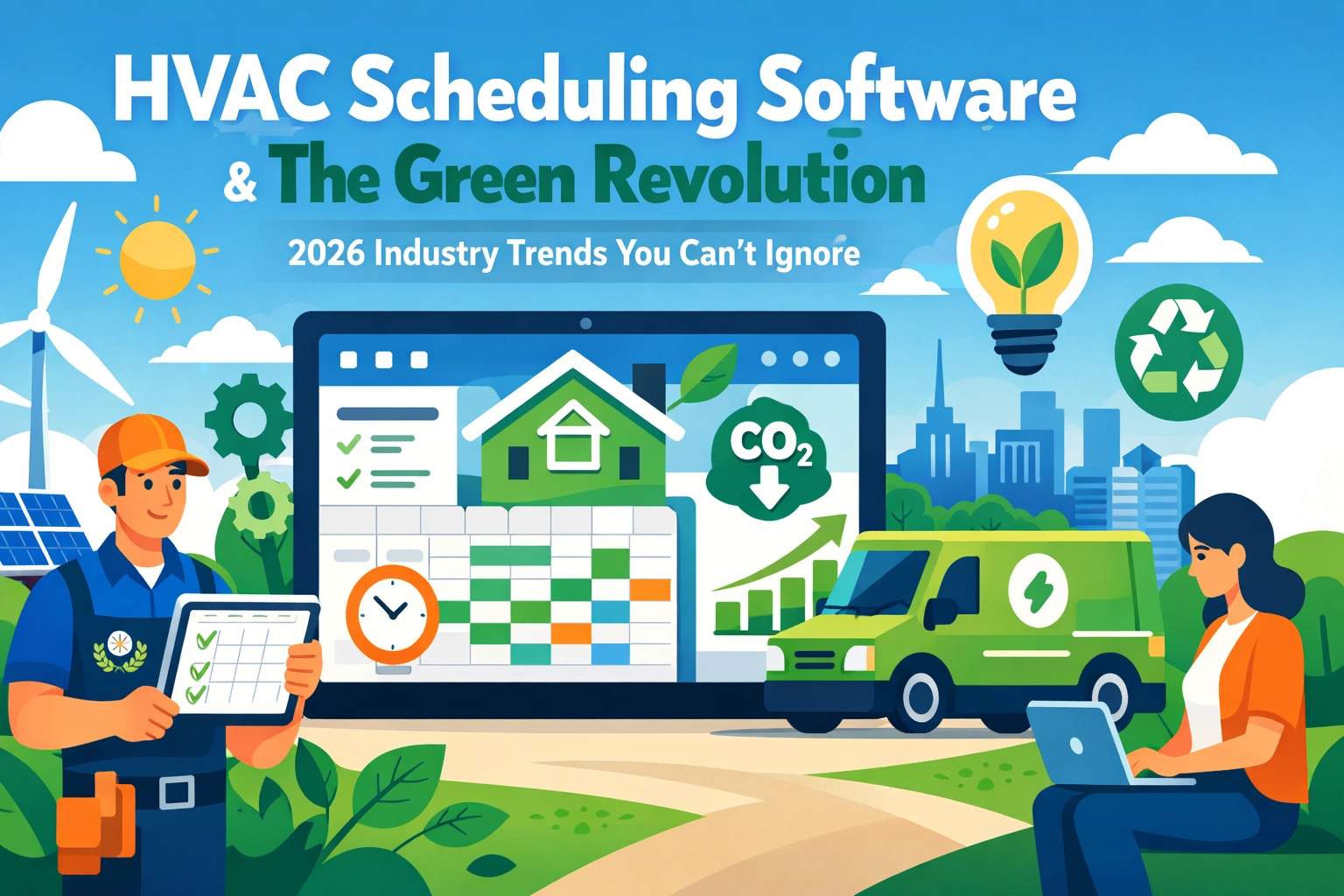
    HVAC Scheduling Software & The Green Revolution: 2026 Industry Trends You Can't Ignore

    The HVAC industry is changing faster than a thermostat on a July afternoon.

    New refrigerant regulations. Heat pump mandates. Energy efficiency standards tightening every year. If you’re running an HVAC business in 2026, you’re not just installing air conditioners anymore: you’re on the front lines of the green revolution.

    And here’s the thing: Your scheduling software either helps you adapt or holds you back.

    Let’s talk about what’s actually happening in the field right now.

    The Green Pressure Is Real (And Getting More Intense)

    2026 isn’t 2020. The rules have changed.

    Refrigerants like R-410A are being phased out. Heat pumps are becoming the default in new construction. Customers are asking about ENERGY STAR ratings and carbon footprints. Some states are offering rebates that make energy-efficient installs way more attractive.

    HVAC technician installing energy-efficient heat pump with solar panels on eco-friendly home

    Your competition is already adapting. They’re training techs on heat pump installations. They’re stocking eco-friendly refrigerants. They’re marketing themselves as “green HVAC specialists.”

    But here’s what most HVAC business owners miss: Going green isn’t just about the equipment you install. It’s about how efficiently you run your operation.

    Every unnecessary truck roll burns fuel. Every delayed service call means a customer’s inefficient system runs longer. Every missed maintenance appointment means equipment running at 70% efficiency instead of 95%.

    That’s where HVAC scheduling software comes in.

    How Field Service Scheduling Software Impacts Your Carbon Footprint

    Most people don’t connect the dots between software and sustainability.

    But think about it. Every time your dispatcher sends a tech across town when there was someone closer, that’s wasted fuel. Every time a job runs long because the tech didn’t have the right parts, that’s another trip.

    Modern field service scheduling software fixes this stuff automatically.

    GPS route optimization saves 2-4 hours per technician daily, according to industry data. That’s not just time: that’s gallons of gas, wear on vehicles, and carbon emissions.

    Real-time technician tracking means smarter dispatching. The system knows exactly where everyone is and can route emergency calls to the closest available tech.

    Mobile-first platforms eliminate paperwork and office visits. Your techs get job details, customer history, and equipment specs right on their phones. They complete work orders in the field and move straight to the next job.

    Less driving. Fewer return visits. Better first-time fix rates.

    That’s efficiency that helps the planet and your bottom line.

    The 2026 Trends Smart HVAC Companies Are Using

    Let’s get specific about what’s working right now.

    AI-Powered Scheduling That Actually Learns

    The best HVAC scheduling software in 2026 doesn’t just track appointments: it learns from them.

    AI systems analyze your historical data. They know which techs are fastest at heat pump installs. They know which jobs typically need two people. They predict when maintenance calls might turn into repair jobs.

    GPS route optimization map showing HVAC service vehicles and scheduled appointments across city

    This means better scheduling decisions without you micromanaging everything. The system automatically assigns jobs based on skill, location, and workload.

    Some platforms even include AI phone answering that captures emergency calls 24/7 and adds them to the schedule instantly.

    Predictive Maintenance Integration

    Here’s where green tech and smart software really overlap.

    Predictive maintenance tools track equipment performance over time. They flag systems that are losing efficiency before they break down completely.

    For your business, this means you can schedule proactive service calls before customers even notice a problem. You fix small issues before they become expensive emergencies.

    For the environment, this means HVAC systems running at peak efficiency instead of limping along at reduced capacity.

    Your customers save money on energy bills. You build stronger relationships. The planet gets fewer inefficient systems burning extra power.

    Everybody wins.

    Mobile-Everything With Offline Capabilities

    Field techs don’t always have perfect cell service in basements and mechanical rooms.

    The top HVAC scheduling software platforms in 2026 work offline. Techs can access job details, complete work orders, capture photos, and even process payments without connectivity. Everything syncs automatically when they’re back online.

    This eliminates the “I’ll update that when I get back to the office” problem that leads to incomplete records and billing delays.

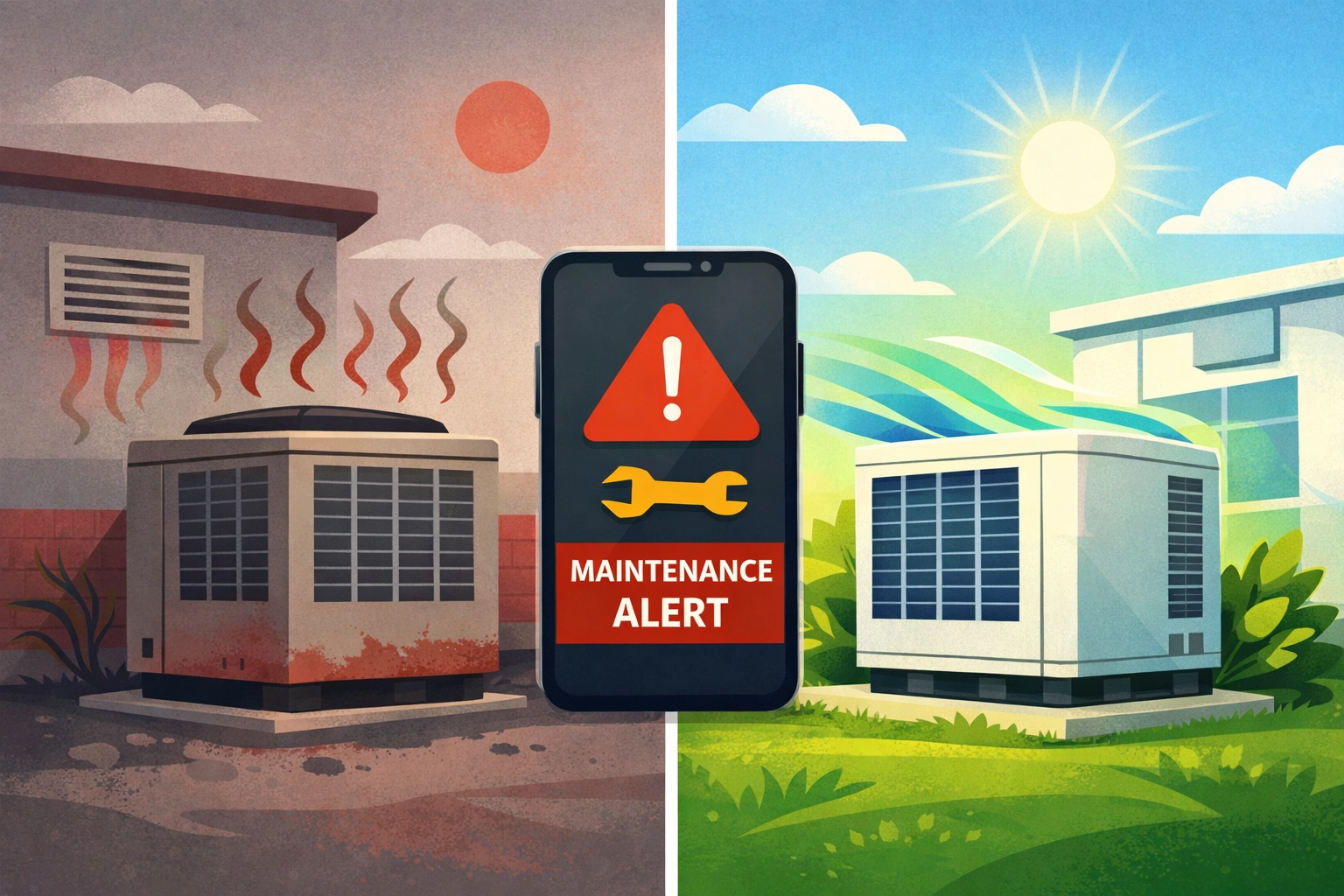
    HVAC system efficiency comparison showing preventive maintenance improving performance

    Better data means better insights. You can track which services are most profitable, which techs need training, and where you’re losing efficiency.

    Integration With Everything Else

    Your scheduling software shouldn’t live in a silo.

    Modern platforms integrate with your accounting software, parts inventory, customer databases, and even CRM systems. Real-time data flows between all your tools.

    When a tech completes a job, the invoice gets created automatically. When parts get used, inventory updates in real time. When a customer calls, your dispatcher sees their complete service history instantly.

    No duplicate data entry. No information getting lost between systems. Just smooth operations from first call to final payment.

    How Valortek Fits Into Your Green Game Plan

    Look, we’re not going to pretend Valortek’s Operations app solves climate change.

    But we built it specifically for field service businesses like yours who are tired of overpaying for bloated software they don’t actually need.

    $99/month. That’s it. No per-user fees. No surprise charges. No “enterprise” upsells.

    You get smart scheduling with drag-and-drop calendars. GPS route optimization. Mobile access for your whole crew. Real-time updates. Customer management. Invoicing.

    The stuff you actually use every day, without the stuff you don’t.

    HVAC technician using mobile field service software on smartphone in mechanical room

    We’re not trying to be Salesforce for HVAC. We’re just people who got tired of watching small businesses get nickel-and-dimed by software companies.

    If you’re running 2-50 techs and you want to operate more efficiently: which means more jobs per day, less fuel waste, and better service: Valortek’s Operations app does exactly that.

    No contracts. No setup fees. No BS.

    The Bottom Line on HVAC Software and Sustainability

    The green revolution in HVAC isn’t optional anymore. It’s building codes and customer expectations and basic competitive pressure.

    But “going green” doesn’t mean you need to spend a fortune on complicated technology.

    It means running tighter operations. Less waste. Better routing. Smarter scheduling. Fewer callbacks.

    The right HVAC scheduling software helps you do all of that while keeping your costs under control.

    Your techs spend less time driving and more time working. Your customers get faster, more reliable service. Your business becomes more profitable while reducing its environmental impact.

    That’s the kind of sustainability that actually works in the real world.

    Start Your Free Trial

    Questions? Contact us – we’re happy to help you decide.
  • The Simple Trick to Stop Cash Flow Crunches in Your Trade Business (Before Tax Season Hits)

    Let’s talk about the thing that keeps you up at night in January and February.

    Cash flow.

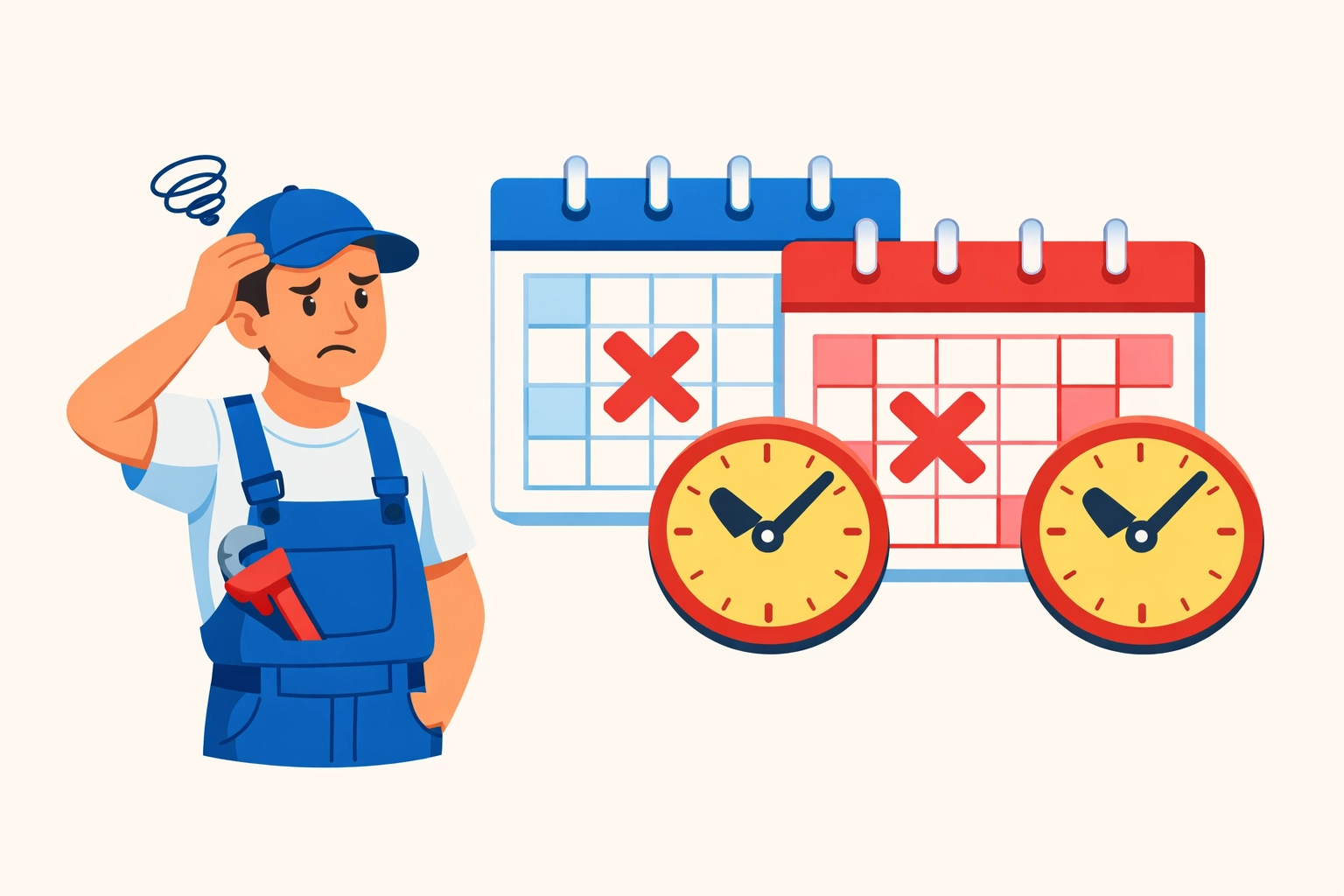
    You’ve got jobs lined up. Customers are happy. But somehow, when tax season rolls around, your bank account looks like it got robbed.

    It’s not your business model. It’s not your pricing. It’s your deposit strategy.

    The Problem with Flat Percentage Deposits

    Most trade businesses collect the same deposit on every job. 30% down. 50% down. Whatever number feels right.

    Here’s the issue: that number has nothing to do with your actual expenses.

    So you end up with too much cash sitting around in summer (which feels great). Then not nearly enough in February when payroll, supplier invoices, and quarterly taxes all hit at once.

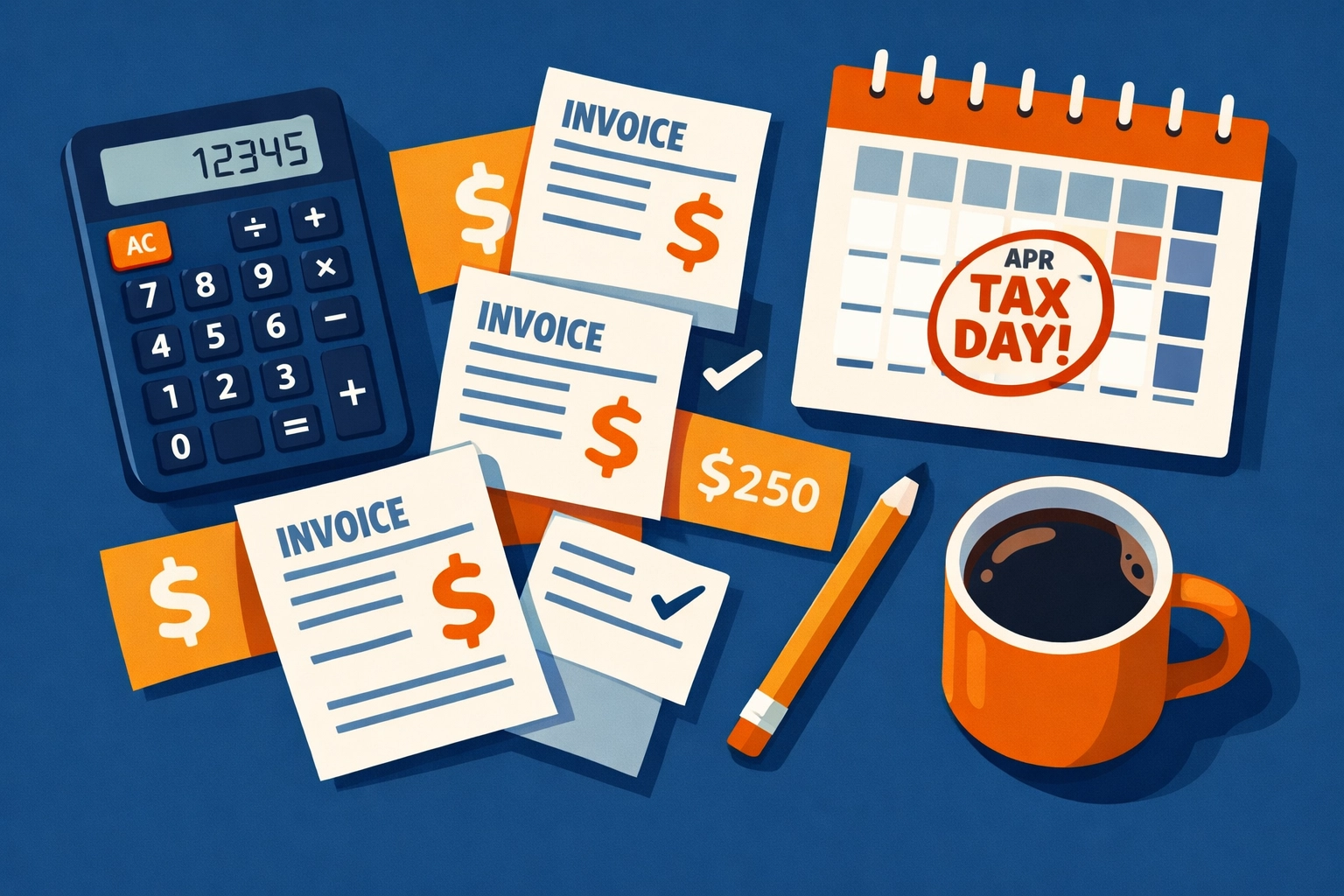
    Tax planning workspace with calculator, invoices, and calendar showing tax deadlines for trade businesses

    The Simple Trick That Changes Everything

    Stop collecting flat percentages. Start aligning deposits to your actual expenses.

    Here’s what that means in practice.

    Calculate the cash you’ll need from the moment you collect that deposit until your next payment arrives. Include labor costs. Materials. Subcontractors. Operating expenses. And yes, your upcoming tax obligations.

    That’s your deposit amount.

    No guessing. No industry standards. Just math based on your real cash needs during that billing cycle.

    How Valortek’s Finance App Makes This Actually Work

    Look, this sounds simple on paper. It’s harder when you’re juggling 12 jobs, three crews, and a phone that won’t stop ringing.

    That’s where cash flow forecasting comes in.

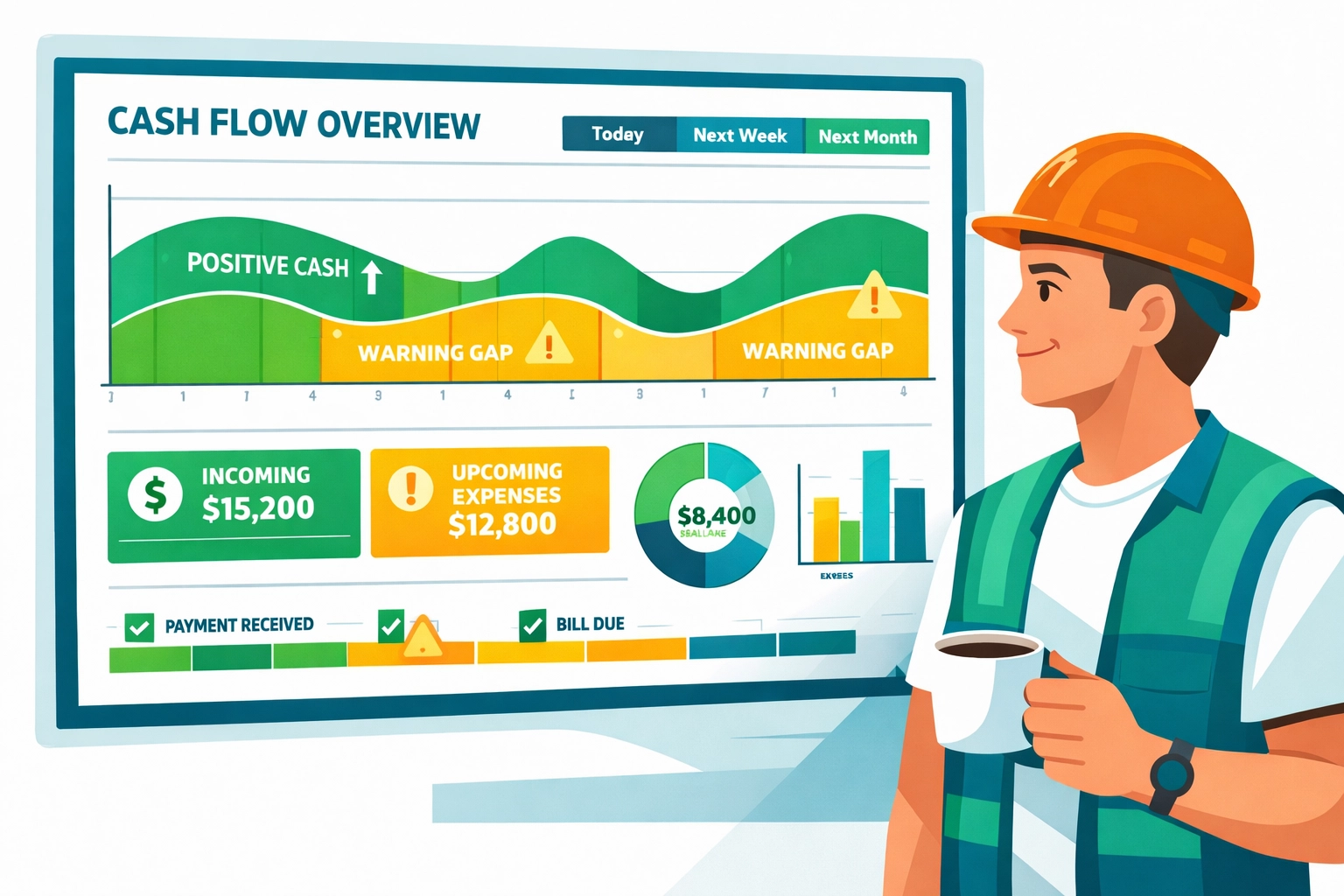
    Our Finance app shows you exactly what’s coming in and what’s going out over the next 30, 60, 90 days. You can see the gaps before they become problems. You can adjust deposit amounts on upcoming jobs to fill those gaps.

    No spreadsheets. No guessing. Just a clear picture of where your cash actually is.

    The budget tracking feature breaks it down by category. You can see if you’re overspending on materials. If labor costs are creeping up. If those “small” operational expenses are actually bleeding you dry.

    And the tax planning tool? It calculates your estimated quarterly taxes based on your actual revenue and expenses. So you’re never caught off guard when that payment is due.

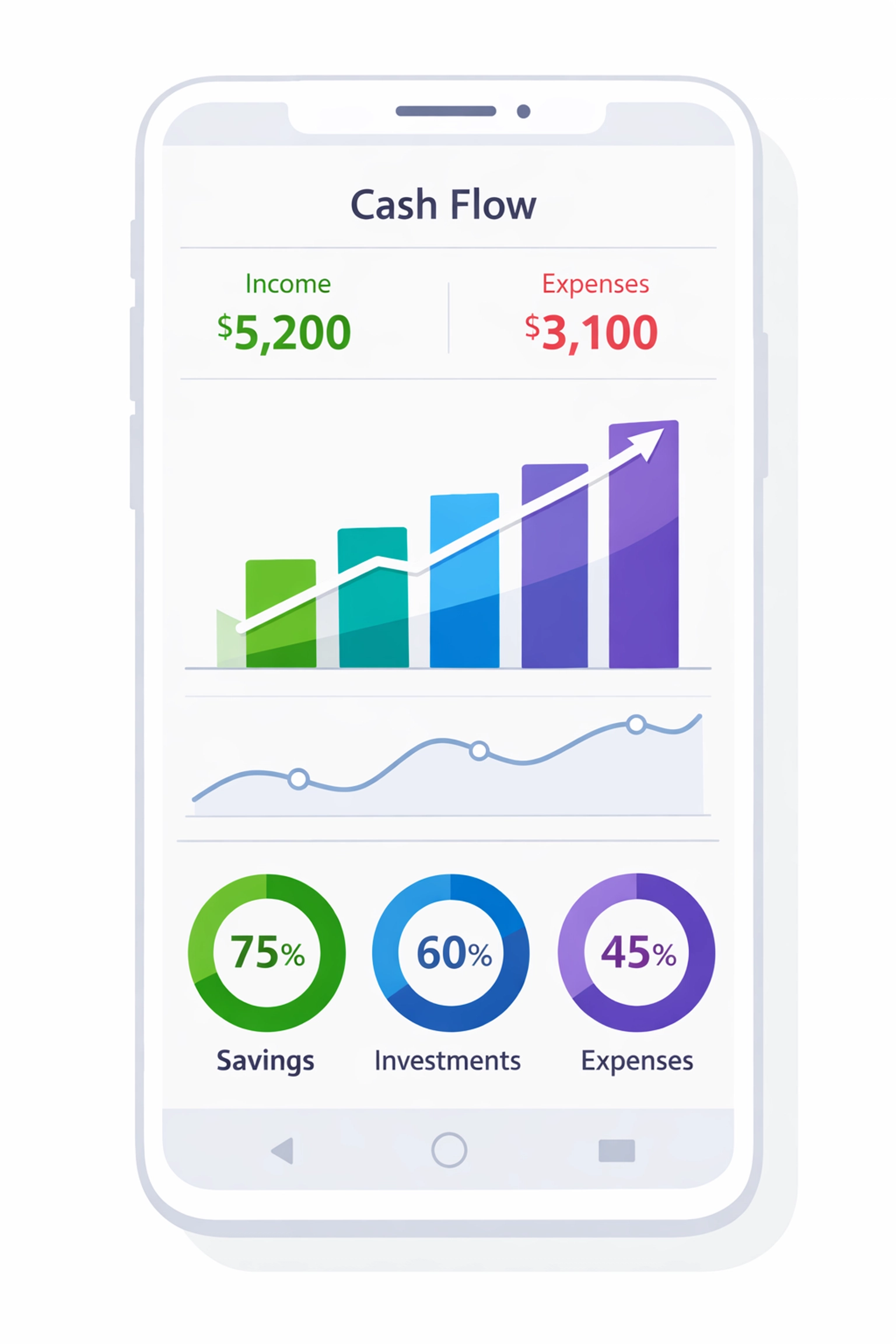
    Cash flow forecasting dashboard displaying budget tracking and financial data for trade contractors

    Accelerate Your Receivables (Without Being That Guy)

    The deposit strategy works even better when you tighten up the rest of your cash flow cycle.

    Send invoices the day work is completed. Not Friday. Not Monday. The same day.

    Set up automatic reminder emails. Most customers aren’t intentionally avoiding payment. They’re just busy. A friendly reminder gets you paid faster without awkward phone calls.

    Consider offering a small discount for early payment. 2% off if paid within 10 days can move the needle more than you’d think.

    Or go the other direction. Add late fees to your payment terms. 1.5% per month after 30 days. Most won’t ever see it, but it creates urgency for the ones who might otherwise drag their feet.

    The Finance app integrates with your invoicing system. So when a payment comes in, your cash flow forecast updates automatically. When an invoice goes past due, you see it immediately on your dashboard.

    Get Strategic with Outgoing Payments

    You’re careful about bringing money in. Be just as strategic about sending it out.

    Don’t pay bills early unless there’s a real incentive. Use your full credit period with suppliers. That 30-day window is working capital you’re leaving on the table if you pay on day 5.

    The key is maintaining good relationships while preserving cash. Pay on time. Just not early.

    Our system tracks all your payables. You can see what’s due when. You can schedule payments strategically to maintain cash reserves during critical periods (like, say, tax season).

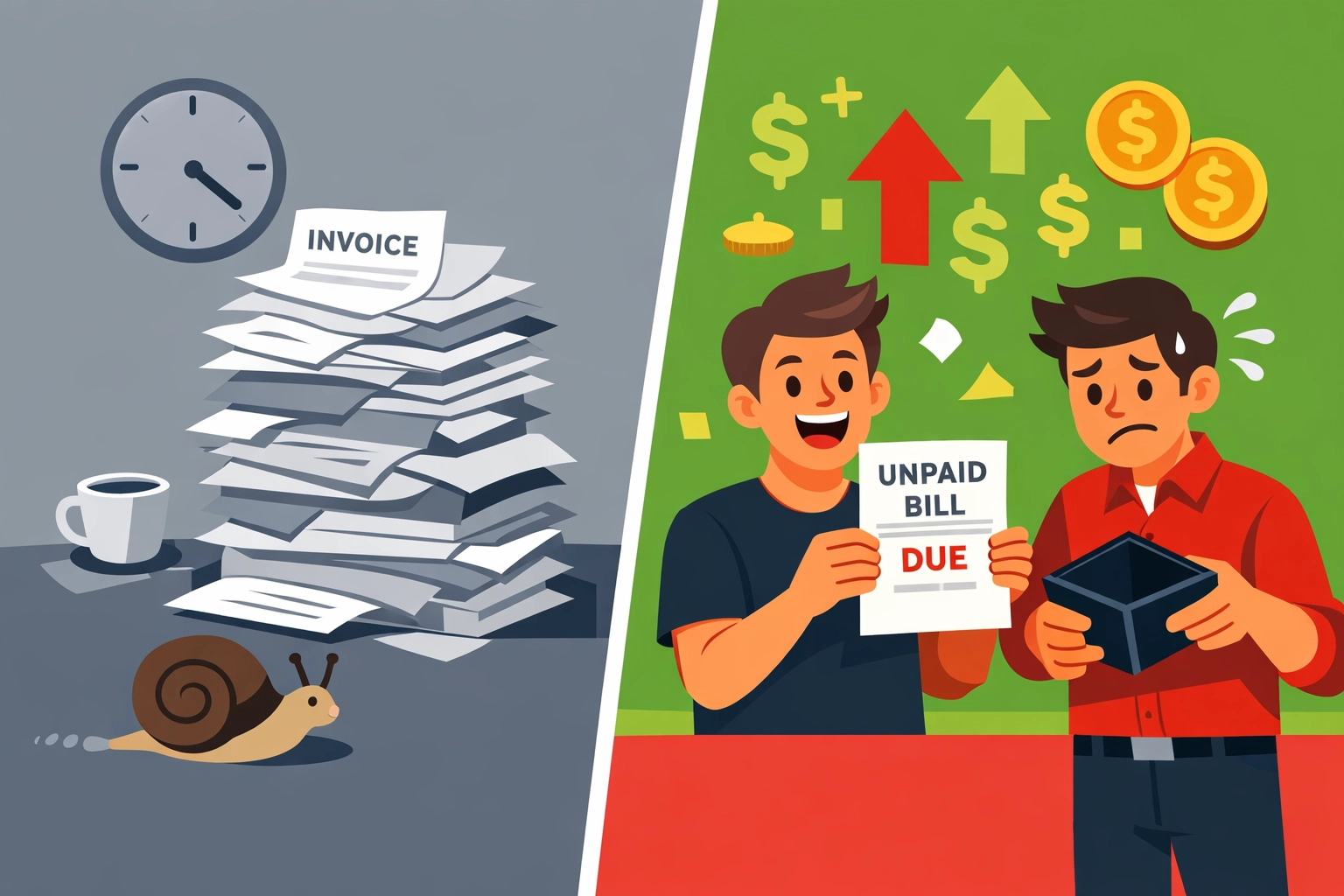
    Comparison of disorganized versus strategic payment management for trade business cash flow

    The Advisor Portal Changes the Game

    Here’s something most trade business owners don’t have: real-time collaboration with their financial advisor.

    Our advisor portal gives your accountant or bookkeeper direct access to your financial data. Not PDFs. Not exports. The actual live data.

    They can see what you see. They can run reports. They can spot issues before they become crises.

    And when tax season approaches? They’re already prepared. They know your numbers. They’ve watched your cash flow all year. No surprises. No scrambling.

    This alone is worth the price of admission.

    Build a Reserve Before You Need It

    Once you’ve stabilized cash flow with the deposit strategy, start building a reserve.

    Aim for 3-6 months of operating expenses. Sounds like a lot. It’s not when you consider what it protects you from.

    Late-paying customers? Not a crisis. Unexpected equipment repair? Annoying but manageable. Quarterly tax payment? Already covered.

    The Finance app shows you exactly how much you need in reserves based on your actual expenses. It tracks your progress toward that goal. And it factors that target into your cash flow forecasts so you’re building reserves without creating new gaps.

    Consider setting up a line of credit while your financials look good. Not because you need it now. Because it’s insurance for the future. And it’s easier to get approved when you don’t desperately need it.

    Trade business owner collaborating with financial advisor using shared financial data and reports

    What This Looks Like in Real Life

    Let’s say you’re an HVAC contractor with a $50,000 commercial job starting in January.

    Old way: Collect 30% down ($15,000). Hope it’s enough. Realize in March you should have collected more when tax time hits.

    New way: Look at your cash flow forecast. See that you’ve got $22,000 in expenses between now and the next payment milestone. Your quarterly taxes are $8,000. You need $30,000 to stay comfortable.

    You adjust the deposit to 60% ($30,000). Customer doesn’t blink because you explained the payment schedule clearly upfront. You avoid a cash crunch in March.

    That’s the difference between guessing and knowing.

    The Bottom Line

    Cash flow crunches aren’t inevitable. They’re the result of misaligned deposits, slow collections, and poor visibility into what’s actually happening with your money.

    Fix the deposit strategy. Tighten up your receivables process. Get strategic with payables. Use forecasting to see problems coming. And bring your advisor into the conversation.

    The Finance app inside Valortek handles all of this in one place. No more juggling multiple tools. No more exporting data to spreadsheets. No more surprises in tax season.

    We built it specifically for trade businesses because we got tired of seeing good companies struggle with cash flow issues that were completely preventable.

    Want to see how it works? Check out Valortek and take a look at what integrated financial management actually looks like for trade businesses.

    Or keep doing things the old way. But don’t say we didn’t warn you when February rolls around.

    Start Your Free Trial

    Questions? Contact us – we’re happy to help you decide.

  • Stop Paying $300+/Month: The Real Cost of Housecall Pro + QuickBooks (And What to Use Instead)

    Let’s talk about what you’re actually paying for field service software.

    Most contractors we talk to think they’re spending “around $150” on Housecall Pro. Then they mention QuickBooks. Then they remember the add-ons.

    By the time we’re done adding it up? They’re over $300 per month.

    Every. Single. Month.

    The Real Housecall Pro Price Tag

    Here’s what Housecall Pro actually costs in 2026:

    • Basic Plan: $59/month (annual) or $79/month (monthly) – 1 user only
    • Essentials Plan: $149/month (annual) or $189/month (monthly) – up to 5 users
    • MAX Plan: $299/month – up to 8 users

    Sounds straightforward, right?

    Wrong.

    Contractor reviewing expensive software bills and hidden costs for field service management

    The Hidden Costs Nobody Talks About

    The Basic and Essentials plans don’t include everything you need. Want those “essential” features? Add $80/month for the add-on package.

    Let’s say you’re running a small plumbing business with 3 techs. You pick the Essentials plan because Basic only covers one user.

    Your Housecall Pro cost: $149/month + $80/month add-ons = $229/month

    But you’re not done yet.

    QuickBooks Isn’t Included

    Housecall Pro doesn’t handle your accounting. For that, you need QuickBooks.

    QuickBooks Online starts at around $30/month for basic plans, but most service businesses need the mid-tier plan at $60-90/month to handle everything properly.

    Add another $60-90/month to your software bill.

    Now we’re at $289-319/month. And we haven’t talked about the real kicker yet.

    The One-Way Integration Problem

    Housecall Pro integrates with QuickBooks. That sounds great until you understand what “integrate” actually means here.

    It’s one-way only.

    Data flows from Housecall Pro to QuickBooks. That’s it. Make a change in QuickBooks? It won’t sync back to Housecall Pro.

    You’re essentially paying for two separate systems that barely talk to each other.

    Disconnected software integration between Housecall Pro and QuickBooks accounting systems

    Let’s Do the Real Math

    Here’s what a typical 3-5 person field service business actually pays:

    • Housecall Pro Essentials: $149/month
    • Add-on package: $80/month
    • QuickBooks Online: $75/month
    • Total: $304/month

    That’s $3,648 per year for software that doesn’t even fully integrate.

    Want more users? Need the MAX plan? You’re looking at $450+/month before you even start working.

    What You’re Really Paying For

    Let’s be honest about what this gets you:

    ✅ Scheduling and dispatch
    ✅ Customer management
    ✅ Mobile invoicing
    ✅ Separate accounting software
    ✅ Manual reconciliation between systems
    ✅ Two different login portals
    ✅ Two separate training curves for your team

    That’s a lot of money for a lot of headaches.

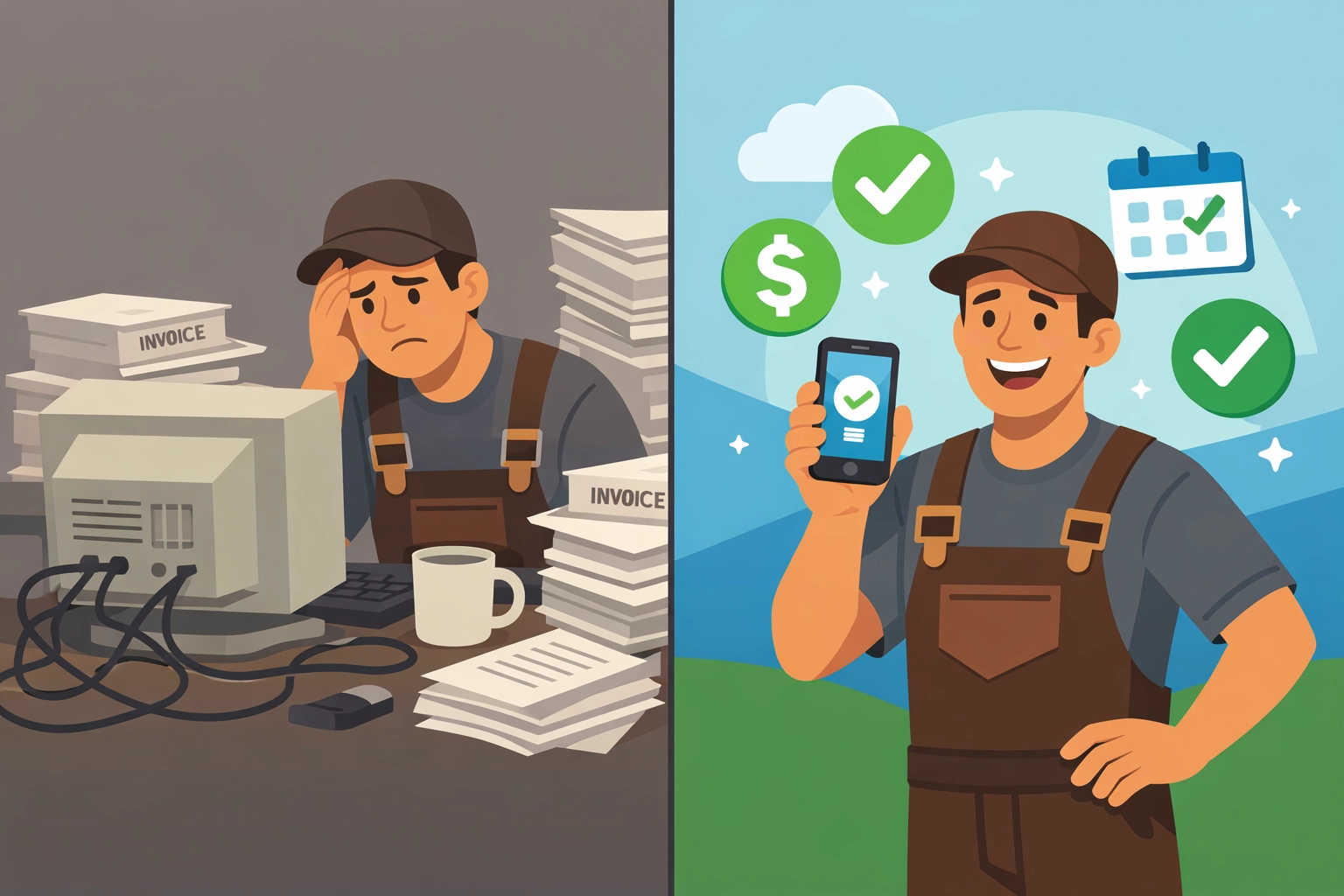
    Small business owner celebrating reduced software costs and monthly expense savings

    The Alternative Nobody’s Telling You About

    We built Valortek because we were tired of this exact problem.

    No separate accounting software. No one-way integrations. No paying twice for features that should work together.

    Everything in one system:

    • Scheduling and dispatch
    • Customer relationship management
    • Invoicing and payments
    • Financial tracking and reporting
    • Real-time analytics
    • Team management

    All for a fraction of what you’re paying now.

    Here’s Our Pricing (The Whole Truth)

    We’re not going to play games with tiered pricing or hidden add-ons.

    $99/month. Period.

    That covers up to 10 users. It includes all features. There’s no “essentials” vs “premium” nonsense. You get everything.

    No additional accounting software needed. No integration headaches. No surprise fees.

    Comparison of complex multiple software systems versus simple unified field service platform

    What $200+/Month in Savings Actually Means

    Let’s say you switch from the Housecall Pro + QuickBooks combo ($304/month) to Valortek ($99/month).

    You save $205 per month.

    That’s $2,460 per year back in your pocket.

    What could you do with an extra $2,460?

    • Hire a part-time admin to actually answer your phones
    • Buy that new tool truck setup you’ve been putting off
    • Give your best tech a well-deserved raise
    • Actually take a vacation

    Or just keep it. It’s your money.

    Why We’re Different

    We’re not trying to be the next big enterprise software giant. We’re a small team building tools for small businesses.

    No venture capital pressure to extract every dollar. No elaborate pricing tiers designed to confuse you. No sales calls where someone tries to upsell you.

    Just honest software at an honest price.

    We built this because we’ve been there. Running a field service business with duct-taped software solutions. Paying way too much for way too little.

    There’s a better way.

    Contractor celebrating business growth and success from field service software savings

    The Bottom Line

    You’re probably paying $300+ per month for:

    • Two separate software systems
    • One-way integration that barely works
    • Extra add-ons to get features you actually need
    • The privilege of manually reconciling everything

    You could be paying $99/month for:

    • One integrated system
    • Everything included
    • No manual reconciliation
    • Actual support from real humans

    The choice is yours.

    But here’s something to think about: What if you just stopped overpaying?

    Ready to See What You’re Missing?

    No pressure. No demos with sales reps. Just try it yourself and see if it works for your business.

    Start Your Free Trial

    Questions? Contact us – we’re happy to help you decide.
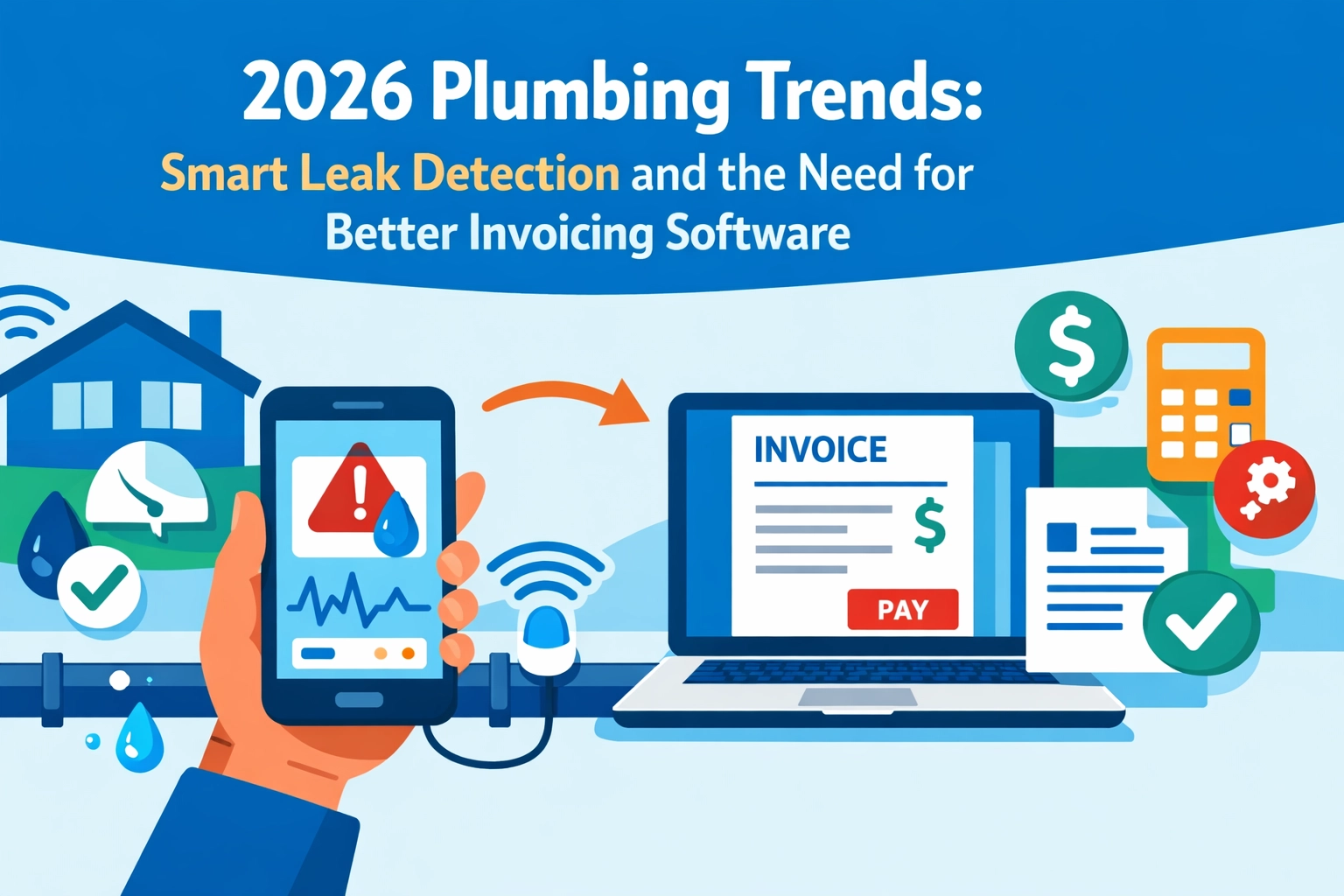
  • 2026 Plumbing Trends: Smart Leak Detection and the Need for Better Invoicing Software

    Author: Warren Peterson

    2026 Plumbing Trends: Smart Leak Detection and the Need for Better Invoicing Software

    The plumbing industry is changing fast. And if you’re not paying attention, you’re already behind.

    Smart leak detection isn’t a luxury anymore. It’s what customers expect. DOE water-heater efficiency standards hit in 2026. EPA water-conservation regulations keep tightening. Your customers are asking for smart tech because they want to save water and money.

    But here’s the problem most plumbers are running into: your service is getting more sophisticated, but your back-office software is still stuck in 2015.

    You’re installing cutting-edge leak detection systems while using the same clunky invoicing software that takes 20 minutes to generate a quote. That doesn’t add up.

    Smart Leak Detection: Not Optional Anymore

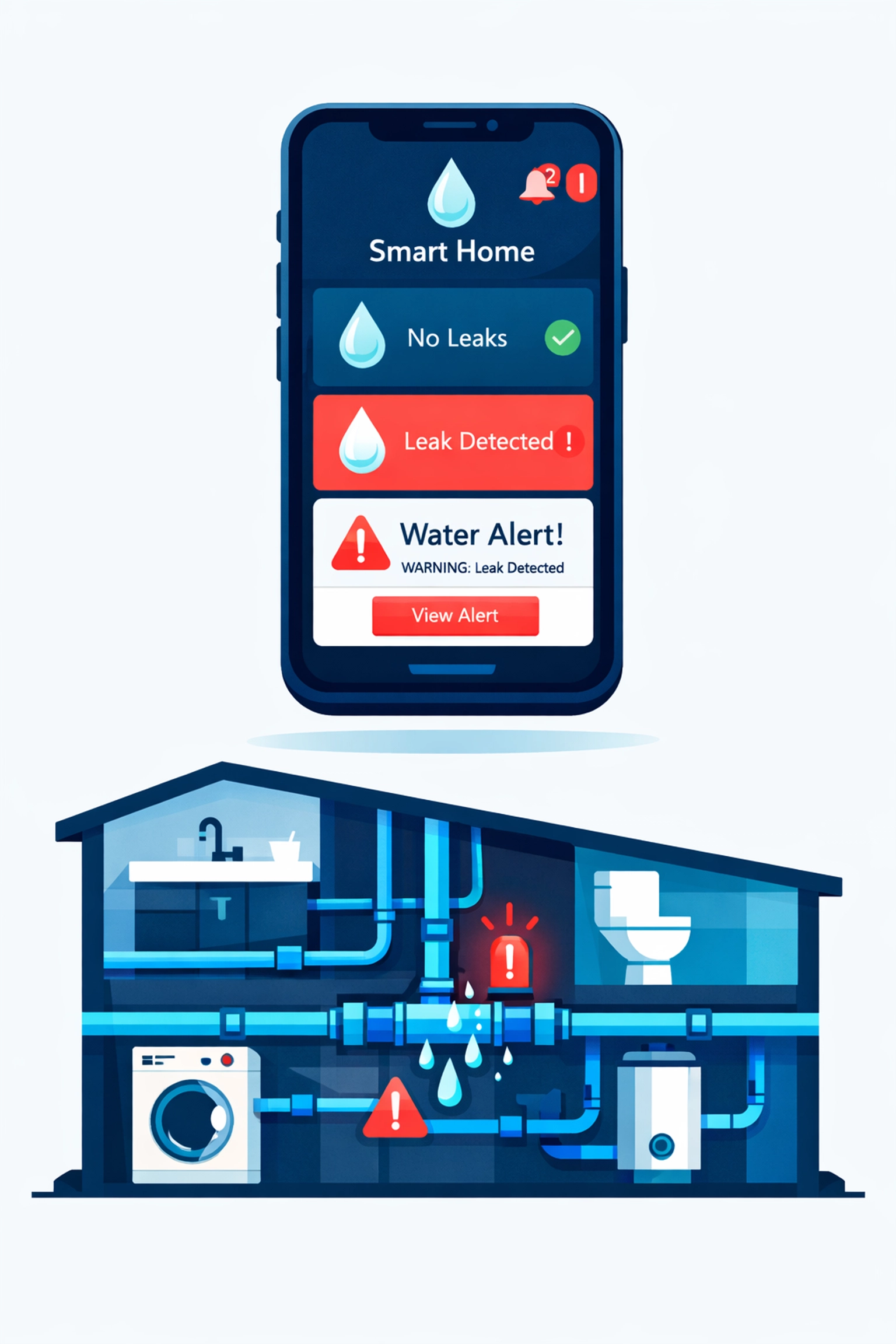
    Homeowners want systems that text them when there’s a leak. They want apps that show water usage in real-time. They want smart shut-off valves that prevent disasters before they happen.

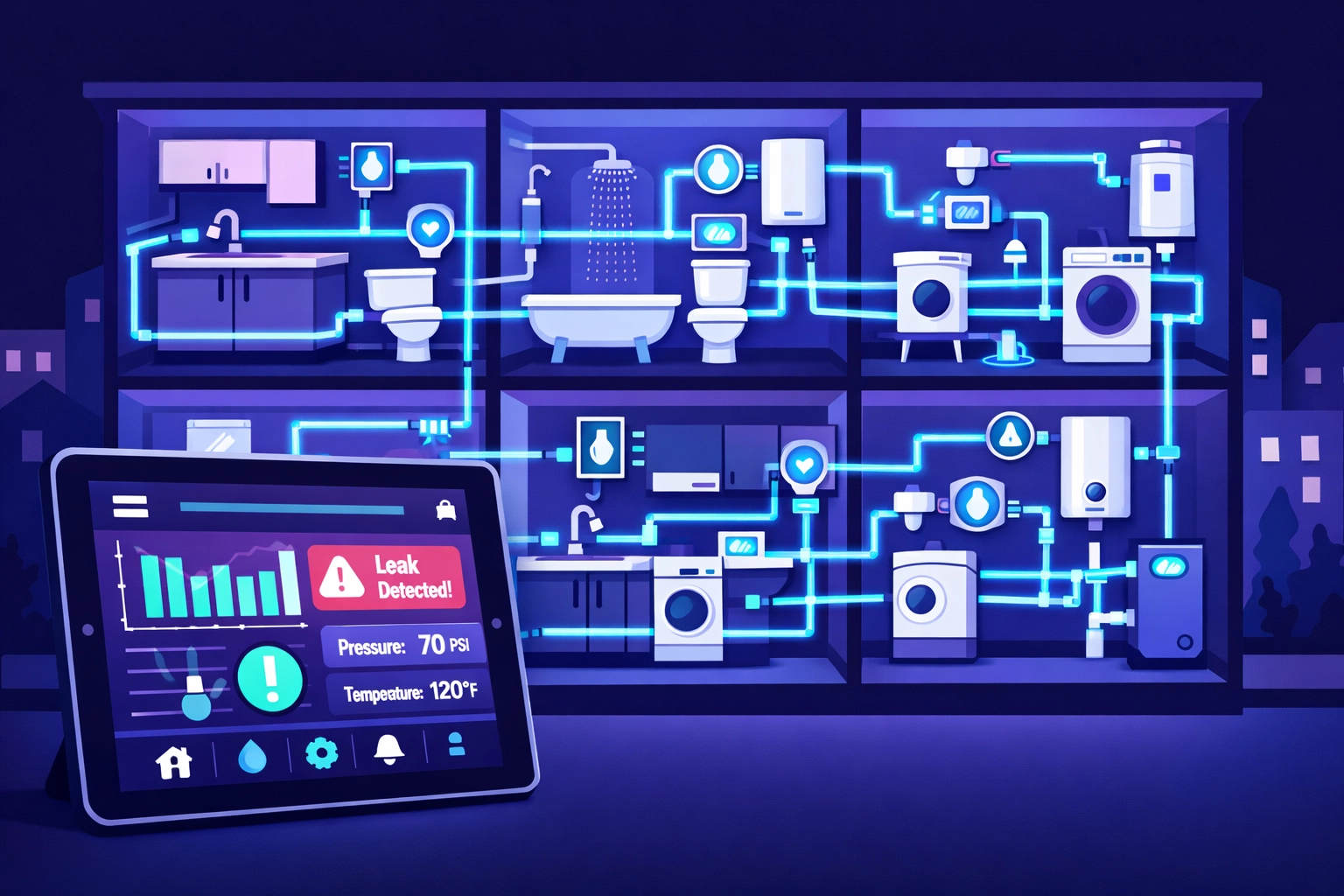
    Smart leak detection app monitoring home plumbing system with water pipes and alerts

    This isn’t just a trend in luxury homes. It’s going mainstream fast.

    Water intelligence features are defining the next wave of residential plumbing. Digital showering controls. Smart water conditioning. Leak detection that actually works. If you’re not offering these services, your competitors are.

    The demand is real. Contractors across the country are reporting major growth in smart plumbing system installations. Customers prioritize clean water and energy efficiency. They’re willing to pay for it.

    Here’s what that means for your business: you need to know how to install, service, and support these systems. That’s a new skill set. New inventory. New vendor relationships. New pricing structures.

    Water Conservation Tech is Everywhere

    Smart leak detection is just one piece. The whole industry is shifting toward conservation.

    Low-flow fixtures aren’t new. But intelligent irrigation systems? Graywater recycling? These are becoming standard in new construction and high-end remodels.

    Federal and state mandates are accelerating this. Manufacturers are redesigning entire product lines to meet 2026 efficiency standards. That means you’re going to be installing and servicing equipment you’ve never touched before.

    Every service call is getting more technical. Every installation requires more product knowledge. Every customer expects you to understand the technology they just saw on YouTube.

    The Back-Office Problem Nobody Talks About

    You’re adapting to new technology on the job site. But what about your business operations?

    Most plumbers we talk to are using the same invoicing software they started with five years ago. Or worse, they’re still doing it on paper.

    Plumber comparing outdated paper invoicing to modern digital invoicing software on smartphone

    That worked fine when you were running service calls for traditional water heaters and drain clogs. But now you’re quoting smart leak detection systems with three different components, ongoing monitoring fees, and installation complexity that varies by home.

    Your old invoicing system can’t keep up.

    You need software that handles modern service pricing. You need digital quotes you can send from your phone. You need invoicing that makes sense for recurring monitoring fees and maintenance contracts.

    Because here’s the truth: if it takes you three days to send a quote for a smart plumbing system installation, that customer already hired someone else.

    Why “Best Software for Plumbers” Isn’t Just About Scheduling

    When plumbers search for the best software for plumbers, they’re usually looking for scheduling and dispatch tools. That’s important. But it’s only half the equation.

    The other half is getting paid efficiently.

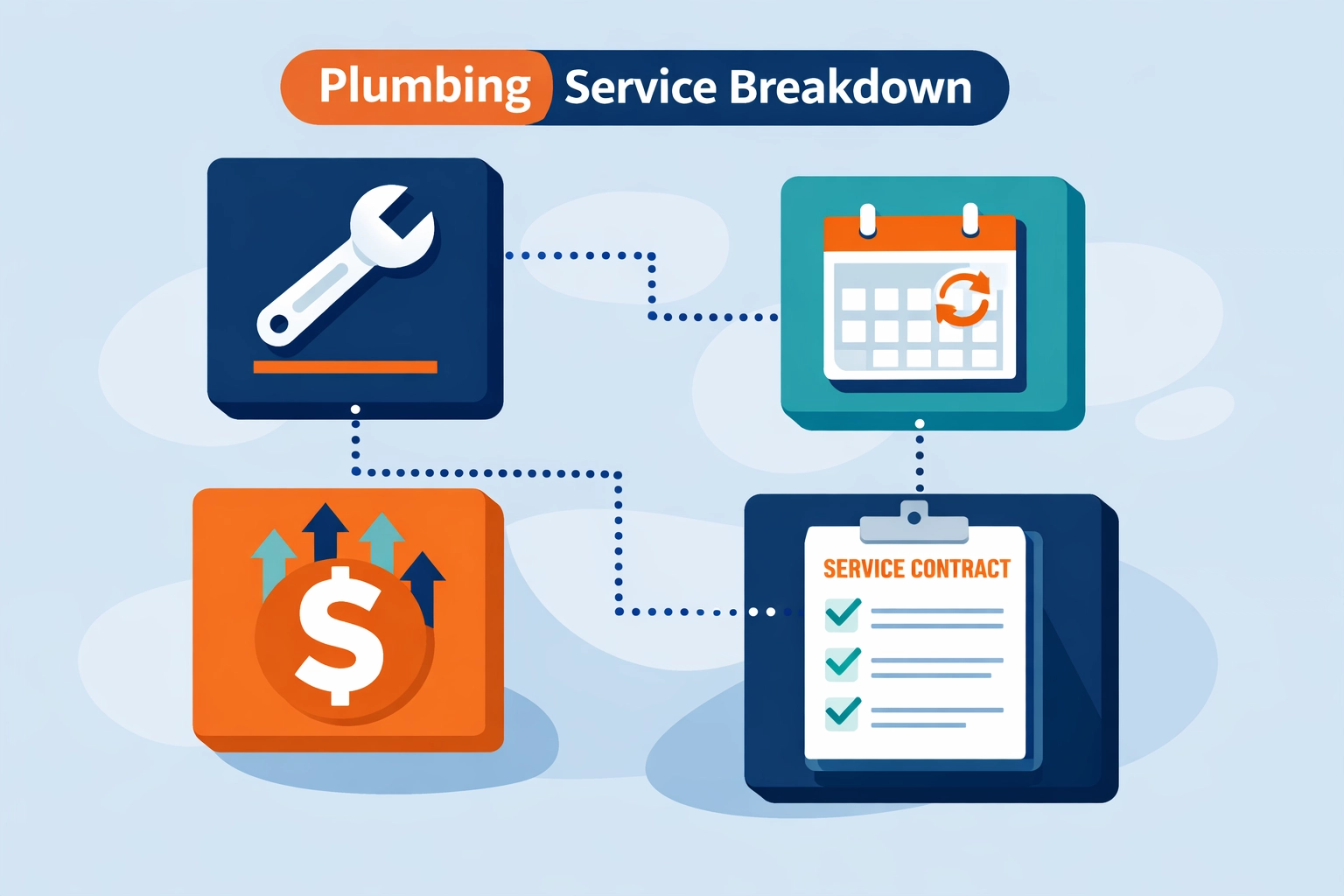
    Smart plumbing services mean more complex pricing. You’re not just charging for labor and a part anymore. You’re billing for:

    • System installation
    • Configuration and setup
    • Customer training
    • Ongoing monitoring (monthly or annual)
    • Maintenance agreements
    • Emergency response contracts

    Traditional invoicing software for contractors wasn’t built for this. It was built for one-time jobs with straightforward pricing.

    You need software that can handle recurring revenue. Subscription billing. Service tiers. Contract renewals.

    Plumbing service pricing components including recurring billing and maintenance contracts

    And you need it to be simple. Because you’re a plumber, not an accountant.

    What Actually Works: Operations Software That Doesn’t Suck

    We built Valortek’s Operations app because we kept hearing the same complaint from contractors: existing software is either too complicated or too limited.

    No bloated enterprise features you’ll never use. No $300/month pricing for stuff you don’t need. Just the tools that actually help you run your business.

    Our Ops app is $99/mo. That’s it. No hidden fees. No per-user charges that multiply when you hire help.

    You get:

    • Fast digital quoting from your phone
    • Invoicing that handles one-time and recurring charges
    • Customer management that doesn’t require a training manual
    • Integration with the tools you already use

    It’s designed for contractors who need to send professional quotes quickly, track payments easily, and not waste hours on administrative work.

    Because the more time you spend wrestling with software, the less time you spend on billable work.

    Prefab and BIM: The Other Trend You Should Know

    Here’s another 2026 trend hitting the plumbing industry: prefabrication and Building Information Modeling (BIM).

    Prefab used to be for big commercial jobs only. Now it’s becoming standard even in residential new construction. Why? Because it’s faster, more accurate, and reduces waste.

    BIM lets you design entire plumbing systems digitally before you cut a single pipe. It catches conflicts before they become expensive mistakes on-site.

    Digital quoting and remote monitoring are moving from “nice-to-have” to essential. Job sites are getting more tech-forward. Design rooms are going digital.

    Smart plumbing monitoring system across apartment building units with digital dashboard

    That means your business systems need to keep pace. If you’re still handwriting quotes and tracking jobs on a whiteboard, you look outdated compared to competitors using modern tools.

    Customers notice. General contractors notice. Property managers notice.

    The Real Question: Can Your Software Handle Your Growth?

    Let’s say you land a big contract installing smart leak detection systems in a 200-unit apartment complex. Great job.

    Can your current software handle:

    • 200 individual quotes (one per unit)?
    • Tracking installation progress across multiple buildings?
    • Billing the property manager monthly for monitoring services?
    • Managing maintenance schedules for all 200 systems?

    If the answer is no, you’ve got a problem.

    The jobs are getting bigger. The technology is getting more complex. The expectations are higher.

    Your software needs to grow with you. Not hold you back.

    Why Plumbers Are Switching to Valortek

    We work with plumbers every day. Small outfits and growing companies. They switch to Valortek because they’re tired of:

    • Software that requires an IT degree to use
    • Pricing that scales up every time they hire someone
    • Features they don’t need buried in menus they can’t navigate
    • Customer support that takes three days to respond

    We keep it simple. We keep it affordable. We keep it focused on what actually matters.

    Quote faster. Invoice easier. Get paid quicker. That’s the goal.

    No enterprise bloat. No corporate buzzwords. Just software that works for plumbers who want to spend more time plumbing and less time doing paperwork.

    The Bottom Line

    2026 plumbing trends are clear: smart leak detection, water conservation tech, and digital integration are the new normal.

    Your customers expect it. Regulations require it. The market is moving that direction whether you’re ready or not.

    But you can’t deliver modern plumbing services while running your business on outdated software. It doesn’t work.

    You need invoicing and operations software that matches the sophistication of the work you’re doing. Software that’s fast, affordable, and actually designed for contractors.

    That’s what we built. $99/mo. No games. No gotchas.

    Start Your Free Trial

    Questions? Contact us – we’re happy to help you decide.

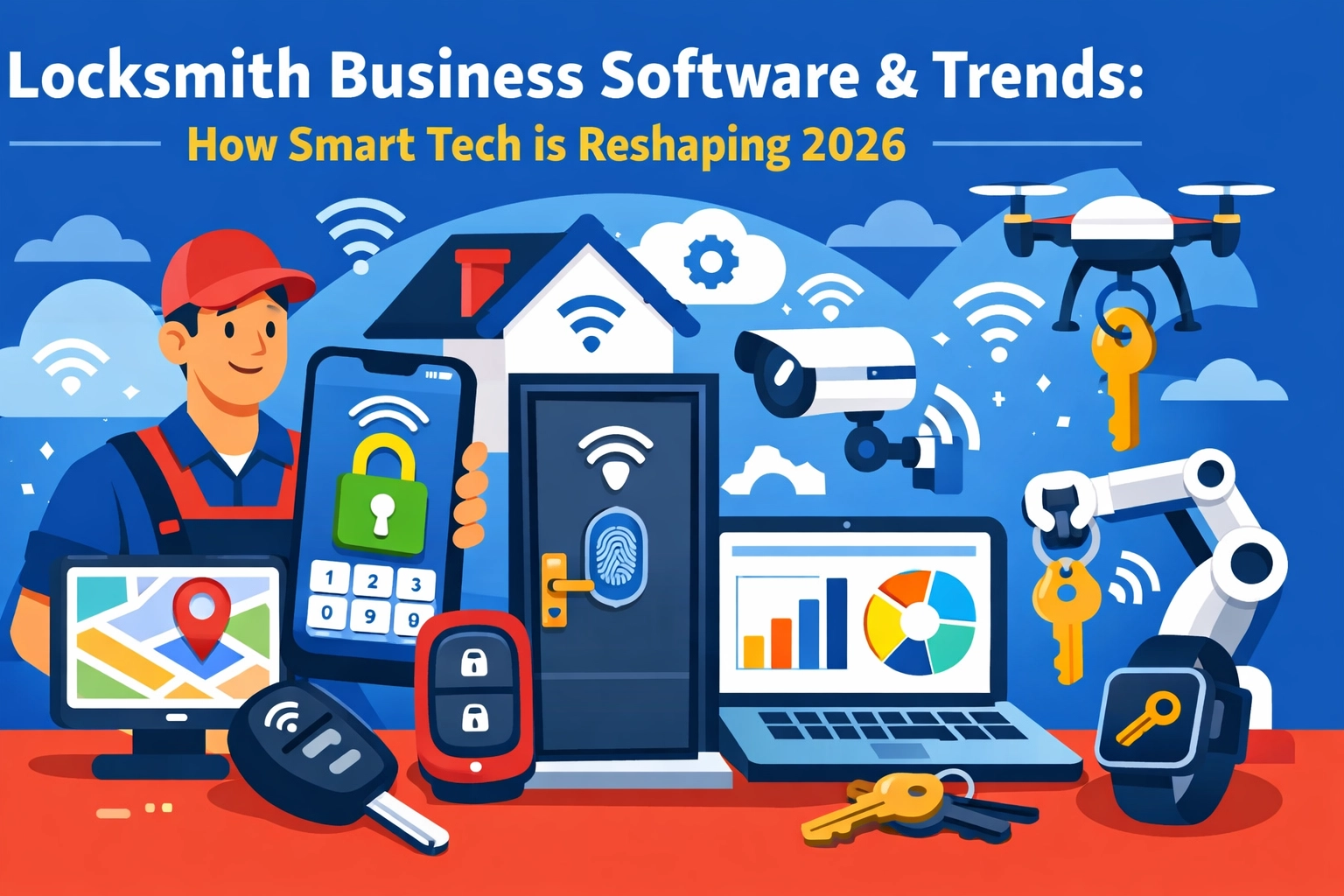
  • Locksmith Business Software and Trends: How Smart Tech is Reshaping 2026

    Author: Warren Peterson

    Locksmith Business Software & Trends: How Smart Tech is Reshaping 2026

    The locksmith industry is changing fast. And we’re not talking about new lock designs.

    We’re talking about how you run your business. Smart tech is everywhere now. AI-powered dispatch. Real-time GPS tracking. Mobile apps that let your techs close deals on-site. Automated booking systems that work while you sleep.

    Here’s what’s actually happening in 2026: and what it means for your locksmith business.

    AI Is Handling Your Phone Calls (And It’s Pretty Good)

    No more missed calls. No more juggling your phone while you’re elbow-deep in a rekey job.

    AI answering systems are now standard in locksmith business software. These aren’t the clunky robocalls from five years ago. Today’s systems can book appointments, answer basic questions, and route emergencies to your on-call tech: 24/7.

    AI-powered phone assistant for locksmith business software with 24/7 automated booking

    Contractor+ launched Estimatic AI. ServiceTitan added AI-powered customer engagement. Even smaller platforms are building this in.

    The tech works. The question is whether you’re paying $500/month for it or getting it at a reasonable price.

    Your Techs Need Real-Time Everything

    Field service management software in 2026 isn’t about digitizing your clipboard anymore. It’s about giving your techs everything they need on their phone.

    Route optimization that cuts drive time by 20-30%. GPS tracking so you know exactly where everyone is. Job details, customer history, and access codes: all in one app.

    The best part? Your techs can update job status, accept payments, and even upsell services without calling the office.

    This is table stakes now. Every serious locksmith business software platform has mobile apps. The difference is in the details: and the monthly cost.

    Integrated Payments Are Non-Negotiable

    Remember taking checks? Or worse, invoicing people and hoping they’d pay in 30 days?

    That’s over.

    Modern locksmith software includes payment processing built right in. Your tech finishes the job, the customer taps their card on your phone, and the money hits your account.

    GPS route optimization map showing field service technician locations and efficient routing

    No manual entry. No reconciliation headaches. No waiting.

    The catch? Some platforms take a cut of every transaction. Others charge flat fees. Read the fine print.

    The All-in-One Platform Takeover

    Here’s the big trend: market consolidation.

    Five years ago, you’d piece together different tools. QuickBooks for accounting. A separate CRM. Maybe a dispatch board. Manual scheduling.

    Not anymore.

    The market has shifted to all-in-one platforms that handle dispatch, scheduling, CRM, invoicing, payments, and mobile management in one system.

    ServiceTitan. Jobber. FieldPulse. HouseCallPro. They all want to be your single solution.

    That sounds great until you see the price tag. Enterprise-level platforms can run $300-$500+ per month. For a small locksmith shop, that’s real money.

    What You Actually Need vs. What They’re Selling

    Let’s be honest about something: most locksmith businesses don’t need every bell and whistle.

    You don’t need predictive AI that forecasts demand six months out. You don’t need 47 different report templates. You don’t need a dedicated account manager walking you through features you’ll never use.

    You need:

    • Easy scheduling that prevents double-bookings
    • Mobile apps your techs can actually use
    • Simple invoicing and payment collection
    • Customer records you can access quickly
    • Basic reporting so you know what’s making money

    That’s it. The rest is feature bloat designed to justify higher monthly fees.

    Mobile payment processing on smartphone for locksmith invoicing and instant transactions

    The Smart Lock Integration Question

    Smart locks are everywhere now. August. Yale. Schlage Encode. Customers are asking about them.

    Some locksmith business software platforms are adding smart lock integrations. You can manage access codes remotely. Set up temporary access for Airbnb hosts. Monitor who’s coming and going.

    This is useful if you’re moving into smart home services. But if you’re focused on traditional locksmith work? It’s nice to have, not need to have.

    Don’t let a sales rep convince you to pay an extra $100/month for features your customers aren’t asking for.

    The Real Cost of “Enterprise” Software

    ServiceTitan is the market leader for field service businesses. They’re great at what they do.

    They’re also expensive. Really expensive.

    We’re talking $300-$500+ per month for smaller operations. Enterprise pricing for teams that aren’t enterprise-sized yet.

    HouseCallPro, Jobber, and FieldPulse fall into similar ranges. They’ve all added impressive features. AI this. Smart that. Automated everything.

    But here’s what nobody talks about: most small locksmith businesses don’t need 80% of what these platforms offer.

    You’re paying for complexity you don’t use. Training time you don’t have. Integrations you don’t need.

    Where Valortek Fits In

    We built our Operations app for exactly this situation.

    No enterprise complexity. No $400/month sticker shock. No sales calls where someone tries to upsell you to the “Professional Plus Premium” tier.

    Just solid field service management software that handles scheduling, dispatch, mobile field work, invoicing, and payments. Everything a locksmith business actually needs to run smoothly.

    $99/month. That’s it.

    Comparison of simple locksmith business software vs complex overwhelming enterprise platforms

    We’re not trying to be everything to everyone. We’re not building predictive AI or smart home integrations or 17-layer permission systems.

    We’re building software for small trade businesses that want to stop using spreadsheets and clipboards without taking out a second mortgage to afford “enterprise” tools.

    2026 Is About Picking the Right Tool, Not the Fanciest One

    The locksmith industry has more software options than ever. That’s good.

    But more options also means more noise. More sales pitches. More feature comparisons that don’t actually matter.

    Here’s what matters:

    • Can your techs use it without a training manual?
    • Does it save you time or create more work?
    • Can you afford it without cutting into your margins?
    • Does the company actually respond when you need help?

    The fanciest tool isn’t always the right tool. Sometimes you just need something that works and doesn’t break the bank.

    What’s Next for Locksmith Tech

    We’ll see more AI. More automation. More integrations with smart home platforms and IoT devices.

    That’s all coming.

    But the core of your business hasn’t changed. You show up. You solve problems. You get paid.

    The software should make that easier, not harder.

    If your current system is working, great. If you’re paying too much for features you don’t use, maybe it’s time to look around.

    And if you’re still using paper and spreadsheets? 2026 is the year to fix that.

    Smart lock with smartphone showing digital access code management for locksmith services

    The technology exists now to run your locksmith business smoothly without spending enterprise money. You just have to know where to look.


    Start Your Free Trial

    Questions? Contact us – we’re happy to help you decide.

  • 7 Mistakes Plumbers Make with Field Service Software (That Cost Thousands in Lost Revenue)

    Author: Warren Peterson
    Category: Operations

    You’re losing money. Every single day.

    Not because you’re bad at plumbing. You’re probably great at it. You’re losing money because your systems are bleeding cash in ways you don’t even notice.

    We’ve worked with hundreds of plumbing businesses over the years. The ones with 1-10 employees? They’re the ones getting hit hardest by these mistakes. And most don’t realize it until tax season rolls around and they’re scrambling to explain where all the money went.

    Let’s fix that.

    Mistake #1: Manual Scheduling (AKA Playing Tetris With Your Calendar)

    You’re still using a whiteboard. Or a paper calendar. Or worse: a group text thread.

    Here’s what that costs you: About 2-3 hours per day of admin time. That’s $15,000-$25,000 per year in wasted labor for a small team.

    Plumber overwhelmed by manual scheduling chaos with paper calendars and missed appointments

    Manual scheduling means double bookings. It means sending your guy across town when there’s a closer job. It means your dispatcher can’t see who’s available, who’s running late, or who just finished early and could squeeze in another call.

    Every miscommunication is a missed opportunity. Every routing mistake burns gas and time. It adds up fast.

    Mistake #2: No Real-Time Communication (So Your Techs Are Flying Blind)

    Your tech shows up to a job. The customer says “I told the office it was an emergency sewer backup, not a leaky faucet.”

    Nobody told your tech.

    Now he’s got the wrong parts. Wrong tools. Wrong expectation about how long this will take. He has to reschedule or make another trip.

    That’s two visits for one job. Your profit margin just evaporated.

    Real-time communication isn’t fancy. It’s basic. Your techs need to know what they’re walking into before they knock on the door. Without field service software that connects the office to the field, you’re playing telephone with expensive consequences.

    Mistake #3: Ignoring First-Time Fix Rates (And Paying For It Twice)

    Here’s a number that should scare you: Industry average first-time fix rate for plumbers is around 70-75%.

    That means 25-30% of your jobs require a second visit.

    Field service communication breakdown between plumber's van and customer causing repeat visits

    Every return trip costs you. You’re paying for drive time. You’re paying for labor. You’re not getting paid for travel. And your customer is annoyed they had to take time off work again.

    Why does this happen? Because your techs don’t have the right information before they leave. They don’t know what parts to bring. They can’t see the job history. They’re guessing.

    Good field service software tells your tech what they need before they go. It shows them what parts were used on similar jobs. It gives them access to customer notes and previous service records.

    One visit instead of two. That’s pure profit.

    Mistake #4: Disconnected Systems Creating Cash Flow Chaos

    Your scheduling is in one place. Your invoicing is somewhere else. Your QuickBooks is its own island. Nothing talks to each other.

    So you’re entering the same data three times. And making mistakes every single time.

    Jobs get completed but invoices don’t go out for weeks. You’re doing the work but not collecting the money. Then tax season hits and you’re spending $1,500-$2,500 getting your books cleaned up because nothing matches.

    Here’s the thing: Connected systems save you serious money. When your field service software integrates with your accounting, invoices go out automatically. Payments get tracked in real-time. Your books stay clean.

    That’s $1,000+ in tax prep savings right there. Plus you actually know where your money is instead of drowning in spreadsheets every quarter.

    Mistake #5: Random Routes That Waste Time and Gas

    Your dispatcher sends Tech A to the north side, then back to the south side, then north again.

    Meanwhile Tech B is sitting in the south side all day.

    Inefficient plumbing route planning wasting time and money compared to optimized scheduling

    Bad routing is invisible money loss. You’re burning gas. You’re paying techs to drive instead of work. You’re fitting 4 jobs into a day when you could fit 6.

    Smart scheduling software optimizes routes automatically. It looks at where your techs are. Where the jobs are. And maps the most efficient path.

    The result? One or two extra jobs per tech per day. That’s 5-10 extra billable jobs per week for a small team. At $200 per job, you just found $50,000-$100,000 in annual revenue you were leaving on the table.

    Mistake #6: Zero Data (So You’re Guessing About Everything)

    Quick question: What’s your average job value? What’s your most profitable service? Which tech completes jobs fastest? Which neighborhoods are most profitable?

    If you can’t answer these questions in under 30 seconds, you don’t have data. You’re running your business on gut feeling.

    That works until it doesn’t.

    Field service software tracks everything. Job completion times. Revenue per tech. Profit margins by service type. Customer retention rates.

    This isn’t about drowning in reports. It’s about knowing which levers to pull. Maybe you’re scheduling too many low-profit jobs. Maybe one tech needs more training. Maybe you should stop serving that area that’s 45 minutes away.

    Data tells you where to focus. Guessing costs you money.

    Mistake #7: Treating Software Like an Expense Instead of an Investment

    “Field service software costs too much.”

    We hear this all the time. Usually from the same people spending $300-$400 per month on systems that don’t talk to each other.

    Let’s do the math on what good software actually saves you:

    • 2 hours of admin time per day: $15,000/year
    • Better routing (2 extra jobs per tech per week): $50,000/year
    • Improved first-time fix rate (10% improvement): $20,000/year
    • Cleaner books (less tax prep and fewer errors): $2,000/year
    • Fewer missed invoices: $10,000/year

    That’s $97,000 in savings and new revenue. Per year. For a small plumbing team.

    Good software pays for itself in the first month. Everything after that is pure profit.

    Stop Bleeding Money

    These mistakes aren’t complicated. They’re just expensive.

    The fix is simple: Get your systems right. Stop doing things manually. Stop using five different tools that don’t work together. Stop guessing.

    Field service software built for small plumbing businesses solves all seven of these problems. It connects your scheduling, dispatch, communication, invoicing, and reporting into one place.

    Your techs know where to go and what to bring. Your invoices go out automatically. Your books stay clean. You can see what’s working and what’s not.

    No more spreadsheets. No more whiteboards. No more scrambling at tax time wondering where the money went.

    Just straightforward systems that help you keep more of what you earn.

    Want to stop losing thousands to these mistakes? Let’s talk about what better systems look like for your business.

    Valortek Inc – We help small trade businesses get their operations dialed in. Real solutions. Real savings.

    Start Your Free Trial

    Questions? Contact us – we’re happy to help you decide.
  • Housecall Pro Vs QuickBooks: Why Small Trades Are Paying $300+/Month (And How to Cut That in Half)

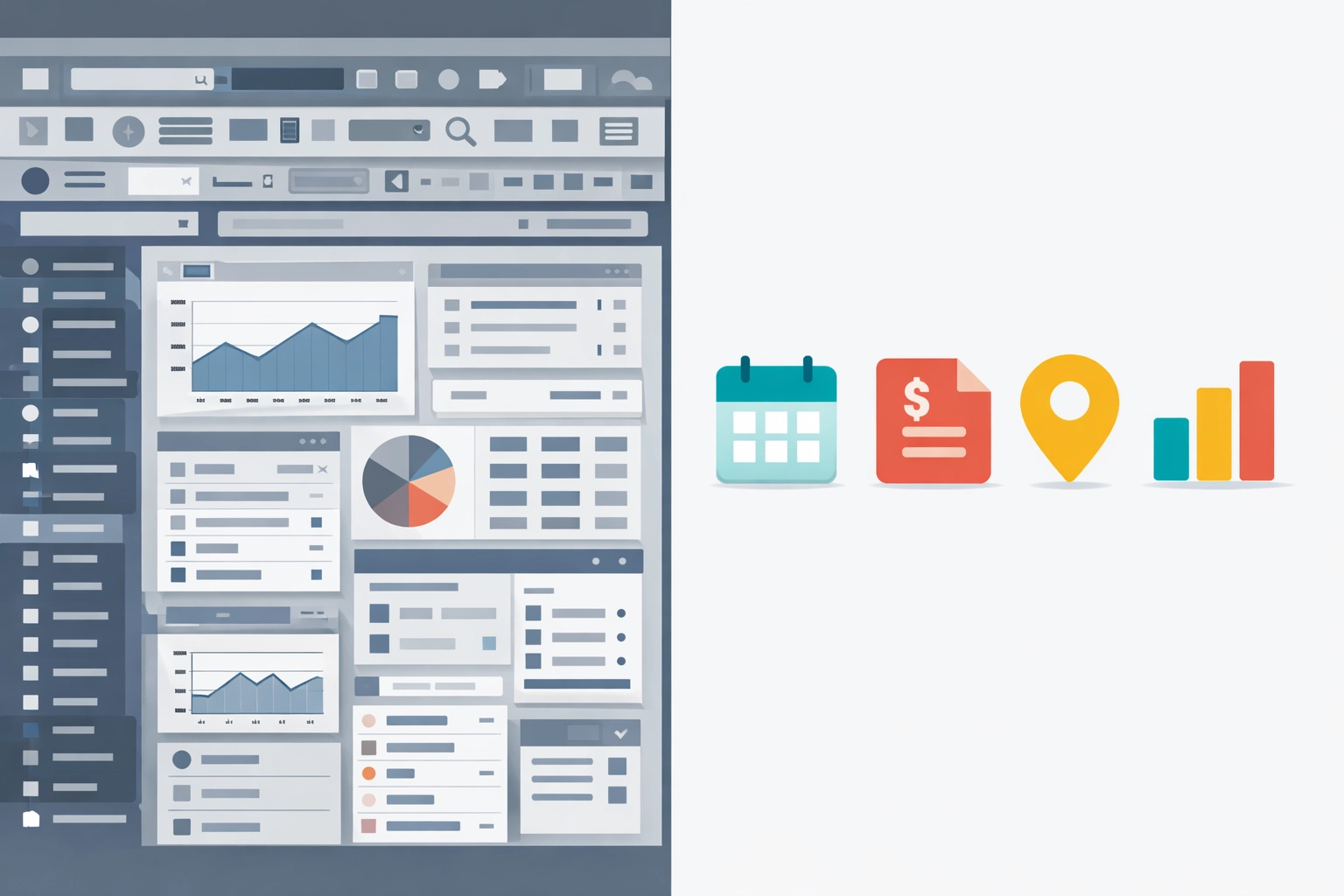
    Housecall Pro vs QuickBooks cost comparison for small trade businesses

    You're getting killed by software costs.

    Not because you picked the wrong tools. Because you're forced to buy two of them.

    Housecall Pro handles your field ops. QuickBooks handles your books. And together? They're bleeding you dry at $300+ per month.

    Let's break down why this happens: and how smart trades are cutting that number in half.

    The $300+ Trap (And How You Got Here)

    Here's what most 1-10 employee trade businesses are paying right now:

    Housecall Pro: $79-$169/month depending on your plan and user count.

    QuickBooks Online: $90-$200/month for Simple Start through Advanced plans.

    Add them together? You're looking at $170-$370 per month. And that's before you factor in payment processing fees, add-ons, or extra users.

    Trade business owner managing Housecall Pro and QuickBooks with rising monthly software costs

    Most trades land somewhere around $300/month for both platforms combined. That's $3,600 per year just to schedule jobs and track invoices.

    For a crew of five? That's brutal.

    Why You Need Both (Or Think You Do)

    Here's the problem: Housecall Pro isn't an accounting platform. QuickBooks isn't field service software.

    Housecall Pro gives you:

    • Job scheduling and dispatching
    • Customer communication
    • Mobile apps for technicians
    • Job tracking and GPS
    • Estimates and invoicing

    QuickBooks gives you:

    • General ledger and chart of accounts
    • Expense tracking
    • Financial reporting
    • Tax prep features
    • Payroll integration

    They don't overlap. They complement.

    So you buy both. Because running a plumbing or HVAC business without scheduling software is chaos. And filing taxes without proper books is a nightmare.

    You're stuck paying for two separate subscriptions because no single tool does it all.

    The Integration Illusion

    "But wait: they integrate with each other!"

    Yeah. Sort of.

    Housecall Pro does sync with QuickBooks. Invoices flow from one system to the other. On paper, it sounds seamless.

    Housecall Pro and QuickBooks integration showing two separate platforms connected by bridge

    In reality?

    You're still logging into two different platforms every day. You're still managing two sets of user permissions. You're still troubleshooting when the sync breaks (and it will break).

    And you're still paying full price for both tools.

    The integration doesn't save you money. It just makes the double payment slightly less painful.

    The Real Cost of Running Dual Systems

    Let's talk about what $300+/month actually costs your business beyond the subscription fees.

    Time:
    Jumping between two systems eats 15-30 minutes per day. That's 5-10 hours per month. If your time is worth $75/hour, that's another $375-$750 in lost productivity.

    Training:
    Every new hire needs to learn two systems. That doubles your onboarding time and complexity.

    Error risk:
    Manual data entry between systems (even with integration) creates opportunities for mistakes. Missed invoices, duplicate entries, reconciliation headaches.

    Mental overhead:
    Keeping track of where information lives: job notes in Housecall Pro, expense receipts in QuickBooks: creates friction every single day.

    The subscription cost is just the start. The hidden costs add up fast.

    How Small Trades Are Cutting Costs in Half

    Here's what the smart operators figured out: you don't need two separate systems.

    You need one platform that handles both field operations and financial management.

    That's exactly what we built at Valortek.

    Trade business team using unified scheduling and accounting software on single platform

    No separate scheduling software. No separate accounting platform. Just one system that does both.

    Our combined Ops and Finance package runs $149/month. That includes:

    • Complete job scheduling and dispatch
    • Customer management and communication
    • Mobile field tech apps
    • Invoicing and payments
    • Full accounting and bookkeeping
    • Financial reporting and tax prep
    • Expense tracking
    • Everything synced in real-time

    One login. One system. One price.

    The Math That Actually Matters

    Let's put real numbers on this:

    Traditional Setup:

    • Housecall Pro Essentials: $169/month
    • QuickBooks Online Plus: $90/month
    • Total: $259/month ($3,108/year)

    Valortek Setup:

    • Ops + Finance: $149/month
    • Total: $149/month ($1,788/year)

    You save $110 per month. That's $1,320 per year.

    For a small trade business with thin margins, that's not pocket change. That's a used truck payment. That's another employee's health insurance. That's real money.

    And you get better integration because everything lives in one platform from the start.

    Who This Actually Works For

    This isn't for everyone. Let's be clear about that.

    This works great if you:

    • Run a trade business with 1-10 employees
    • Handle field service work (plumbing, HVAC, electrical, etc.)
    • Need both scheduling and accounting functionality
    • Want to simplify your tech stack
    • Care about keeping costs reasonable

    This probably isn't for you if you:

    • Run a massive enterprise operation
    • Need ultra-specialized accounting features for complex corporate structures
    • Already have a massive tech ecosystem you're locked into
    • Have an accounting team that lives inside QuickBooks

    We built Valortek for the small trade business that's tired of paying enterprise prices for basic functionality.

    Making the Switch

    Moving from two systems to one sounds painful. It doesn't have to be.

    We migrate your customer data, job history, and financial records. Your team gets trained on one simple platform instead of two complicated ones.

    Most trades are fully operational on Valortek within a week. And they're saving $110+/month from day one.

    Cost comparison showing $259/month dual software vs $149/month unified platform savings

    No long-term contracts. No surprise fees. No "contact us for pricing" nonsense.

    It's $149/month for everything. That's it.

    The Bottom Line

    You're probably paying $300+/month right now because you think you need both Housecall Pro and QuickBooks.

    You don't.

    You need one system that handles operations and finance together. And you need it to cost less than the two-platform setup you're running today.

    That's Valortek. Ops and Finance for $149/month. Built specifically for small trades who are tired of getting nickel-and-dimed by software subscriptions.

    Want to see how much you'd actually save? Let's talk.

    Ready to cut your software costs in half?

    Check out Valortek at https://valortek.com or reach out to our team. We'll show you exactly how the numbers work for your specific business.

    No sales pitch. Just honest math and a platform that actually works the way small trades need it to.

    Start Your Free Trial

    Questions? Contact us – we're happy to help you decide.

  • Best HVAC Scheduling Software for Small Teams: 10 Things You Should Know Before You Buy

    Best HVAC Scheduling Software for Small Teams: 10 Things You Should Know Before You Buy

    Author: Warren Peterson
    Category: Operations

    You're running a small HVAC team. Your current scheduling system is probably a mess of sticky notes, text messages, and that one dry-erase board in the shop.

    You know you need software. But you're looking at price tags like $300+ per month and wondering if you're being ripped off.

    You are.

    Here's what actually matters when picking scheduling software for your team. No sales pitch. No fluff. Just the stuff that'll save you money and headaches.

    1. Most "Top Picks" Cost Way More Than They Should

    Let's talk money first.

    Jobber and Housecall Pro are the names everyone throws around. They're decent. They also cost between $199 and $349 per month for small teams.

    That's $2,388 to $4,188 per year.

    HVAC scheduling software cost comparison showing expensive vs affordable pricing options

    For what? A calendar that talks to your phone? Automatic reminders? GPS tracking?

    Those are table stakes now. Not premium features.

    The software industry loves charging small businesses enterprise prices. They bundle a bunch of features you'll never use and call it "comprehensive."

    We're not doing that at Valortek. We built our tools for small teams who need the core features without the bloated price tag. Same functionality. Half the cost.

    2. Mobile Matters More Than Desktop

    Your techs aren't sitting at a desk. They're in trucks.

    If your software doesn't work perfectly on a phone, you're fighting an uphill battle. Your team will resist using it. You'll end up with half the jobs logged and constant back-and-forth calls.

    ServiceM8 gets this right. It's mobile-first. Everything works better on a phone than on a computer.

    That's how field service software should work in 2026.

    Check this before you buy: Download the app. Try to log a job, assign a tech, and send an invoice: all from your phone. If it takes more than 2 minutes or feels clunky, keep shopping.

    3. Setup Time Is a Hidden Cost

    Some platforms take weeks to set up properly.

    FieldEdge is powerful. It's also complicated. You'll need training. Your team will need training. You might need to hire someone just to manage the software.

    Small teams can't afford that.

    HVAC technician using mobile scheduling app on smartphone in service truck

    Housecall Pro and ServiceM8 can be up and running in a day. That's what you want.

    At Valortek, we designed our onboarding to take under an hour. You plug in your service areas, add your techs, and you're dispatching jobs. No certification courses required.

    4. The Features Everyone Has

    Here's what every platform will give you:

    • Drag-and-drop calendar
    • Real-time job updates
    • Automatic customer reminders
    • Technician assignments
    • GPS dispatching
    • Basic invoicing

    These aren't differentiators anymore. They're the baseline.

    Don't let a sales rep act like their GPS feature is revolutionary. It's 2026. Every platform has this stuff.

    What matters is how well it works and how much you're paying for it.

    5. QuickBooks Integration Isn't Optional

    You're probably using QuickBooks. Most small businesses do.

    If your scheduling software doesn't sync with it automatically, you're creating double work. Your bookkeeper is going to manually enter every job. That's billable hours you're wasting.

    Jobber syncs well with QuickBooks. So does Housecall Pro.

    Valortek syncs too. Automatically. Every invoice, every payment, every expense: it flows straight into your books without you lifting a finger.

    6. Automation Is Worth Paying For (If It's Actually Good)

    Good automation saves you hours every week.

    • Customer gets an appointment reminder automatically
    • Tech gets the job details and customer history on their phone
    • Invoice goes out when the job's marked complete
    • Payment reminder sends if they don't pay in 3 days

    Complex software setup vs simple onboarding comparison for small HVAC teams

    That's automation worth having.

    Bad automation just creates more work. You're constantly fixing mistakes and overriding the system.

    Test it in the trial period. Set up a fake job and watch what happens automatically. If it doesn't feel seamless, it's not good enough.

    7. Reporting Depends on Your Team Size

    If you're running 2-3 techs, you probably don't need advanced analytics.

    You know how busy everyone is. You can see the revenue trends. Complex reports are overkill.

    But if you're at 5+ techs and planning to grow, you'll want deeper insights. Which tech is most profitable? Which service areas are busiest? Where are you losing money on drive time?

    Most small teams overpay for reporting features they'll never use.

    At Valortek, we give you what matters: job completion rates, revenue per tech, and customer satisfaction scores. Clean dashboards. No PhD required to read them.

    8. Plan for Growth (But Don't Overpay Now)

    Here's the trap: Sales reps will tell you to buy the "scalable" enterprise plan now so you don't have to switch later.

    Translation: Pay for 10 techs when you have 3.

    That's terrible advice.

    Buy what you need today. Most platforms let you upgrade when you're ready. If they don't, that's a red flag.

    Valortek scales with you. You add users as you hire. Your monthly cost grows with your revenue. Not before.

    9. Residential vs Commercial Changes Everything

    This is huge.

    Housecall Pro is built for residential service calls. Quick jobs. Homeowners. Simple invoicing.

    If you're doing commercial work: multi-day projects, change orders, complex billing: it'll frustrate you.

    BuildOps handles commercial better. But it's expensive and complicated for residential-only shops.

    Automated HVAC scheduling workflow from customer booking to payment completion

    Figure out where 80% of your revenue comes from. Buy software designed for that work.

    We built Valortek to handle both. But we're honest about it: if you're 100% commercial with huge projects, there might be better specialized tools out there.

    10. Free Trials Are Non-Negotiable

    If a software company won't give you a free trial, run.

    They're betting you won't actually use the product before buying. That's a bad sign.

    Every legit platform offers at least 14 days free. Take them up on it.

    During your trial:

    • Add 3 real jobs
    • Have your techs use the mobile app for a full day
    • Run one invoice from start to payment
    • Try to pull a simple report

    If anything feels broken or confusing, move on. There are too many options to settle for clunky software.

    What This Actually Means for Your Business

    You're not picking software. You're picking a tool that'll either save you 5-10 hours per week or waste your time.

    The big-name platforms aren't bad. They're just overpriced for what small teams actually need.

    You don't need enterprise features. You need:

    • Easy scheduling
    • Mobile that actually works
    • Automatic invoicing
    • Real-time updates
    • QuickBooks sync

    That's it.

    At Valortek, we're not trying to be everything to everyone. We're building for small HVAC, plumbing, and electrical teams who are tired of overpaying for bloated software.

    We charge $149 per month for up to 5 users. Everything included. No hidden fees. No year-long contracts.

    Residential vs commercial HVAC service work environments and software needs

    If you want to try it, we'll set you up with a 14-day trial. No credit card required.

    If you want to stick with Jobber or Housecall Pro, that's fine too. Just make sure you're getting what you're paying for.

    Ready to stop overpaying for scheduling software? Check out what we're building at Valortek or reach out directly. We're real people who actually respond to emails.

    Start Your Free Trial

    Questions? Contact us – we're happy to help you decide.

  • Field Service Management Software for 1–10 Employees: What are reasonable prices for a subscription service?

    HERO: Field Service Management Software for 1–10 Employees: Which One Won't Nickel-and-Dime You?

    You have a locksmith business with four techs. Or maybe you run a three-person HVAC crew. You need software that schedules jobs, sends invoices, and tracks who’s where.

    Simple, right?

    Then you start shopping. And the pricing makes your head spin.

    $29 per user. Plus processing fees. Plus the “premium” features that should be standard. Plus the texting add-on. Plus, plus, plus.

    Suddenly your $99/month estimate turns into $400/month. For a team of five people.

    That’s the game most field service software companies play. We’re breaking it down so you can spot the traps and find something that actually fits a small operation.

    The Per-User Pricing Trap

    Here’s how they get you.

    They advertise “$29/month” in huge letters. You think that sounds reasonable. Then you read the fine print: per user, per month.

    You’ve got six people who need access. That’s $174/month before you’ve even turned on a single feature.

    Then they hit you with the add-ons. Want two-way texting? That’s another $50. Payment processing? Another 3% plus fees. Advanced reporting? Move up to the $49/user tier.

    Now you’re at $350/month. For basic scheduling and invoicing.

    For a 1-10 employee business, per-user pricing is designed to maximize what you pay as you grow. It punishes success.

    Small business owner confused by complex field service software pricing tiers and hidden fees

    What Actually Matters for Small Teams

    You don’t need enterprise dashboards. You don’t need AI-powered insights. You definitely don’t need a “customer success manager.”

    You need five things:

    Scheduling that doesn’t suck. See who’s booked, drag jobs around, done. No seven-step process to move an appointment.

    Invoicing you can send from your truck. Close the job, tap three times, invoice is in the customer’s inbox. Payment link included.

    Job tracking that shows you what’s happening. Who’s on the clock. Who’s late. What jobs are still open. One screen.

    No hidden fees for basic features. Texting customers shouldn’t cost extra. Neither should accepting credit cards (beyond standard processing). If it’s essential to running a field service business, it should be included.

    A price that makes sense. Flat monthly rates. Not per-user. Not tiered based on arbitrary feature bundles you’ll never use.

    That’s it. Everything else is noise.

    The “Free Plan” Illusion

    Let’s talk about the free options because they sound tempting.

    Kickserv and Workiz both offer $0/month plans. And they’re not terrible for solo operators testing the waters.

    But here’s what you lose:

    Limited jobs per month. Limited customer records. Limited team members (usually just one or two). No integrations. Stripped-down mobile apps.

    The free plan is bait. It gets you in the door, gets you reliant on the system, then forces you to upgrade the moment you hire your second employee or book your 26th job of the month.

    At that point, you’re paying $100-200/month anyway. And you’ve already done all the setup work, so switching feels impossible.

    Free isn’t free if it costs you time migrating later.

    What “Flat Pricing” Actually Costs

    Jobber advertises $49/month. Housecall Pro says $65/month.

    Sounds great until you realize that’s just the base tier. Here’s what you don’t get at those prices:

    • Jobber’s $49 plan limits you to one user and 20 clients. Want your whole team on there? That’s $249/month for up to 15 users.
    • Housecall Pro’s $65 plan is also single-user. Add your team and you’re at $229/month for their “Essentials” plan.

    The advertised price is functionally useless for any business with employees.

    This is the game. Show you a low number. Make you click. Reveal the real price three screens later.

    Essential field service management features: scheduling, invoicing, mobile access, and pricing

    The Real Cost Breakdown (Be Honest Math)

    Let’s do real math for a five-person team across the main players:

    Housecall Pro: $229/month for up to 15 users. Plus 2.7% + $0.10 per credit card transaction.

    Jobber: $249/month for up to 15 users. Plus their payment processing fees (2.9% + $0).

    ServiceTitan: Don’t even bother. They don’t list pricing publicly because it’s custom enterprise pricing. Think $500-2,000+/month depending on features and users.

    Workiz: Around $149/month for unlimited users after you outgrow the free plan.

    Kickserv: $89/month for up to 5 users.

    Now compare that to straightforward pricing: $99/month for your entire operations setup. Scheduling. Invoicing. Job management. Customer tracking. Mobile access.

    No per-user fees. No surprise upgrades. No “contact sales for a quote.”

    Just $99/month. Whether you’ve got two employees or ten.

    What This Actually Looks Like in Practice

    You’re a three-person appliance repair outfit. You book 80-100 jobs a month. You need to schedule them, show up on time, bill quickly, and get paid.

    With per-user pricing: You’re paying $87-150/month just for user seats. Then add processing fees. Then add the texting bundle because customers expect updates. You’re at $200+/month.

    With flat pricing that actually includes what you need: You’re at $99/month. Period.

    Over a year, that’s $1,200 saved. For a small business, that’s real money.

    You can hire a part-time admin. Buy another van. Take your team to lunch every month. Actually invest in growth instead of feeding software companies.

    The Features Nobody Talks About (But You Actually Use)

    Everyone lists the same boring features. Scheduling ✓ Invoicing ✓ Mobile app ✓

    Here’s what matters day-to-day:

    Can you text a customer from inside the job without switching apps? Most systems make you jump to a separate messaging panel or use a third-party integration.

    Can your tech close a job and collect payment on-site without cell service? Offline mode matters when you’re in a basement.

    Can you duplicate last month’s invoice in two taps? For recurring maintenance contracts, this saves hours.

    Does the calendar actually sync with Google/Apple without weird delays? Half the platforms claim “sync” but it’s a 15-minute lag that causes double-bookings.

    Can you see profit per job without running a custom report? If you can’t see your margin in real-time, you’re flying blind.

    These are the details that separate “works on paper” from “works in your truck.”

    Comparison of complex software billing versus simple flat-rate pricing for contractors

    For Locksmiths, Plumbers, HVAC, Electricians, and Appliance Repair

    Each trade has quirks.

    Locksmiths need fast emergency dispatch and mileage tracking for service calls spread across town.

    Plumbers need photo documentation for before/after and easy parts ordering integration.

    HVAC teams need maintenance contract tracking and seasonal scheduling.

    Electricians need detailed job notes for permit compliance and multi-day project tracking.

    Appliance repair needs service history per appliance (not just per customer) and warranty tracking.

    Generic field service software treats everyone the same. You end up hacking together workarounds or paying for customization.

    Better option: software built for how trade businesses actually operate, not how software companies think you should operate.

    What to Avoid (Red Flags in the Sales Process)

    If they do any of these, run:

    • “Let me connect you with our sales team to discuss pricing.” Translation: We’re going to negotiate based on how desperate you seem.
    • “Our enterprise plan includes…” You’re not an enterprise. You’re ten people in trucks.
    • “Most customers also add our Premium Texting Bundle.” If texting is extra, everything else will be too.
    • Free trial that requires a credit card upfront. They’re betting you forget to cancel.
    • Contract minimums longer than month-to-month. You should be able to leave anytime if it’s not working.

    Good software sells itself. It doesn’t need a sales team to convince you.

    The Bottom Line

    You don’t need software that does everything. You need software that does the essential things well and doesn’t punish you for growing.

    Per-user pricing is designed to extract maximum revenue as you hire. Tiered plans are designed to upsell you every quarter. Free plans are designed to trap you.

    Flat pricing for 1-10 employees is rare because it’s harder for software companies to scale revenue. But it’s honest. And it’s what small trade businesses actually need.

    $99/month. Full operations platform. No user limits. No surprise fees.

    That’s the model that makes sense when you’re trying to run a business, not fund a software company’s growth targets.

    If you’re tired of pricing games and want straightforward tools that just work, we built our Operations app for exactly that.

    No sales calls. No custom quotes. No nickel-and-diming.

    Just tools that help you schedule jobs, send invoices, and get paid. For one flat price.

    Check it out at valortek.com or reach out if you have questions. We’re real people building for real businesses.

    Start Your Free Trial

    Questions? Contact us – we’re happy to help you decide.

  • Field Service Scheduling Software in 2026: Do You Really Need to Spend $250+ Per Month?


    Field Service Scheduling Software in 2026: Do You Really Need to Spend $250+ Per Month?

    Time to talk about the elephant in the room.

    Field service software companies are charging you $250, $300, even $400+ per month. And for what? Scheduling. Dispatching. Basic job tracking.

    The same features you could get for a fraction of that cost.

    We’re not here to trash the big players. But we are here to ask the obvious question nobody else seems to be asking: Why are you paying premium prices for essential tools?

    The Software Pricing Game Nobody Talks About

    Here’s how it works.

    Big software companies bundle everything together. CRM. Marketing automation. Customer portals. Advanced analytics. AI-powered forecasting. Remote assistance modules.

    Sounds impressive, right?

    But here’s the thing, most small to mid-sized trade businesses don’t need 80% of that stuff.

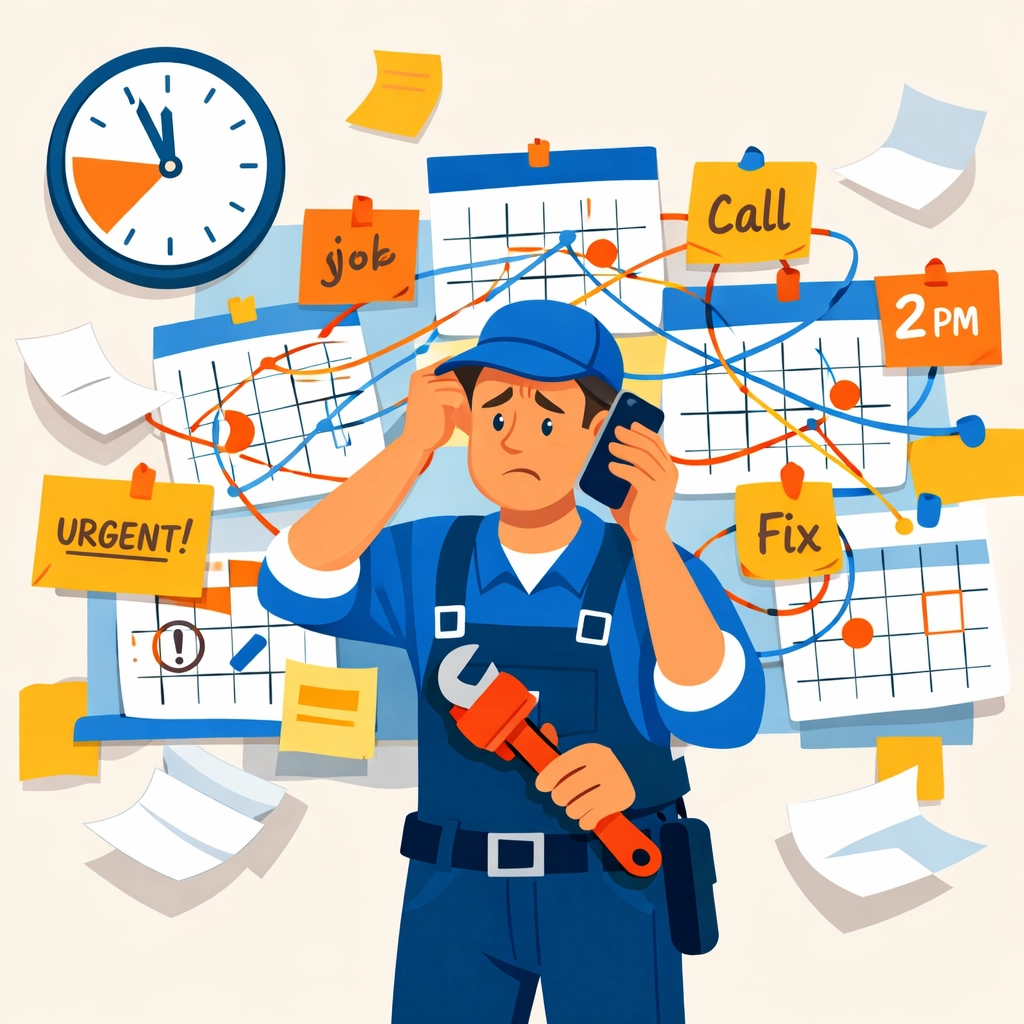
    You need scheduling that works. Dispatching that’s fast. Job tracking that’s simple. Maybe some basic invoicing and client communication.

    That’s it.

    Complex field service software dashboard compared to simple scheduling calendar interface

    The rest? It’s bloat. Features you’ll never use, sold to you at prices that make zero sense for a 5-person HVAC crew or a 10-person plumbing operation.

    What You Actually Need (Versus What They’re Selling You)

    Let’s break this down.

    What you need:

    • Simple scheduling and calendar management
    • Quick dispatch to your field team
    • Mobile app for technicians
    • Job tracking and status updates
    • Basic invoicing and payments
    • Client communication (texts, emails)

    What they’re selling you:

    • Enterprise-grade AI scheduling algorithms
    • Predictive maintenance forecasting
    • Multi-location inventory management across 50+ sites
    • Advanced workforce optimization dashboards
    • Custom API integrations
    • Dedicated account managers and onboarding specialists

    See the gap?

    Most field service businesses are paying for a Ferrari when they need a reliable pickup truck.

    The Real Cost Breakdown

    Let’s get specific.

    Some of the big names in field service software charge $95-$105 per user per month. If you’ve got 5 technicians, that’s $475-$525 monthly. Add in the main office user and you’re pushing $600.

    Per month.

    That’s $7,200 per year. For scheduling software.

    Other platforms start lower but nickle-and-dime you with add-ons. Want text message reminders? Extra $30/month. Need online booking? Another $50. Advanced reporting? You guessed it, more money.

    Before you know it, you’re at $250+ monthly for features that should be standard.

    Service van beside luxury car showing field service software pricing mismatch

    Enter Valortek: $99/Month, Flat

    We built our Ops app differently.

    No per-user pricing. No hidden fees. No “contact sales for a quote” nonsense.

    $99 per month. Period.

    You get scheduling, dispatching, job tracking, mobile apps, client communication, and basic invoicing. Everything a small to mid-sized trade business actually needs.

    No enterprise bloat. No features you’ll never touch. Just the essentials, done right.

    But Isn’t Cheap Software… Cheap?

    Fair question.

    Let’s clear something up: affordable doesn’t mean low-quality.

    We’re not cutting corners on the tech. We’re cutting out the unnecessary stuff. The features that look good in a sales demo but collect dust in real-world use.

    Our Ops app is built specifically for trades. Plumbers. HVAC techs. Electricians. Contractors who need tools that work, not software that requires a PhD to operate.

    Simple doesn’t mean simplistic. It means intentional.

    We focused on the 20% of features that deliver 80% of the value. Then we priced it honestly.

    Field technician using mobile scheduling app for HVAC and plumbing jobs

    What $99 Actually Gets You

    Let’s be transparent about what’s included:

    Scheduling & Dispatch

    • Drag-and-drop calendar
    • Quick dispatch to mobile devices
    • Real-time status updates
    • Job priority tagging

    Mobile App

    • iOS and Android support
    • Offline mode for basements and remote sites
    • Photo uploads from job sites
    • Digital signature capture

    Client Management

    • Customer database
    • Service history tracking
    • Automated appointment reminders
    • Basic invoicing and payment collection

    Team Communication

    • Internal notes and updates
    • Push notifications
    • Job status tracking
    • Simple reporting dashboard

    That’s not a stripped-down version. That’s the full product.

    When You Might Actually Need to Spend More

    Look, we’re not going to lie to you.

    If you’re running 50+ technicians across multiple states with complex inventory management and need custom integrations with your existing ERP system, yeah, you probably need one of those enterprise solutions.

    If you need AI-driven route optimization that factors in traffic patterns, weather, and historical job duration data, okay, fair enough.

    But if you’re a growing trade business with under 20 team members who just needs reliable scheduling and job tracking? You’re overpaying.

    The $250+ tier is designed for large operations with complex needs. Don’t let a sales rep convince you that you need enterprise features when you don’t.

    Mobile field service scheduling app with drag-and-drop calendar and appointments

    The Hidden Costs Nobody Mentions

    Here’s what the expensive platforms don’t tell you upfront:

    Implementation fees: $500-$2,000 to get set up
    Training sessions: $150-$300 per session
    Data migration: Another $500+
    Annual contract lock-in: Can’t leave without penalties
    Price increases: Rates go up every renewal

    Suddenly that $250/month is actually $350+ when you factor in the real costs.

    We don’t play those games. $99/month includes setup, basic training, and month-to-month flexibility. You can leave anytime if it’s not working for you.

    Making the Switch

    Switching software sucks. We get it.

    That’s why we made migration as painless as possible. Export your data from your current system (customer list, job history, whatever you need), and we’ll help you import it.

    No complicated APIs. No tech support nightmares. Just straightforward file uploads and we handle the rest.

    Most of our customers are fully switched over in under a week.

    The Bottom Line

    You don’t need to spend $250+ per month on field service software.

    You need tools that work. Software that’s actually built for how you run your business, not how some enterprise company thinks you should run it.

    Valortek’s Ops app gives you everything essential for $99/month. No contracts. No hidden fees. No BS.

    We’re not trying to be everything to everyone. We’re trying to be exactly what trade businesses need: nothing more, nothing less.

    Ready to stop overpaying for software?

    Check out what we’re building at valortek.com. See if it makes sense for your operation.

    And if it doesn’t? No hard feelings. At least you’ll know you explored a better option.

    Questions? Want to see a demo? Just reach out. We’re real people who actually answer emails.

    Let’s build something better together.

    Start Your Free Trial

    Questions? Contact us – we’re happy to help you decide.